Walmart gift cards are a popular choice for gifts, rewards, and personal budgeting. Whether you received one as a birthday present or loaded it yourself for holiday shopping, knowing your current balance is essential to avoid surprises at checkout. Fortunately, checking your Walmart gift card balance doesn’t have to be complicated or time-consuming. With the right tools and knowledge, you can access your balance in seconds—no trip to the store required.
This guide walks you through every legitimate method available to check your Walmart gift card balance instantly, including online, phone, in-store, and mobile options. You’ll also find expert-backed tips, real-world examples, and answers to common questions that shoppers frequently encounter.
How to Check Your Walmart Gift Card Balance Online
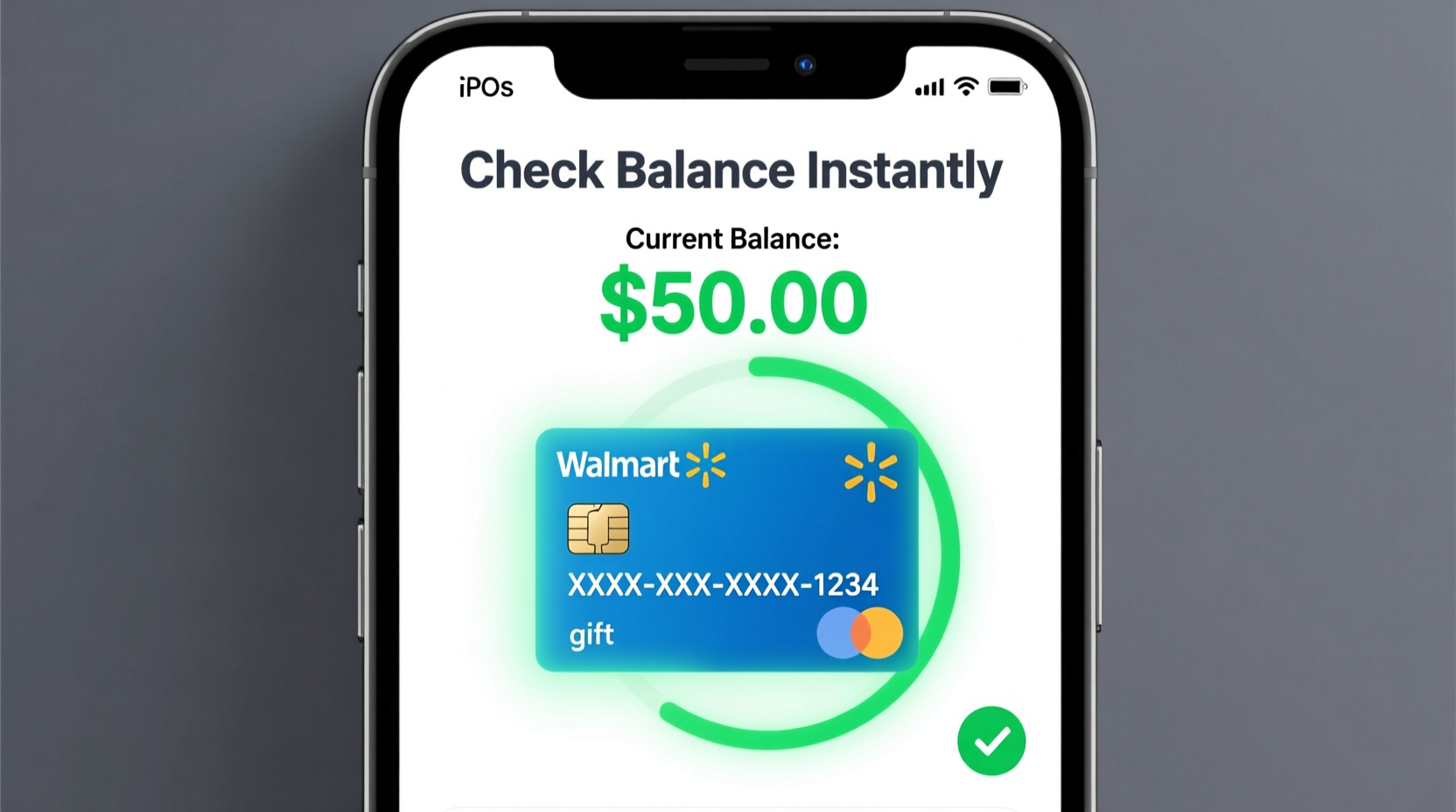
The fastest and most convenient way to check your Walmart gift card balance is through the official Walmart website. This method works whether you have a physical plastic card or an eGift card sent via email.
- Visit https://www.walmart.com/giftcards.
- Scroll down and locate the “Check Gift Card Balance” section.
- Enter the 16-digit gift card number located on the back of your card (or in your email if digital).
- Input the 4-digit PIN found under the scratch-off panel (for physical cards) or provided in your eGift instructions.
- Click “Check Balance.”
Within seconds, your current balance will appear on-screen. No account creation is needed, and the process typically takes less than a minute.
Tip: Take a photo of your gift card number and PIN (before scratching) and store it securely in a password manager. This helps if the card is lost or damaged.Using the Walmart App to Track Your Balance
If you're already using the Walmart app for grocery pickup or online shopping, you can seamlessly add your gift card and monitor its balance directly from your smartphone.
To do this:
- Open the Walmart app and sign in.
- Navigate to “Account” > “Payment Methods.”
- Select “Add a Gift Card.”
- Scan the barcode or manually enter the 16-digit card number and PIN.
Once added, your remaining balance appears each time you view your payment options during checkout. The app also sends low-balance alerts if enabled, helping you plan future purchases accordingly.
This method is especially useful for managing multiple gift cards or combining partial balances across transactions.
In-Store and Customer Service Options
While digital methods are preferred for speed, some users still rely on in-person support. If you’re near a Walmart location, you can ask a cashier or customer service desk to check your balance. Simply hand over the card, and they’ll scan it through their system.
Alternatively, call Walmart’s automated gift card hotline at 1-800-411-7942. Follow the voice prompts to enter your card number and PIN. The system will immediately state your available balance. This option is ideal if you don’t have internet access or prefer verbal confirmation.
“We recommend customers keep their gift card numbers secure but accessible. A quick balance check prevents delays at checkout and improves shopping efficiency.” — Lisa Tran, Walmart Customer Experience Manager
Step-by-Step Guide: How to Verify Balance in Under 2 Minutes
Follow this streamlined process to get accurate results fast:
- Gather Materials: Have your gift card ready with the 16-digit number and PIN exposed.
- Choose Method: Decide whether to use the website, app, phone line, or in-store option.
- Enter Details: Carefully input the card number and PIN without spaces or typos.
- Review Balance: Confirm the amount displayed matches your expectations.
- Record Result: Note the balance in your records or save a screenshot for reference.
This routine ensures accuracy and minimizes errors caused by misreading digits or entering outdated information.
Common Issues and How to Resolve Them
Despite the simplicity of balance checks, some users report problems such as invalid card numbers, expired cards, or incorrect balances. Here's how to troubleshoot the most frequent issues:
| Issue | Possible Cause | Solution |
|---|---|---|
| \"Card Not Found\" | Incorrect number entry, unactivated card | Double-check digits; ensure card was properly activated upon purchase |
| PIN Rejected | Scratch-off incomplete, wrong PIN entered | Fully remove coating; contact Walmart if PIN seems damaged |
| Balance Shows $0 | Card already used up, fraud activity | Cross-reference past usage; report suspicious activity immediately |
| Website Error | Maintenance, browser issues | Try another device or wait 30 minutes before retrying |
Mini Case Study: Recovering a Lost Balance
Sarah from Ohio received a $100 Walmart eGift card for her daughter’s graduation. She tried using it online but encountered a \"card declined\" message. Confused, she called customer service and discovered the balance had been partially used—without her knowledge.
After providing the original email receipt and transaction date, Walmart traced unauthorized access to a compromised email account. They issued a replacement card for the unused portion ($78.50) after verifying ownership. Sarah now stores all digital gift cards in an encrypted folder and enables two-factor authentication on her email.
This case highlights the importance of safeguarding digital credentials and routinely monitoring balances—even when you haven’t used the card yet.
Do’s and Don’ts of Managing Walmart Gift Cards
To protect your investment and ensure smooth transactions, follow these best practices:
| Do’s | Don’ts |
|---|---|
| Check balance regularly | Share your card number publicly |
| Save receipts and emails | Throw away the card until balance is zero |
| Use strong passwords for accounts linked to gift cards | Assume the balance never expires (some older cards may have expiration dates) |
| Add cards to the Walmart app for easy tracking | Leave cards in hot cars or moist environments (can damage magnetic strips) |
FAQ
Can I check a Walmart gift card balance without the PIN?
No. The PIN is required for security reasons when checking balances online or via phone. For physical cards, the PIN is hidden under a scratch-off layer. If it’s unreadable, visit a Walmart store with the original receipt for assistance.
Does a Walmart gift card expire?
As of 2024, Walmart gift cards do not expire and cannot have dormancy fees added, in compliance with federal law. However, unused balances may become inactive after prolonged periods. Reactivation is usually possible by contacting customer service.
What should I do if my gift card was stolen?
Contact Walmart immediately at 1-800-925-6278. Provide the card number and any proof of purchase. While Walmart cannot replace lost or stolen cards without verification, reporting theft helps prevent further misuse and aids investigations.
Final Checklist Before Using Your Gift Card
Before heading to checkout—online or in-store—run through this quick checklist:
- ✅ Checked current balance using official Walmart channels
- ✅ Verified card hasn’t been tampered with (scratch-off intact, no smudges)
- ✅ Saved a backup of the card number and PIN in a secure place
- ✅ Added the card to your Walmart app for faster payments
- ✅ Reviewed recent purchases to detect unauthorized use
Conclusion
Knowing your Walmart gift card balance instantly empowers smarter spending, smoother checkouts, and greater financial control. Whether you're treating yourself or preparing for gifting season, staying informed protects your value and enhances your shopping experience. With multiple reliable methods—from the Walmart website to in-store support—you’re always just moments away from full transparency.
🚀 Take action today: Pull out any unused Walmart gift cards, check their balances using the steps above, and organize them in your wallet or app. Stay ahead of your budget and make every dollar count!