For indoor cyclists, the choice between Peloton’s all-in-one bike and Zwift’s ecosystem built around smart trainers has become one of the most debated topics in home fitness. Both offer immersive, data-driven workouts, but they approach the experience very differently. One bundles hardware and software into a seamless package; the other empowers customization through third-party equipment. The question isn’t just about which platform delivers better rides—it’s whether the convenience of a dedicated bike justifies its premium price compared to the flexibility of a smart trainer setup.
This decision hinges on more than just monthly subscription costs. It involves long-term value, space constraints, training goals, and how much control you want over your cycling experience. To help you make an informed choice, we’ll break down the key differences, compare real-world usage scenarios, and analyze who benefits most from each option.
Understanding the Core Differences
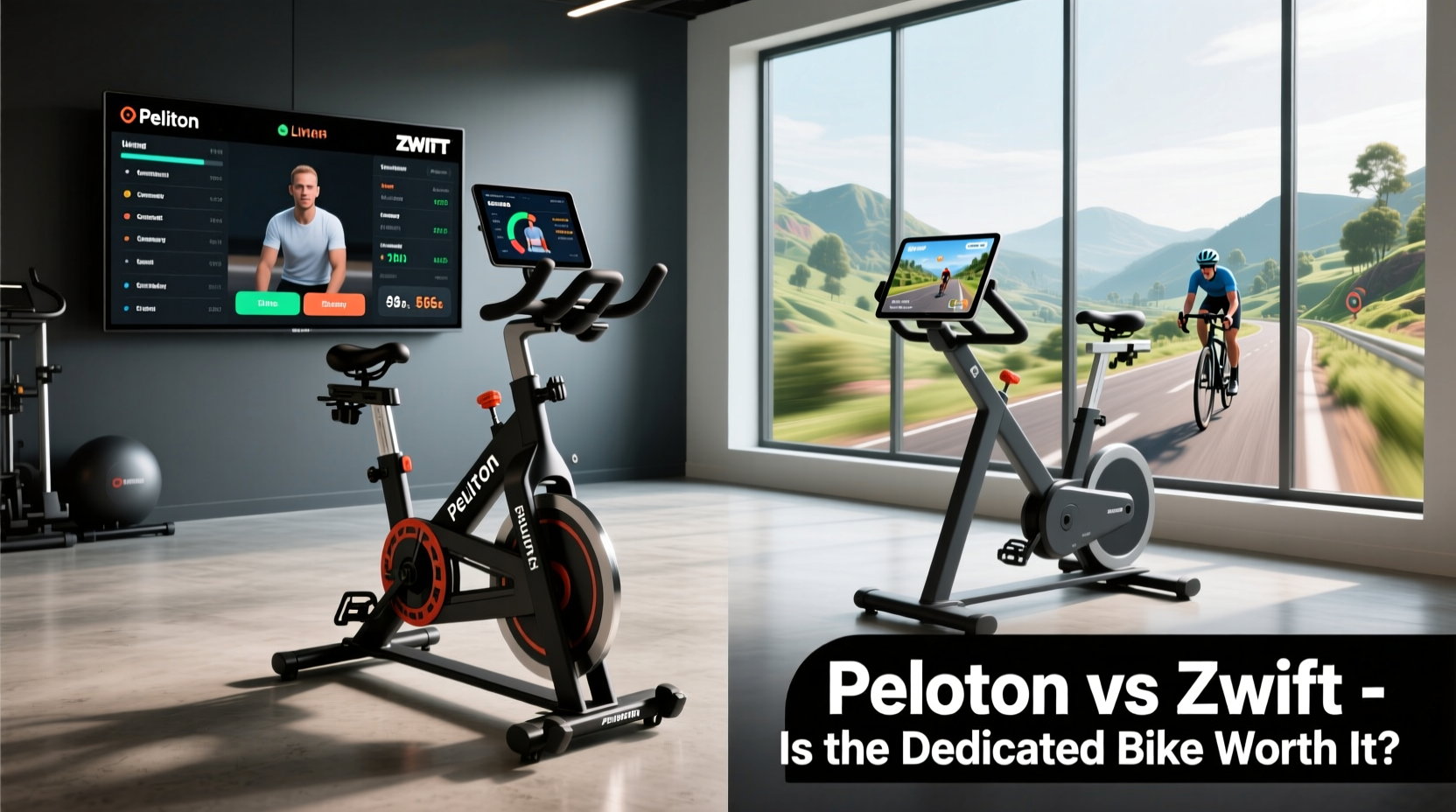
The fundamental distinction between Peloton and Zwift lies in their business models and technological frameworks. Peloton sells integrated hardware—its Bike or Bike+—paired with a proprietary touchscreen and app ecosystem. Zwift, on the other hand, is a software platform that runs on nearly any device and works with a wide range of smart trainers and sensors.
Peloton users get everything in one box: a fixed-gear indoor bike with resistance control, a large rotating screen, live and on-demand classes, and heart rate integration. There’s minimal setup beyond assembly and Wi-Fi connection. In contrast, Zwift requires you to supply your own bike (typically mounted on a smart trainer), sensors for cadence and power, and a compatible display device like a tablet, laptop, or Apple TV.
This modularity gives Zwift users far greater flexibility. You can upgrade components independently—swap trainers, use different bikes, or even connect a treadmill for running workouts. But it also means more complexity in setup and potentially higher cumulative costs depending on the gear selected.
Cost Breakdown: Upfront and Long-Term Investment
Price is often the first factor people consider. Here's a realistic comparison of total ownership costs over three years:
| Component | Peloton Bike | Zwift Smart Trainer Setup |
|---|---|---|
| Hardware Cost | $1,445 (Bike) | $900–$1,600 (Trainer + Sensors + Device) |
| Monthly Subscription | $44 (All-Access) | $18.99 (Zwift) |
| 3-Year Subtotal | $1,584 | $683.64 |
| Total (3 Years) | $3,029 | $1,583–$2,283 |
The numbers reveal a significant difference: even at the high end, a Zwift-compatible setup can cost $700 less over three years. However, this assumes you already own a road or mountain bike. If not, you must factor in the price of a quality used bike (~$500–$1,000). Still, most serious riders will find the smart trainer path more economical in the long run.
Tip: Look for refurbished Wahoo Kickr trainers or older-generation Tacx units to reduce initial costs without sacrificing performance.Workout Experience and Engagement
Where Peloton shines is user engagement. Its class-based model—live leaderboards, charismatic instructors, scheduled programming—creates a sense of community and accountability. Riders often cite motivation as the primary reason they stick with Peloton. The large front-facing screen and studio-quality production make workouts feel dynamic and personal.
Zwift offers gamified riding across virtual worlds like Watopia and New York City. Instead of following instructor-led classes, you join structured workouts, free rides, group events, or races. Power-based training plans from platforms like TrainerRoad can be imported directly. This appeals to goal-oriented athletes preparing for events or improving FTP (Functional Threshold Power).
However, Zwift lacks the emotional connection some users crave. Without human instructors guiding every pedal stroke, self-motivation becomes essential. That said, the social aspect is strong: joining group rides, competing in sprints, and seeing friends’ avatars nearby fosters camaraderie in a different way.
“Peloton turns fitness into entertainment. Zwift turns it into sport.” — David Weingarten, Cycling Tech Analyst, *The Sweating Cyclist*
Real Example: Two Riders, Two Paths
Consider Sarah, a busy marketing executive who wanted to stay active during winter. She bought a Peloton Bike after trying a friend’s unit. “I love that I can hop on at 6 a.m., follow a 20-minute class with Robin, and feel energized,” she says. “It’s like having a gym session I don’t dread.” For her, consistency matters more than metrics. She rarely checks power output and enjoys themed rides like Beyoncé Sundays.
Then there’s Mark, an amateur triathlete training for his first half-Ironman. He chose a Wahoo Kickr Smart Trainer with Zwift. His typical week includes two structured intervals, a long endurance ride, and a race simulation. “I need precise power zones and progressive overload,” he explains. “Zwift integrates with my Garmin and Strava, so I can track improvements objectively.”
Their stories illustrate a broader trend: Peloton attracts lifestyle-focused riders seeking enjoyment and routine; Zwift draws performance-driven cyclists focused on measurable progress.
Flexibility and Equipment Compatibility
If you already own a high-quality road or gravel bike, using it with a smart trainer preserves ride feel and geometry. Many riders report that riding their own saddle, handlebars, and pedals leads to better comfort and biomechanical alignment. With Peloton, you're locked into its stock components unless you upgrade them separately—a process that voids no warranties but is common among enthusiasts.
Smart trainers also allow quick transitions between devices. Need to switch from a commuter bike to a lightweight climber? Just unmount one and attach another. Peloton’s fixed design doesn’t permit such versatility. And while the Peloton Bike+ offers auto-resistance adjustment, most mid-to-high-end smart trainers match or exceed that capability with steeper gradients and better road feel simulation.
Moreover, Zwift supports multi-sport integration. Runners can plug in treadmills, swimmers access virtual pools, and duathletes combine disciplines seamlessly. Peloton offers separate apps for yoga, strength, and outdoor running, but these lack the same level of interactivity and progression tracking found in Zwift’s unified environment.
Checklist: Choosing What’s Right for You
- Choose Peloton if:
- You value simplicity and plug-and-play operation
- You respond well to instructor-led motivation
- You prefer a clean, minimalist setup with no extra cables or sensors
- You don’t own a bike or don’t want to maintain one
- Choose Zwift with a Smart Trainer if:
- You’re training seriously and tracking performance metrics
- You already own a compatible bike
- You enjoy gaming elements and open-world exploration
- You plan to expand into running or multi-sport training
Technical Setup and Learning Curve
Setting up a Peloton bike takes under an hour. Unbox, assemble the frame, attach the screen, plug in, and connect to Wi-Fi. Within minutes, you can start your first ride. No additional pairing, firmware updates, or Bluetooth troubleshooting required.
Zwift demands more technical involvement. You’ll need to:
- Mount your bike on the trainer
- Pair ANT+/Bluetooth sensors (cadence, speed, power)
- Connect to a display device via HDMI or Wi-Fi
- Install and configure the Zwift app
- Calibrate the trainer regularly (especially wheel-on models)
While newer direct-drive trainers like the Wahoo Kickr series simplify calibration and minimize noise, issues still arise—dropped connections, laggy video streaming, or incompatible firmware. Tech-savvy users adapt quickly, but beginners may find the process frustrating.
Tip: Use a dedicated tablet mounted near your trainer for consistent Zwift access. Avoid relying on laptops that go to sleep mid-ride.Frequently Asked Questions
Can I use Peloton content without the bike?
Yes, Peloton offers a Digital App that provides access to most classes—including cycling—for $24/month. However, you’ll need to manually adjust resistance since auto-adjust isn’t available without their hardware. Some users pair the app with third-party bikes and trainers, though the experience is less seamless.
Does Zwift work with Peloton’s bike?
Not natively. The Peloton Bike does not broadcast power data via standard protocols like ANT+ or Bluetooth Smart. While hacks exist (e.g., using third-party sensors and workarounds), they are unreliable and not supported by either company. Effectively, Peloton locks users into its ecosystem.
Are smart trainers loud? Will they disturb my household?
Older wheel-on trainers were notoriously noisy. Modern direct-drive trainers like the Tacx Neo 2T or Wahoo Kickr Core operate quietly—comparable to moderate conversation levels. Placing the trainer on a mat reduces vibration transmission through floors. Most users report minimal disturbance, especially when paired with headphones.
Final Verdict: Is the Dedicated Bike Worth It?
For casual riders who prioritize ease of use, motivational instruction, and aesthetic integration into their living space, the Peloton bike is absolutely worth the investment. Its polished interface, reliable hardware, and engaging content lower the barrier to consistent exercise. The psychological benefit of stepping onto the same machine daily, guided by familiar voices, cannot be underestimated.
But for those focused on athletic development, cost efficiency, or equipment flexibility, a smart trainer with Zwift offers superior long-term value. The ability to tailor your setup, train with precision, and integrate with broader fitness ecosystems makes it the preferred choice for serious cyclists. Over time, the savings alone can fund upgrades like aerobars, carbon wheels, or even entry fees for real-world races.
Ultimately, the decision reflects your relationship with cycling. Is it a form of daily wellness practice? Peloton excels here. Is it part of a larger athletic journey? Then Zwift’s open architecture gives you room to grow.
“The best indoor cycling solution isn’t the most expensive or the flashiest—it’s the one you actually use consistently.” — Dr. Laura Ingram, Sports Psychologist & Endurance Coach
Take Your Next Step
Whether you choose Peloton’s curated simplicity or Zwift’s customizable depth, what matters most is building a sustainable habit. Try both if possible—one through a showroom visit, the other via a seven-day Zwift trial. Pay attention not just to specs, but to how each system makes you feel during and after a ride.
🚀 Ready to transform your indoor rides? Share your thoughts below—have you made the leap to Peloton or built your dream smart trainer rig? Your experience could help someone else decide their next move.