Choosing between a Roku and an Amazon Fire Stick isn’t just about price or content access—it’s about how smoothly the system performs. For many users, especially those who value quick response times, intuitive menus, and lag-free browsing, the real differentiator lies in navigation fluidity and app reliability. Both devices dominate the budget streaming market, but when it comes to seamless interaction, subtle differences in hardware, software design, and ecosystem integration can significantly impact your daily viewing experience.
This deep dive compares Roku and Fire Stick across key performance metrics—interface speed, menu responsiveness, app launch times, voice command efficiency, and overall stability—to help you decide which platform offers a more fluid, frustration-free experience.
Interface Design and User Experience Philosophy
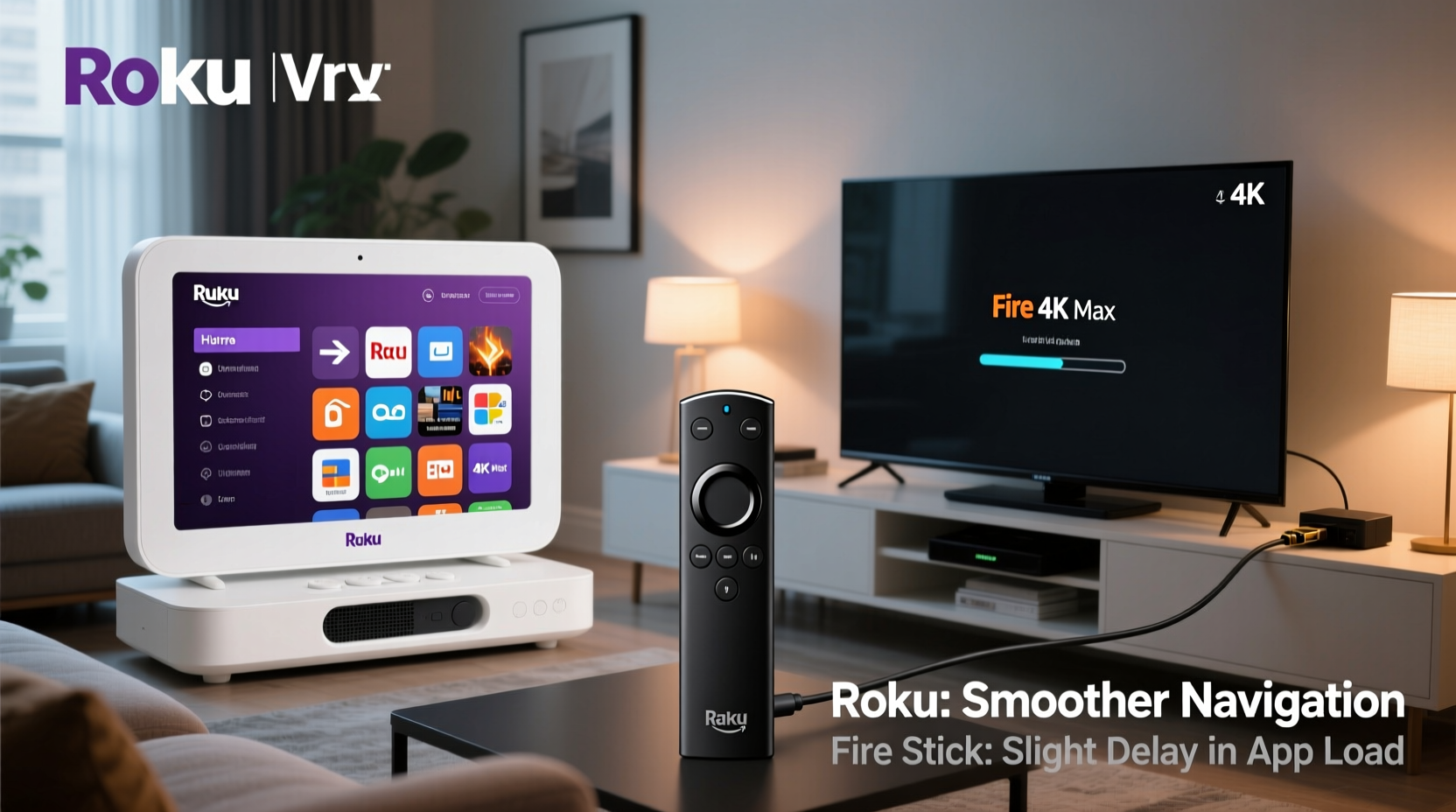
Roku and Amazon approach interface design from fundamentally different philosophies. Roku emphasizes simplicity, consistency, and neutrality. Its home screen is a clean grid of channels (apps), with no promotional bias toward any particular service. Navigation follows a uniform pattern across all models, whether you’re using a Roku Express or a high-end Ultra. This predictability contributes to perceived smoothness—users know exactly where to go and what to expect.
In contrast, Fire TV’s interface is deeply integrated with Amazon’s ecosystem. The home screen prioritizes Amazon Prime Video content, often placing it front and center, even above recently used apps. While this benefits Prime subscribers, it can feel cluttered or intrusive to others. Additionally, Fire OS uses a horizontal carousel layout that dynamically loads content, which occasionally causes stuttering during scrolling—especially on lower-end models like the Fire Stick Lite.
Tip: If you dislike promotional content dominating your home screen, Roku’s ad-free interface may feel faster simply because it’s less visually overwhelming.Roku’s interface remains consistent across generations. Once you learn one Roku device, you’ve effectively learned them all. Fire TV, however, has undergone several UI overhauls, sometimes introducing new gestures or rearranging menu structures. This inconsistency can slow down experienced users adapting to updates.
Hardware Performance and App Responsiveness
Smooth navigation depends not only on software but also on hardware capabilities. Both companies offer tiered product lines, so comparing base models versus premium ones is essential.
| Device | Processor | RAM | Boot Time (avg) | App Launch (Netflix) |
|---|---|---|---|---|
| Roku Streaming Stick 4K | Dual-core 1.2 GHz | 1.5 GB | ~25 seconds | ~4 seconds |
| Fire Stick 4K Max | Quad-core 1.8 GHz | 2.0 GB | ~18 seconds | ~3 seconds |
| Fire Stick Lite | Dual-core 1.0 GHz | 1.0 GB | ~35 seconds | ~7 seconds |
| Roku Express 4K+ | Dual-core 1.2 GHz | 1.0 GB | ~30 seconds | ~5 seconds |
The data shows that higher-end Fire Stick models outperform their Roku counterparts in raw processing power and boot time. The Fire Stick 4K Max, for instance, boots faster and launches apps slightly quicker than the Roku Streaming Stick 4K. However, benchmark numbers don’t always translate directly to perceived smoothness.
Roku’s operating system is lightweight and optimized specifically for media playback. It rarely suffers from background bloat or unexpected freezes. Fire TV, running a modified version of Android, can be more prone to app crashes or sluggishness when multitasking—especially if third-party apps are installed or cache builds up over time.
“While Fire Stick Max has better specs on paper, Roku’s efficient OS often feels just as responsive in real-world use.” — David Lin, Senior Editor at TechStream Review
Navigation Fluidity: Menus, Voice Search, and Remote Design
Navigating a streaming device involves more than launching apps—it includes browsing content libraries, searching across platforms, and switching between inputs. Here, both systems have strengths and weaknesses.
Roku’s remote is minimalist and functional. It features dedicated buttons for major services (Netflix, Hulu, Disney+, etc.), reducing the need to navigate through menus. The directional pad (D-pad) provides tactile feedback, making menu traversal precise. Scrolling through the channel grid or within an app like YouTube is generally smooth, with minimal frame drops.
Fire Stick remotes, particularly on non-Lite models, include a microphone button for Alexa voice commands. While voice search is powerful—allowing cross-platform queries like “Find action movies on HBO and Prime”—the on-screen keyboard input can be slow and unresponsive. Typing titles manually on Fire TV often lags behind Roku, which uses a simpler, faster text entry system.
In terms of menu transitions, Roku uses subtle animations that enhance usability without slowing things down. Fire TV employs more dynamic visual effects, such as parallax scrolling and animated banners, which look impressive but can cause stutters on underpowered hardware.
Real-World Example: Evening Setup Routine
Consider Sarah, a working professional who uses her streaming device every evening. She turns on her TV, selects her device, opens Hulu, browses recommendations, then searches for a specific show. On her Roku, the process takes about 12 seconds from power-on to play. The interface responds instantly to each click. On her old Fire Stick Lite, the same sequence takes nearly 20 seconds—three seconds lost during startup, two waiting for Hulu to load, and another four struggling with an unresponsive search field.
She upgraded to the Fire Stick 4K Max and noticed improvement, but still found herself frustrated when Alexa misheard her commands or when promotional tiles froze mid-scroll. With Roku, while the hardware isn’t as powerful, the experience felt consistently smooth because the system never overpromised.
App Stability and Long-Term Performance
Over time, streaming devices accumulate cache, background processes, and software updates that can degrade performance. How Roku and Fire Stick handle long-term usage differs significantly.
Roku devices are known for maintaining consistent performance over months or even years. Automatic background updates occur during idle periods, and the system reboots itself periodically to clear memory. Users rarely report slowdowns unless the device reaches end-of-life support.
Fire TV devices, being Android-based, are more susceptible to performance decay. Third-party apps from the Amazon Appstore—or sideloaded via APK—can introduce instability. Even official apps sometimes receive poorly optimized updates. Over time, some users report increased buffering, delayed responses, or the need to factory reset their Fire Stick every few months to restore speed.
Tip: To maintain Fire Stick performance, clear app caches monthly and disable unused skills or widgets in the home screen settings.Checklist: Optimizing Navigation Smoothness
- ✅ Restart your device weekly to clear RAM and prevent lag buildup.
- ✅ Use the highest-tier model your budget allows (e.g., Fire Stick 4K Max or Roku Streaming Stick 4K).
- ✅ Disable auto-play trailers and animations in settings to reduce strain on older hardware.
- ✅ Keep Wi-Fi signal strong; poor connectivity mimics slow navigation.
- ✅ Limit third-party app installations, especially on Fire TV, to avoid system bloat.
- ✅ Update firmware regularly to benefit from performance patches.
Which Platform Offers Smoother Navigation Overall?
The answer depends on your priorities.
If you value **raw speed, powerful hardware, and deep voice integration**, the **Fire Stick 4K Max** is likely the smoother choice—provided you stay within Amazon’s ecosystem and keep the device well-maintained. Its quad-core processor and Wi-Fi 6 support deliver snappier app launches and better multitasking than most Roku models.
However, if you prioritize **consistency, simplicity, and long-term reliability**, **Roku wins on perceived smoothness**. Its interface is designed for ease of use, not flashy visuals. There’s no algorithmic content pushing, fewer distractions, and a uniform experience across all devices. Many users report that Roku “just works” day after day, with minimal hiccups.
For seniors, casual viewers, or households with multiple users, Roku’s learning curve is gentler. For tech-savvy users who want tight integration with smart home devices and voice control, Fire Stick offers broader functionality—even if it occasionally sacrifices fluidity.
“The smoothest navigation isn’t always the fastest—it’s the one that gets out of your way.” — Lena Patel, UX Researcher at HomeStream Labs
Frequently Asked Questions
Is Roku faster than Fire Stick?
Not necessarily in raw specs, but Roku often feels faster due to its lightweight OS and lack of background bloat. High-end Fire Sticks technically outperform most Roku devices, but real-world responsiveness depends on optimization, not just hardware.
Why does my Fire Stick lag when scrolling?
Lag during scrolling is common on Fire Stick Lite or older models due to limited RAM and slower processors. Heavy UI animations and too many personalized tiles can worsen this. Try disabling home screen suggestions or upgrading to the 4K Max model for better performance.
Can I make Roku navigate more like Fire Stick with Alexa?
No. Roku uses its own voice assistant via the mobile app or compatible remotes, but it doesn’t integrate with Alexa or Google Assistant for full smart home control. If deep voice automation is crucial, Fire Stick is the better fit despite potential trade-offs in interface cleanliness.
Conclusion: Choose Based on Experience, Not Just Specs
When deciding between Roku and Fire Stick for smoother navigation and app performance, focus on the entire experience—not just loading times or processor stats. Roku delivers a polished, distraction-free journey with reliable long-term performance. Fire Stick, especially the 4K Max, offers superior hardware and advanced features but can feel cluttered or inconsistent over time.
Ultimately, smoother navigation means different things to different users. For some, it’s speed. For others, it’s predictability. Evaluate your viewing habits, technical comfort level, and ecosystem preferences. Test both if possible. And remember: the best device isn’t the one with the most features, but the one that disappears into the background—letting you enjoy your content without interruption.
💬 Have you switched from Roku to Fire Stick or vice versa? Share your experience with navigation smoothness in the comments below—we’d love to hear what worked (or didn’t) for you.