In 2025, the battle between Roku and Amazon’s Fire TV continues to intensify, especially for users who value a clean, distraction-free streaming experience. While both platforms offer affordable, powerful devices that bring thousands of channels and apps into homes, one growing concern among viewers is ad load—particularly on the home screen and within the interface itself. As streaming evolves, so does monetization, and understanding how each platform handles advertising is crucial for making an informed decision. This article breaks down the real-world differences between the Roku Streaming Stick and the Fire TV Stick when it comes to ads, helping you choose the device that aligns with your viewing preferences.
Understanding Interface Ads vs Content Ads
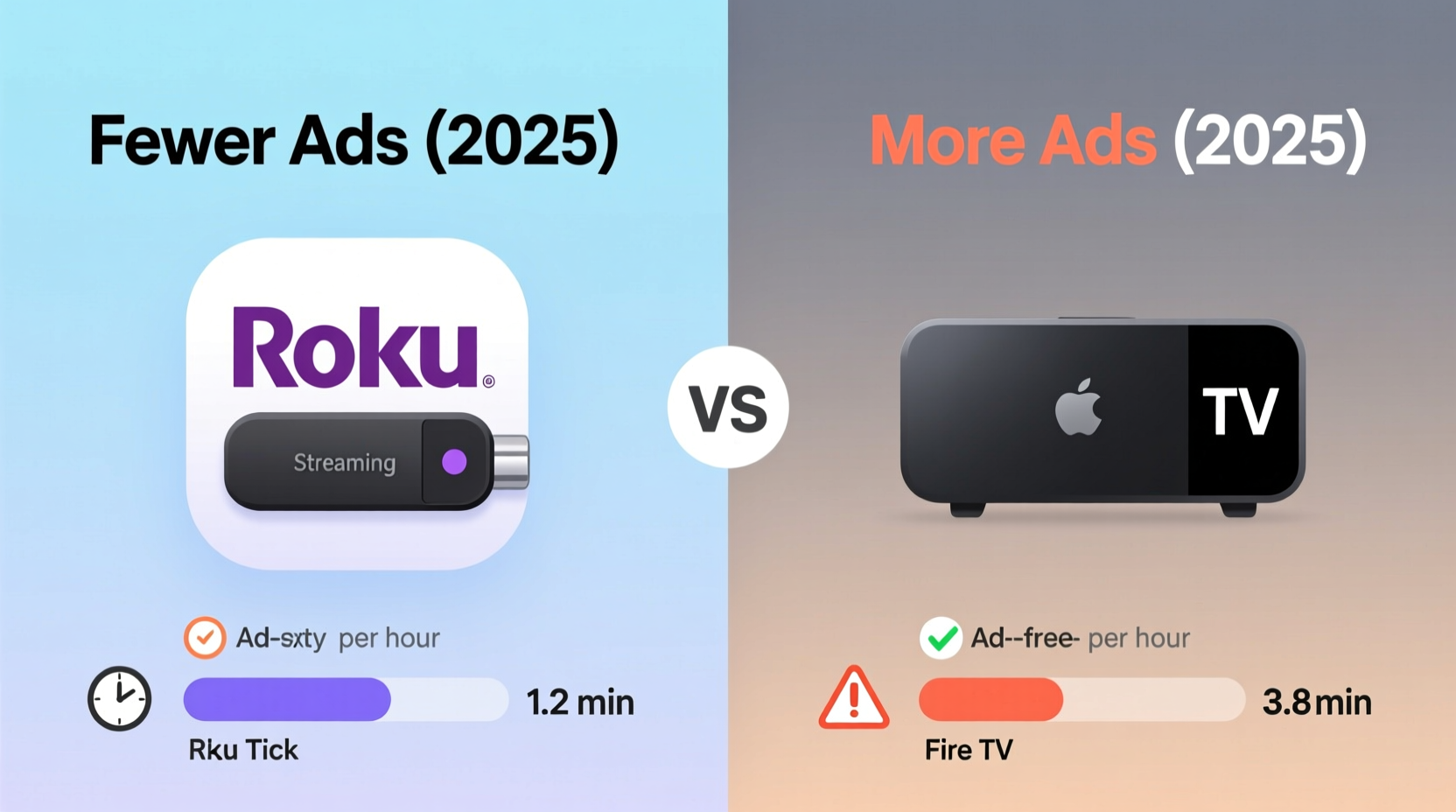
Before comparing Roku and Fire TV, it's essential to distinguish between two types of ads: content-based ads and interface-based ads. Content ads appear within free or ad-supported streaming services like The Roku Channel, Tubi, or Freevee. These are expected and unavoidable if you're using free tiers. However, interface ads—those embedded directly into the home screen, menus, or app recommendations—are more intrusive because they exist regardless of which service you use.
These system-level ads promote specific shows, movies, or even paid subscriptions through prominent placement, banners, or sponsored rows. They don’t just appear when launching an app—they’re baked into the operating system experience. In 2025, both Roku and Amazon have increased their reliance on such monetization strategies, but the frequency, placement, and intrusiveness vary significantly.
Roku: Prominent But Predictable Ad Placement
Roku has long been transparent about its business model: offer affordable hardware and generate revenue through advertising and partnerships. The Roku OS features a dedicated row near the top of the home screen labeled “For You” or “Sponsored,” which highlights recommended content—often tied to promotional deals with studios or networks.
In 2025, Roku continues to display one to two sponsored rows per home screen view. These typically include large thumbnails promoting shows available on The Roku Channel or partner platforms. While these can be scrolled past, they occupy valuable visual real estate and cannot be removed entirely—even on premium Roku models.
Additionally, Roku inserts promoted channels into the main menu under “Streaming Channels.” When browsing for new apps, users may find paid placements mixed in with organic results, making discovery less neutral. However, once inside a streaming app, Roku does not inject additional overlay ads unless the service itself (like Pluto TV) includes them.
Tip: Use the \"Hide channel\" option to remove individual sponsored rows from your home screen. While this won't stop new ones from appearing, it gives you limited control over clutter.Fire TV: Aggressive Monetization Through Deep Integration
Amazon’s Fire TV takes a different, more aggressive approach. Unlike Roku, Fire TV deeply integrates advertising into nearly every layer of the interface. The home screen features multiple dynamic rows—including “Deals & Special Offers,” “Watch Next,” and “Recommended by IMDb”—many of which prioritize Amazon Prime Video content or paid promotions.
What sets Fire TV apart in 2025 is its use of personalized data tracking to tailor these ads. If you’ve watched certain genres on Prime Video, your home screen will flood with similar recommendations—some clearly marked as ads, others disguised as editorial picks. Worse, Amazon often displays full-screen lock screen ads on lower-tier Fire Sticks when the device is idle, showing movie trailers or product promotions before allowing access to your apps.
This behavior is absent on higher-end models like the Fire TV Stick 4K Max, but remains active on budget devices—a deliberate strategy to offset lower hardware margins. Furthermore, Amazon uses its ownership of IMDb and X-Ray technology to blend informational content with promotional material, blurring the line between suggestion and advertisement.
“Advertising isn’t just in the content anymore—it’s in the navigation. Fire TV turns the entire UI into a storefront.” — Dana Liu, Senior Analyst at StreamInsight Media Research
Side-by-Side Comparison: Ad Load and User Experience
| Feature | Roku Streaming Stick (2025) | Fire TV Stick (4K Max, 2025) |
|---|---|---|
| Home Screen Sponsored Rows | 1–2 visible at all times | 2–4, including rotating deals |
| Lock Screen Ads (Idle State) | None | Yes, on non-Max models |
| Promoted App Listings | Moderate (in channel store) | High (blended with search results) |
| Data Used for Personalization | Viewing history (opt-in) | Full Amazon account integration |
| Ability to Disable Ads | Limited (hide individual items) | No (except via third-party tools) |
| Ad-Free Upgrade Option | No official tier | No direct option |
The table above illustrates that while both platforms serve ads, Fire TV delivers a denser, more persistent ad presence—especially on entry-level devices. Roku maintains a cleaner layout with fewer forced interruptions, though its sponsored content remains unavoidable.
Real-World Example: A Week With Each Device
To assess actual user impact, consider Sarah, a cord-cutter in Austin who tested both devices over a seven-day period. She used identical TVs, internet speeds, and streaming habits��primarily watching free content on The Roku Channel, Tubi, and Prime Video.
On Roku, she noticed one primary sponsored row titled “Trending Now on The Roku Channel” and occasionally saw a second banner promoting a new original series. She could swipe past them quickly, and no ads appeared when launching apps. Her overall impression was that the interface felt organized and minimally distracting.
Switching to the Fire TV Stick Lite, however, revealed a stark contrast. Within minutes, she encountered a full-screen ad for a Prime Video thriller while turning on the TV after being idle. The home screen featured three recommendation rows filled with Prime-exclusive titles, even though she hadn’t searched for them. When searching for “crime documentaries,” the first two results were paid placements for Amazon-affiliated services, requiring extra scrolling to reach independent options.
Sarah concluded: “Roku feels like a guide. Fire TV feels like a salesperson following me around.”
How to Reduce Ads on Either Platform
While neither Roku nor Fire TV offers a fully ad-free experience without significant trade-offs, there are practical steps users can take to minimize exposure.
Step-by-Step Guide to Minimizing Ads
- On Roku: Navigate to Home > Settings > Home Screen > Hide ‘Sponsored’ row. Repeat for any unwanted recommendation tiles.
- Limit data sharing: Go to Settings > Privacy > Advertising ID and disable personalized ads (reduces targeting accuracy).
- Use private browsing mode in the channel store to avoid saving search history that influences future suggestions.
- On Fire TV: Press and hold the Settings gear icon on the home screen to access “Manage Profiles.” Switch to a profile with restricted interests.
- Disable ad personalization: Go to Settings > My Account > Advertising Preferences > Opt out of interest-based ads.
- Consider rooting or installing custom firmware (advanced): Some tech-savvy users replace Fire OS with lightweight alternatives like LineageOS to eliminate ads—but this voids warranties and requires technical skill.
Checklist: Choosing the Least Ad-Intrusive Device
- ☐ Prioritize devices without lock screen ads (avoid base-model Fire Sticks)
- ☐ Check if sponsored rows can be hidden or minimized
- ☐ Review default profiles and ad settings before setup
- ☐ Consider whether you already use Amazon Prime—if yes, some ad load may be worth the convenience
- ☐ Evaluate long-term frustration tolerance: occasional banners vs. constant nudges toward paid content
- ☐ Look for future subscription tiers—rumors suggest Roku may test an ad-light mode in late 2025
FAQ
Can I completely remove ads from Roku or Fire TV?
No official method exists to fully eliminate interface ads on either platform. Roku allows hiding specific rows, and Fire TV lets you opt out of personalized ads, but core promotional content remains. Third-party modifications exist but come with risks.
Do premium versions of these sticks have fewer ads?
Not necessarily. Higher-end Roku models show the same number of sponsored rows. However, the Fire TV Stick 4K Max does not display lock screen ads during idle periods, unlike the cheaper Fire TV Stick Lite.
Are the ads worse in 2025 than before?
Yes. Both companies have expanded their ad inventory due to slowing subscriber growth and increased competition. Roku added more dynamic rows, while Amazon deepened data integration across its ecosystem to boost relevance—and frequency—of promotions.
Final Verdict: Which Has Fewer Ads in 2025?
Based on interface design, ad density, and user control, the **Roku Streaming Stick** offers a noticeably less ad-heavy experience compared to the Fire TV Stick in 2025. While Roku does not escape advertising altogether, its approach is more restrained: fewer sponsored rows, no lock screen ads, and greater transparency about what’s promoted. In contrast, Fire TV leverages Amazon’s vast data network to deliver persistent, personalized ads throughout the UI, particularly on budget models where ad compensation offsets hardware costs.
For viewers who prioritize simplicity, neutrality, and minimal distractions, Roku is the superior choice. It functions more like a traditional cable guide—curated but not coercive. Fire TV, meanwhile, operates as an extension of Amazon’s retail engine, constantly guiding users toward Prime Video and other monetized outcomes.
If you're deeply embedded in the Amazon ecosystem and regularly rent or buy content through Prime, some of Fire TV’s ad behavior may feel convenient rather than invasive. But for neutral, ad-light navigation, Roku wins by design.
Conclusion: Make Your Viewing Experience Yours
Your living room should be a place of relaxation, not relentless marketing. As streaming platforms increasingly rely on advertising to sustain low hardware prices, it becomes more important to understand what you’re trading for that $30 device. The Roku Streaming Stick, despite its own commercial elements, provides a cleaner, more respectful user experience in 2025—one where ads inform rather than dominate.
Take control of your settings, evaluate your usage patterns, and choose the platform that aligns with your tolerance for digital persuasion. Whether you go with Roku or Fire TV, awareness is the first step toward reclaiming your screen time.
💬 Have your own experience with Roku or Fire TV ads? Share your thoughts, tips, or frustrations in the comments below—your insights could help others make a smarter choice.