
In an era of pervasive digital surveillance, concerns about personal privacy—especially regarding mobile device tracking—have intensified. While law enforcement agencies operate under legal frameworks to access data during investigations, individuals may seek ways to protect their location, communications, and identity from unwarranted monitoring. This article outlines practical, legally compliant strategies to enhance mobile privacy and reduce the risk of being tracked through a cell phone.
It's important to emphasize: these methods are intended for lawful privacy protection, not for evading justice or engaging in illegal activity. The goal is informed digital self-defense, not obstruction of law enforcement with proper warrants.
Understanding How Phones Are Tracked
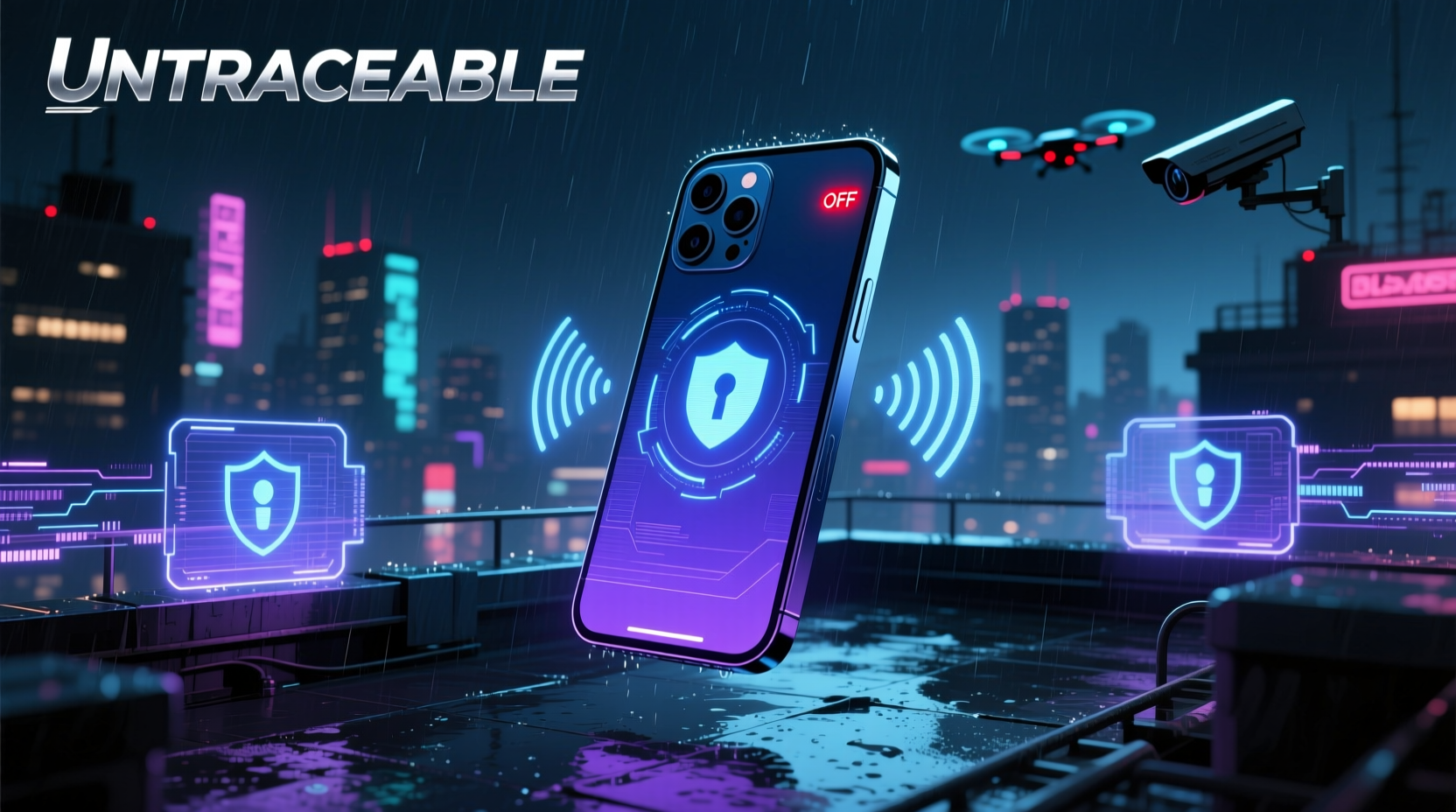
Cell phones are inherently traceable due to their design. They constantly communicate with cellular towers, Wi-Fi networks, GPS satellites, and Bluetooth devices. Each interaction creates a data trail that can be accessed under certain legal conditions. Key tracking vectors include:
- IMSI/IMEI Numbers: Unique identifiers tied to your SIM card (IMSI) and device (IMEI), used by carriers to route calls and track device location.
- Cell Tower Triangulation: Networks log which towers your phone connects to, enabling approximate real-time location tracking.
- GPS Data: Enabled apps and services collect precise geolocation, often stored in cloud accounts.
- Wi-Fi & Bluetooth Scanning: Even when not connected, phones scan nearby networks, revealing movement patterns.
- Metadata Collection: Call logs, message timestamps, and app usage provide behavioral insights even without content access.
“Mobile phones are the most powerful surveillance tools ever created—mostly because users carry them willingly.” — Edward Snowden, former NSA contractor and privacy advocate
Legitimate Privacy Enhancement Techniques
Total invisibility from state-level tracking is unrealistic for most users, but meaningful privacy improvements are achievable. The following methods focus on minimizing exposure while remaining within legal boundaries.
1. Use Airplane Mode Strategically
Activating airplane mode disables cellular, Wi-Fi, and Bluetooth radios, halting nearly all tracking signals. For maximum effect:
- Turn on airplane mode when entering sensitive locations.
- Manually re-enable Wi-Fi if needed (without restoring cellular).
- Use only trusted, non-logged networks to avoid IP-based tracking.
2. Limit Cloud Synchronization
Apple iCloud, Google Accounts, and other cloud services store backups, messages, photos, and location history. Disabling sync reduces accessible data:
- Disable Find My iPhone / Find My Device when not needed.
- Turn off Location History and Web & App Activity on Google accounts.
- Use local-only backups instead of cloud storage.
3. Switch to Privacy-Focused Operating Systems
Standard Android and iOS versions prioritize connectivity over privacy. Alternatives offer better control:
| OS | Privacy Strength | Tracking Resistance |
|---|---|---|
| iOS (stock) | Moderate | Limited; Apple cooperates with lawful requests |
| GrapheneOS (Android) | High | Strong sandboxing, no Google services |
| CalyxOS | High | De-Googled, hardened security |
| LineageOS | Medium-High | Customizable, optional GApps removal |
These systems eliminate telemetry, prevent remote wipe by third parties, and allow granular app permissions.
Step-by-Step Guide to Reduce Phone Traceability
Follow this sequence to systematically minimize tracking exposure:
- Back up essential data locally (computer or encrypted drive).
- Factory reset the phone to remove residual tracking profiles.
- Install a privacy OS like GrapheneOS or CalyxOS (if device supports it).
- Skip Google/Apple account setup during initial configuration.
- Install F-Droid instead of Google Play for open-source apps.
- Use Signal with registration lock (avoid linking to real name or email).
- Disable location services globally, then enable per-app only when necessary.
- Turn off advertising ID and opt out of ad personalization.
- Regularly clear app permissions and revoke unnecessary access.
- Carry the phone in a Faraday pouch when complete signal isolation is required.
Real-World Scenario: Protecting Vulnerable Individuals
Consider Maria, a domestic abuse survivor relocating to a safe house. Her abuser previously installed a stalkerware app on her phone. To break the surveillance chain:
- She obtained a new, prepaid phone paid in cash.
- Used public Wi-Fi at a library to set up communication apps without linking personal info.
- Installed Certo Anti-Spy to scan and remove hidden malware.
- Enabled Signal with disappearing messages for contact with support services.
- Kept the phone in airplane mode except during brief check-ins.
Within days, her digital footprint was severed. No location pings, no call logs, no metadata trail led back to her new location. This case illustrates how layered privacy practices can restore safety.
Do’s and Don’ts of Mobile Privacy
| Do | Don't |
|---|---|
| Use burner phones for high-risk situations | Reuse old phones without full wipe |
| Enable end-to-end encrypted messaging | Accept default app permissions |
| Power off devices when not in use | Leave Bluetooth/Wi-Fi scanning on always |
| Verify app sources via APK signatures | Download unknown tracking apps |
| Use physical signal blockers (Faraday bags) | Assume “incognito” modes hide location |
Frequently Asked Questions
Can police track a phone in airplane mode?
If truly powered off or in verified airplane mode (with Wi-Fi/Bluetooth manually disabled), a phone cannot transmit signals to cell towers. However, some advanced malware may fake shutdown states. Physical power-off or Faraday shielding provides greater assurance.
Is using a burner phone illegal?
No. Prepaid phones purchased with cash and used without registration are legal in most countries. However, using them to commit crimes or evade lawful orders changes their legal status. Intent matters.
Does removing the SIM card stop tracking?
Not completely. While it prevents IMSI-based tracking, modern smartphones still emit Wi-Fi and Bluetooth MAC addresses, and GPS can log location internally. Full radio disablement or power-off is more effective.
Checklist: Minimize Phone Traceability in 7 Steps
- ✅ Factory reset device or use a clean burner phone
- ✅ Install a de-Googled, hardened OS (e.g., GrapheneOS)
- ✅ Skip cloud account creation during setup
- ✅ Disable location services, advertising ID, and background data
- ✅ Use Signal or Session for encrypted messaging
- ✅ Carry phone in a Faraday bag when not actively using
- ✅ Regularly audit app permissions and network access
Final Thoughts
Digital privacy isn’t about hiding wrongdoing—it’s about preserving autonomy in a world where every tap, swipe, and ping can be logged and analyzed. While no method guarantees absolute invisibility from determined, well-resourced actors like law enforcement with warrants, informed choices significantly raise the barrier to casual or unjustified tracking.
The techniques outlined here empower individuals to reclaim control over their digital presence. Whether you're a journalist, activist, abuse survivor, or simply privacy-conscious, applying even a few of these strategies can dramatically reduce your exposure.
🚀 Start today: Pick one step—disable location history, install Signal, or test a Faraday bag—and build your privacy toolkit one action at a time.