Losing a mobile phone can be more than just inconvenient—it can mean losing access to personal data, banking apps, and critical communication tools. Whether misplaced at home, left in a café, or stolen, knowing how to act quickly and effectively is essential. Modern smartphones come equipped with advanced tracking features, but many users underutilize them until it's too late. This guide outlines proven strategies, real-world scenarios, and expert-backed advice to help you recover your device efficiently—regardless of the circumstances.
Use Built-in Find My Device Services
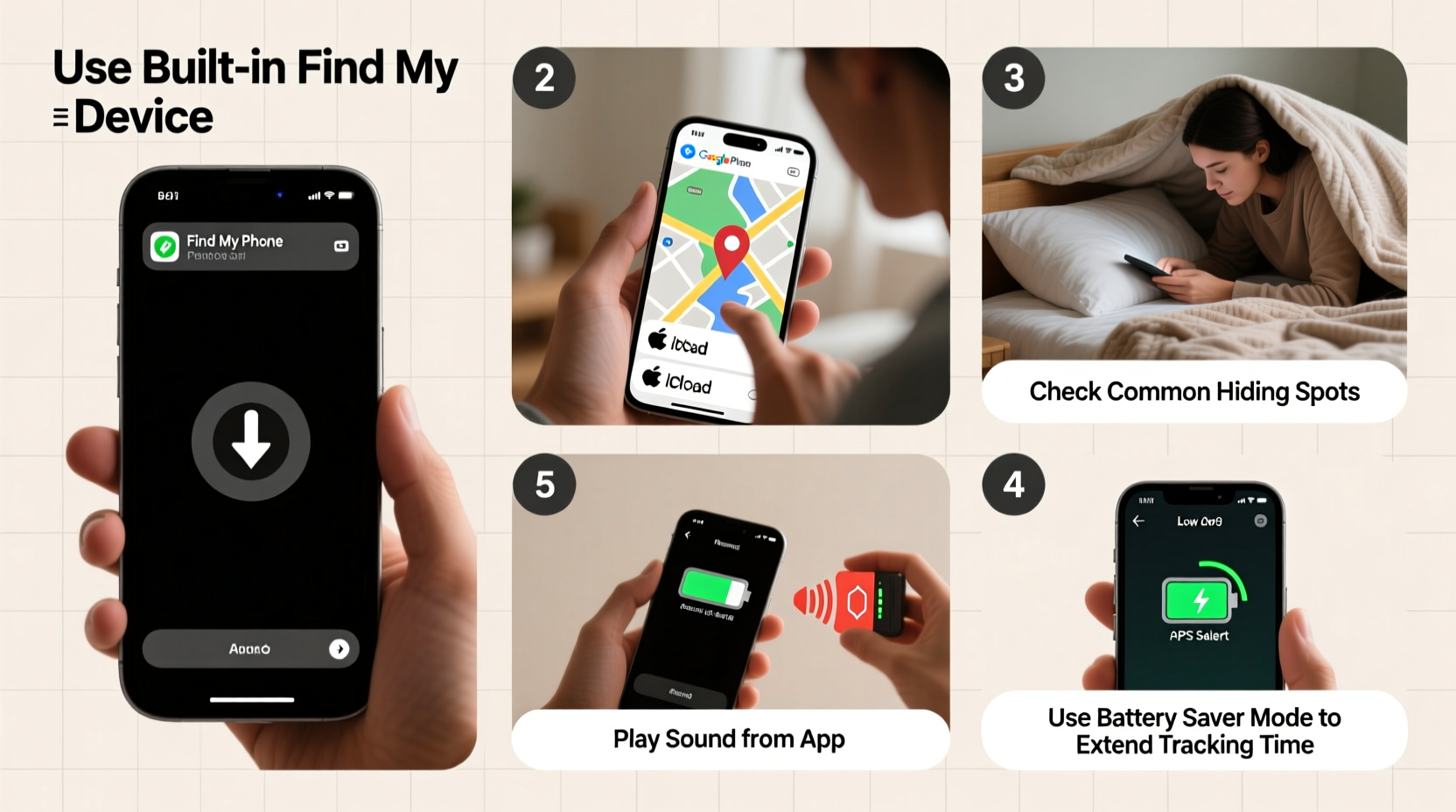
All major smartphone platforms offer free, built-in tracking services that allow you to locate, lock, or erase your device remotely. These tools are the first line of defense when your phone goes missing.
- iOS Users: Use “Find My” (formerly Find My iPhone). It works across all Apple devices and integrates seamlessly with iCloud.
- Android Users: Activate “Find My Device” through your Google account. This service supports location tracking, remote locking, and data wiping.
- Samsung Users: In addition to Google’s tool, Samsung offers “Find My Mobile,” which includes extra features like unlocking your device remotely if locked.
To use these services, ensure location services and remote access are enabled *before* your phone is lost. Once activated, log into your account from another device and view your phone’s last known location on a map.
Tip: Regularly check that \"Location\" and \"Find My Device\" settings are turned on. For Apple users, enable \"Send Last Location\" so your phone reports its position before the battery dies.Step-by-Step Recovery Process When Your Phone Is Lost
Reacting promptly increases the chances of recovery. Follow this timeline-based approach:
- Minute 0–5: Retrace your steps mentally. Check pockets, bags, and common areas. Call your number from another phone—if it rings, you’re close.
- Minute 5–15: Use Find My Device or Find My to ping your phone. If nearby, play a sound even if it’s on silent.
- Minute 15–30: Mark the device as “Lost Mode.” This locks it with a message displaying your contact info (e.g., “Reward if found – call XXX”).
- Hour 1: File a report with local authorities if theft is suspected. Provide IMEI number (dial *#06# to retrieve it).
- Within 24 Hours: Notify your carrier to suspend service and prevent unauthorized calls or data use.
This structured response minimizes panic and maximizes control over your device’s security.
What to Do When the Phone Is Offline or Out of Battery
If your phone is off or disconnected from the internet, live tracking won’t work. However, modern systems still provide value:
- Apple’s “Find My” network uses Bluetooth signals from nearby Apple devices to anonymously detect lost phones—even when powered off (on supported models).
- Google’s Android system stores the last known location before disconnecting. You can also receive notifications when the device reconnects.
In such cases, patience and monitoring are key. Keep checking your tracking app; many phones reappear online when charged or restarted.
| Scenario | Solution | Limitations |
|---|---|---|
| Phone lost at home | Ring via Find My / Find My Device | Only works if powered on and connected |
| Stolen and SIM removed | Track via Wi-Fi or cellular backup; report IMEI | Tracking stops if internet disabled |
| Out of battery | Check last known location; wait for power-up | No real-time updates |
| Factory reset by thief | Prevention via activation lock (iOS/Android) | Tracking lost if bypassed |
Real Example: Recovering a Phone Left in a Taxi
Jamie, a business traveler in Chicago, realized her iPhone was missing after a cab ride. She immediately used her colleague’s iPad to open iCloud.com and accessed Find My. The phone showed a moving dot along the taxi’s route. She noted the time-stamped location and contacted the ride-share company with pickup/drop-off details and the GPS coordinates. Within two hours, the driver located the phone in the back seat and returned it.
This case highlights the importance of acting fast and using precise location data to assist third parties in recovery efforts.
“Over 70% of lost phones are recovered within six hours if tracking is enabled. Delay drastically reduces success rates.” — Dr. Alan Torres, Cybersecurity Researcher at MIT
Preventive Measures and Best Practices
Recovery is important, but prevention is better. Integrate these habits into your routine:
- Enable two-factor authentication to protect your accounts even if the phone is compromised.
- Set up a strong passcode or biometric lock (Face ID, fingerprint).
- Regularly back up your data to iCloud or Google Drive.
- Write down your IMEI number and store it separately (e.g., email it to yourself).
- Attach a physical tag with your contact info inside the case—some finders may return it without accessing the device.
Checklist: Immediate Actions When Your Phone Goes Missing
- ☐ Try calling your phone from another device
- ☐ Log into Find My (Apple) or Find My Device (Android)
- ☐ Play a sound if the device is nearby
- ☐ Activate Lost Mode or mark as missing
- ☐ Note the last known location and time
- ☐ Contact relevant businesses or transportation services
- ☐ Report to police if stolen, providing IMEI
- ☐ Call your carrier to suspend service
- ☐ Remotely wipe data if sensitive information is at risk
Frequently Asked Questions
Can I track my phone if location services were turned off?
Generally, no. Most tracking relies on GPS, Wi-Fi, or cellular triangulation, all requiring location access. However, if the phone connects to a trusted Wi-Fi network, some carriers may estimate its position. Always keep location services enabled for critical apps.
What if someone removes my SIM card?
Removing the SIM doesn’t disable tracking if the phone connects to Wi-Fi. Both iOS and Android can still report location over wireless networks. Additionally, reporting the IMEI to your carrier can blacklist the device, making it unusable on most networks.
Is it possible to find a phone after a factory reset?
On modern devices, activation lock prevents full use after a reset without the original account credentials. While tracking stops post-reset, the deterrent often discourages thieves from keeping the device. Some law enforcement agencies can trace hardware via IMEI even after reset.
Final Thoughts and Action Steps
Losing a phone doesn’t have to mean permanent loss. With the right preparation and quick action, most devices can be located or secured before damage occurs. The key is not waiting until it happens to set things up. Take five minutes today to verify your Find My settings, back up your data, and record your IMEI. These small steps could save hours of stress tomorrow.
💬 Have you ever found a lost phone using these methods? Share your story in the comments and help others learn from real experiences.