
In an age where mobile communication is constant, unsolicited text messages have become a growing nuisance—and sometimes a serious threat. From spam promotions and phishing scams to persistent telemarketers, these messages clutter inboxes, waste time, and can even compromise personal security. The good news: you don’t have to tolerate them. With the right combination of built-in tools, carrier services, and proactive habits, you can significantly reduce or eliminate unwanted texts. This guide outlines practical, tested strategies that deliver real results.
Understand the Types of Unwanted Texts
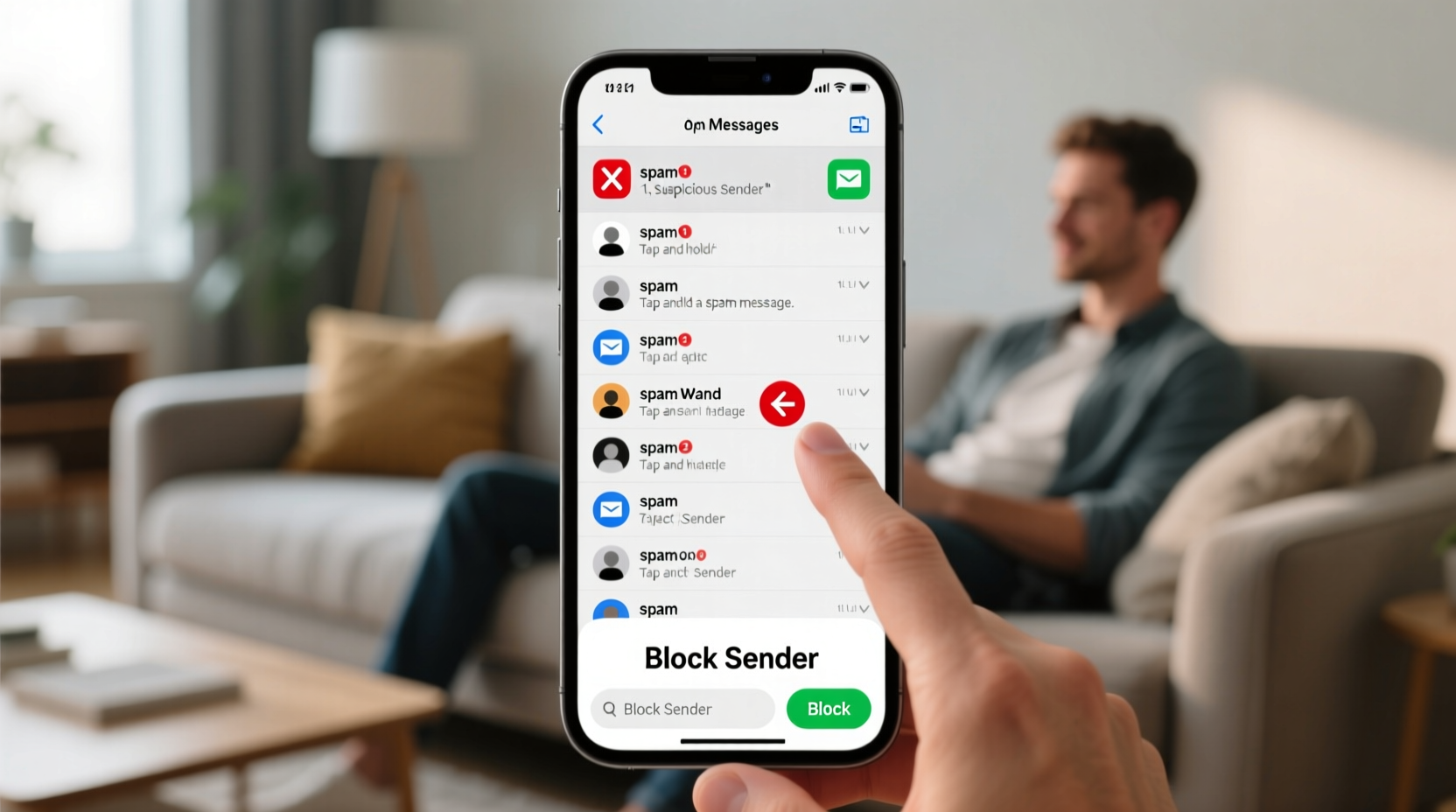
Not all unwanted messages are the same, and identifying their source helps determine the best response. Common categories include:
- Spam Promotions: Unsolicited offers for products, services, or fake giveaways.
- Phishing Scams: Messages designed to trick you into revealing personal information (e.g., “Your bank account is locked—click here”).
- Smishing Attacks: A form of phishing delivered via SMS, often with malicious links.
- Robo-Texts: Automated messages from political campaigns, debt collectors, or charities.
- Wrong Number Messages: Innocent but persistent misdirected texts.
Recognizing the nature of the message determines whether you should block, report, or simply ignore it.
Tip: Never click on links or reply to unknown numbers—even saying “STOP” can confirm your number is active and lead to more spam.Step-by-Step Guide to Blocking and Reporting
Taking direct action against unwanted texts involves a few clear steps. Follow this timeline to clean up your messaging experience:
- Do Not Engage: Avoid replying, clicking links, or calling back. Interaction signals that your number is active.
- Save Evidence: Take screenshots of suspicious messages before deleting or blocking.
- Block the Number: Use your phone’s native blocking feature (Settings > Messages > Blocked Contacts).
- Report to Your Carrier: Forward the message to 7726 (SPAM). Most U.S. carriers support this free service.
- File a Complaint: Report scams to the Federal Trade Commission (FTC) at reportfraud.ftc.gov.
This process not only protects you but contributes to broader efforts to track and shut down spam operations.
Leverage Built-In Phone and Carrier Tools
Modern smartphones and wireless providers offer powerful filtering and blocking features. Here’s how to use them effectively:
| Platform | Spam Protection Feature | How to Enable |
|---|---|---|
| iOS (iPhone) | Filter Unknown Senders | Settings > Messages > turn on \"Filter Unknown Senders\" |
| Android (Google Messages) | Spam Protection | Open Messages app > Settings > Spam > enable \"Enable spam protection\" |
| Verizon | Call Filter (Basic & Plus) | Download app; Basic version includes spam text blocking |
| AT&T | Enhanced Messaging Security | Free service that flags and filters risky texts |
| T-Mobile | Scam Shield | Includes scam ID, scam blocker, and free spam filtering |
These tools use machine learning and crowd-sourced data to identify known spam numbers and flag suspicious activity before it reaches your inbox.
“Over 5 billion spam texts are sent daily in the U.S. alone. Carriers and OS developers are now using AI-driven filters to intercept many before they’re delivered.” — David Lin, Senior Analyst at Mobile Security Today
Mini Case Study: How Sarah Reduced Her Spam by 90%
Sarah, a freelance graphic designer from Austin, was receiving over 20 spam texts per week—ranging from fake Amazon alerts to loan scams. Frustrated and concerned about security, she took systematic action:
- She enabled “Filter Unknown Senders” on her iPhone and activated Google One’s spam filter on her secondary Android device.
- She reported every suspicious message to 7726 and filed three formal complaints with the FTC after encountering identity theft attempts.
- She unsubscribed from legitimate marketing lists using the “STOP” command only for verified brands (e.g., retailers she’d opted into).
- She installed no third-party apps, relying instead on built-in protections to avoid introducing new vulnerabilities.
Within four weeks, her spam volume dropped to fewer than two messages per week. More importantly, she regained confidence in her messaging app as a secure channel.
Checklist: Action Plan to Stop Unwanted Texts
Use this checklist to implement a comprehensive defense against spam texts:
- ✅ Turn on spam filtering in your default messaging app
- ✅ Block numbers that send suspicious or repeated messages
- ✅ Forward spam to 7726 (SPAM) to report to your carrier
- ✅ Register your number at donotcall.gov to reduce legal telemarketing
- ✅ Avoid posting your phone number publicly online
- ✅ Review app permissions—revoke SMS access from unnecessary apps
- ✅ Educate family members, especially seniors, about smishing risks
What Not to Do: Common Mistakes
Well-intentioned actions can backfire. Avoid these pitfalls:
- Replying “STOP” to unverified senders: Only use this command if you recognize the brand and previously opted in.
- Clicking “Unsubscribe” in sketchy messages: These links may install malware or harvest data.
- Using third-party blocking apps without research: Some apps sell user data or introduce security flaws.
- Sharing your number freely online: On forums, marketplaces, or social media posts, your number becomes a target.
Stick to trusted tools and official reporting channels for the safest results.
FAQ
Can I get my phone number changed to stop spam?
While possible, changing your number should be a last resort. It disrupts contacts, updates, and two-factor logins. Focus first on blocking, filtering, and reporting. Reserve number changes for cases of harassment or identity theft.
Are spam text blockers safe?
Built-in blockers from Apple, Google, and major carriers are safe and recommended. Third-party apps vary in quality—check reviews, developer reputation, and privacy policies before installing.
Why do I still get spam after blocking numbers?
Spammers frequently rotate phone numbers and use spoofing technology. That’s why system-wide filters and carrier-level protections are more effective than blocking individual numbers.
Conclusion: Take Control of Your Messaging Experience
Unwanted text messages don’t have to be an unavoidable part of smartphone ownership. By combining smart settings, timely reporting, and informed habits, you can reclaim your inbox and protect your privacy. The tools exist. The knowledge is available. Now it’s time to act. Start today by enabling spam filtering, reporting one recent spam text to 7726, and sharing these strategies with someone who needs them—especially those less familiar with digital safety.
💬 Your voice matters. Have a tip or experience with stopping spam texts? Share it in the comments and help build a safer digital community for everyone.