
As the holiday season approaches, more homeowners are turning to automation to manage their Christmas light displays. The convenience of having lights turn on at dusk and off at midnight—without lifting a finger—is undeniable. But when it comes to choosing the right tool, two options dominate the conversation: outdoor mechanical timers and smart plugs. While both serve the purpose of automating lights, they differ significantly in functionality, flexibility, and long-term value. This article breaks down the strengths and weaknesses of each, helping you make an informed decision based on your needs, budget, and technical comfort level.
How Outdoor Timers Work
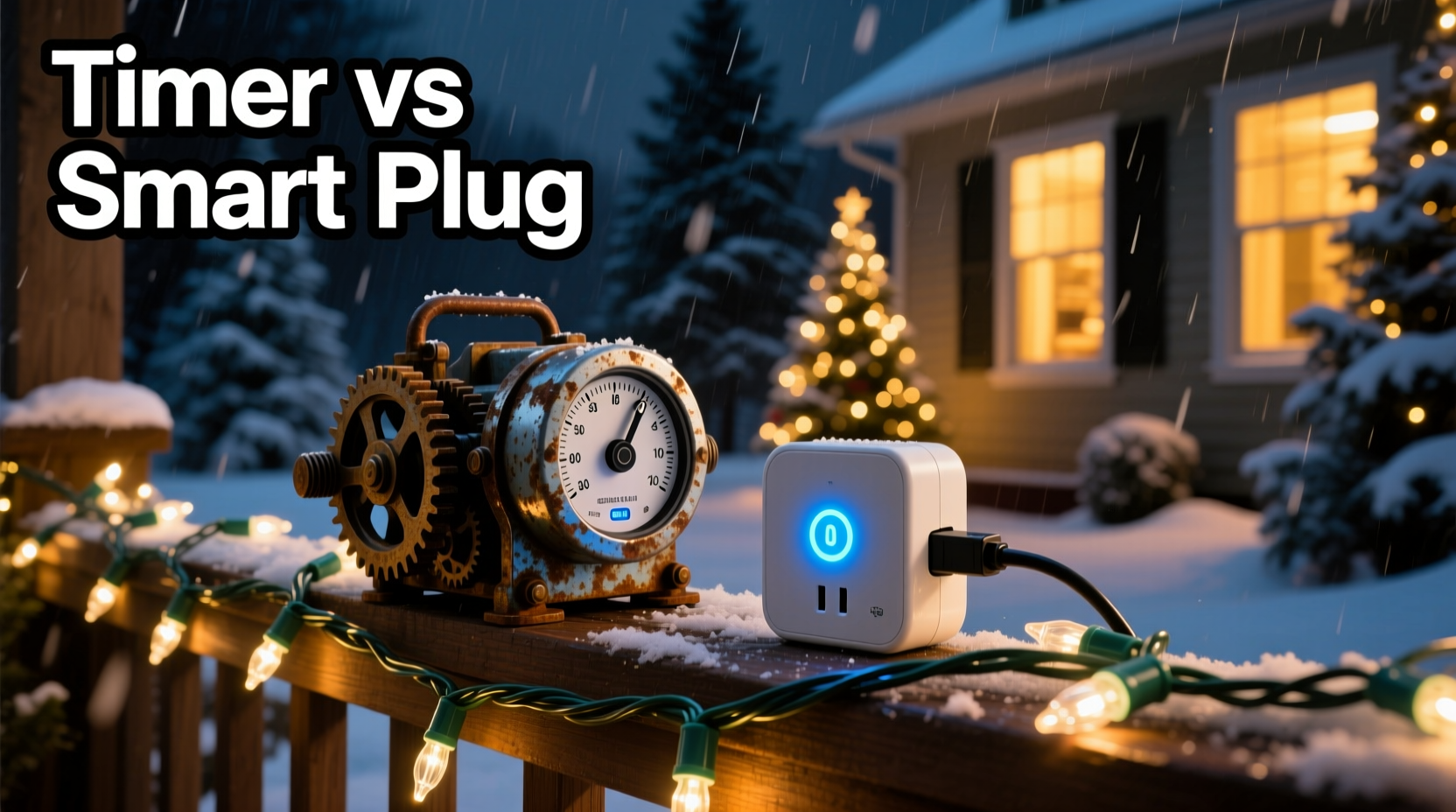
Outdoor electrical timers are standalone devices designed to plug into standard outdoor outlets. Once connected, you plug your Christmas lights into the timer, which then controls when the power is delivered. Most models feature a dial or digital interface where users manually set on/off times. These devices are weather-resistant and built specifically for exterior use, making them a traditional favorite during the holidays.
Mechanical outdoor timers operate using a 24-hour rotating dial. You twist small tabs around the clock face to designate when the circuit should be open (on) or closed (off). Digital versions often allow for multiple daily schedules and may include features like randomization or seasonal adjustments. However, they still require manual programming and lack remote access.
Tip: Always check the timer’s maximum load rating to ensure it can handle the wattage of your entire light setup.The Rise of Smart Plugs in Holiday Lighting
Smart plugs have revolutionized home automation, and holiday lighting is no exception. These Wi-Fi-enabled devices plug into outdoor outlets (if rated for exterior use) and allow users to control connected lights via smartphone apps, voice assistants, or automated routines. Unlike traditional timers, smart plugs offer real-time control from anywhere in the world, scheduling with precision, integration with other smart devices, and even geofencing capabilities.
For example, a smart plug can be programmed to turn on your lights every evening at sunset, adjusting automatically as the days grow shorter. Some models support multi-zone setups, enabling different light sequences across your yard. Others sync with music or respond to motion sensors, adding dynamic flair to static displays.
Leading brands like TP-Link Kasa, Wemo, and Gosund offer outdoor-rated smart plugs that combine durability with advanced features. However, reliance on Wi-Fi and occasional app glitches can be drawbacks for some users.
Key Differences: A Side-by-Side Comparison
| Feature | Outdoor Timer | Smart Plug |
|---|---|---|
| Setup Complexity | Low – plug in and set time manually | Moderate – requires app setup and Wi-Fi pairing |
| Remote Access | No | Yes – control via phone or voice |
| Scheduling Flexibility | Limited – fixed daily schedules | High – sunrise/sunset, recurring events, custom scenes |
| Weather Resistance | Designed for outdoor use | Only if specifically rated for outdoors |
| Cost | $8–$20 | $15–$35 |
| Maintenance | Minimal – occasional battery replacement | Regular firmware updates, stable Wi-Fi needed |
| Integration | None | Works with Alexa, Google Assistant, Apple HomeKit |
This comparison highlights the core trade-offs: simplicity and affordability versus connectivity and customization. Your choice depends heavily on how much control you want over your display and whether you're already invested in a smart home ecosystem.
When an Outdoor Timer Makes More Sense
For many households, especially those seeking a straightforward, one-and-done solution, outdoor timers remain the optimal choice. They’re ideal for users who:
- Want a plug-and-play experience without app downloads
- Have limited Wi-Fi coverage near outdoor outlets
- Prefers not to rely on internet connectivity for basic functions
- Are managing a simple light setup with consistent timing needs
- Need a low-cost option for multiple locations (e.g., front porch, driveway, tree)
Additionally, outdoor timers are less vulnerable to cyber risks and don’t become obsolete due to app discontinuation—a known issue with some older smart devices. Their mechanical nature also means fewer points of failure, contributing to long-term reliability.
“Timers are the workhorses of holiday lighting—they won’t wow you with features, but they’ll rarely let you down.” — Mark Reynolds, Residential Electrician & Holiday Display Consultant
Advantages of Going Smart: Beyond Basic Automation
Smart plugs shine when users want more than just automatic on/off cycles. Consider these advanced capabilities:
- Sunset/Sunrise Scheduling: Lights activate based on local daylight hours, eliminating the need to adjust clocks weekly.
- Vacation Mode: Randomize on/off times to simulate occupancy, enhancing home security while you're away.
- Voice Control: “Hey Google, turn on the Christmas lights” adds instant convenience.
- Scene Integration: Sync lights with indoor ambiance settings (e.g., “Holiday Mode” dims interior lights and activates the tree).
- Energy Monitoring: Some models track power usage, helping estimate electricity costs of your display.
A real-world example illustrates this advantage: Sarah, a homeowner in Colorado, uses a smart plug to manage her rooftop icicle lights. She sets a routine where lights turn on at sunset and off at 11 PM. When she travels, she remotely activates them during evening hours to maintain curb appeal and deter potential intruders. One night, a storm knocked out power; once restored, her smart plug automatically resumed the schedule, while her neighbor’s timer—reset by the outage—remained dark until manually reprogrammed.
Step-by-Step Guide to Setting Up a Smart Plug for Christmas Lights
- Choose an outdoor-rated smart plug compatible with your home network (2.4 GHz Wi-Fi required for most).
- Install the manufacturer’s app on your smartphone (e.g., Kasa, Wemo, Smart Life).
- Plug the device into an outdoor GFCI outlet and ensure it’s protected from direct water exposure.
- Follow in-app instructions to connect the plug to your Wi-Fi network.
- Connect your Christmas lights to the smart plug and test operation via the app.
- Create a schedule: Set start and end times, or enable “sunset to sunrise” mode.
- Add voice control: Link the plug to Alexa or Google Assistant for hands-free commands.
- Test remotely: Leave your home network and verify you can toggle the lights from elsewhere.
Common Pitfalls and How to Avoid Them
Both solutions come with potential issues. Being aware of them helps prevent frustration during the busiest time of year.
- Overloading circuits: Check total wattage of connected lights. Exceeding capacity can trip breakers or damage devices.
- Water ingress: Even outdoor-rated devices need protection. Use covered outlets or weatherproof enclosures.
- Time drift: Mechanical timers may lose accuracy over weeks. Reset monthly if needed.
- Wi-Fi dropouts: Smart plugs depend on stable internet. If your router struggles outdoors, consider a Wi-Fi extender.
- Battery failure: Some timers use backup batteries to retain settings during outages. Replace annually.
Checklist: Choosing the Right Option for Your Home
- ☐ Assess your technical comfort level with apps and smart devices
- ☐ Confirm outdoor outlet availability and GFCI protection
- ☐ Calculate total wattage of your light strings
- ☐ Determine desired control level: manual vs. remote vs. automated
- ☐ Evaluate Wi-Fi signal strength near installation points
- ☐ Decide if integration with voice assistants matters to you
- ☐ Set a budget per outlet (timer vs. smart plug cost difference)
- ☐ Plan for future scalability—will you expand your display next year?
Frequently Asked Questions
Can I use a regular indoor smart plug outside?
No. Standard indoor smart plugs are not weatherproof and pose safety hazards when exposed to moisture. Only use models explicitly rated for outdoor use, typically labeled IP44 or higher for water resistance.
Do outdoor timers need batteries?
Many digital outdoor timers include a small backup battery to preserve settings during power outages. Mechanical dial timers usually don’t require batteries but may reset if unplugged.
What happens to smart plugs during a power outage?
Most smart plugs will resume operation once power returns, following their existing schedule. However, if the Wi-Fi router is also down, remote access may be delayed until connectivity is restored. Some models automatically reconnect; others may need manual intervention.
Expert Insight: Balancing Simplicity and Innovation
“The best automation solution isn’t always the most advanced one. For families who decorate the same way every year, a $12 timer is smarter than a $30 smart plug they barely use. But for tech-savvy homeowners or those with complex displays, smart plugs unlock creativity and convenience that justify the investment.” — Lena Patel, Smart Home Systems Designer
This balanced perspective underscores a crucial point: effectiveness trumps features. The goal is reliable, hassle-free lighting—not necessarily the latest gadget.
Final Verdict: Which Should You Choose?
The outdoor timer vs. smart plug debate doesn’t have a universal winner. Instead, the answer depends on your priorities:
- If you value **simplicity, durability, and low cost**, stick with an outdoor timer. It’s proven, dependable, and perfect for predictable routines.
- If you want **flexibility, remote access, and smart home integration**, invest in a quality outdoor-rated smart plug. The added functionality pays off in convenience and control.
Some homeowners adopt a hybrid approach: using timers for permanent fixtures (like porch lights) and smart plugs for decorative or seasonal elements that benefit from dynamic control. This strategy balances cost and capability effectively.
Conclusion: Illuminate Smarter This Holiday Season
Whether you lean toward the reliability of a mechanical timer or the innovation of a smart plug, automating your Christmas lights enhances both enjoyment and efficiency. The key is aligning your choice with how you actually live—your schedule, your home’s layout, and your willingness to engage with technology. By understanding the strengths and limitations of each option, you can create a festive display that runs smoothly from Thanksgiving to New Year’s, with minimal effort and maximum impact.
💬 Which side are you on in the outdoor timer vs. smart plug battle? Share your experience, setup tips, or lessons learned in the comments below—help fellow decorators light up the season the smart way!