
When it comes to portable gaming, screen quality can make or break the experience. The Nintendo Switch OLED and the Steam Deck OLED represent two distinct philosophies in handheld design—one focused on console-style gaming with a streamlined interface, the other built for PC-level versatility and power. Both feature OLED displays, a technology known for deep blacks, vibrant colors, and excellent contrast. But when placed side by side, which one truly delivers a more impressive visual experience? The answer isn't as straightforward as specs alone suggest.
Understanding OLED Technology in Handhelds
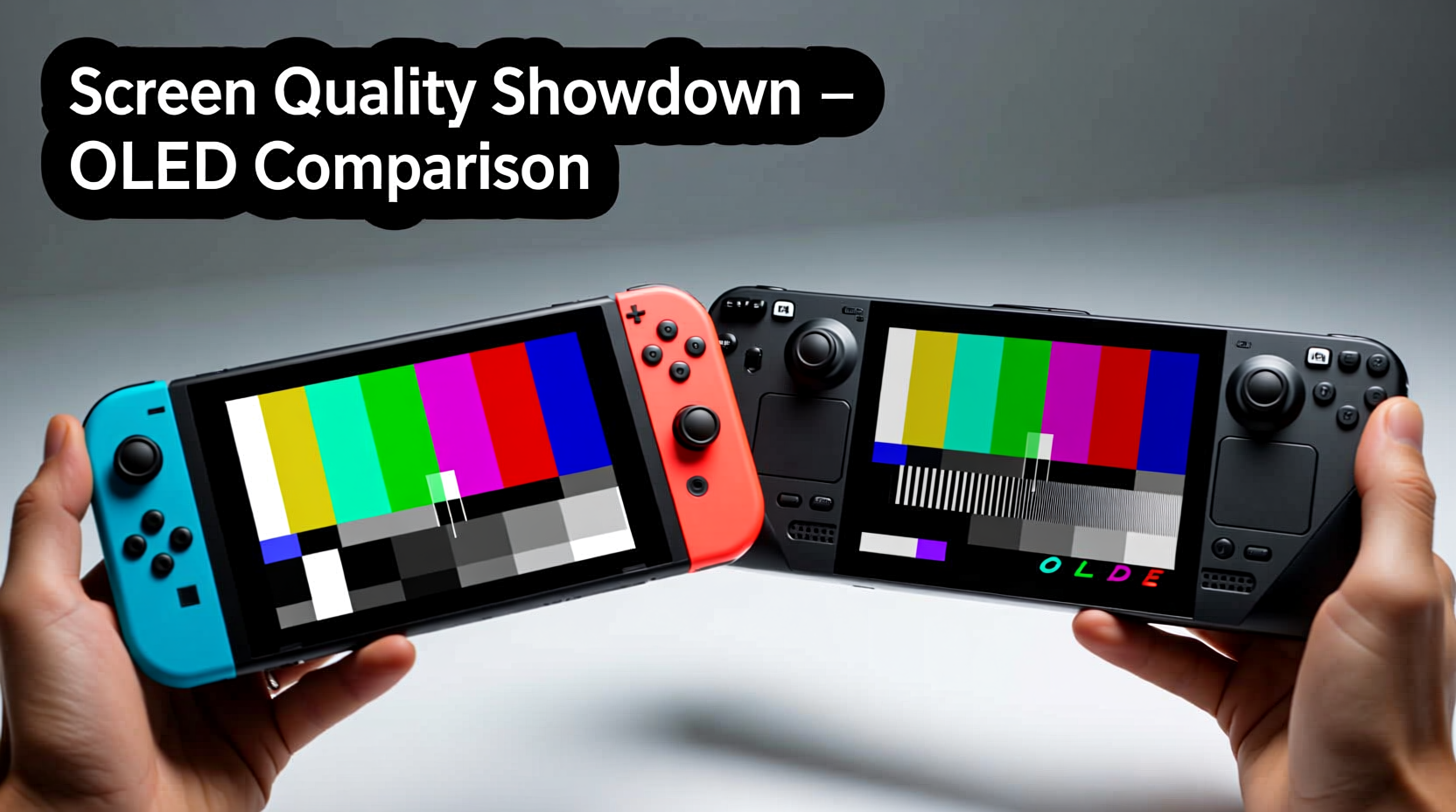
OLED (Organic Light-Emitting Diode) screens differ from traditional LCDs in that each pixel emits its own light. This allows for true black levels—pixels turn off completely when displaying black—resulting in infinite contrast ratios and sharper image depth. For handheld devices, this translates into richer visuals, especially in dim environments or during cinematic sequences.
In the context of portable gaming, OLED brings several advantages:
- Better contrast and deeper blacks – essential for immersive gameplay.
- Faster response times – reduces motion blur during fast-paced action.
- Improved viewing angles – consistent color and brightness even when viewed off-center.
- Energy efficiency in dark scenes – since black pixels are off, battery use drops slightly in darker content.
However, OLED also has trade-offs. Screen brightness is often lower than high-end LCDs, and there's always a risk of burn-in with static UI elements over time. These factors matter when comparing devices like the Switch OLED and Steam Deck OLED, where usage patterns vary significantly.
Tip: To minimize potential burn-in on OLED screens, reduce UI opacity in settings and avoid leaving static menus open for extended periods.Display Specifications Compared
To assess which device’s screen impresses more, a direct comparison of key display metrics is essential. While both use OLED panels, their implementation caters to different audiences and use cases.
| Feature | Nintendo Switch OLED | Steam Deck OLED |
|---|---|---|
| Screen Size | 7.0 inches | 7.4 inches |
| Resolution | 1280 × 720 | 1280 × 800 |
| PPI (Pixels Per Inch) | ~192 PPI | ~178 PPI |
| Refresh Rate | 60Hz | 90Hz |
| Brightness (Typical) | Up to 500–600 nits | Up to 1000 nits (auto-brightness assist) |
| Contrast Ratio | 1,000,000:1 (OLED typical) | 1,000,000:1 (OLED typical) |
| Touchscreen | Yes, capacitive | No |
The Steam Deck OLED clearly wins on paper in terms of brightness and refresh rate. Its adaptive auto-brightness can push up to 1000 nits in sunlight, making outdoor visibility far superior. The 90Hz refresh rate also provides smoother animations and reduced input lag, particularly noticeable in fast-paced games or UI navigation.
Meanwhile, the Switch OLED’s smaller screen results in a higher pixel density, meaning text and fine details appear slightly sharper. However, the lack of a high refresh rate limits its responsiveness compared to the Steam Deck. Additionally, while both have excellent contrast, the Switch’s screen calibration leans toward Nintendo’s signature vibrant but slightly oversaturated look, whereas the Steam Deck allows full user control over color profiles and gamma settings.
“OLED isn’t just about better blacks—it’s about how the display integrates with the software and environment. The Steam Deck’s dynamic brightness gives it an edge in real-world usability.” — Lena Park, Display Analyst at MobileTech Review
Real-World Visual Performance
Specs only tell part of the story. In actual use, screen quality depends on content type, lighting conditions, and personal preferences.
For first-party Nintendo titles like The Legend of Zelda: Tears of the Kingdom or Super Mario Odyssey, the Switch OLED renders lush, stylized worlds with bold colors and clean lines. The screen’s saturation enhances the cartoonish aesthetic, and the touchscreen enables intuitive menu interactions. However, third-party ports often run at lower resolutions (sometimes sub-HD), leading to visible pixelation—a limitation not of the screen itself, but of the hardware rendering beneath it.
The Steam Deck OLED excels in different areas. Because it runs full PC games—often with customizable graphics settings—the screen serves as a window into much more complex visuals. Titles like Disco Elysium – The Final Cut or Hades benefit from the higher brightness and smoother 90Hz rendering. Text readability in dense RPG interfaces is improved due to crisper anti-aliasing and scalable UIs.
In low-light environments, both devices shine. Blacks appear truly black, and ambient lighting doesn’t wash out the image. But under direct sunlight, the difference becomes stark. The Switch OLED, while brighter than its predecessor, still struggles outdoors unless in shadow. The Steam Deck OLED’s aggressive brightness boosting makes it usable even on a sunny patio—an underrated but critical advantage for mobile gamers.
Mini Case Study: Commuter Gaming Experience
Consider Alex, a daily commuter who plays handhelds during train rides. On cloudy days, both devices perform admirably. But on bright mornings with sun streaming through windows, Alex finds the Switch OLED requires constant repositioning to avoid glare. The Steam Deck OLED, however, automatically ramps up brightness and remains readable without manual adjustment. Over time, this small difference reduces eye strain and increases playtime. For users frequently gaming on the go, environmental adaptability becomes a decisive factor.
User Interface and Display Integration
Screen quality isn’t just about resolution or brightness—it’s also how well the display works with the system’s interface and controls.
The Switch OLED’s capacitive touchscreen enables seamless interaction with games and menus. Swiping through the home screen, adjusting volume via touch, or using hybrid modes in tabletop setup feels intuitive. However, the OS rarely uses persistent UI elements, minimizing long-term burn-in risks.
In contrast, the Steam Deck OLED lacks a touchscreen, relying entirely on physical controls and trackpads. While this may seem limiting, Valve designed the interface around button navigation, making it efficient once learned. That said, the absence of touch means no pinch-to-zoom or direct selection—functions some users miss when browsing web content or managing files.
Another consideration is aspect ratio. The Steam Deck’s 16:10 display accommodates more vertical space, which benefits productivity apps and certain games. The Switch’s 16:9 ratio is ideal for video and most console titles but crops some content compared to the wider field of view on the Deck.
Tip: Calibrate your Steam Deck’s color profile based on your preferred game genre—warmer tones for RPGs, cooler for competitive shooters.Longevity and Practical Considerations
Durability and long-term screen health are crucial for handhelds used daily. Both devices use protective glass, but their susceptibility to wear differs.
The Switch OLED features a glossy screen prone to fingerprints and smudges. While easy to wipe, repeated cleaning can micro-scratch the surface over time. Its hinge mechanism also exposes the screen when open, increasing vulnerability to pressure damage if stored improperly.
The Steam Deck OLED includes an optional tempered glass overlay available from Valve, indicating awareness of screen protection needs. The matte finish on the default model resists fingerprints better, though it may slightly diffuse fine details. Given the higher pixel longevity expectations for PC-grade devices, Valve likely engineered the panel with longer active hours in mind—important for users running emulators or indie titles for hundreds of hours.
Burn-in remains a theoretical concern. The Switch’s static docked mode (when used as a console) minimizes risk, but prolonged use of games with HUDs—like Animal Crossing: New Horizons with its permanent inventory bar—could lead to faint image retention over years. The Steam Deck faces similar issues with fixed overlays in Big Picture Mode, though recent firmware updates include pixel refresh routines to mitigate this.
Checklist: Maximizing OLED Screen Longevity
- Enable auto-brightness where available.
- Use sleep timers to prevent idle screen-on duration.
- Avoid maximum brightness for extended indoor sessions.
- Run pixel-refresh routines weekly (Steam Deck) or close the device regularly (Switch).
- Apply a screen protector if frequently handled.
- Rotate wallpapers or UI themes to prevent static element retention.
FAQ
Is the Steam Deck OLED screen worth the upgrade from the original LCD model?
Absolutely. The jump from LCD to OLED on the Steam Deck is transformative—especially the boost in contrast, black levels, and brightness. Users report significantly improved immersion and outdoor usability, making it the most impactful update Valve has released for the device.
Can you see a difference between 720p and 800p on such small screens?
Not dramatically in direct side-by-side viewing, but the Steam Deck’s extra vertical pixels help with reading text and navigating desktop-like interfaces. For media consumption, the difference is negligible, but for productivity or modded games, the additional resolution adds practical value.
Does the Switch OLED support HDR?
No. Despite having an OLED panel capable of high dynamic range, the Switch OLED does not support HDR output in docked or handheld mode. This limits its ability to deliver the full visual potential of modern games, even when playing enhanced ports.
Final Verdict: Which Screen Impresses More?
If judged purely by technical capability and real-world usability, the **Steam Deck OLED** takes the crown for superior screen quality. Its higher peak brightness, 90Hz refresh rate, and adaptive display technology provide a more versatile and future-proof viewing experience. It performs better across environments, handles diverse content types with ease, and integrates advanced features that respond intelligently to changing conditions.
That said, the **Nintendo Switch OLED** remains visually delightful within its ecosystem. Its screen is perfectly tuned for Nintendo’s artistic style, delivering crisp, colorful, and emotionally engaging visuals. For fans of first-party exclusives and casual gaming, it continues to impress—just in a different way.
The choice ultimately hinges on what kind of gamer you are. If you prioritize cinematic fidelity, responsiveness, and outdoor play, the Steam Deck OLED is unmatched. If you value simplicity, portability, and a seamless match between hardware and software, the Switch OLED still holds strong appeal.
💬 Which handheld’s screen do you prefer for gaming on the go? Share your thoughts and experiences in the comments below—your insight could help others decide between these two OLED-powered powerhouses.