For years, the iPad Air has occupied a sweet spot between affordability and performance in Apple’s tablet lineup. Positioned above the base iPad but below the Pro models, it promises near-flagship capabilities at a more accessible price. With each new release, Apple touts improvements in speed, display quality, and versatility—especially with support for the Apple Pencil and Magic Keyboard. But if you're holding onto an iPad Air from 2019, 2020, or even 2022, is the latest model truly worth the upgrade?
This article dives into real-world usage patterns, hardware comparisons, and firsthand experiences from users who’ve made the jump. We’ll explore not just what’s changed under the hood, but how those changes translate into daily productivity, creativity, and longevity.
What’s New in the Latest iPad Air?
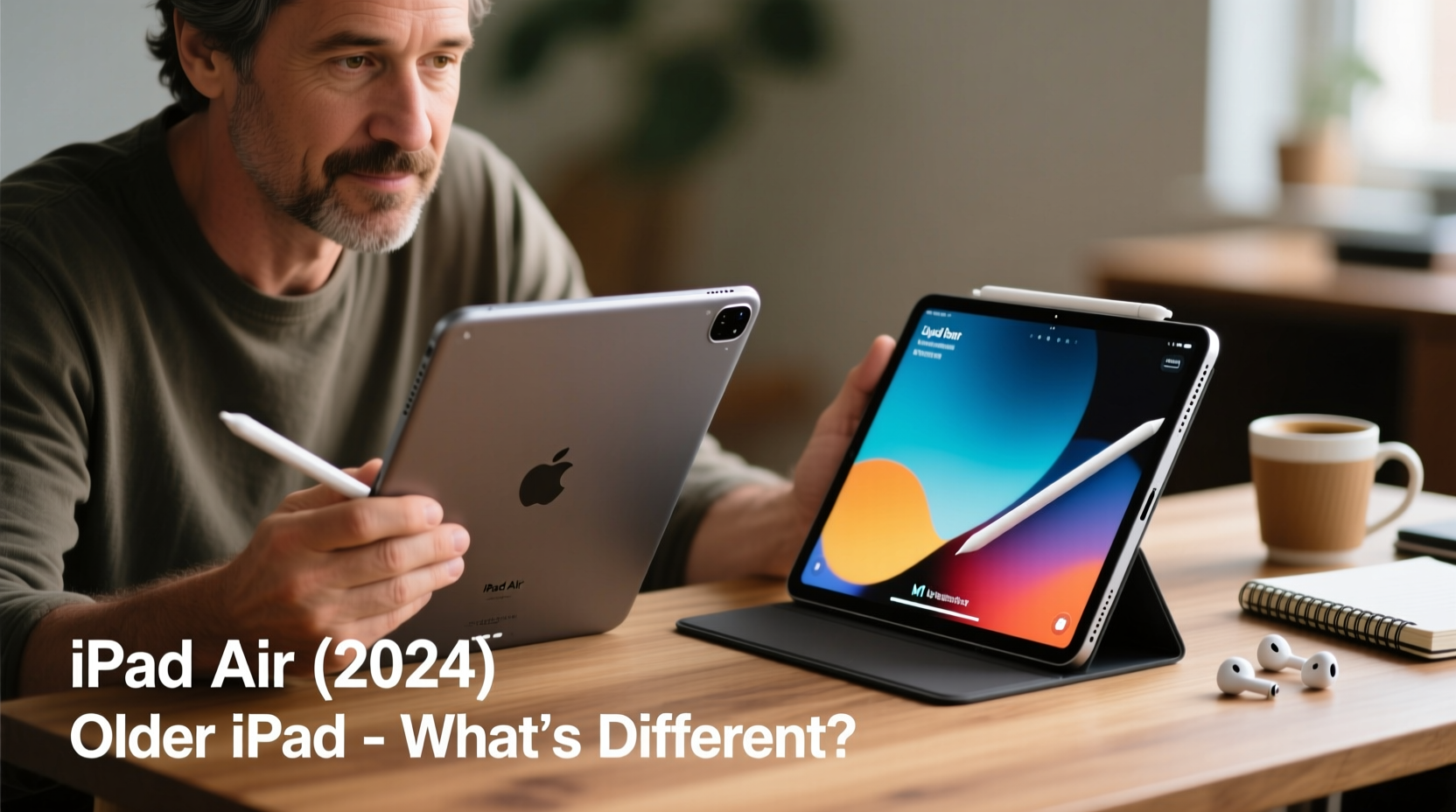
The most recent iPad Air (6th generation, released in 2024) brings several notable upgrades over its predecessors. While outwardly similar in design to the 2022 model, the internal evolution is significant—especially for users still on older chips.
- M2 chip: Replacing the M1, this processor delivers faster CPU and GPU performance, improved machine learning capabilities, and better energy efficiency.
- Wi-Fi 6E and Bluetooth 5.3: Faster wireless connectivity and reduced latency, particularly beneficial in dense network environments.
- Front camera repositioning: Now centered on the long edge when used in landscape mode, improving video call framing—ideal for FaceTime, Zoom, or remote collaboration.
- USB-C port with Thunderbolt support: Enables faster data transfer (up to 40 Gbps), external display output at higher resolutions, and broader peripheral compatibility.
- Slightly refined speakers and mic array: Subtle but meaningful for podcasters, students, and remote workers.
While these enhancements may seem incremental on paper, their real impact depends heavily on your current device and usage habits.
Tip: If you frequently edit videos, use complex design apps, or rely on external storage, Thunderbolt support alone could justify the upgrade.Performance Comparison: Old vs. New
To assess whether the upgrade pays off, consider how different generations stack up in real tasks. Below is a comparison of key iPad Air models relevant to potential upgraders.
| Feature | iPad Air (2020) | iPad Air (2022) | iPad Air (2024) |
|---|---|---|---|
| Chip | A14 Bionic | M1 | M2 |
| RAM | 4GB | 8GB | 8GB |
| Display | 10.9\" Liquid Retina (non-laminated) | 10.9\" Liquid Retina (laminated) | Same as 2022 |
| Port | Lightning | USB-C (USB 3.0 speeds) | USB-C with Thunderbolt |
| Apple Pencil Support | Pencil (2nd gen) | Pencil (2nd gen + USB-C) | Pencil (2nd gen + USB-C) |
| Front Camera | 7MP, top edge | 12MP, top edge | 12MP, landscape edge |
| Starting Price (128GB) | $599 | $599 | $599 |
The leap from A14 to M1 was massive—bringing desktop-class performance to a mid-tier tablet. The M2 improves on that foundation with around 15–20% faster CPU performance and up to 30% better GPU throughput in sustained workloads. For most casual users, this won’t be noticeable. But for those pushing the device with multitasking, 4K video editing, or AR applications, the headroom matters.
“Switching from my 2020 iPad Air to the 2024 model felt like removing invisible friction. Apps launch faster, transitions are smoother, and exporting a 10-minute 4K timeline in LumaFusion now takes under three minutes.” — Daniel Reyes, freelance video editor and educator
When the Upgrade Makes Sense: Real User Scenarios
Not all upgrades are created equal. The decision hinges on your current device’s limitations and how you use your iPad. Here are three real-life examples illustrating when the switch pays off.
Case Study: The Student Who Needed More Speed
Jessica, a graduate student in architecture, used her 2020 iPad Air daily for sketching, note-taking, and running CAD preview apps. She loved the portability but found herself waiting during app switches and frustrated by occasional crashes when using multiple reference images alongside modeling tools.
After upgrading to the 2024 model, she noticed immediate improvements. The M2 handled large PDF blueprints without lag, and Procreate ran complex brushes seamlessly. More importantly, the centered front camera made virtual studio critiques far more professional. “I don’t have to prop up my iPad anymore just to be seen properly,” she said.
Case Study: The Freelancer Transitioning from Laptop
Mark, a travel writer, relied on his 2022 iPad Air paired with a keyboard case as his primary work device. While it worked well for writing and light photo editing, he hit limits when trying to sync large backups over USB-C or connect to a portable SSD for RAW files.
The Thunderbolt port in the 2024 model changed that. He now transfers 20GB of photos from his SD card reader in under two minutes and connects directly to a 4K monitor in his Airbnb for evening edits. “It finally feels like a full computer replacement,” he noted.
Case Study: The Casual User on the Fence
Sarah, a retired teacher, uses her 2020 iPad Air mainly for reading, video calls, and light games. She considered upgrading after seeing ads for the new model but wasn’t sure it was necessary. After testing one in-store, she decided against it. “Everything works fine. The camera change is nice, but I hold my iPad vertically anyway.”
Her experience reflects a growing trend: for light users, the functional ceiling was already reached years ago.
Checklist: Should You Upgrade?
Before spending $599 or more, ask yourself the following questions. Check each box only if it applies strongly to your situation.
- ✅ My current iPad Air (2020 or earlier) feels slow when switching between apps or opening large files.
- ✅ I regularly use creative apps like Procreate, LumaFusion, or Affinity Designer and want smoother performance.
- ✅ I need faster file transfers via USB-C (e.g., importing photos/videos from cameras or external drives).
- ✅ I connect to external displays and want support for higher resolutions or dual-monitor setups (with compatible adapters).
- ✅ I participate in frequent video calls and would benefit from the landscape-oriented front camera.
- ✅ I plan to keep my iPad for 4+ years and want the longest possible software support (M2 likely supported until 2030+).
If four or more apply, the upgrade is likely justified. If fewer than three do, your money might be better spent elsewhere—or saved for a future iPad Pro if you need even greater power.
Expert Insight: Longevity and Software Support
One often overlooked factor is software longevity. Apple typically supports iPads for five to six years with OS updates, but high-end chips tend to receive longer support due to their capability to handle future features.
“The M2 chip isn’t just faster today—it’s built to stay relevant longer. Users who upgrade now can expect iOS 19, 20, and beyond with full feature parity, whereas A14 devices may start losing functionality as early as iOS 18.” — Lin Zhao, mobile analyst at TechTrend Insights
This makes the 2024 iPad Air a smarter long-term investment, especially for parents buying for teens, professionals relying on consistent workflows, or anyone who dislikes frequent device turnover.
Frequently Asked Questions
Will my old accessories work with the new iPad Air?
Most will. The Magic Keyboard and Smart Folio cases designed for the 10.9” iPad Air (2020–2022) are compatible with the 2024 model due to identical dimensions. However, older Lightning-based Pencil chargers won’t work with the USB-C Pencil. You’ll need the newer Apple Pencil (USB-C) or second-gen model for full functionality.
Is the M2 really that much better than the M1 for everyday tasks?
For web browsing, email, streaming, and light app use—no, the difference is negligible. However, in demanding scenarios like multitasking with Stage Manager, rendering 3D models, or compiling code in Swift Playgrounds, the M2 shows clear advantages in speed and thermal management.
Should I wait for the next model instead?
Unless you need a device immediately, it may be worth considering. Rumors suggest Apple could introduce an OLED iPad Air in 2025 or 2026, which would bring superior contrast, deeper blacks, and better battery life. If display quality is a priority, waiting could yield a bigger leap than the current upgrade offers.
Final Verdict: Who Benefits Most from Upgrading?
The latest iPad Air is an excellent device—but excellence doesn’t always demand replacement. For users on iPad Air models from 2022 or later, the changes are too minor to warrant an upgrade unless you specifically need Thunderbolt or the centered camera.
However, if you’re still using a 2020 or earlier model—especially one with the A14 chip—the 2024 iPad Air represents a generational leap in processing power, connectivity, and future-proofing. The combination of the M2 chip, Thunderbolt, and improved camera positioning transforms the device from a capable tablet into a genuine laptop alternative for many.
Consider also the psychological aspect: a new device can reignite enthusiasm for digital creativity, learning, or productivity. Sometimes, the motivation boost from a fresh start is worth more than specs alone can convey.
🚀 Ready to make the switch? Evaluate your current pain points, test the device in person if possible, and invest only when the upgrade solves a real problem—not just because it’s new. Share your own upgrade story in the comments below and help others decide with confidence.