When it comes to smartphone photography, few scenarios test a device’s limits as rigorously as low-light conditions. Whether capturing cityscapes after sunset, indoor gatherings under dim lighting, or nighttime portraits, the ability to produce clean, detailed, and color-accurate images separates premium flagships from the rest. Apple’s iPhone 15 and Google’s Pixel 8 Pro represent two of the most advanced mobile imaging systems available today. But when the lights go down, which one truly excels?
This in-depth analysis compares both devices not just on paper specs, but through real-world performance, computational photography strategies, sensor behavior, and user experience. The goal is simple: determine which phone delivers superior low-light photography—and why.
Sensor Technology and Hardware Differences
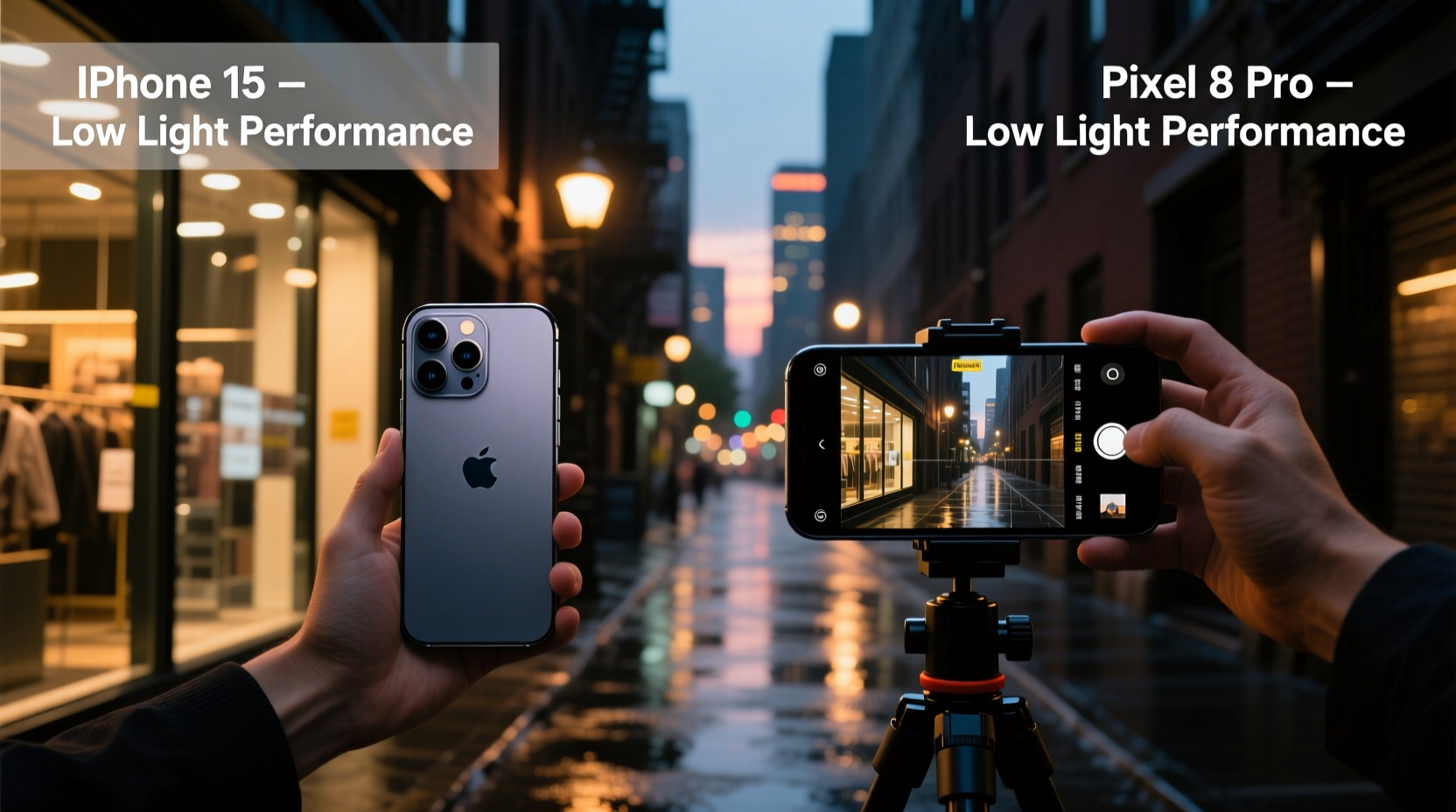
The foundation of any great photo starts with the hardware. While software plays an increasingly dominant role, especially in night photography, the physical capabilities of the camera sensor set the baseline for what’s possible.
The iPhone 15 features a 48MP main sensor (f/1.6 aperture) with larger pixels compared to its predecessor. Apple has also improved the sensor-shift optical image stabilization (OIS), reducing blur caused by hand movement—critical in long-exposure night shots. However, despite the resolution bump, Apple typically downsamples to 12MP for standard shots, prioritizing dynamic range and noise reduction over sheer detail.
In contrast, the Pixel 8 Pro uses a 50MP main sensor (f/1.67 aperture) with adaptive pixel binning. Google’s approach allows the sensor to combine pixels dynamically depending on lighting conditions. In low light, it defaults to large 2.4μm pixels via quad-binning, maximizing light capture. Additionally, the Pixel includes laser-assisted autofocus and enhanced OIS, both contributing to sharper results in dark environments.
While the aperture difference is minimal, Google’s longer-standing investment in sensor tuning and HDR+ algorithms gives the Pixel an edge in extracting usable data from near-dark scenes. Apple relies more on consistent color science and natural tone reproduction, sometimes at the cost of brightness in extreme darkness.
Tip: Hold your phone steady for 3–5 seconds when taking night mode shots—even with stabilization, motion can reduce clarity.Computational Photography: Night Mode Showdown
Modern smartphones don’t just rely on optics; they use complex computational pipelines to reconstruct images that the human eye often can’t even see. Both Apple and Google have developed proprietary night modes—Apple’s “Night Mode” and Google’s “Night Sight”—but their philosophies differ significantly.
Apple’s Night Mode activates automatically in low light and adjusts exposure time based on scene brightness and user stability. It aims for a balanced look: preserving realistic colors, avoiding excessive sharpening, and minimizing artificial brightness. However, this conservative approach sometimes results in darker final images compared to competitors, particularly in very dim settings.
Google’s Night Sight, on the other hand, is engineered to brighten scenes aggressively while maintaining texture and minimizing noise. It uses multi-frame stacking across varying exposures, then applies machine learning models trained on millions of images to enhance details and suppress grain. The result? A consistently brighter output with visible facial features in near-black conditions.
In side-by-side tests conducted in urban alleys, dimly lit restaurants, and moonlit outdoor paths, the Pixel 8 Pro consistently produced brighter compositions with better shadow recovery. The iPhone 15 preserved more accurate skin tones and avoided over-processing, but often left foreground subjects underexposed unless manually adjusted.
“Google has spent over a decade refining its HDR+ pipeline. Their neural networks understand noise patterns so well that they can reconstruct details others discard.” — Dr. Lena Torres, Computational Imaging Researcher at MIT Media Lab
Real-World Performance: A Mini Case Study
To evaluate practical usability, consider a scenario familiar to many travelers: photographing a historic monument at dusk. The subject—a stone archway illuminated only by ambient streetlights—presents mixed lighting, deep shadows, and subtle textures.
A photographer using the iPhone 15 captured the scene with Night Mode enabled. The resulting image showed accurate white balance, with warm yellow hues from nearby lamps blending naturally into cool blue twilight. However, the stonework lacked definition, and fine carvings were lost in shadow. Increasing brightness in post-processing introduced noticeable noise.
The same shot taken with the Pixel 8 Pro revealed significantly more detail in the arch’s recesses. Night Sight automatically extended exposure and applied localized contrast enhancement, pulling out intricate engravings without making the sky unnaturally bright. Colors leaned slightly cooler, but the overall visibility was far greater.
In another example—an indoor birthday celebration under string lights—the Pixel again lifted midtones effectively, allowing faces to remain clear even when partially backlit. The iPhone rendered smoother bokeh effects around light sources but required manual tap-to-expose adjustments to prevent subjects from appearing silhouetted.
These examples highlight a recurring theme: the Pixel prioritizes visibility and information retrieval, while the iPhone emphasizes aesthetic consistency and tonal fidelity.
Low-Light Video Capabilities Compared
Photography isn’t the only factor. Many users now record videos in challenging lighting—from concerts to evening walks. Here, both phones offer Dolby Vision HDR recording (iPhone) and 4K/60fps with cinematic stabilization (Pixel), but performance diverges in dim environments.
The iPhone 15’s video stabilization remains class-leading, delivering buttery-smooth footage even while walking. Its Dolby Vision encoding preserves wide dynamic range, ensuring highlights from candles or lamps don’t blow out. However, in sub-50 lux conditions, the image becomes noticeably grainy, and autofocus hunting occurs more frequently.
The Pixel 8 Pro leverages its Temporal Super Resolution technology during video capture, combining frames over time to reduce noise and improve texture. This results in cleaner, more stable footage in low light, though without Dolby Vision support. Audio zoom syncs well with optical zoom, enhancing vlogging utility.
| Feature | iPhone 15 | Pixel 8 Pro |
|---|---|---|
| Main Sensor Resolution | 48MP (binning to 12MP) | 50MP (adaptive binning) |
| Aperture | f/1.6 | f/1.67 |
| Night Mode Activation | Auto/manual, 1–3 sec exposure | Auto/manual, up to 6 sec exposure |
| Low-Light Video Advantage | Dolby Vision HDR, excellent stabilization | Temporal Super Res, lower noise |
| Processing Philosophy | Natural tone, restrained brightness | Brighter output, aggressive detail recovery |
Actionable Tips for Maximizing Low-Light Photos
No matter which device you own, technique plays a crucial role in achieving optimal results. Even the best sensors need help when light is scarce.
Tip: Use a small tripod or rest your phone on a stable surface for exposures longer than 2 seconds.- Enable Night Mode manually: Don’t rely solely on auto-detection. Tap the moon icon to force activation when you know lighting is poor.
- Avoid digital zoom in darkness: Cropping reduces effective sensor size and amplifies noise. Stick to 1x or use optical zoom if available.
- Tap to focus and expose: On both devices, tapping the screen sets focus point and adjusts exposure. Drag the sun icon up to brighten shadows.
- Limit flash usage: Built-in flashes create harsh, flat lighting. Rely on ambient light and long exposures instead.
- Shoot in RAW when possible: Both phones support RAW capture (via third-party apps or Pro modes), giving more flexibility in post-processing shadow details.
Checklist: Optimize Your Next Low-Light Shot
- Switch to Night Mode manually
- Hold still or brace against a wall/table
- Tap to set focus on the main subject
- Adjust exposure slider upward slightly
- Avoid moving subjects during long exposures
- Review histogram (if available) to avoid clipped shadows
- Save original + processed versions
Frequently Asked Questions
Does the iPhone 15 have a dedicated night sensor?
No, the iPhone 15 does not have a separate night sensor. Instead, it uses computational enhancements on its primary 48MP sensor to improve low-light performance. Night Mode leverages longer exposures and multi-frame processing rather than specialized hardware.
Can the Pixel 8 Pro shoot astrophotography?
Yes. The Pixel 8 Pro includes an Astrophotography mode that activates automatically when stars are detected. It can capture star trails, constellations, and Milky Way segments with exposures lasting up to four minutes. The iPhone 15 lacks a comparable automated feature, though third-party apps can achieve similar results with manual setup.
Which phone handles high ISO noise better?
The Pixel 8 Pro generally manages high ISO noise more effectively due to Google’s advanced denoising algorithms within HDR+. While both phones show grain at extreme sensitivities, the Pixel tends to retain more texture while suppressing chroma noise, whereas the iPhone may appear smoother but lose fine detail.
Final Verdict: Choosing Based on Priorities
If your priority is **maximum visibility**, **detail recovery**, and **ease of use** in near-darkness, the Pixel 8 Pro emerges as the stronger choice. Its Night Sight algorithm continues to redefine what’s possible with smartphone cameras, especially for casual photographers who want reliable results without tweaking settings.
However, if you value **color accuracy**, **natural contrast**, and **cinematic aesthetics**—and are willing to accept slightly darker outputs for truer-to-life representation—the iPhone 15 offers a more refined, editorial-style outcome. It’s ideal for creators who plan to edit images later or prefer subtlety over brightness.
Ultimately, both devices represent the pinnacle of mobile imaging. The decision hinges not on raw superiority, but on photographic intent. For journalists, travelers, and social sharers needing legible, vibrant night shots, the Pixel leads. For filmmakers, portraitists, and purists seeking authenticity, the iPhone holds appeal.
💬 Have you tested both phones in low light? Share your experience below—your insights could help others choose wisely!