
For many iPhone 13 owners, the release of the iPhone 14 Pro brought a wave of marketing excitement—Dynamic Island, A16 Bionic chip, 48MP main camera, and always-on display. But beneath the hype, real users have spent months testing these features in everyday life. The question isn’t just about specs; it’s whether the upgrades translate into meaningful improvements. After analyzing user reports, hands-on reviews, and long-term usage patterns, a clearer picture emerges: some changes are transformative, while others fade into the background.
Camera Improvements: Where the Upgrade Shines
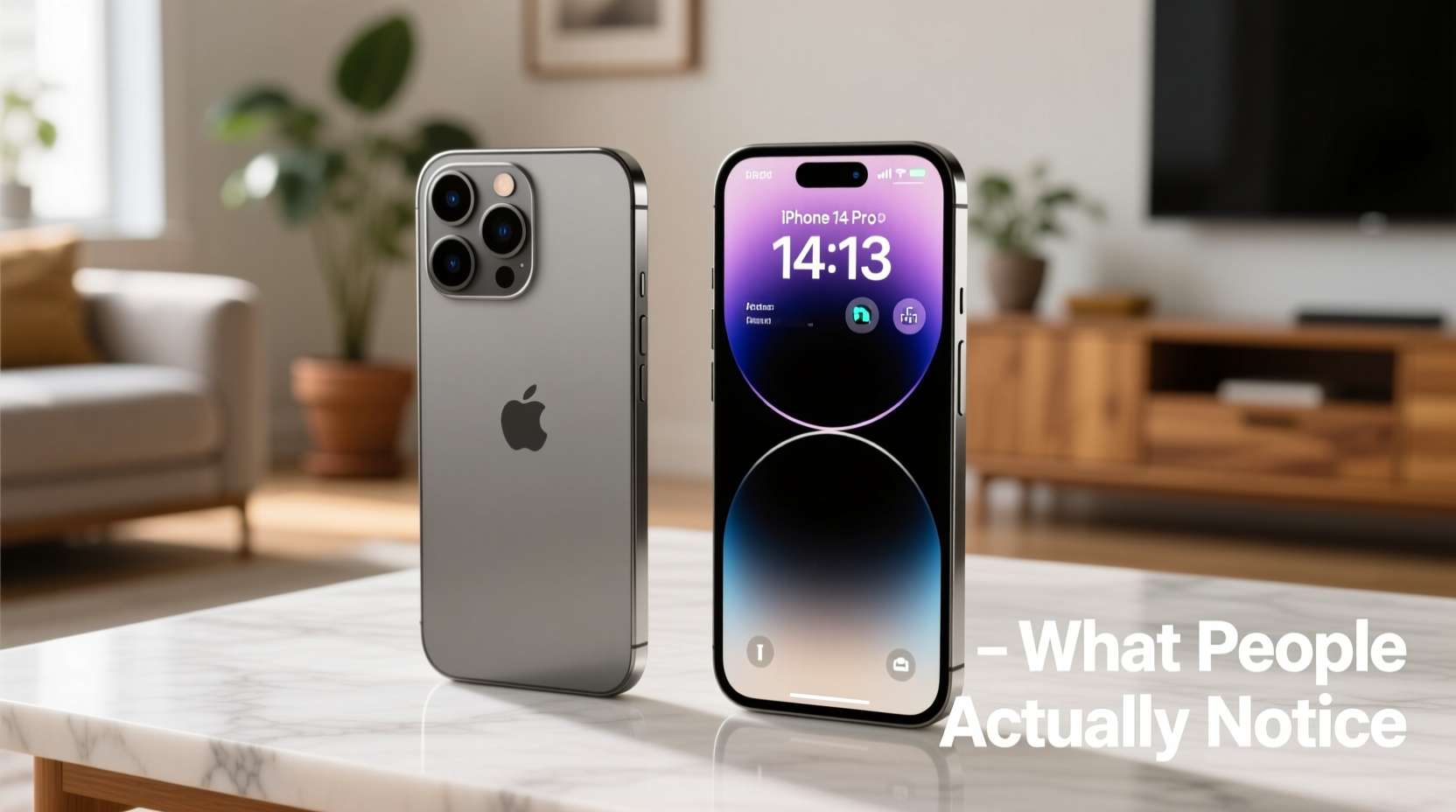
The most consistent feedback from iPhone 14 Pro users who upgraded from the iPhone 13 is that the camera system delivers tangible benefits, especially in low light and detail capture. The jump from a 12MP to a 48MP main sensor may sound like a number game, but it results in significantly sharper images when zooming or cropping. Apple uses pixel binning (combining pixels) for standard shots, but the full resolution kicks in for 2x zoom and ProRAW photos.
Users report that night mode photos now retain more texture in shadows and produce less noise. Portrait mode has also improved with better edge detection and depth estimation, even in complex scenes like hair or glasses. The addition of Photonic Engine across all lenses enhances mid-to-low-light processing, making casual indoor shots look noticeably cleaner.
Tip: Use the 2x optical zoom option in the camera app to take advantage of the 48MP sensor without switching to Pro mode.Performance and Battery: Subtle but Meaningful Gains
The A16 Bionic chip is faster and more power-efficient than the A15 in the iPhone 13. While both handle everyday tasks smoothly, the A16 shows its strength in sustained workloads—like editing 4K video, playing graphics-heavy games, or multitasking between apps. Thermal throttling is less common, and app launch times are slightly quicker.
Battery life sees a modest improvement. Despite a similar-sized battery, efficiency gains from the A16 and iOS 16 optimizations extend screen-on time by about 1–2 hours for average users. Heavy users—those streaming, gaming, or using GPS navigation—report going from “barely making it to bedtime” on the iPhone 13 to “comfortably reaching evening” on the 14 Pro.
“Even though the battery capacity didn’t increase much, I’m charging one less time per week. That’s a win.” — David Lin, mobile photographer and tech reviewer
Dynamic Island vs. Notch: A Design Shift with Real Utility
The removal of the notch in favor of Dynamic Island is more than cosmetic—it changes how users interact with active processes. Instead of disappearing notifications, ongoing activities like music playback, timers, or Uber tracking remain visible and interactive at the top of the screen. Users find themselves glancing up more often to check ride status or pause a song without opening an app.
While initially seen as a gimmick, Dynamic Island has proven useful in practice. Third-party app integration (like Slack haptics during calls or sports score updates) adds layers of functionality. However, not all apps support it yet, so the experience can feel inconsistent.
| Feature | iPhone 13 | iPhone 14 Pro |
|---|---|---|
| Display Cutout | Notch | Dynamic Island |
| Always-On Display | No | Yes (with Lock Screen customization) |
| Main Camera | 12MP, f/1.6 | 48MP, f/1.78 (2x default crop) |
| Chip | A15 Bionic (5-core GPU) | A16 Bionic (5-core GPU, 40% GPU peak performance gain) |
| Front Camera | 12MP, f/2.2 | 12MP, f/1.9 with autofocus |
| Battery Life (Video Playback) | 22 hours | 23 hours |
| USB Speed | USB 2 (slow file transfers) | Still USB 2 – no change |
Real-World User Experience: What People Actually Notice Day-to-Day
When surveyed, long-term iPhone 14 Pro users consistently mention three things they notice daily:
- Better low-light selfies – thanks to the front camera’s wider aperture and autofocus.
- Fewer blurry photos – improved sensor stabilization and computational photography reduce motion blur.
- Smaller frustrations eliminated – like missing the Face ID sweet spot or struggling to hear calls in wind.
The new front camera includes a feature called “Action Mode” for video calls, which reduces wind noise during outdoor FaceTime sessions. Users in windy climates say this alone makes winter commutes less frustrating.
Additionally, the stainless steel frame and slightly heavier build give the 14 Pro a more premium feel, though some miss the lighter weight of the iPhone 13. The flat edges also make it less comfortable in pockets for extended periods.
Mini Case Study: Sarah’s Upgrade After 18 Months
Sarah, a freelance journalist based in Portland, used her iPhone 13 daily for interviews, note-taking, and photojournalism. After 18 months, she upgraded to the iPhone 14 Pro primarily for the camera. Within a week, she noticed two key differences: her interview portraits had more natural skin tones in dim cafes, and her ability to crop in on distant signage for documentation was far more effective thanks to the 48MP sensor.
She also found herself using the always-on display to quickly check the time or upcoming calendar events without waking the phone—something she didn’t realize she’d miss until it was gone. However, she noted that general app performance felt “similar,” and she only saw a real speed difference when editing large video files in LumaFusion.
Is It Worth the Upgrade? A Practical Checklist
Before spending $999+, consider this checklist. If you answer “yes” to two or more, the upgrade likely makes sense:
- Do you frequently take photos in low light or rely on digital zoom?
- Are you frustrated by the notch blocking screen content?
- Do you want longer battery life without carrying a charger?
- Do you value small quality-of-life features like always-on display or Dynamic Island?
- Is your iPhone 13 showing signs of wear (battery degradation, slow performance)?
What Hasn’t Changed (And Might Disappoint)
Despite the upgrades, several limitations remain. The biggest letdown for some users is that USB transfer speeds are still capped at USB 2 levels, making large photo or video backups painfully slow compared to Android flagships. There’s also no Wi-Fi 6E support, and the speaker volume increase is minimal.
Additionally, the design language is nearly identical—same size, same button layout, same glass back prone to scratches. For users hoping for a radical redesign, the 14 Pro feels evolutionary, not revolutionary.
Frequently Asked Questions
Should I upgrade if I have an iPhone 13 Pro?
If you own the iPhone 13 Pro, the upgrade offers incremental benefits. The 48MP camera and Dynamic Island are compelling, but not essential. Most users report satisfaction but not astonishment. Wait for iPhone 15 if you’re on the fence.
Does the 14 Pro last significantly longer than the 13?
In real-world use, yes—but only by about 1–2 hours under heavy use. Light users may not notice a difference. The bigger factor is iOS optimization and background app management, which improve over time regardless of device.
Is Dynamic Island worth the price jump?
Not solely. It’s a clever interface enhancement, but not a reason to upgrade unless you already wanted the other improvements. Its usefulness grows as more apps adopt it, but adoption is still limited.
Final Verdict: Who Should Upgrade?
The iPhone 14 Pro is worth upgrading from the iPhone 13 if you prioritize camera quality, appreciate subtle interface innovations like Dynamic Island, or need better battery endurance. For photographers, journalists, and frequent travelers, the improvements compound into a noticeably better experience.
However, if your iPhone 13 still performs well and you don’t rely heavily on photography or multitasking, the upgrade may feel underwhelming. The changes are refined rather than revolutionary.
Apple continues to refine the iPhone experience not through leaps, but through thoughtful iteration. The 14 Pro represents that philosophy: fewer flashy surprises, more dependable improvements that add up over time.
🚀 Ready to decide? Audit your current iPhone 13 usage: track battery drain, test low-light photos, and ask yourself what’s missing. Then choose based on real needs—not just new features.