In the age of convergence between mobile devices, Samsung has positioned two powerhouses at opposite ends of the spectrum: the Galaxy Tab S4, a full-featured Android tablet with PC-like ambitions, and the Galaxy Note 9, a phablet known for its S Pen and productivity focus. At first glance, they serve different purposes—one a tablet, the other a large smartphone. But when both support the S Pen, offer desktop modes, and deliver high-end performance, the line blurs. For professionals, students, or multitaskers, the question becomes urgent: in 2023 and beyond, is a tablet truly a better choice than a phone?
Design and Portability: Size Matters More Than You Think
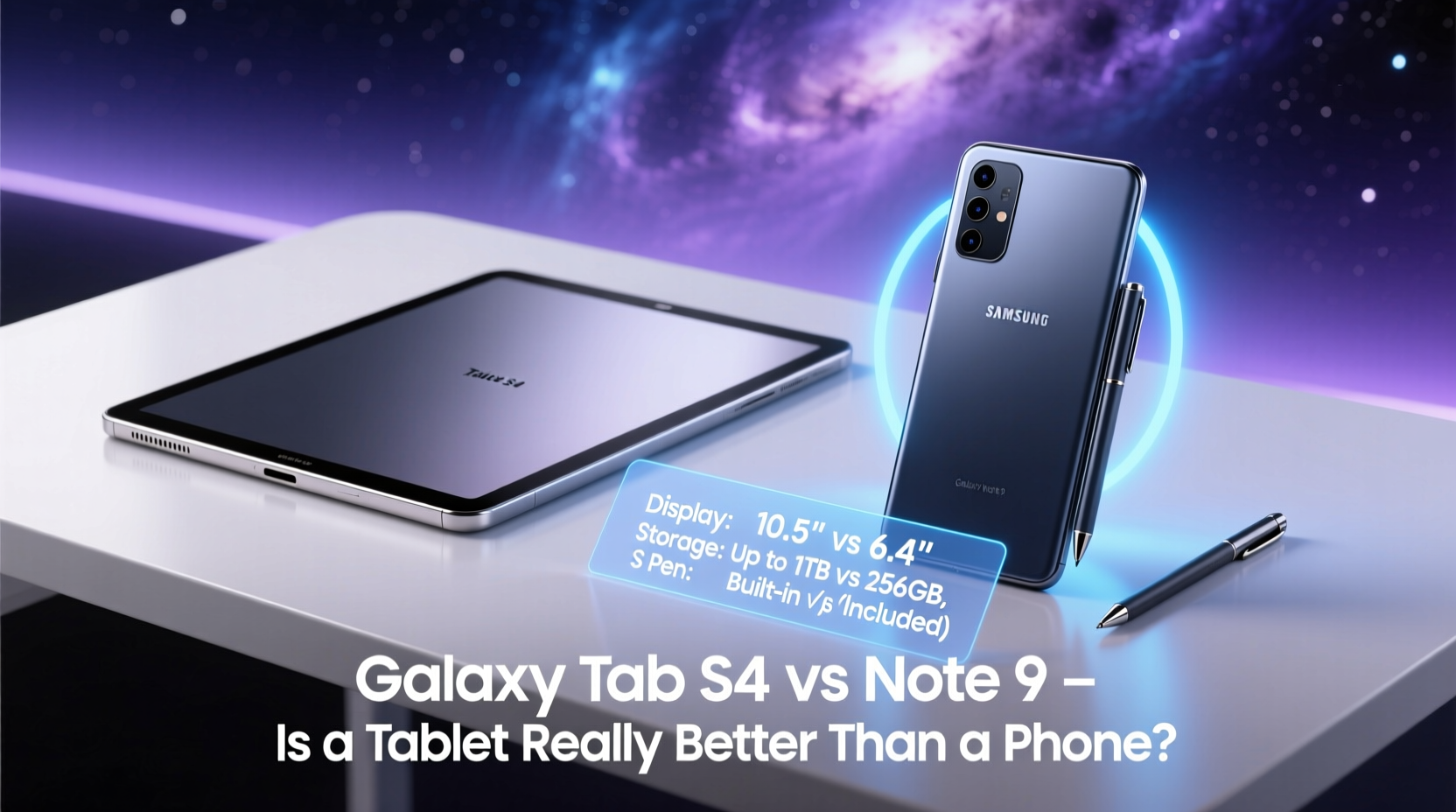
The most immediate difference lies in form factor. The Galaxy Note 9 measures 6.3 inches diagonally, making it manageable with one hand for short interactions—though barely. It fits in pockets, works as a daily driver, and doubles as a camera, communication tool, and media device. The Tab S4, by contrast, boasts a 10.5-inch display. While sleek and lightweight for a tablet, it demands a bag or dedicated space. It’s not something you casually pull out while walking through an airport.
Portability isn’t just about size—it’s about context. If your day involves constant movement, the Note 9 wins. But if you spend hours at a desk, on a couch, or in meetings where screen real estate matters, the Tab S4 offers a more immersive experience. The trade-off is clear: convenience versus capability.
Tip: Consider your primary environment—mobile or stationary—when choosing between tablet and phone. Your workflow will dictate which device enhances rather than hinders.Performance and Multitasking: Where the Tablet Shines
Under the hood, both devices were flagship-tier at launch. The Note 9 uses the Snapdragon 845 (or Exynos 9810, depending on region), paired with 6GB or 8GB RAM. The Tab S4 runs the same chipset with 4GB or 6GB RAM. On paper, they’re nearly identical. But real-world usage diverges due to software optimization and interface design.
The Tab S4 supports Samsung DeX in desktop mode, transforming the tablet into a windowed, mouse-driven environment. You can run multiple apps side-by-side, drag and drop files, and connect peripherals via Bluetooth or USB-C hub. This turns the tablet into a laptop replacement for light tasks like email, document editing, and web research.
The Note 9 also supports DeX, but the experience is constrained by its smaller screen. While functional, using DeX on a 6.3-inch display feels cramped compared to the expansive canvas of the Tab S4. For anyone regularly juggling spreadsheets, presentations, and communication tools, the tablet provides a significantly smoother multitasking experience.
DeX Experience Comparison
| Feature | Galaxy Tab S4 | Galaxy Note 9 |
|---|---|---|
| Screen Size in DeX Mode | 10.5 inches (native) | 6.3 inches (mirrored) |
| Windowed Apps | Up to 3 simultaneously | Limited split-screen |
| External Monitor Support | Yes (via HDMI adapter) | Yes (same) |
| Mouse & Keyboard Support | Full support | Full support |
| Desktop-Like UI | Optimized for tablet | Adapted from phone |
“Tablets are no longer just for consumption. With DeX and stylus integration, the Tab S4 can replace a secondary computer for many users.” — David Kim, Mobile Productivity Analyst at Gartner
S Pen and Input Flexibility
Both devices include the S Pen, and functionally, the stylus behaves almost identically. Pressure sensitivity, low latency, and air commands work across both platforms. However, the larger canvas of the Tab S4 makes writing, sketching, and annotating documents far more comfortable.
For students taking notes during lectures or creatives sketching ideas, the extra screen space reduces scrolling and improves accuracy. The Tab S4 even includes a keyboard cover accessory that transforms it into a hybrid notebook, further closing the gap between tablet and laptop.
That said, the Note 9’s S Pen excels in spontaneity. Need to jot down a quick idea while standing in line? Pull out the phone, click the button, and write on the lock screen. The immediacy of that interaction is unmatched. The Tab S4 requires waking the device, unlocking, and opening a note app—too many steps for fleeting thoughts.
Real-World Use Case: The Freelance Designer
Meet Sarah, a freelance graphic designer who travels frequently for client meetings. She initially relied solely on her Note 9 for sketches, emails, and scheduling. While convenient, she found herself constantly zooming in and out when editing mockups. After switching to the Tab S4 as her primary device—with the Note 9 as her communication companion—her workflow transformed.
She now uses the Tab S4 with DeX at co-working spaces, connecting a Bluetooth mouse and external drive to transfer client assets. During meetings, she presents wireframes directly from the tablet. When inspiration strikes on the go, she pulls out the Note 9, uses the S Pen to sketch a rough concept, then syncs it via Samsung Notes to continue refining on the larger screen.
Sarah didn’t choose one over the other—she leveraged both. Her story illustrates a growing trend: tablets aren’t replacing phones; they’re complementing them in specialized roles.
Battery Life and Longevity
Battery capacity reflects each device’s purpose. The Note 9 packs a 4,000mAh battery—robust for a smartphone, lasting a full day under moderate use. The Tab S4, however, houses a 7,300mAh cell, enabling up to 16 hours of video playback. For extended flights, all-day conferences, or digital nomads without easy access to outlets, this endurance is invaluable.
But longevity isn’t just about charge cycles. Software support plays a critical role. As of 2023, both devices have reached end-of-life for major OS updates. This limits their appeal for security-conscious users or those relying on modern app features. Still, their hardware remains capable for basic productivity—a testament to Samsung’s build quality.
Checklist: Choosing Between Tab S4 and Note 9
- Evaluate your workspace: Do you work mostly at a desk or on the move?
- Assess multitasking needs: Do you regularly use multiple apps at once?
- Consider input preferences: Do you rely heavily on handwriting or drawing?
- Determine portability requirements: Can you carry a tablet daily, or do you need pocketability?
- Review connectivity options: Will you use DeX, external monitors, or peripherals?
- Think long-term: Are you okay with limited future software updates?
Frequently Asked Questions
Can the Galaxy Tab S4 replace a laptop?
For light computing—web browsing, document editing, email, and media—it can. With DeX mode and a keyboard, it mimics a desktop environment. However, it lacks full desktop applications and advanced file system access, so it’s best as a secondary or travel device, not a complete replacement.
Is the S Pen better on the Tab S4 or Note 9?
Technically, no. Both use the same stylus with identical latency and pressure levels. However, the larger screen of the Tab S4 provides a more natural writing and drawing experience, especially for longer sessions.
Which device has better speakers?
The Tab S4 wins decisively. It features quad speakers tuned by AKG, delivering rich, room-filling audio. The Note 9 has stereo speakers but lacks the volume and depth of the tablet, making the Tab S4 superior for media consumption.
Conclusion: It’s Not About Better—It’s About Fit
The Galaxy Tab S4 and Galaxy Note 9 represent two philosophies of mobile computing. One prioritizes portability and immediacy; the other emphasizes productivity and immersion. Declaring one “better” misses the point. The right choice depends on how you work, where you work, and what kind of tasks dominate your day.
If your life revolves around quick interactions, calls, photos, and compact usability, the Note 9 remains a compelling option. But if you value screen space, multitasking, and a near-desktop experience in a mobile form, the Tab S4 proves that tablets still have a vital role to play.
Rather than forcing a binary decision, consider a dual-device strategy. Many professionals now pair a powerful phone with a capable tablet, syncing data seamlessly across both. In doing so, they gain the best of both worlds—not just in specs, but in flexibility.
🚀 Ready to rethink your mobile setup? Assess your daily tasks, try both devices if possible, and build a system that serves your productivity—not the other way around.