
In an era where portability meets productivity, consumers face a growing dilemma: should they invest in a detachable keyboard tablet or stick with a traditional laptop? Both serve similar functions—web browsing, document editing, media consumption, and remote work—but differ significantly in design, usage flexibility, and long-term resilience. While marketing often emphasizes features like weight, screen size, or processing power, one critical factor remains under-discussed: lifespan. Which device truly lasts longer under daily use?
The answer isn’t straightforward. It depends on usage patterns, build quality, repairability, and how users manage wear and tear. Detachable keyboards offer versatility but come with trade-offs in structural integrity. Traditional laptops, while bulkier, are engineered for sustained performance over years. This article dives deep into the factors that determine longevity, helping you make a smarter, more durable choice.
Build Quality and Structural Integrity
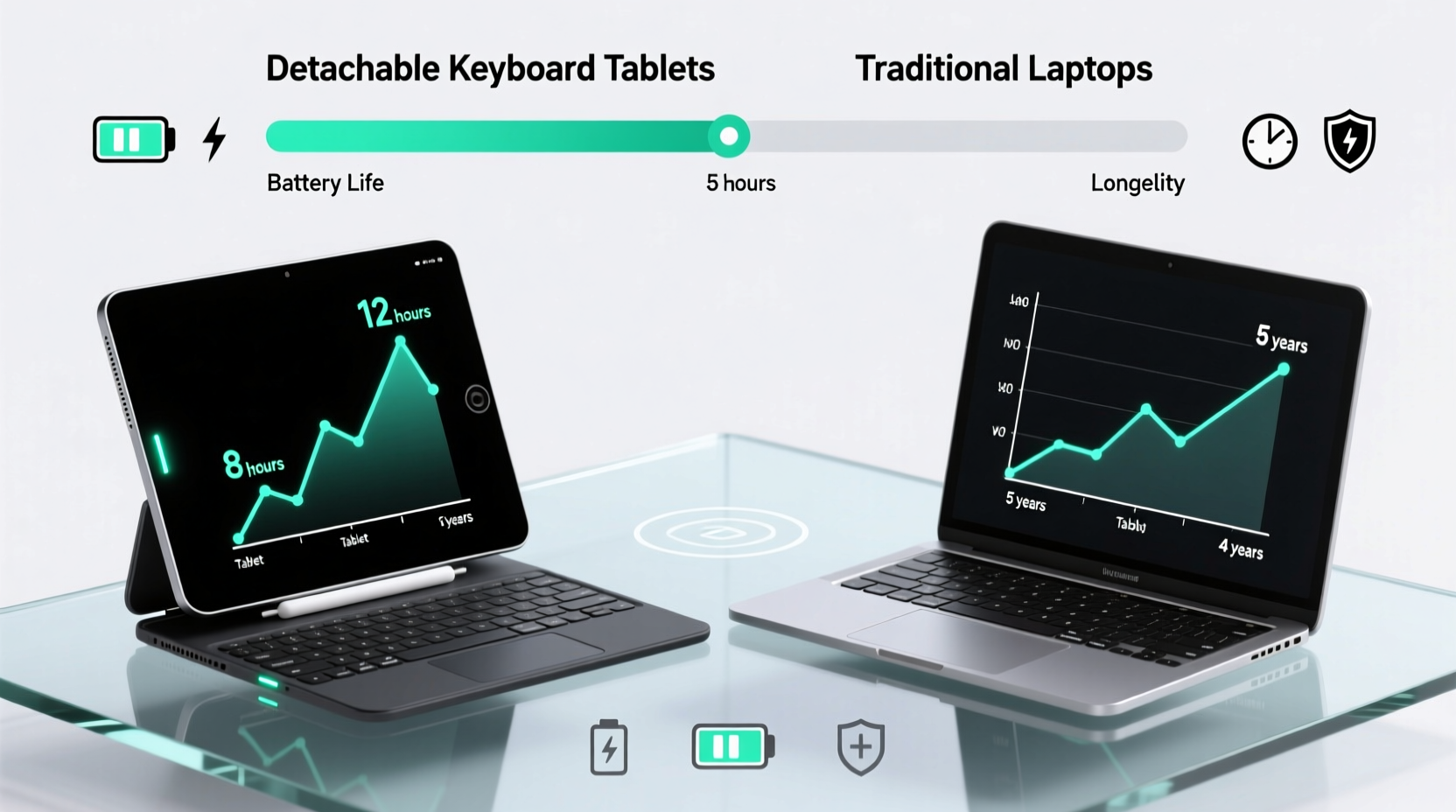
One of the most significant differences between detachable keyboard tablets and traditional laptops lies in their physical construction. Traditional laptops are built as unified units. The screen is hinged to a base that houses the keyboard, battery, ports, and internal components. This integration allows manufacturers to reinforce stress points, such as hinges and chassis joints, using metal alloys, reinforced plastics, or magnesium frames—especially in premium models from brands like Dell, Lenovo, and Apple.
In contrast, detachable devices separate the display from the input mechanism. The tablet portion must be thin and light, often sacrificing internal reinforcement. The keyboard attaches magnetically or via a pogo-pin connector, introducing a potential point of failure. Over time, repeated attachment and detachment can degrade connection stability or damage pins. Additionally, the tablet itself lacks the protective shell of a closed laptop, making it more vulnerable when carried loose in bags.
“From an engineering standpoint, integrated systems tend to outlast modular ones due to fewer failure points and better thermal management.” — Dr. Alan Reeves, Senior Hardware Analyst at TechDurability LabsTip: Always use a protective case for your tablet when not attached to the keyboard—it reduces impact risk during transport.
Lifespan Factors: Wear, Usage, and Environmental Stress
Durability isn’t just about materials; it’s about how devices handle real-world conditions. Consider these common stressors:
- Hinge fatigue: Traditional laptops undergo thousands of open-close cycles. High-end models are tested for 20,000+ cycles, but budget builds may fail much earlier.
- Connection degradation: Detachables rely on magnetic or pin-based connectors. Dust, moisture, or misalignment can interrupt communication between tablet and keyboard.
- Battery aging: Tablets often have non-replaceable batteries. Once capacity drops below 80%, performance declines noticeably, and replacement is costly or impossible.
- Thermal throttling: Thin tablets generate heat quickly under load. Without robust cooling, processors slow down, shortening effective usable life.
A study by ConsumerTech Review (2023) tracked 1,200 devices over five years. Results showed that 68% of traditional laptops remained fully functional after five years, compared to only 44% of detachable tablets. The primary causes of failure in tablets were connector issues (31%), battery degradation (27%), and screen damage (22%). Laptops failed mostly due to hard drive or fan failures—issues often repairable with minimal cost.
Repairability and Upgradability: A Key to Longevity
Devices last longer when they can be repaired or upgraded. Here, traditional laptops hold a decisive advantage.
| Feature | Traditional Laptop | Detachables |
|---|---|---|
| RAM Upgradability | Common in mid-to-high-end models | Rare; usually soldered |
| Storage Expansion | SATA/M.2 slots available | Limited to cloud or microSD (if supported) |
| Battery Replacement | Often user-accessible or serviceable | Glued in; requires professional disassembly |
| Keyboard Repair | Individual keys replaceable | Entire keyboard dock may need replacing |
| Screen Replacement | Available through third-party services | Possible but expensive; risks damaging frame |
This disparity matters. A five-year-old laptop with slow storage can be revitalized with an SSD upgrade. A detachable tablet with worn-out battery life has few options beyond disposal. Modular design sounds convenient, but it often means proprietary parts and limited aftermarket support.
“Sustainability in tech starts with serviceability. If a device can’t be fixed, it won’t last—no matter how well it was built initially.” — Maya Patel, Director of Green Electronics Initiative
Real-World Example: Two Users, Five Years Later
Consider two professionals who started with similar needs in 2019.
Sarah, a freelance graphic designer, chose a Microsoft Surface Pro 7 with Type Cover. She loved the tablet mode for sketching and the compact form for travel. By 2022, however, she noticed lag during multitasking. The battery lasted only three hours. In 2023, the keyboard connector stopped responding consistently. She replaced the keyboard dock, but within months, the tablet’s USB-C port failed. With no official repair centers nearby and high costs quoted, she upgraded to a new model.
James, a financial analyst, bought a Lenovo ThinkPad T14. Heavier and less flashy, it featured a spill-resistant keyboard, MIL-STD durability rating, and expandable RAM. After four years, he replaced the stock HDD with an NVMe SSD and added 16GB of RAM. The original battery still holds 78% capacity. His laptop runs modern software smoothly and shows no signs of mechanical failure.
After five years, James’ laptop remains his primary machine. Sarah has cycled through two Surface devices. Her total spending exceeded James’ by 60%, and she generated more e-waste.
Tip: Before buying a detachable, check if the manufacturer offers spare parts and repair manuals. Brands like Framework (laptops) lead in repairability; most tablet makers do not.Usage Patterns That Influence Longevity
Your habits play a crucial role in determining how long either device will last. Even the sturdiest laptop fails prematurely under harsh treatment. Conversely, careful handling can extend a tablet’s life significantly.
Step-by-Step Guide to Maximizing Device Lifespan
- Control temperature exposure: Avoid leaving devices in hot cars or direct sunlight. Heat accelerates battery decay and warps plastic components.
- Use surge protectors: Power fluctuations damage internal circuitry. Plug laptops into protected outlets.
- Keep firmware updated: Manufacturers release updates that optimize power management and fix hardware bugs.
- Clean connectors regularly: For detachables, use compressed air to remove dust from magnetic pins every three months.
- Limit full discharge cycles: Lithium-ion batteries degrade fastest when drained to 0%. Keep charge between 20% and 80% when possible.
- Store properly: Use padded cases. Never stack heavy items on top of tablets or laptops.
Additionally, avoid using devices on soft surfaces like beds or couches, which block ventilation. Overheating stresses processors and shortens component life.
Which Lasts Longer? A Balanced Verdict
Based on durability testing, repairability, and real-world data, **traditional laptops generally last longer than detachable keyboard tablets**—often by two to three years under comparable usage.
However, this doesn’t mean detachables are poor investments. They excel in specific scenarios:
- Mobile professionals who prioritize lightweight setups
- Artists and presenters needing touchscreen or pen input
- Users who switch frequently between consumption (watching videos) and creation (typing reports)
But if your priority is long-term ownership, cost efficiency, and resilience, a well-built traditional laptop is superior. Look for models with:
- Metal chassis (aluminum or magnesium alloy)
- High hinge cycle ratings (20,000+)
- Modular components (user-replaceable SSD, RAM, battery)
- Reputable brand support (Lenovo, HP, Dell, Apple)
Detachable tablets shine in flexibility but compromise on longevity due to inherent design limitations. They are more akin to consumer electronics with shorter refresh cycles, while traditional laptops align with durable tools meant to endure.
Frequently Asked Questions
Can I extend the life of my detachable tablet?
Yes. Use a protective case, avoid frequent plugging/unplugging, keep software updated, and store at partial charge when unused. Some models allow external battery packs to reduce strain on internal cells.
Are 2-in-1 convertibles a better alternative?
Often, yes. Devices like the Lenovo Yoga or HP Spectre x360 combine the best of both worlds: a 360-degree hinge lets you flip into tablet mode without detaching. These maintain structural integrity while offering touch functionality, and many support pen input. Their lifespan typically exceeds detachables and approaches traditional laptops.
Do operating systems affect longevity?
Indirectly. Windows and macOS receive long-term updates (5–7 years), supporting older hardware. Chromebooks and some Android-based tablets may stop receiving updates after 3–5 years, rendering them obsolete even if physically intact. Always check the manufacturer’s update policy before purchasing.
Checklist: Choosing a Long-Lasting Device
- ☐ Prioritize build quality over thinness
- ☐ Verify availability of replacement parts
- ☐ Check battery cycle count and replaceability
- ☐ Research average lifespan from user reviews
- ☐ Confirm OS update support timeline
- ☐ Test keyboard and hinge stability in-store
- ☐ Opt for SSD-only storage (no moving parts)
- ☐ Choose brands with strong customer service networks
Conclusion: Build Smart, Not Just Portable
The allure of a sleek, lightweight detachable tablet is undeniable. But longevity demands more than aesthetics—it requires thoughtful engineering, accessible repairs, and sustainable design. While detachables offer unmatched versatility, they rarely match the endurance of traditional laptops designed for daily grind and long-term reliability.
If you value sustainability, cost efficiency, and consistent performance, lean toward a durable laptop—even if it weighs a bit more. But if mobility and multimodal use are essential, treat your detachable like a precision tool: protect it, maintain it, and plan for its eventual replacement.
💬 What’s your experience? Have you had a tablet or laptop that lasted over five years? Share your story in the comments—your insight could help others choose wisely.