
Selling or recycling your old phone can be a smart financial and environmental decision. But without proper precautions, you risk exposing sensitive personal information—photos, messages, passwords, banking details, and location history. A simple factory reset isn’t always enough to permanently remove data. Cybercriminals have tools to recover deleted files from improperly wiped devices. This guide walks you through the essential steps to ensure your digital footprint is completely erased, keeping your identity and privacy secure.
Why Standard Deletion Isn't Enough
When you delete a file or perform a factory reset, most operating systems don’t actually erase the data. Instead, they mark the space as available for new data. Until that space is overwritten, skilled individuals can use data recovery software to retrieve your private information. This is especially true for Android devices using older file systems like FAT32 or even modern phones with SSD storage, where wear-leveling algorithms complicate overwriting.
The U.S. National Institute of Standards and Technology (NIST) states in its Guidelines for Media Sanitization that simply reformatting or resetting a device does not meet secure deletion standards for sensitive data. Physical destruction or cryptographic erasure is recommended for high-security scenarios.
“Users often assume a factory reset makes their data irrecoverable. That’s a dangerous misconception.” — Dr. Rebecca Lin, Cybersecurity Researcher at MIT Computer Science Lab
Step-by-Step: How to Securely Wipe Your Phone
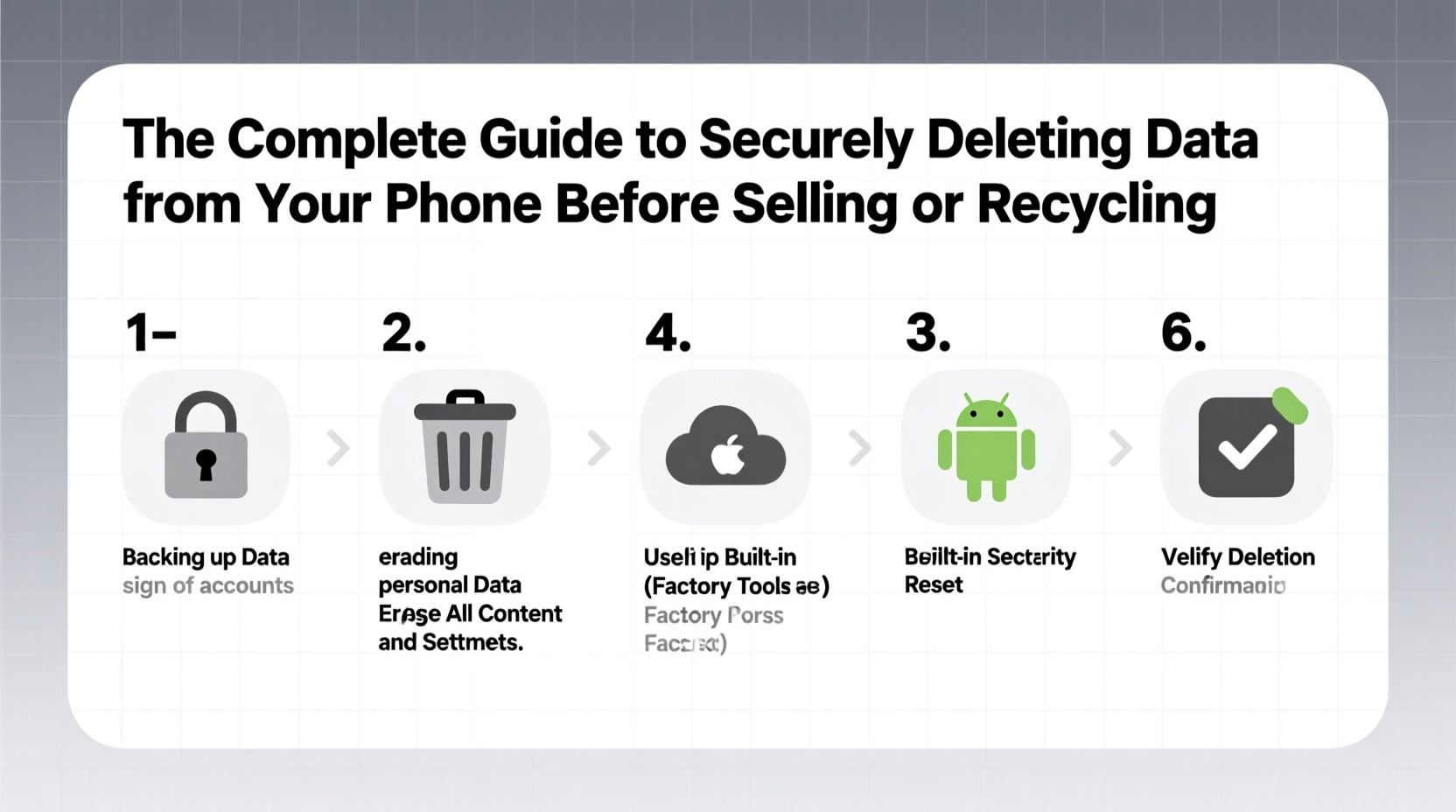
Follow this comprehensive process to minimize data recovery risks before handing over your device.
- Back up important data: Transfer photos, contacts, documents, and app data to a cloud service or external drive. Use Google Drive (Android) or iCloud (iPhone) to ensure nothing critical is lost.
- Sign out of all accounts: Log out of Google, Apple ID, social media, email, and banking apps. On iPhone, disable “Find My iPhone” via Settings > [Your Name] > Find My > Find My iPhone. For Android, go to Settings > Google > Devices & sharing > Find My Device and turn it off.
- Encrypt your device (if not already): Modern smartphones encrypt data by default when a passcode is set. Ensure encryption is active—this makes recovered data unreadable without the key.
- Perform a factory reset:
- iOS: Settings > General > Transfer or Reset iPhone > Erase All Content and Settings.
- Android: Settings > System > Reset options > Erase all data (factory reset).
- Overwrite free space (advanced): After resetting, fill the phone’s storage with dummy data (e.g., large videos or files), then delete them and reset again. This increases the chance that old data is overwritten.
- Remove SIM and SD cards: These may contain contacts, messages, or cached files. Format the SD card separately if reusing it.
Platform-Specific Best Practices
Different operating systems handle data deletion differently. Knowing the nuances ensures maximum security.
| Platform | Secure Wipe Method | Additional Steps |
|---|---|---|
| iOS (iPhone) | Erase All Content and Settings + Disable Find My iPhone | Ensure iCloud sign-out completes before reset |
| Android (Google Pixel) | Factory reset + Turn off Find My Device | Use built-in encryption; no third-party tool needed |
| Android (Samsung) | Factory reset + Use Samsung’s “Security Enhanced Data Erase” | Available in Settings > Biometrics and Security > Secure Folder > Delete Secure Folder |
| Older Android (pre-6.0) | Manual encryption first, then factory reset | Install third-party wiping apps like “Secure Erase” from F-Droid |
Real-World Example: The Resold Phone Breach
In 2021, a cybersecurity researcher purchased five used Android phones from online marketplaces. Using freely available forensic tools, he recovered full WhatsApp conversations, login tokens, and even saved credit card details from two of the devices—all of which had undergone a factory reset. One phone still had an active Google account logged in, granting access to Gmail, Maps history, and YouTube watch history. This case highlights how easily overlooked steps can lead to significant privacy breaches.
The phones weren’t maliciously tampered with—just inadequately prepared. The sellers likely believed resetting was sufficient. This underscores the importance of following a verified deletion protocol.
Data Deletion Do’s and Don’ts
“Think of your phone like a diary. Would you hand it over after just closing the cover?”
| Do’s | Don’ts |
|---|---|
| Enable device encryption before wiping | Assume a factory reset removes all data permanently |
| Remove all linked accounts and authentication tokens | Leave SIM or microSD cards in the device |
| Use manufacturer-specific secure erase tools when available | Recycle or sell without testing the reset result |
| Physically destroy storage if the device is damaged beyond wipe | Store backup copies indefinitely on unsecured devices |
Frequently Asked Questions
Can someone really recover my data after a factory reset?
Yes, especially on Android devices without full-disk encryption or on older models. Forensic tools can scan raw memory blocks for residual data. While newer iPhones with the Secure Enclave are more resistant, determined attackers with physical access may still exploit vulnerabilities in certain cases.
Is it safe to recycle my phone through carrier programs?
Most major carriers (e.g., Verizon, AT&T, Apple Trade In) follow NIST-compliant sanitization processes. However, you should still perform a full wipe and remove accounts before submission. Recycling programs aren’t liable for data left behind.
What should I do if my phone won’t power on?
If the device is non-functional, secure deletion isn’t possible through software. In such cases, consider professional data destruction services or physically destroying the internal storage chip. For peace of mind, avoid selling or recycling completely dead devices with sensitive data.
Final Checklist Before You Let Go
- ✅ Backed up all necessary files to cloud or computer
- ✅ Signed out of iCloud, Google, and other accounts
- ✅ Disabled Find My iPhone / Find My Device
- ✅ Encrypted the device (automatic on modern phones with PIN)
- ✅ Performed factory reset successfully
- ✅ Removed SIM and SD cards
- ✅ Verified the phone boots to setup screen
- ✅ Overwrote storage with dummy data (optional but recommended)
Take Control of Your Digital Legacy
Your smartphone holds more personal information than any physical wallet or filing cabinet. Handing it over without proper sanitization is akin to giving someone the keys to your digital life. By taking the time to securely erase your data, you protect not only yourself but also your contacts, family, and financial well-being. Whether you’re upgrading, decluttering, or supporting sustainability through recycling, do it responsibly. Apply these steps every time, without exception. Privacy isn’t a one-time setting—it’s a habit.
💬 Have a story about data recovery or phone resale? Share your experience or questions below—help others learn from real-world lessons.