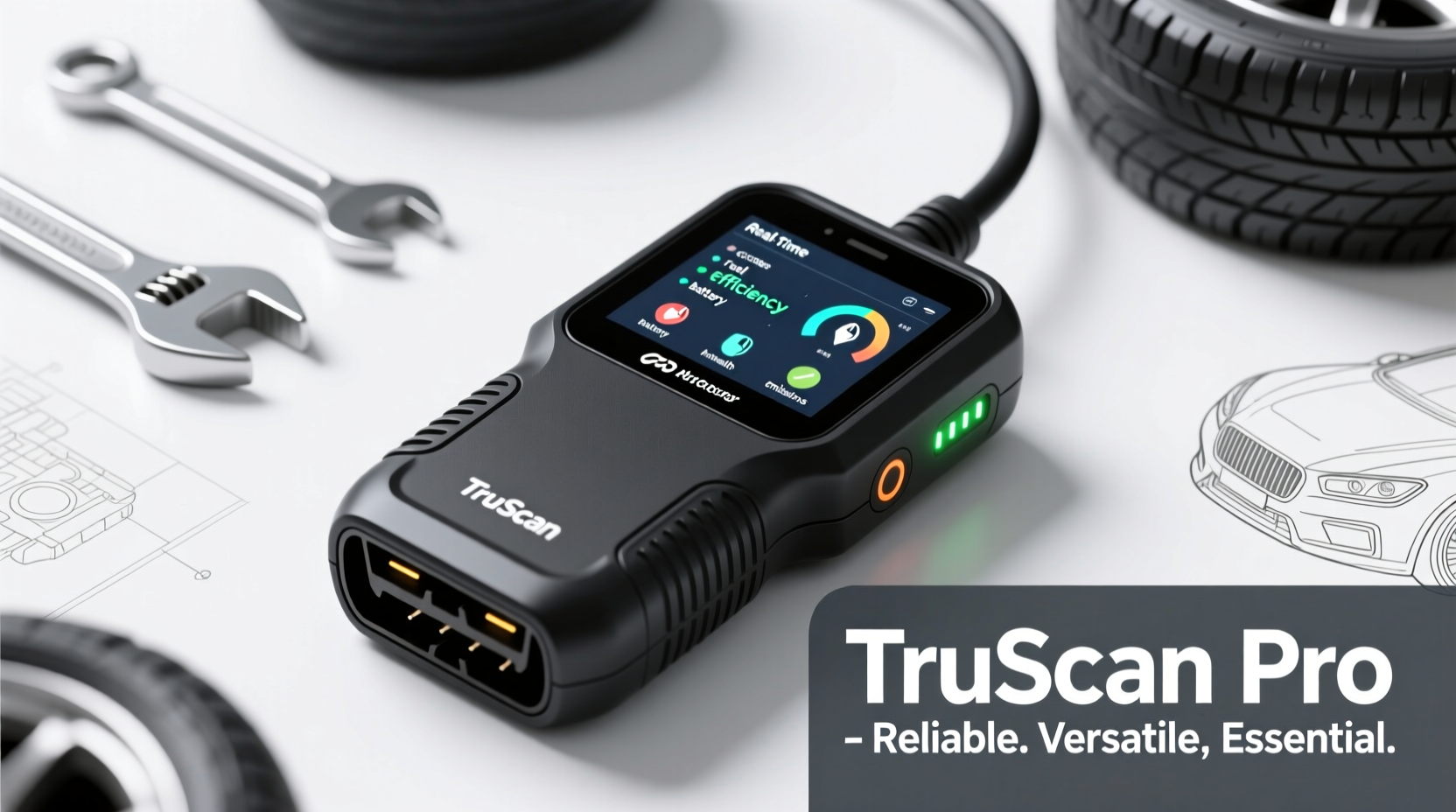
Modern vehicles are packed with complex electronics, making it harder than ever to diagnose problems without the right tools. For both everyday drivers and automotive enthusiasts, a professional-grade OBD2 scanner is no longer a luxury—it's essential. These devices connect to your car’s onboard diagnostics port to retrieve real-time data, identify trouble codes, and even monitor engine performance. But not all scanners are created equal. Choosing one that balances reliability, functionality, and ease of use can make the difference between guessing at repairs and solving them efficiently.
The best OBD2 scanners go beyond simply reading check engine lights. They offer live data streaming, bidirectional control, advanced diagnostics across multiple systems (like transmission, ABS, and airbags), and compatibility with a wide range of vehicle makes and models. Whether you're troubleshooting an intermittent warning light or preparing for a long road trip, having a dependable scanner in your glove compartment empowers you with insight—and saves money on unnecessary mechanic visits.
Why Every Driver Needs a Professional OBD2 Scanner
Many drivers still rely solely on mechanics when a dashboard warning appears. While professionals remain invaluable, being able to perform preliminary diagnostics yourself reduces miscommunication and prevents overcharging. A high-quality OBD2 scanner gives you immediate access to what your car is experiencing, allowing you to understand whether a “check engine” light indicates a loose gas cap or a failing catalytic converter.
Professional scanners also support deeper system interactions. Unlike basic code readers found at auto parts stores, advanced models allow you to reset service intervals, program sensors, actuate components for testing, and view freeze frame data—snapshots of engine conditions at the moment a fault occurred. This level of detail is crucial for accurate diagnosis and repair planning.
Tip: Always turn the ignition off before plugging in or removing your OBD2 scanner to prevent electrical surges.Top Features to Look for in a Reliable OBD2 Scanner
Selecting the right tool means understanding which features truly matter. Here’s what sets professional scanners apart from entry-level options:
- Comprehensive Code Coverage: Must read generic (OBD-II) and manufacturer-specific diagnostic trouble codes (DTCs).
- Live Data Streaming: Real-time monitoring of engine RPM, fuel trim, coolant temperature, oxygen sensor voltages, and more.
- Bi-Directional Control: Ability to command actuators—such as turning on the cooling fan or cycling the purge valve—for functional testing.
- Multi-System Diagnostics: Support for ABS, SRS (airbag), transmission, body control modules, and TPMS.
- Software Updates: Regular firmware updates ensure compatibility with newer vehicle models and protocols.
- User Interface: Clear display, intuitive menu navigation, and responsive touchscreens improve usability.
- Wi-Fi/Bluetooth Connectivity: Enables wireless connection to smartphones or tablets using companion apps.
“Having a professional OBD2 scanner doesn’t replace a skilled technician, but it levels the playing field. Drivers gain transparency into their vehicle’s health.” — Marcus Tran, ASE-Certified Master Technician
Comparison of Leading Professional OBD2 Scanners
| Model | Key Features | Vehicle Coverage | Connectivity | Price Range |
|---|---|---|---|---|
| Autel MaxiCOM MK808 | Bi-directional control, live data, ECU coding, battery registration | U.S., Asian, European | Wi-Fi | $350–$400 |
| Bosch FSA780 | Scope function, guided tests, extensive service functions | Predominantly U.S./European | USB/Wi-Fi | $800+ |
| LAUNCH CRP909 | OBD2 + full-system scan, active tests, oil reset, EPB/SAS calibration | Global coverage | Wi-Fi | $280–$320 |
| Fixd Pro + App Integration | Sensor-based alerts, maintenance tracking, cloud sync | Most 1996+ gasoline vehicles | Bluetooth | $100 (subscription model) |
| OTC Genisys Touch | Touchscreen, bi-directional control, guided diagnostics | North American focus | Wi-Fi/USB | $600+ |
This comparison highlights how different scanners serve varying needs. The Autel and LAUNCH models offer excellent value for DIYers seeking deep functionality. Bosch and OTC units are often preferred in professional shops due to integration with test equipment and technical service bulletins. Meanwhile, Fixd Pro appeals to budget-conscious users who want ongoing monitoring rather than full-service diagnostics.
Step-by-Step Guide: Using Your OBD2 Scanner Effectively
To get the most out of your investment, follow this practical workflow:
- Locate the OBD2 Port: Typically under the dashboard near the steering column. Required by law on all cars sold in the U.S. after 1996.
- Turn Off the Ignition: Plug in the scanner only after ensuring the vehicle is powered down.
- Power On and Select Vehicle: Input year, make, model, and engine type to ensure correct protocol communication.
- Retrieve Stored Codes: Check for any active or pending DTCs. Write them down for reference.
- Analyze Freeze Frame Data: Review engine conditions when the fault was recorded—this helps pinpoint intermittent issues.
- Monitor Live Data: Observe parameters like fuel trims, MAF readings, and throttle position while idling or driving.
- Perform Active Tests: Use bi-directional controls to activate solenoids, relays, or valves to verify component operation.
- Clear Codes (If Appropriate): Only after confirming the issue has been resolved. Some emissions tests require monitors to be \"ready.\"
Real-World Example: Diagnosing a Rough Idle
Consider Sarah, a commuter who noticed her 2017 Honda Accord idling roughly and triggering the check engine light. Instead of booking an appointment, she used her LAUNCH CRP909 scanner. After retrieving a P0171 code (\"System Too Lean – Bank 1\"), she accessed live data and observed abnormally high long-term fuel trim (+28%). Cross-referencing with mass airflow sensor readings revealed values lower than expected.
Further inspection led her to discover a cracked intake hose—a common failure point. She replaced it herself for under $20. By leveraging her scanner, Sarah avoided a $150 diagnostic fee and saved time. More importantly, she confirmed the root cause instead of replacing parts blindly.
Frequently Asked Questions
Can I use a professional OBD2 scanner on any car?
Most modern scanners support vehicles manufactured from 1996 onward in the U.S., thanks to standardized OBD2 regulations. However, full system coverage (especially for ABS or SRS) may vary by brand. Always confirm compatibility with your specific make and model before purchasing.
Do I need Wi-Fi or Bluetooth for effective diagnostics?
Not necessarily. Wired connections are stable and sufficient for most tasks. However, wireless connectivity enhances convenience, especially when using mobile apps for data logging, sharing reports, or accessing cloud-based repair guides.
Are expensive scanners worth it for non-mechanics?
If you maintain your own vehicle or want accurate insights before visiting a shop, yes. Mid-range professional tools ($250–$400) offer substantial capabilities without requiring technical training. Their user interfaces are designed for clarity, and built-in help menus guide interpretation of codes and data.
Final Thoughts: Empower Yourself Behind the Wheel
Knowledge is power—especially when it comes to your vehicle. A reliable and versatile professional OBD2 scanner transforms you from a passive driver into an informed operator. It demystifies warning lights, supports preventive maintenance, and fosters smarter decisions about repairs. With models now available that balance sophistication and accessibility, there's never been a better time to invest in one.
🚀 Take control of your car’s health today. Choose a scanner that fits your driving habits and mechanical curiosity—then start decoding the signals your vehicle sends you.