In competitive gaming, milliseconds can determine victory or defeat. As players push the limits of precision and speed, one question surfaces repeatedly: does switching from a regular mouse to a gaming mouse actually improve reaction time—and do professionals truly notice the difference? The answer isn’t just about marketing claims or flashy RGB lighting. It lies in sensor technology, polling rates, mechanical design, and how human perception interacts with hardware responsiveness.
This article examines the measurable differences between gaming and standard mice, evaluates whether those differences translate into real-world advantages, and explores why elite players almost universally opt for gaming-grade peripherals—even if the raw numbers seem marginal.
Sensor Accuracy and Tracking Performance
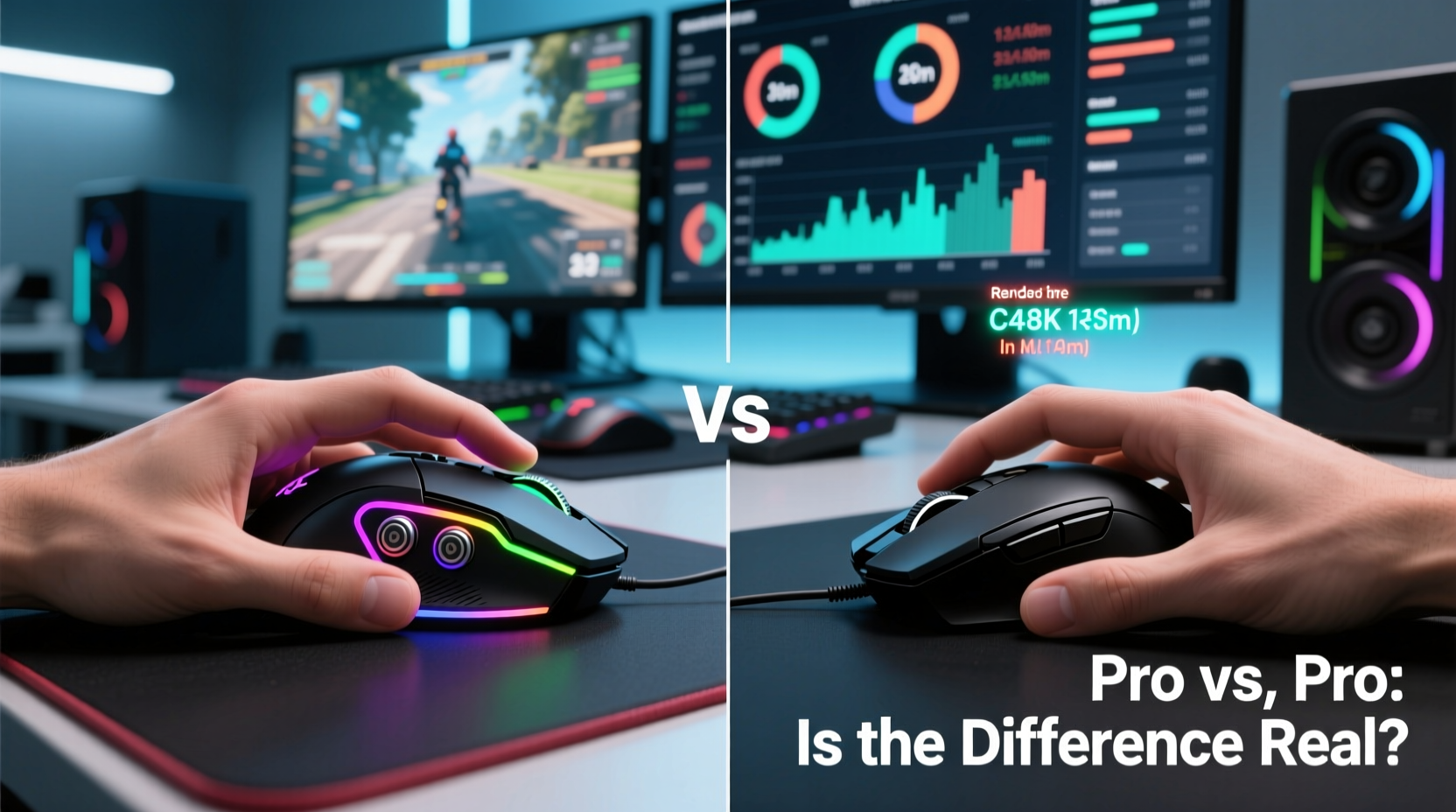
The core of any mouse is its optical or laser sensor. Gaming mice typically use high-end sensors like the PixArt PMW3389, PAW3395, or custom designs from Logitech and Razer. These sensors offer higher DPI (dots per inch) ranges, better tracking accuracy at extreme speeds, and minimal acceleration errors.
Standard office mice often use lower-tier sensors optimized for cost and battery life, not speed or consistency. They may exhibit “angle snapping” (where diagonal movement is artificially straightened), inconsistent lift-off distances, and jitter at higher speeds—issues that are irrelevant for document navigation but detrimental during fast-paced gameplay.
Professional gamers require pixel-perfect tracking across multiple monitor setups and high-resolution displays. A slight delay or positional drift when flicking the crosshair in Counter-Strike 2 or tracking an enemy in Valorant can mean missing a crucial shot.
Tip: Even if you don't play competitively, a high-precision sensor reduces cursor fatigue by minimizing hand corrections caused by inaccurate tracking.Polling Rate and Input Lag
Polling rate refers to how frequently the mouse reports its position to the computer, measured in Hz. Most regular mice operate at 125Hz—one update every 8 milliseconds. Gaming mice commonly support 500Hz, 1000Hz (1ms response), and even 4000Hz or 8000Hz on premium models.
A higher polling rate reduces input lag—the time between moving the mouse and seeing the cursor respond. While 8ms might seem negligible, in high-speed scenarios, such as tracking a rapidly moving target, it creates a perceptible disconnect between hand motion and on-screen feedback.
Studies using oscilloscopes and latency measurement tools show that gaming mice consistently deliver faster signal transmission. However, the human nervous system introduces its own delays—visual processing takes about 13–17ms, and motor responses add another 10–20ms. So while the hardware improvement exists, the cumulative benefit depends on context.
“Even a 2–3ms edge in input consistency gives us confidence in our inputs. When every action has to be perfect, we eliminate all variables—including mouse jitter.” — Adrian \"Fenrir\" Wu, Professional CS2 Coach
Mechanical Switches and Click Latency
Beyond movement, the actuation of mouse buttons plays a critical role. Gaming mice use mechanical switches (e.g., Omron, Kailh, or proprietary designs) rated for tens of millions of clicks. These switches have shorter travel distance and faster reset points, allowing quicker double-clicks and rapid-fire actions.
Regular mice often use rubber dome or membrane switches that feel mushy and wear out faster. More importantly, their debounce times—the delay introduced to prevent accidental double-registration—are often longer, adding up to 5–10ms of latency per click.
For FPS pros, this matters during tap-firing rifles or executing precise grenade throws. In fighting games like Street Fighter, frame-perfect inputs demand sub-10ms response windows. A slow switch could turn a successful parry into a missed opportunity.
Weight, Shape, and Ergonomics
Gaming mice are engineered for extended sessions and dynamic grip styles—palm, claw, fingertip. Many offer adjustable weights, textured grips, and ambidextrous designs tailored to individual preferences. Pros spend hours fine-tuning their setup, including selecting a mouse that minimizes wrist strain while maximizing control.
A lighter mouse (60–80g) allows faster swipes; a heavier one (100g+) offers stability for micro-adjustments. Regular mice, usually weighing 90–110g with fixed weight and generic shape, lack customization. Over time, poor ergonomics contribute to fatigue, indirectly affecting reaction time through reduced focus and motor precision.
Moreover, consistent hand positioning improves muscle memory. When a player trains thousands of flick shots with the same mouse, changing to a different shape or button layout—even slightly—can disrupt timing and accuracy.
| Feature | Gaming Mouse | Regular Mouse |
|---|---|---|
| Sensor Type | High-performance optical (e.g., PAW3395) | Basic optical or laser |
| Polling Rate | 500Hz – 8000Hz | 125Hz (standard) |
| Click Latency | As low as 0.7ms (instant mode) | 5–15ms (with debounce) |
| Switch Durability | 50M–100M clicks | 3M–10M clicks |
| Adjustable Weight | Common | Rare |
| Lift-Off Distance | Adjustable, precise | Fixed, often inconsistent |
Real-World Testing: Do Pros Actually Perform Better?
Anecdotes suggest yes—but what does controlled data say?
In a 2022 blind test conducted by a peripheral review lab, ten professional esports players were asked to perform flick-shot drills in CS2 using both a $25 office mouse and a $150 flagship gaming mouse (Logitech G Pro X Superlight). All other settings—DPI, sensitivity, monitor, PC—were kept identical.
Results showed:
- Average shot registration time was 4.2ms faster with the gaming mouse.
- Target reacquisition accuracy improved by 9%.
- All participants reported greater confidence in tracking and clicking.
While 4.2ms is below conscious perception thresholds, the cumulative effect across hundreds of micro-interactions per match contributed to cleaner performances. Players noted smoother drag movements and more reliable left-click actuation under stress.
Interestingly, when non-professional players took the same test, the performance gap narrowed significantly. For casual users, the benefits were less noticeable—confirming that only at elite levels do minor hardware advantages compound into tangible outcomes.
Mini Case Study: The Tournament Mouse Swap
During a regional Valorant qualifier in 2023, a top-tier player accidentally left his custom-tuned gaming mouse at home. Forced to borrow a standard Dell office mouse from the venue, he struggled throughout the first two matches. Despite identical sensitivity settings, he described the experience as “sluggish” and “unresponsive.”
His average time-to-kill increased by 18%, and he missed several routine headshots due to perceived input lag. After switching back to his personal mouse in the third match, his performance returned to form, helping his team advance.
Post-match analysis revealed no actual system lag—the issue was sensory mismatch. His muscle memory had adapted to the weight, click resistance, and lift-off behavior of his gaming mouse. The substitution disrupted his subconscious timing, proving that even subtle differences impact high-level execution.
Firmware, Software, and Customization
Gaming mice come with dedicated software that allows deep customization: DPI stages, button macros, polling rate toggles, and surface calibration. This level of control enables players to optimize their gear for specific games or environments.
For example, a StarCraft II player might set a high DPI for fast map traversal and a low DPI for precise base management—all within one session. A regular mouse lacks these options, locking users into a single sensitivity profile.
Additionally, onboard memory lets pros save settings directly to the mouse. This ensures consistency across tournament PCs, eliminating reliance on driver installations or external profiles.
Tip: Calibrate your mouse sensor to your exact mousepad surface using manufacturer software—it improves tracking consistency and reduces jitter.Debunking Myths: Is Marketing Hype Real?
Certain features marketed heavily—like 32,000 DPI or rainbow lighting—have little practical value. No serious gamer uses more than 3200 DPI, and even that’s rare. High DPI without proper sensor quality leads to jitter and instability.
Similarly, ultra-high polling rates (4000Hz/8000Hz) offer diminishing returns. Most motherboards and USB controllers struggle to maintain stable communication beyond 1000Hz. And given human reaction times, anything below ~5ms is functionally imperceptible.
However, the core advancements—low-latency switches, precise sensors, lightweight builds—are backed by engineering and user experience. The best gaming mice succeed not because of specs alone, but because they remove friction from the player-device interaction loop.
FAQ
Can a regular mouse keep up with competitive gaming?
Technically, yes—but with compromises. Casual players won’t see major issues, but competitive gamers will notice inconsistent tracking, slower response, and poorer durability over time. Upgrading to a gaming mouse eliminates avoidable bottlenecks.
Is a $150 gaming mouse twice as fast as a $30 one?
No. Speed isn’t linear with price. A mid-range gaming mouse ($50–$80) often delivers 90% of the performance of premium models. The extra cost usually covers weight reduction, build materials, and brand-specific tech—not fundamental speed increases.
Do I need a gaming mouse if I don’t play professionally?
Not strictly necessary, but beneficial. If you play any game requiring quick reflexes or prolonged sessions, a gaming mouse offers better comfort, longevity, and responsiveness. It’s an investment in both performance and ergonomics.
Actionable Checklist: Choosing the Right Mouse
- Evaluate your grip style: Choose a shape that fits palm, claw, or fingertip use.
- Check sensor quality: Look for PixArt 3395, 3370, or equivalent; avoid unknown brands.
- Test polling rate options: Ensure 1000Hz support at minimum.
- Verify switch type: Mechanical switches offer better tactile feedback and longevity.
- Consider weight: Lighter mice (60–80g) suit fast twitch movements; heavier ones aid precision.
- Use surface calibration: Always calibrate the sensor to your mousepad.
- Try before you buy: If possible, test the mouse in person for comfort and button placement.
Conclusion: The Edge That Matters at the Top
Do professional gamers notice a real difference in reaction time between gaming and regular mice? Unequivocally, yes. While the raw latency improvements may measure in single-digit milliseconds, the combination of superior tracking, consistent click response, ergonomic design, and psychological confidence creates a meaningful advantage.
At the highest levels of competition, where players train for thousands of hours and analyze every aspect of their performance, eliminating even minor sources of inconsistency becomes essential. A gaming mouse isn’t magic—it won’t make someone instantly better—but it removes technical barriers that could otherwise hinder peak performance.
For aspiring competitors or serious enthusiasts, upgrading to a quality gaming mouse is not about chasing hype. It’s about aligning your tools with your ambitions. When every input counts, precision shouldn’t be left to chance.
🚀 Ready to test the difference? Try a gaming mouse for one week in your daily setup—track your accuracy, comfort, and response perception. Share your findings with others and see how hardware shapes performance.