If you’ve ever tapped through your profile, expecting to revisit a reel you once loved, only to find the “Liked Reels” section missing or empty, you’re not alone. Many Instagram users have reported difficulty accessing their liked reels despite actively engaging with content. This issue can be frustrating—especially when you're trying to rewatch an inspiring workout, a recipe tutorial, or a viral comedy clip. The good news is that in most cases, this isn’t permanent. There are clear reasons behind the disappearance of liked reels, and just as importantly, practical solutions to get them back.
This guide breaks down the technical, account-related, and app-specific causes behind inaccessible liked reels. More importantly, it provides actionable steps to troubleshoot and resolve each scenario effectively. Whether you're using iOS or Android, whether you've recently updated the app or haven’t opened it in weeks, these insights will help you regain control over your viewing history.
Why Can’t You See Liked Reels on Instagram?
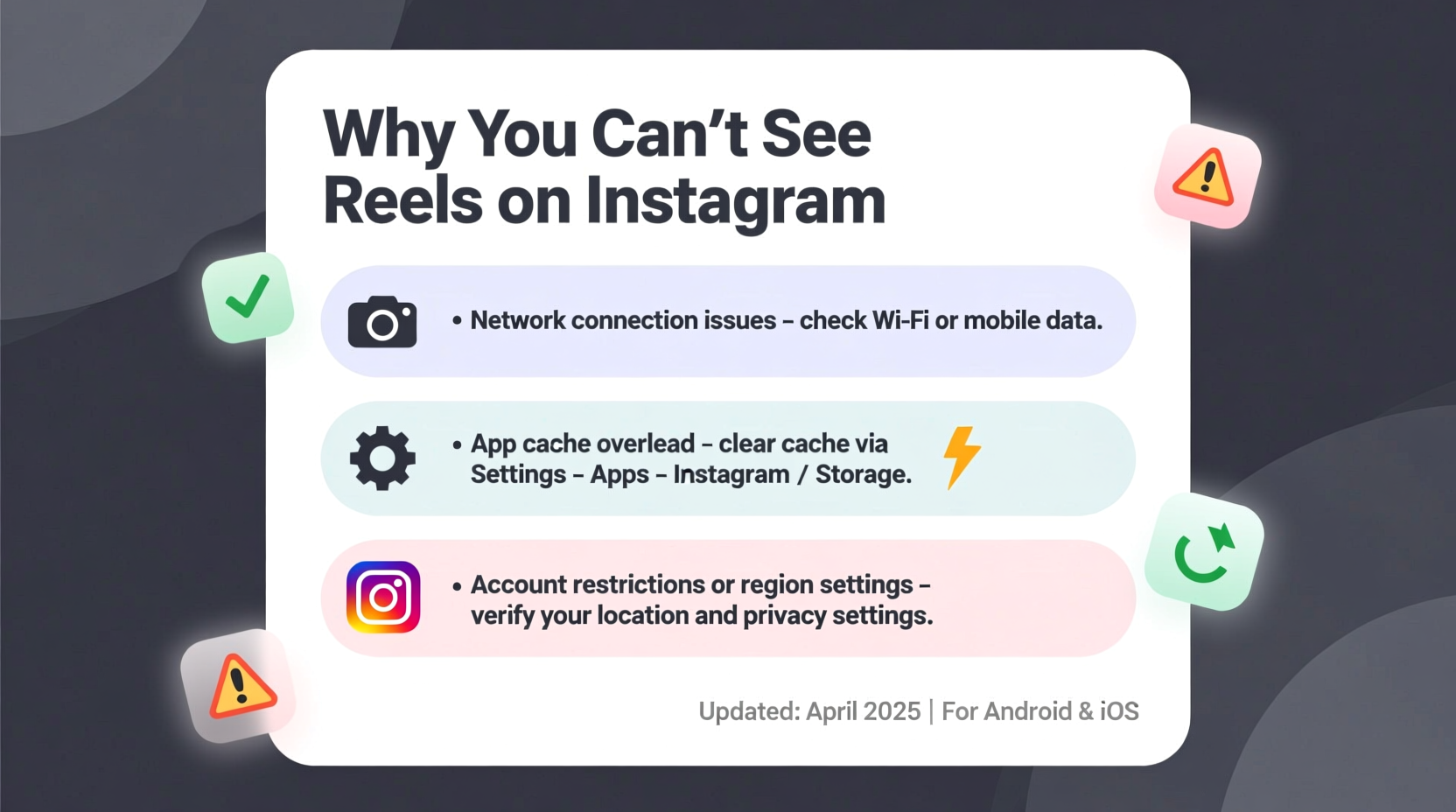
Liked reels are supposed to appear under your activity tab or within your profile’s archive section. When they vanish, it's usually due to one or more underlying factors. These include app glitches, outdated software, privacy settings, or even temporary server-side issues from Instagram itself. Understanding the root cause is essential before attempting fixes.
Instagram continuously updates its interface and backend systems, sometimes rolling out changes that affect feature visibility. For example, during 2023, Meta restructured how user interactions are stored, which led to confusion around where saved likes were displayed. Some users mistakenly believed their data was lost when it had simply been moved or hidden behind new navigation paths.
Tip: Always check for app updates first—many liked reels issues are resolved in the latest version of Instagram.Common Reasons Behind Missing Liked Reels
- App Cache Corruption: Over time, cached data can become corrupted, leading to display errors in your activity feed.
- Outdated App Version: Older versions may lack support for newer features like centralized liked reels storage.
- Account Switching or Logout: If you’ve switched accounts or logged out, your interaction history might not sync immediately upon return.
- Privacy Settings Restriction: Private accounts may limit visibility of certain engagement metrics—even to the user themselves in some UI variations.
- Server-Side Glitches: Instagram’s servers occasionally experience hiccups that delay syncing user actions across devices.
- Deleted or Removed Content: If the original creator deleted the reel or made their account private, it won’t appear in your liked list.
“User engagement data like likes should persist unless there’s a sync failure or content removal. Most issues are client-side and fixable.” — David Lin, Mobile App Support Analyst at TechFlow Solutions
Step-by-Step Fixes to Restore Access
Follow this logical sequence of troubleshooting steps to recover your liked reels. Start with the simplest solutions and progress to more involved ones if needed.
- Force-Close and Reopen the App
Close Instagram completely from your phone’s recent apps menu, then relaunch it. This clears temporary memory blocks that could interfere with loading your activity. - Check Your Internet Connection
Weak or unstable connectivity prevents Instagram from fetching your interaction history. Switch between Wi-Fi and mobile data to test stability. - Update the Instagram App
Go to the App Store (iOS) or Google Play Store (Android), search for Instagram, and install any pending updates. Newer versions often patch bugs affecting feature visibility. - Clear App Cache (Android Only)
Navigate to Settings > Apps > Instagram > Storage > Clear Cache. Do not select “Clear Data,” as this may log you out and erase local drafts. - Re-Login to Your Account
Log out of Instagram, restart your device, then log back in. This forces a full resync of your account data, including likes. - Verify Activity Tab Visibility
Tap your profile icon, then the hamburger menu (three lines), and select “Your activity.” Under “Interactions,” check if “Likes” includes reels. Sometimes reels are grouped under general post likes.
Do’s and Don’ts When Troubleshooting Liked Reels
| Do’s | Don’ts |
|---|---|
| Regularly update the Instagram app | Ignore error messages about sync failures |
| Use stable internet when accessing saved content | Delete the app without backing up important info |
| Double-check if the original reel still exists publicly | Assume all missing likes are gone forever |
| Restart your phone after major app changes | Log into multiple accounts simultaneously on shared devices |
Real Example: Recovering Lost Likes After an Update
Samantha, a digital marketer based in Austin, noticed her liked reels disappeared after her iPhone automatically updated Instagram overnight. She uses reels daily for content inspiration but suddenly found the section blank. Initially concerned she’d lost months of curated material, she followed basic troubleshooting: restarted her phone, checked for further updates (none available), and cleared background apps. Still no change.
She then visited “Your Activity” via the profile menu and discovered that while individual photo likes appeared, video likes—including reels—were not categorized separately. After contacting Instagram support through the app, she learned that a recent UI change required users to manually enable “Reels Likes History” under Settings > Privacy > Interactions. Once toggled on, her entire history reappeared within minutes.
This case illustrates how subtle setting changes—often rolled out silently—can impact what users see. It also highlights the importance of exploring deeper menus rather than assuming data loss.
Preventive Checklist to Maintain Access
To avoid future disruptions, follow this preventive checklist regularly:
- ✅ Ensure automatic app updates are enabled on your device
- ✅ Periodically review Instagram’s Privacy & Security settings
- ✅ Avoid logging in from public or untrusted devices
- ✅ Bookmark valuable reels externally (e.g., save links in Notes or bookmark apps)
- ✅ Monitor Instagram’s official @creators account for announcements about feature changes
Frequently Asked Questions
Are liked reels permanently deleted if they disappear?
No, not necessarily. Disappearance doesn’t always mean deletion. Often, it's a syncing delay, cache issue, or UI change hiding the content temporarily. True deletion only occurs if the original reel was removed by the creator or if Instagram purges inactive data after long periods of non-use.
Can I view liked reels from another account I used to manage?
You can only view liked reels under the specific account where the interaction occurred. If you previously managed a business account and liked reels there, switching back to that account will restore access—provided the app is updated and functioning normally.
Why do some liked reels show up but others don’t?
This typically happens when certain creators have since made their accounts private or deleted the specific reel. Instagram filters out content that is no longer publicly accessible, even from your own like history. Additionally, algorithmic bugs may intermittently fail to load all entries until a refresh or relaunch.
Final Thoughts and Next Steps
Losing access to liked reels can feel like losing a piece of your digital memory. But in nearly every case, the solution lies in systematic troubleshooting—not panic. From clearing cache to checking privacy toggles, the tools to fix this issue are already in your hands. Instagram’s evolving platform means occasional hiccups are inevitable, but staying informed gives you the upper hand.
The key takeaway is consistency: keep your app updated, understand where your data lives, and take small steps to preserve what matters. Don’t rely solely on Instagram’s internal systems—back up valuable content elsewhere whenever possible.
💬 Have you recovered your liked reels using these methods? Share your experience in the comments below—your insight might help someone else regain access today!