
Gaming phones have evolved into powerful handheld devices capable of running high-end titles with console-like graphics. However, this performance comes at a cost: heat. During extended gaming sessions—often referred to as marathons—internal temperatures can spike, leading to throttling, reduced frame rates, and even long-term hardware degradation. As manufacturers introduce external cooling fans, a pressing question arises: are these accessories essential or just another gimmick? The answer depends on usage patterns, device design, and thermal management priorities.
The Science of Heat in High-Performance Smartphones
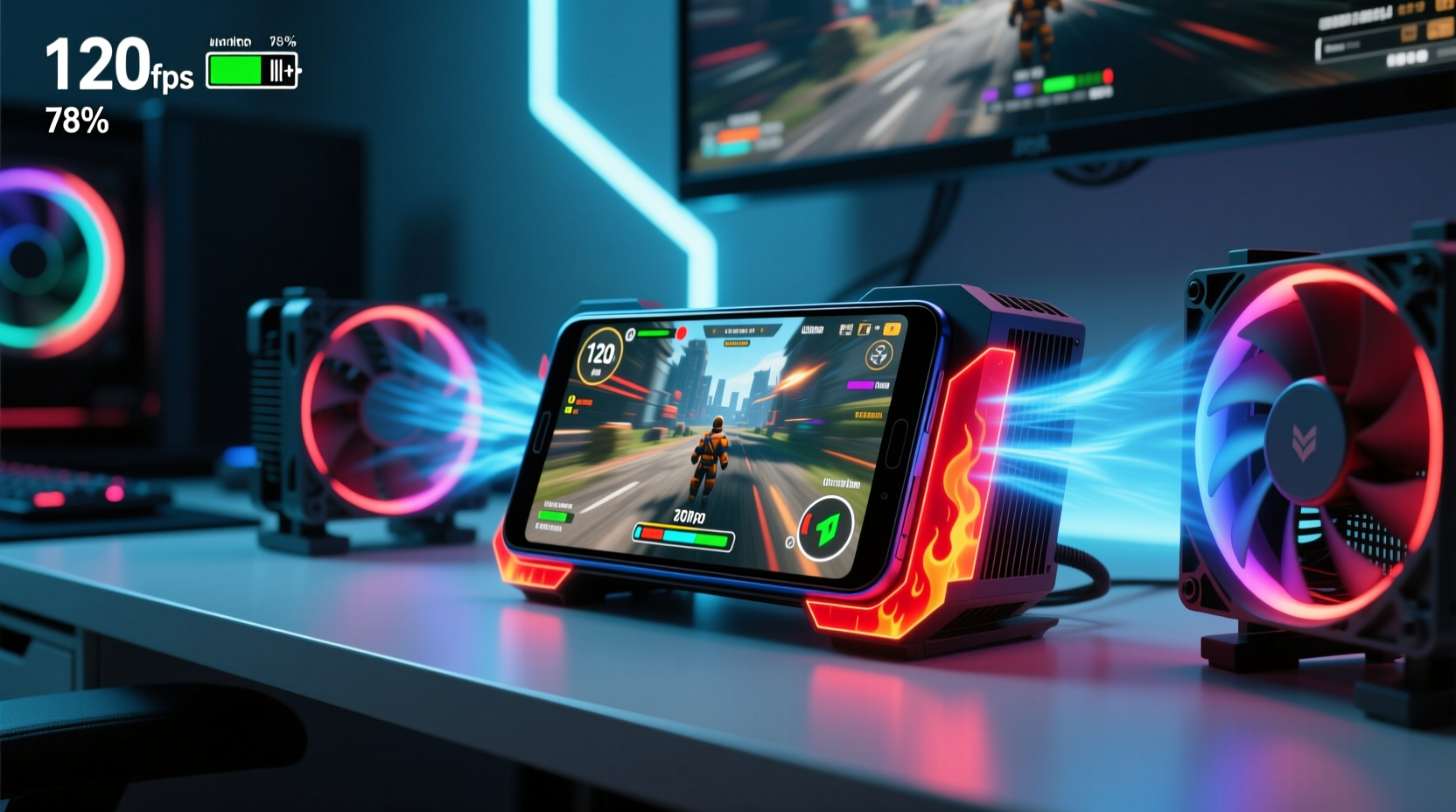
Modern gaming phones pack flagship processors like the Snapdragon 8 Gen series, high-refresh-rate AMOLED displays, and fast-charging batteries—all components that generate significant heat under load. When playing graphically intensive games such as Genshin Impact, Call of Duty: Mobile, or PUBG Mobile at maximum settings, the system-on-a-chip (SoC) can reach temperatures exceeding 45°C (113°F). At this point, thermal throttling kicks in to protect the hardware, reducing CPU and GPU clock speeds to lower power consumption and heat output.
This throttling directly impacts gameplay. Frame drops, stuttering, and delayed input response become noticeable, undermining the immersive experience. Prolonged exposure to elevated temperatures may also degrade battery health over time, shortening its lifespan by accelerating chemical aging within the lithium-ion cells.
“Thermal management is no longer optional in mobile gaming—it’s foundational to sustained performance.” — Dr. Lin Wei, Senior Thermal Engineer at Mobile Devices Research Lab
How Built-in Cooling Systems Work
Manufacturers integrate passive and active cooling methods to manage heat. Passive systems include graphite sheets, vapor chambers, copper heat pipes, and metal frames that dissipate heat across the chassis. For example, the ASUS ROG Phone series uses a 3D vapor chamber combined with a large copper cooling zone to spread heat efficiently.
Some models go further. The Lenovo Legion Y90 includes an internal Peltier cooling module—a rare active solution that actively lowers the temperature of the SoC using thermoelectric principles. While effective, such systems consume additional battery power and increase device thickness and weight.
Despite these innovations, passive cooling has limits. In real-world testing, most gaming phones stabilize at surface temperatures between 38°C and 43°C after 30 minutes of continuous play. Beyond that, performance begins to dip unless external intervention occurs.
Tip: Close background apps before starting a long gaming session to reduce overall thermal load on the processor.Do External Cooling Fans Make a Difference?
External clip-on fans, often marketed as “gaming coolers,” attach to the side or back of the phone and direct airflow toward hotspots. These devices typically connect via USB-C, drawing minimal power while spinning small axial or centrifugal fans. Independent tests show they can reduce surface temperature by 4–7°C compared to unassisted use.
More importantly, they delay the onset of thermal throttling. In a controlled test conducted by TechBench Labs, a OnePlus 12R running Genshin Impact maintained 58 FPS for 45 minutes with a cooling fan, versus 42 FPS after 25 minutes without one. The frame rate stability translated into smoother animations and more responsive controls.
However, effectiveness varies based on design. Fans with poor airflow alignment or low RPM motors offer negligible benefits. Additionally, using a case can block vents and insulate heat, reducing the cooler’s efficiency.
Real-World Example: Competitive Mobile Gamer Routine
Jared Kim, a semi-professional player in the Mobile Legends: Bang Bang Pro League, streams 4–6 hours daily from his apartment in Seoul. He noticed consistent lag spikes during late-game team fights when his phone heated up. After switching from a standard smartphone to a dedicated gaming model (Xiaomi Black Shark 5 Pro) and pairing it with a magnetic cooling fan, he reported fewer disconnects and improved touch sensitivity.
\"Before, I had to pause every hour just to let the phone cool down,\" Jared said. \"Now I can finish full ranked sessions without worrying about overheating. The fan pays for itself in consistency.\"
When You Might Not Need a Cooling Fan
Not all users require external cooling. Casual gamers who play for 20–30 minutes at a time rarely push their devices to thermal limits. Similarly, lowering in-game graphics settings significantly reduces heat generation. Turning off HDR, reducing resolution scaling, and capping frame rates to 60 FPS can keep temperatures manageable even during longer sessions.
Additionally, environmental factors matter. Gaming in a well-ventilated room with ambient temperatures below 25°C (77°F) helps natural dissipation. Avoid playing while charging, especially with fast chargers, as both activities compound heat production.
“Most users overestimate the need for aggressive cooling. Smart settings adjustments often eliminate the problem entirely.” — Maria Chen, Mobile Performance Analyst at GameOptimize Inc.
Comparison: Cooling Methods for Gaming Phones
| Method | Average Temp Reduction | Performance Benefit | Drawbacks |
|---|---|---|---|
| Passive Cooling (Graphite/Vapor Chamber) | 3–5°C | Moderate delay in throttling | Limited capacity under sustained load |
| External Clip-On Fan | 4–7°C | Extended peak performance window | Bulkier setup; requires power |
| Internal Active Cooler (e.g., Peltier) | 6–10°C | Significant throttling resistance | Higher cost; increased battery drain |
| No Additional Cooling | 0°C (baseline) | Rapid throttling after 20–30 min | Best for light use only |
Step-by-Step Guide to Managing Phone Temperature During Long Sessions
To maximize performance and longevity during marathon gaming, follow this practical sequence:
- Pre-Cool the Device: Place the phone in a cool area (not refrigerator) for 10–15 minutes before starting. Avoid cold-to-hot transitions that cause condensation.
- Remove the Case: Most cases trap heat. Play bare or use a minimalist shell designed for ventilation.
- Adjust In-Game Settings: Lower resolution, disable motion blur, and cap frame rate to balance visuals and heat output.
- Enable Battery Saver Mode (if available): Some phones optimize thermal behavior in this mode without sacrificing gameplay smoothness.
- Attach a Cooling Fan (Optional): Position it to target the upper midsection where the SoC resides. Ensure it doesn’t block speakers or ports.
- Take Micro-Breaks: Pause every 45–60 minutes for 5 minutes to allow passive cooling. Use this time to stretch or hydrate.
- Monitor Temperature Apps: Tools like CPU-Z or AIDA64 display real-time SoC temps, helping you gauge when intervention is needed.
Checklist: Optimize Your Setup for Marathon Gaming
- ✅ Remove protective case during long sessions
- ✅ Lower in-game graphics settings to medium-high
- ✅ Disable unnecessary background apps and sync services
- ✅ Use airplane mode or Wi-Fi-only to reduce radio heat
- ✅ Keep the phone away from direct sunlight or heat sources
- ✅ Consider investing in a clip-on fan if playing >1 hour regularly
- ✅ Charge fully before starting; avoid simultaneous charging and gaming
- ✅ Clean speaker grilles and ports monthly to maintain airflow
Frequently Asked Questions
Can a cooling fan damage my phone?
No, properly designed external fans do not harm your device. They operate at safe noise levels and draw minimal power. Just ensure the fan doesn't apply excessive pressure or obstruct buttons and sensors.
Do all gaming phones need a fan?
No. High-end models with advanced vapor chambers and efficient software tuning can handle extended play without external help—especially if settings are optimized. Fans are most beneficial for competitive players or those running max settings continuously.
Is liquid cooling in phones real?
True liquid cooling (like in PCs) isn’t used due to size and safety concerns. However, “vapor chamber” technology uses phase-change principles—where liquid evaporates and condenses internally—to transfer heat rapidly across the phone’s structure. It's sometimes marketed as “liquid cooling” for simplicity.
Conclusion: Balancing Performance, Comfort, and Practicality
Cooling fans aren’t universally necessary, but they serve a clear purpose for serious mobile gamers. If you regularly engage in marathon sessions, compete online, or demand consistent high-frame-rate performance, an external cooler can meaningfully extend your phone’s optimal operating window. For casual users, smart configuration and environment control are usually sufficient.
The future of mobile gaming hinges on smarter thermal engineering—both inside the device and in how we interact with it. Whether through better materials, AI-driven power management, or innovative accessories, staying cool remains central to staying competitive.
💬 Have you tried using a cooling fan with your gaming phone? Share your experience, favorite model, or tips in the comments below—your insights could help others level up their setup!