
When setting up your living room entertainment system, one of the biggest decisions is whether to invest in a high-end smart TV like a Samsung model or go the budget-friendly route with an Amazon Fire Stick. Both options deliver access to streaming platforms, apps, and voice control, but they differ significantly in long-term value, user experience, and upgrade flexibility. Understanding these differences can save you hundreds of dollars—and years of frustration.
Performance and User Interface: Built-In vs. Plug-In
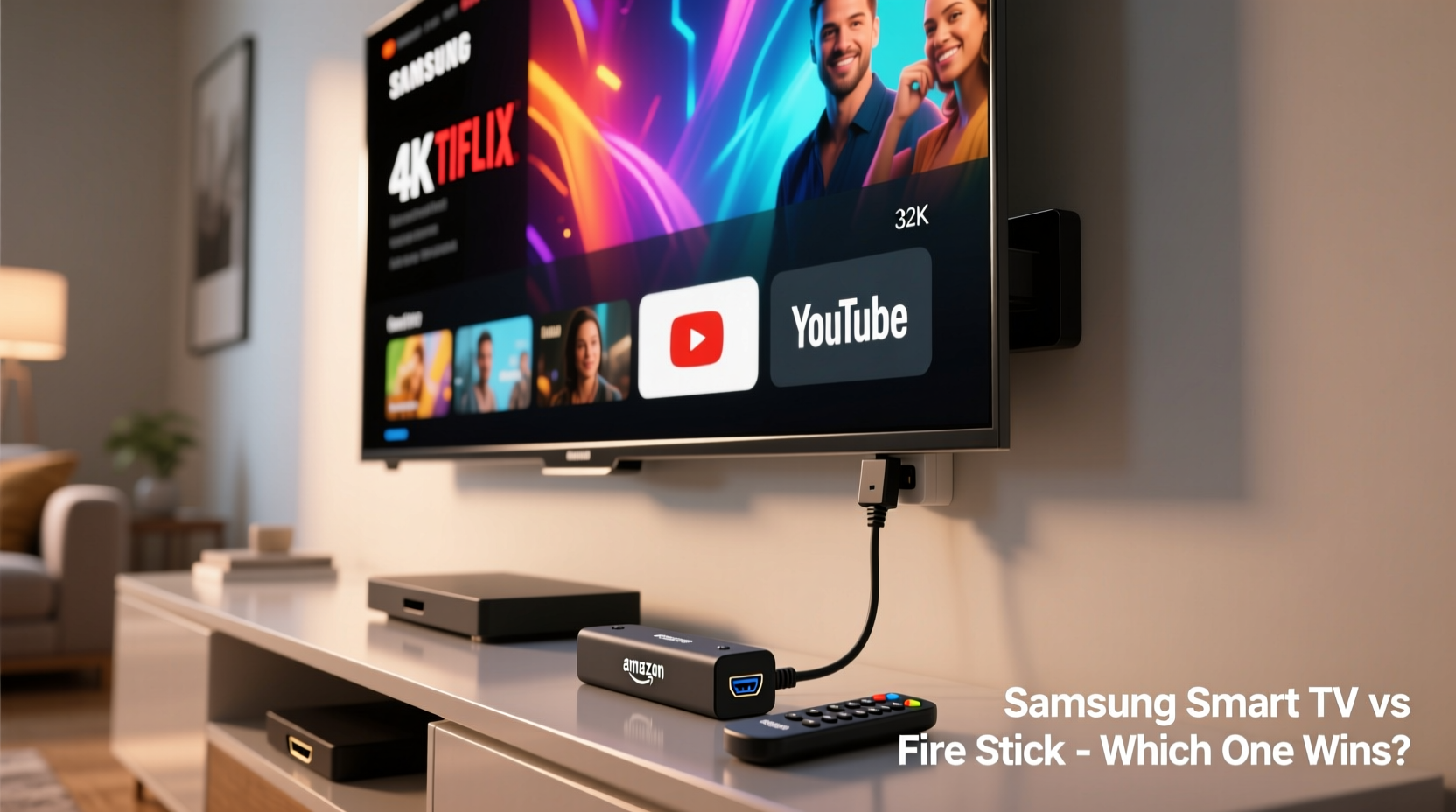
Samsung Smart TVs run on Tizen OS, a proprietary operating system developed by Samsung. It’s known for fast boot times, smooth navigation, and minimal lag when switching between apps. The interface is clean, intuitive, and integrates well with other Samsung devices—like smartphones, tablets, and soundbars. If you're already in the Samsung ecosystem, this seamless integration enhances convenience.
In contrast, the Amazon Fire Stick uses Fire OS, based on Android. While it has improved dramatically over the years, it still occasionally suffers from slower load times, especially on lower-tier models. However, its strength lies in customization and app availability. The Fire Stick gives users access to the Amazon Appstore, sideloading capabilities (via developer mode), and deeper Alexa integration than most built-in TV systems.
Tip: If you frequently use voice commands or smart home controls, test both systems in person—the responsiveness of Alexa on Fire Stick often outperforms Bixby on Samsung TVs.Cost Comparison Over Time
At first glance, the price difference seems clear: a new Samsung QLED or Neo QLED TV starts around $700 and can exceed $2,500 for larger, higher-end models. Meanwhile, a 4K Fire Stick costs just $50. But the real comparison isn’t about upfront cost—it’s about total ownership value over five years.
Consider this: Samsung TVs last 7–10 years with moderate use. Their smart platform receives regular software updates for at least four years, ensuring security patches and app compatibility. On the flip side, streaming sticks like the Fire Stick are typically replaced every 3–4 years due to hardware obsolescence or degraded performance.
If you replace a Fire Stick every four years at $50 each time, that’s $100 over eight years. Add a basic 4K TV without smart features ($400), and your total is $500—still far below the cost of a premium Samsung. But if you value picture quality, motion handling, and advanced gaming features (like HDMI 2.1 and VRR), the Samsung becomes harder to dismiss.
| Feature | Samsung Smart TV | Fire Stick + Basic TV |
|---|---|---|
| Upfront Cost | $700–$2,500 | $400 + $50 = $450 |
| Lifespan | 7–10 years | TV: 7+ years; Stick: 3–4 years |
| Software Updates | 4+ years | 3–4 years (stick only) |
| Peak Brightness & HDR | Excellent (up to 2,000 nits) | Limited by base TV panel |
| Gaming Features | VRR, ALLM, HDMI 2.1 support | Depends on host TV |
Real-World Example: Sarah’s Upgrade Dilemma
Sarah had a 5-year-old LED TV that no longer supported the latest Netflix app. She faced two choices: buy a new Samsung TU8000 for $650 or get a Fire Stick 4K for $50 and keep her current screen. She chose the Fire Stick, saving money immediately. But within a year, she noticed dimming, poor black levels, and input lag while playing casual games. Her older panel couldn’t take advantage of the Fire Stick’s 4K HDR output.
Two years later, she upgraded to a mid-range Hisense 4K TV and paired it with the same Fire Stick. While functional, she missed the sleek design and uniform picture quality of a single integrated unit. When her husband started gaming more seriously, they realized the lack of HDMI 2.1 was limiting. Ultimately, they traded up to a Samsung Q80B—admitting that combining old hardware with new streaming tech only delayed the inevitable.
“Integrated smart TVs offer better long-term performance because the hardware and software are optimized together.” — Mark Tran, AV Systems Consultant
Flexibility and Future-Proofing
One major advantage of using a Fire Stick is flexibility. You’re not locked into one brand’s ecosystem. If you move, sell your TV, or switch homes, the Fire Stick goes with you. It also allows you to upgrade your streaming power independently of your display. When Amazon releases a new Fire Stick with faster processors or Wi-Fi 6E, you simply plug it into any HDMI port.
Samsung TVs, however, tie you to their platform. While Tizen is reliable now, there’s no guarantee future updates will maintain the same speed or app support. And unlike Android TV devices, you can't easily swap out the “brains” of the TV. Once the internal processor becomes outdated, the entire unit feels sluggish—even if the screen is still excellent.
Tip: If you plan to keep your TV for less than five years, a Fire Stick combo offers better value. For long-term setups, especially with 4K/HDR content, a Samsung Smart TV may be worth the investment.Step-by-Step: How to Decide What’s Right for You
- Evaluate your current TV. Is it less than five years old? Does it have HDMI ports and support 4K? If yes, a Fire Stick might be sufficient.
- Assess your viewing habits. Do you mostly stream Netflix and YouTube? A Fire Stick handles that well. Are you into gaming, sports, or Dolby Vision movies? Then consider Samsung’s superior panel technology.
- Check your internet speed. Fire Sticks require stable Wi-Fi. If your router is weak or your TV is far from it, built-in Wi-Fi on Samsung TVs often performs better due to larger antennas.
- Think about voice assistants. Prefer Alexa? Fire Stick wins. Want tighter device integration with Galaxy phones or watches? Samsung’s SmartThings is more cohesive.
- Project your timeline. Planning to upgrade in 3–4 years? Go Fire Stick. Looking for a decade-long centerpiece? Invest in a high-quality Samsung.
Frequently Asked Questions
Can I use a Fire Stick with a Samsung Smart TV?
Absolutely. Many Samsung TV owners use a Fire Stick to access Alexa, different app layouts, or services not available on Tizen. It doesn’t disable the built-in smart features—you just switch inputs.
Does the Fire Stick make Samsung’s smart system obsolete?
Not entirely. Samsung’s native apps often launch faster, and the TV automatically adjusts picture settings per app (e.g., brighter mode for YouTube, cinematic for Disney+). Using a Fire Stick bypasses some of these optimizations.
Which has better app support: Tizen or Fire OS?
Tizen supports all major platforms—Netflix, Hulu, Prime Video, Disney+, YouTube, HBO Max—but lacks niche or international apps. Fire OS offers broader third-party access, especially through sideloading. For mainstream users, both are sufficient.
Final Recommendation: Match the Tool to Your Lifestyle
The answer to “Is a Samsung Smart TV worth it?” depends entirely on your priorities. If you want the best possible picture quality, low input lag for gaming, elegant design, and a unified home ecosystem, then yes—a Samsung Smart TV is worth the premium. It’s a long-term investment in visual fidelity and convenience.
But if you're budget-conscious, rent or move frequently, or prefer having full control over your streaming environment, the Fire Stick offers unmatched flexibility at a fraction of the cost. Pair it with a decent 4K TV, and you’ll have a capable setup that’s easy to upgrade down the line.
Ultimately, technology should serve your life—not complicate it. There’s no universal winner. But by understanding what each option truly delivers beyond the spec sheet, you can make a choice that lasts.
💬 Have experience with both? Share your story in the comments—your insights could help someone avoid costly mistakes.