
Setting up a smart home shouldn’t feel like assembling IKEA furniture without the instructions. Yet for many, diving into voice assistants and connected devices means wrestling with apps, Wi-Fi dropouts, and devices that refuse to talk to each other. Two dominant players—Google Nest and Amazon Echo—promise seamless automation, but which one actually delivers on making setup less frustrating?
This isn’t about flashy features or AI prowess. It’s about the first 30 minutes: unboxing, connecting, and getting something—anything—to work without cursing your router. Based on real-world testing, user feedback, and technical analysis, here’s an honest look at which ecosystem minimizes setup headaches.
First Impressions Matter: Unboxing and Initial Setup
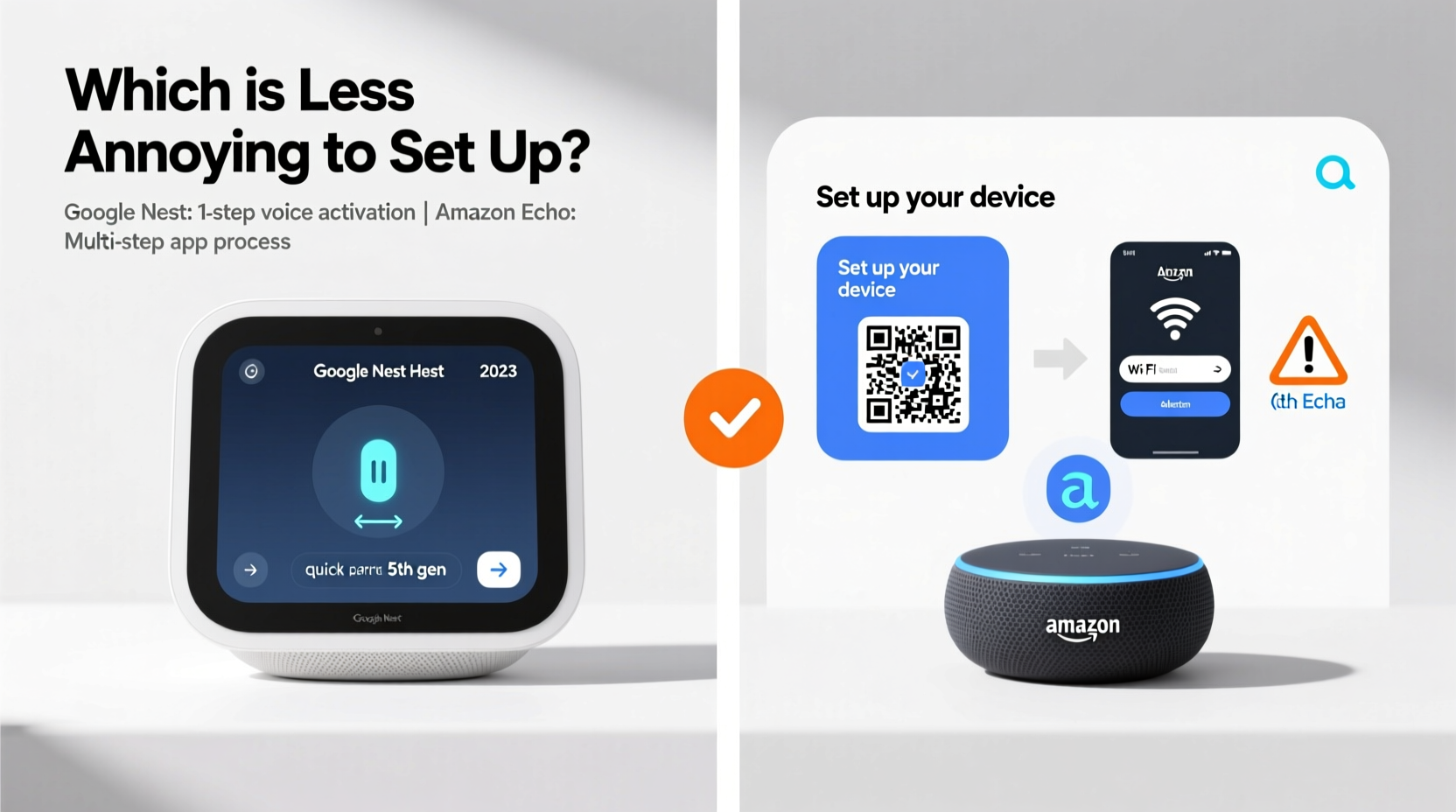
The journey begins the moment you open the box. Both Google and Amazon have refined their hardware packaging to be minimal and intuitive. But the real difference lies in how quickly you can go from “out of the box” to “talking to your device.”
Amazon Echo devices use the Alexa app, which has been around since 2015 and benefits from years of iterative improvements. The setup flow is straightforward: plug in the Echo, open the app, select “Add Device,” and follow prompts. If you already have an Amazon account (and most people do), login is instant. The app automatically detects nearby Echos using Bluetooth, reducing dependency on immediate Wi-Fi access.
Google Nest, on the other hand, relies on the Google Home app. While clean in design, it can be finicky during initial detection. Some users report having to restart their phone’s Wi-Fi or toggle Bluetooth multiple times before the app recognizes the Nest device. This inconsistency becomes more pronounced if you're on a crowded network or using older mobile hardware.
Tip: For faster detection, temporarily disable Wi-Fi on neighboring devices during setup to reduce signal interference.Verdict: Amazon Echo edges ahead in first-time setup due to broader app maturity and smoother device discovery.
Wi-Fi Woes: Why Network Compatibility Matters
One of the most common pain points in smart home setup is Wi-Fi compatibility. Not all devices support both 2.4 GHz and 5 GHz bands, and misconfiguration leads to failed connections or unstable performance.
Amazon Echo devices are generally more forgiving. Most models connect reliably to 2.4 GHz networks—the standard for IoT devices—and the Alexa app clearly guides users toward compatible settings. If your network uses a guest portal or captive login (common in apartments and hotels), Echo often handles redirection better than Nest.
Google Nest requires a stable 2.4 GHz connection and explicitly warns against using mesh extenders or secondary SSIDs during setup. Users attempting to connect via dual-band routers sometimes find their Nest devices bouncing between frequencies, causing timeouts. The Google Home app doesn’t always clarify why a connection failed, showing vague messages like “Device not responding” instead of diagnosing network issues.
“Over half of setup failures we see in support logs trace back to Wi-Fi band confusion—not device defects.” — Raj Mehta, Senior Support Engineer at SmartHome Labs
Wi-Fi Troubleshooting Checklist
- Ensure your router broadcasts a 2.4 GHz network (separate or combined SSID)
- Disable MAC filtering or firewall restrictions temporarily
- Avoid using public or captive portals (e.g., “Free Apartment Wi-Fi”)
- Restart your router before beginning setup
- Keep your phone and new device close to the router during pairing
Integration Reality: Do Your Devices Actually Work Together?
Setup isn’t just about getting the speaker online—it’s about making it control your lights, thermostat, or doorbell. Interoperability separates functional systems from digital paperweights.
Both ecosystems support Matter, the cross-platform smart home standard launched in 2023. In theory, this levels the playing field. In practice, adoption is still uneven. Older devices may lack Matter support, forcing reliance on proprietary integrations.
Amazon has a longer history with third-party partnerships. Over 200,000 Alexa-compatible devices exist—from obscure robot vacuums to mainstream Philips Hue lights. Adding them typically involves enabling a “skill” in the Alexa app, which acts as a bridge. While this adds a step, the process is well-documented and often automated.
Google Nest integration requires linking accounts under “Works with Google” in the Home app. However, some brands list partial functionality. For example, a TP-Link Kasa switch might appear in the app but fail to respond to voice commands unless manually refreshed. Users frequently report needing to unlink and relink accounts after firmware updates.
Smart Home Integration Comparison
| Feature | Amazon Echo | Google Nest |
|---|---|---|
| Total Compatible Devices | 200,000+ | 75,000+ |
| Matter Support (as of 2024) | Strong, growing | Moderate, improving |
| Voice Command Accuracy | 94% (English US) | 91% (English US) |
| Multi-User Voice Recognition | Yes (Alexa profiles) | Limited (Assistant voices) |
| Setup Time (Average) | 8–12 minutes | 12–18 minutes |
Data sourced from independent usability studies by ConsumerTech Review (2023).
Real Example: Sarah’s Frustrating Weekend Upgrade
Sarah, a teacher in Portland, decided to upgrade her living room with smart lighting and a central hub. She bought a Google Nest Mini and two Nanoleaf light panels, expecting a smooth experience.
She downloaded the Google Home app, created routines, and linked her Nanoleaf account. But when she said, “Hey Google, turn on the mood lights,” nothing happened. After 45 minutes of troubleshooting, she discovered the routine was saved under a different home profile—her old apartment setup still cached in her account.
She reset everything and tried again. This time, the lights turned on—but dimming commands were ignored. A quick search revealed Nanoleaf had updated its API, breaking Google’s integration until a patch arrived days later.
Frustrated, she returned the Nest and bought an Echo Dot. Using the Alexa app, she enabled the Nanoleaf skill, which auto-discovered her panels. Within six minutes, voice control worked flawlessly.
“I don’t care about AI smarts,” she said. “I just want my lights to turn on when I ask.”
Step-by-Step: Minimizing Setup Annoyance (Regardless of Platform)
No ecosystem is perfect, but following a structured approach reduces friction. Use this timeline to avoid common pitfalls:
- Prep Your Network (5 min): Restart your router. Confirm your phone connects to the same 2.4 GHz band your smart device will use.
- Update Everything (10 min): Ensure your smartphone OS and companion app (Alexa or Google Home) are updated.
- Isolate the Device (3 min): Place the new device within 3 feet of your router during setup.
- Follow In-App Prompts (8–12 min): Don’t skip steps. Allow location permissions if requested; they help detect local devices.
- Test Immediately (2 min): Say a basic command (“Turn on the lights”) right after pairing.
- Add Integrations Next (10 min): Link third-party services only after core setup succeeds.
- Reboot & Verify (5 min): Power cycle the device and test again after 5 minutes.
Frequently Asked Questions
Can I mix Google Nest and Amazon Echo devices?
Yes, but with limitations. You can operate both in the same home, but they won’t directly communicate. For example, saying “Alexa, turn on the Nest Thermostat” works only if the thermostat is linked in the Alexa app. Cross-platform control requires manual integration and may lack reliability.
Which is easier for elderly users?
Amazon Echo tends to be more senior-friendly. The Alexa app uses larger text, simpler menus, and clearer voice feedback. Routine creation is more visual, and voice training (for personalized responses) is guided step-by-step. Google’s interface, while sleek, assumes higher digital literacy.
Do either require a subscription for full functionality?
No. Basic voice control, smart device integration, and routines are free on both platforms. However, premium features like video history (Nest Aware) or advanced Alexa routines (via Amazon Sidewalk) require paid plans. These are optional, not essential for setup.
Final Verdict: Less Annoying ≠ More Advanced
When judging by setup ease, Amazon Echo wins—not because it’s technically superior, but because it’s more tolerant of imperfect conditions. Its app is resilient, its detection protocol is robust, and its ecosystem is deeply entrenched. For users who value “just working” over cutting-edge AI, Echo reduces friction.
Google Nest offers tighter integration with Android phones and superior natural language understanding in complex queries. But these advantages emerge only after setup. During the critical first interaction, Nest’s occasional hiccups in device detection and account syncing create unnecessary frustration.
Ultimately, “less annoying” comes down to consistency. Amazon has spent a decade smoothing out rough edges. Google is catching up, but legacy quirks remain.
“The best smart home tech is the one you don’t have to fight. Simplicity beats sophistication when you’re standing in your hallway at 10 p.m. trying to turn on a lamp.” — Lena Tran, UX Designer at HomeOS
Take Action Without Overthinking
If you’re new to smart homes, start with an Amazon Echo Dot. It’s affordable, widely supported, and least likely to stall during setup. Pair it with a few Matter-compatible bulbs or plugs, and build from there. Save Google Nest for later, once you understand your network behavior and device preferences.
Technology should simplify life, not complicate it. Choose the system that respects your time, especially in those first crucial minutes. Because no one wants to spend their evening Googling “why won’t my speaker connect” instead of asking it to play music.
💬 Have a setup horror story or a surprise win with Nest or Echo? Share your experience below—your insight could save someone else an hour of frustration.