In 2025, smart displays are no longer just voice assistants with screens—they’re central hubs for home automation, entertainment, health tracking, and even AI-powered personal coaching. The Google Nest Hub and Amazon Echo Show remain two of the most popular options on the market. But as both platforms evolve rapidly, a critical question emerges: is upgrading from one to the other—or even within their own product lines—really worth it?
This isn’t just about screen size or speaker quality. It’s about ecosystem alignment, long-term usability, privacy, and how well each device adapts to your lifestyle. Let’s break down what matters now and where these devices are headed.
Design and Display: Subtle Differences, Big Impact
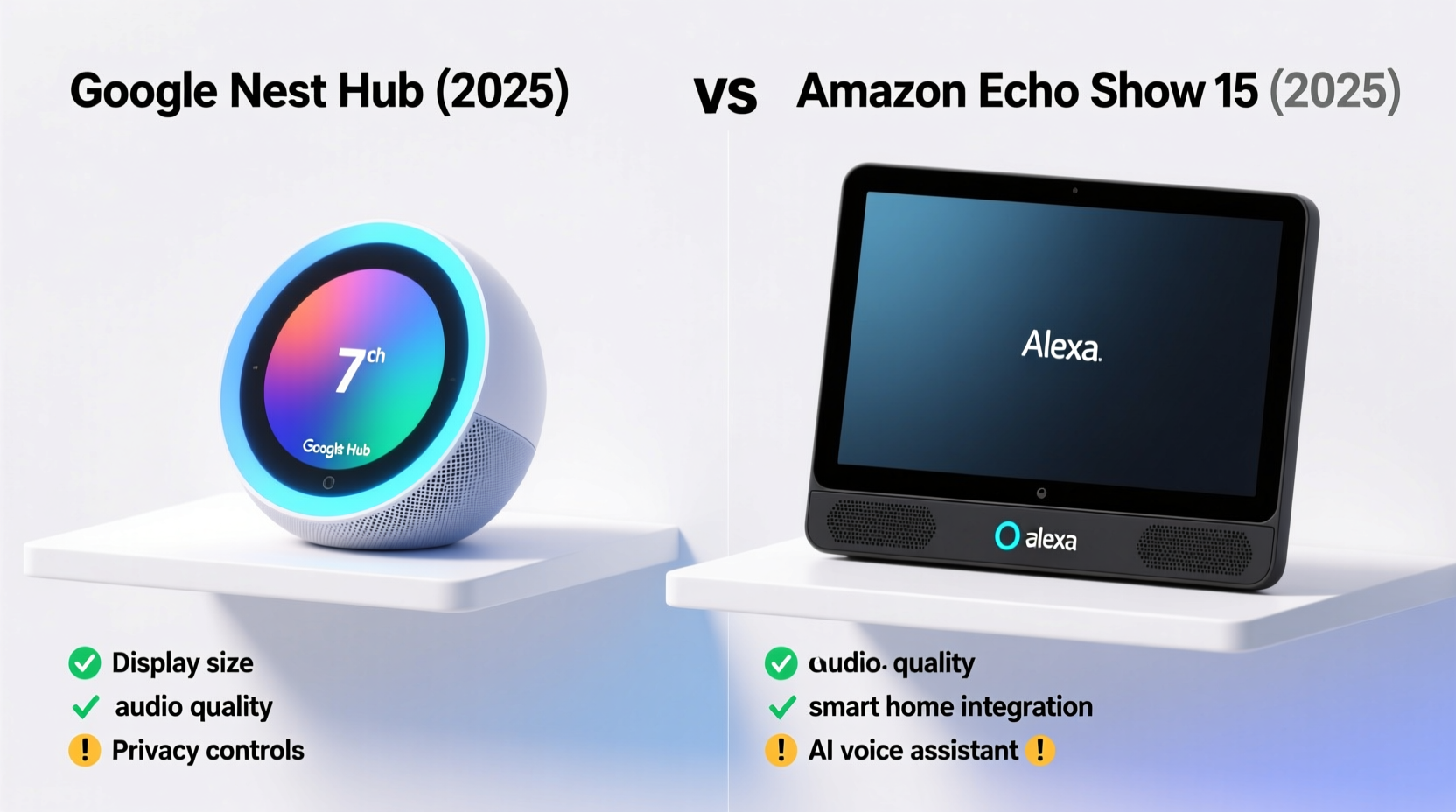
The physical experience of using a smart display starts with its design. Both Google and Amazon have refined their hardware over the years, but they approach form and function differently.
The latest Google Nest Hub (2nd gen) features a minimalist fabric-covered base with a 7-inch touchscreen. It leans toward blending into home decor rather than standing out. There’s no camera, which appeals to privacy-conscious users. In contrast, the Echo Show 8 (3rd gen) includes an 8-inch HD screen with optional auto-rotate and a built-in 13MP camera that can be physically covered. The larger display enhances video calling and recipe viewing, while the camera enables motion detection and facial recognition for personalized greetings.
Tip: If you frequently use video calls or follow cooking tutorials, the extra inch and camera on the Echo Show make a noticeable difference.For compact spaces like nightstands or small kitchens, the Nest Hub’s smaller footprint wins. But if media consumption is a priority, the Echo Show’s brighter screen and better contrast ratio deliver a more engaging visual experience.
Ecosystem & Voice Intelligence: Google Assistant vs Alexa
Your choice often comes down to ecosystem loyalty. Google Assistant excels in natural language understanding and search integration. Ask complex questions like “What’s the weather this weekend, and should I pack a jacket?” and it pulls data from Gmail, Calendar, and real-time forecasts seamlessly.
Alexa, meanwhile, leads in third-party skill support. With over 100,000 skills available—even if many are underused—it offers deeper customization for automations, games, and niche tools. In 2025, Alexa has also improved dramatically in contextual awareness, thanks to generative AI updates that allow follow-up reasoning and memory across conversations.
“Alexa’s new large language model backend makes interactions feel less robotic and more conversational—closer to talking with a helpful assistant than issuing commands.” — David Lin, Senior Analyst at TechHome Insights
However, Google still holds an edge in proactive assistance. For example, if your calendar shows a dinner reservation, the Nest Hub may automatically suggest traffic conditions 30 minutes before departure. Alexa requires more manual setup for similar functionality.
Smart Home Integration: Who Plays Nicely With Others?
Both devices support major smart home standards like Matter and Thread, ensuring compatibility with lights, locks, thermostats, and sensors regardless of brand. But their default behaviors differ.
Google Nest Hub prioritizes simplicity. Setup is fast via QR code scanning, and recommended routines—like “Good Morning” or “Movie Time”—are intuitive and visually guided. It works best if you're already using Pixel phones, Chromecast, or Nest security products.
The Echo Show shines when you want granular control. You can build multi-step automations using Alexa Hunches (e.g., “Turn off the living room light if no motion is detected after 11 PM”) or enable Guard Mode to monitor for unusual sounds like smoke alarms. Plus, Zigbee and Sidewalk support mean fewer bridges needed for compatible devices.
| Feature | Google Nest Hub | Echo Show |
|---|---|---|
| Screen Size | 7 inches | 8–10 inches (depending on model) |
| Camera | No (on standard models) | Yes (with shutter option) |
| Voice Assistant | Google Assistant | Alexa |
| Speaker Quality | Decent bass, clear mids | Richer audio, especially on Show 10/15 |
| Privacy Controls | Mic mute switch, no camera | Mic/camera off button, physical shutter |
| Best For | Information at a glance, wellness features | Home monitoring, video calls, entertainment |
Wellness and Daily Use: Beyond Smart Speakers
One area where Google has pulled ahead is health and wellness. The Nest Hub (2nd gen) includes Sleep Sensing—a radar-based system that tracks breathing patterns, movement, and estimated sleep stages without wearables. Paired with Fitbit integration, it provides nightly summaries and trends over time.
Amazon responded with Alexa Wellness on select Echo Shows, offering guided meditations, stress assessments, and medication reminders. However, it lacks passive biometric tracking unless paired with a Ring Indoor Cam or external wearable.
For families, the Echo Show’s Kids profile remains unmatched. It includes parental controls, educational games, and access to Amazon Kids+, making it ideal for shared spaces. Google’s Family Bell and routines are simpler but less immersive.
Real-Life Scenario: The Martinez Family Decides
The Martinez family used a Nest Hub Max in their kitchen for two years. They liked the seamless Google Calendar sync and recipe mode. But when their daughter started remote learning, they upgraded to an Echo Show 8 for its rotating screen and Zoom compatibility. The ability to set homework timers with voice and receive Alexa reminders for assignments made a tangible difference. They kept the Nest Hub in the bedroom for sleep tracking—using both ecosystems side by side.
Their takeaway? Hybrid setups are increasingly viable. You don’t always have to choose one ecosystem entirely.
Should You Upgrade in 2025?
If you own an older model—like the original Nest Hub or Echo Show 5—the answer is likely yes. Advances in AI, display brightness, sound quality, and privacy features justify the investment.
But if you’re deciding between current models, consider your priorities:
- Choose Google Nest Hub if: You value sleep tracking, prefer a clean interface, rely on Google services, and want a discreet presence in bedrooms or nurseries.
- Choose Echo Show if: You make frequent video calls, manage a complex smart home, use Amazon Prime, or want richer multimedia experiences.
Upgrade Checklist: Is Now the Right Time?
- ✅ Assess your current device’s responsiveness—does it lag or fail to hear commands?
- ✅ Identify missing features you actually need (e.g., camera, larger screen, sleep tracking).
- ✅ Confirm compatibility with your existing smart home devices.
- ✅ Evaluate subscription benefits (e.g., Amazon Prime, Google One, Fitbit Premium).
- ✅ Check for trade-in programs or seasonal discounts—many retailers offer $20–$50 off upgrades.
Frequently Asked Questions
Can I use Google services on an Echo Show?
Yes. You can sign into your Google account on the Echo Show to access Gmail, YouTube, Google Calendar, and even use Google Meet for calls. However, deep integrations like automatic event creation from emails are limited compared to Nest devices.
Is the Nest Hub worth it without a camera?
Absolutely—if privacy is important. The lack of a camera reduces hacking risks and makes it ideal for sensitive areas like bedrooms. Its strengths lie in ambient information, wellness tracking, and low-distraction interaction.
Will these devices get better AI updates in 2025?
Yes. Both Google and Amazon are rolling out on-device LLMs to reduce latency and improve privacy. Expect smarter suggestions, better context retention, and enhanced multimodal responses (voice + screen) throughout the year.
Final Verdict: It Depends on Your Life, Not Just the Specs
The debate isn’t about which device is objectively better—it’s about which one fits your daily rhythm. The Google Nest Hub excels as a silent, intelligent companion focused on health and information. The Echo Show functions more like a multimedia command center, ideal for active households and tech enthusiasts.
An upgrade in 2025 is worth it only if your needs have evolved. If you’re still satisfied with your current device, there’s no urgent reason to switch. But if you find yourself wishing for clearer video calls, better sleep insights, or smoother automations, now is an excellent time to evaluate based on real utility—not just newness.
🚀 Ready to optimize your smart home? Share your experience with Nest Hub or Echo Show below—what works, what doesn’t, and what you wish they’d improve next.