In Minecraft: Pocket Edition (PE), dogs aren’t just loyal companions—they’re part of your identity in the world. While they naturally follow you, protect your base, and fetch items, their appearance often goes overlooked. One of the most expressive ways to personalize your in-game pet is by customizing their collar. Though limited compared to full armor or skins, dog collars offer a surprisingly rich canvas for creativity through dyes and clever design techniques. With a few simple tools and some imagination, you can transform a plain red collar into a statement piece that reflects your style.
Understanding Dog Collars in Minecraft PE
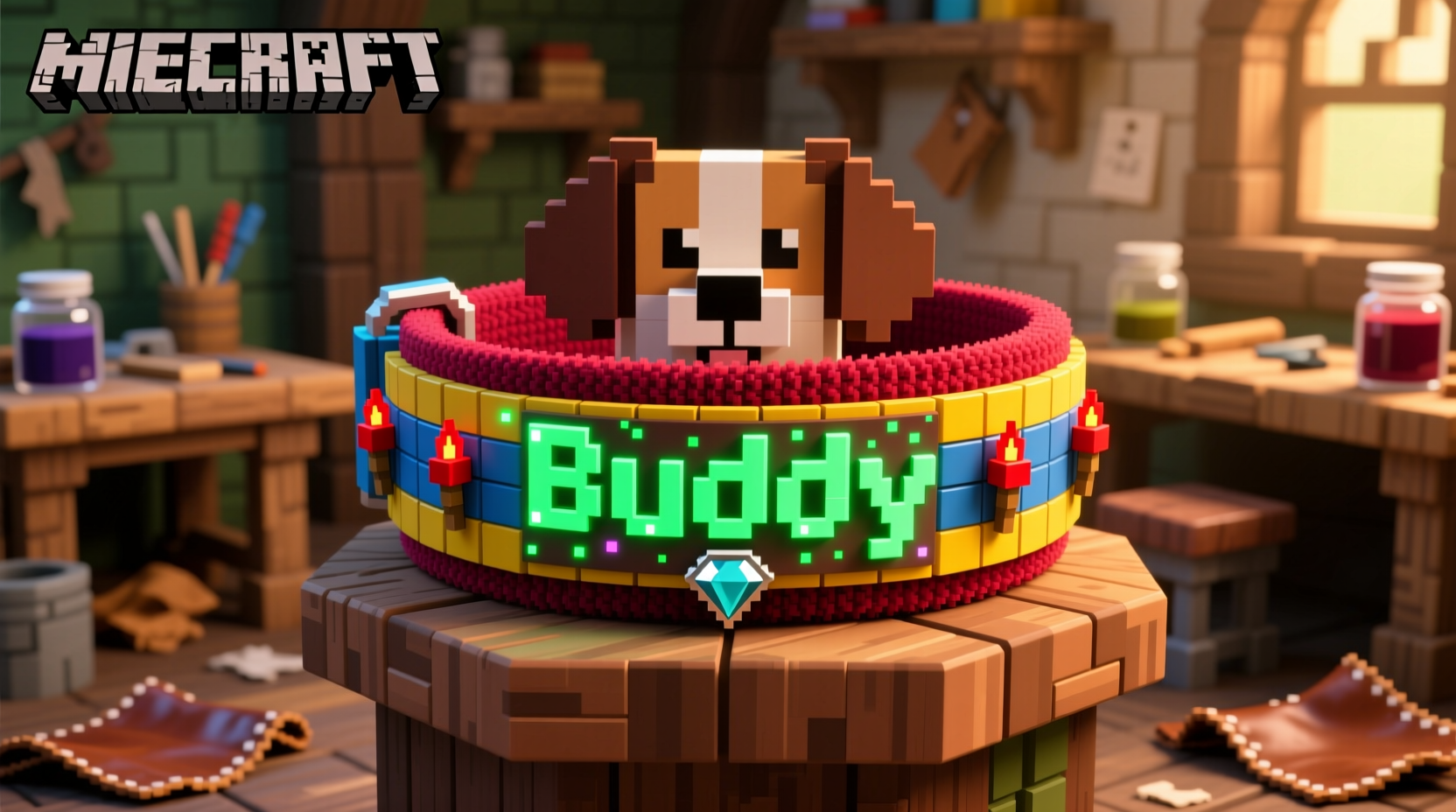
Dogs in Minecraft PE wear a default red collar, which indicates ownership. The color can be changed using any of the 16 available dye colors in the game. Right-clicking (or tapping) a dog while holding a dye will instantly change its collar to match. This mechanic opens the door for customization—but it’s not as straightforward as applying multiple colors or patterns. Unlike banners or armor trims, dog collars cannot display gradients or layered designs natively. However, players have found inventive workarounds to simulate more complex appearances.
The key limitation is that only one dye color can be applied at a time. Once applied, the entire collar changes uniformly. There's no way to paint half-blue and half-yellow directly. But this hasn’t stopped imaginative players from pushing boundaries using environmental tricks, naming conventions, and companion builds.
Tip: Always keep a variety of dyes in your inventory if you plan to frequently change your dog’s look—especially rare ones like lapis lazuli or cocoa beans.Step-by-Step Guide to Dyeing Your Dog’s Collar
Changing your dog’s collar color is simple but should be done thoughtfully to maximize visual impact. Follow these steps for best results:
- Tame a wolf first: Locate a wild wolf in forests, taigas, or snowy biomes. Feed it bones until hearts appear, confirming it’s tamed.
- Obtain dyes: Craft or gather dyes from flowers, ink sacs, cacti, or other natural sources. For example:
- Blue: Lapis Lazuli or Cornflower
- Green: Cactus Green
- Purple: Allium or crafted with red and blue dye
- Pink: Peony petals or pink tulip
- Apply the dye: Hold the chosen dye and tap your dog. The collar will immediately change color.
- Repeat as desired: You can re-dye your dog anytime. No permanence means endless experimentation.
- Name your dog: Use an anvil and a name tag to give your pet a unique identity that complements its new look.
This process may seem basic, but when combined with strategic planning, it becomes a powerful tool for expression.
Creative Customization Techniques Beyond Basic Dyeing
While single-color changes are standard, advanced players use environmental and behavioral cues to enhance their dog’s aesthetic. These methods don’t alter the collar itself but create the illusion of deeper customization.
1. Biome-Themed Color Schemes
Match your dog’s collar to its environment. A black collar stands out in snowy tundras, while green blends into jungles. This creates a thematic unity between your pet and surroundings.
2. Role-Based Coloring
Assign functions based on color. For example:
- Red: Guard dog stationed near your front gate
- Blue: Water rescue companion kept near boats
- Yellow: Scout used for cave exploration
3. Name + Dye Combinations
Use names that reflect the color or role. “Midnight” for a black-collar dog, “Ember” for red, or “Sage” for green. This adds narrative depth.
4. Light & Contrast Tricks
Place torches or glowstone behind your dog when displaying them. Certain colors like white or yellow become more vibrant under light, enhancing visibility.
5. Build Companion Structures
Create themed doghouses using blocks that match the collar. A purple-collar dog could have an amethyst-themed kennel; a brown-collar pup might live in a log cabin-style shelter.
| Dye Color | Suggested Theme | Best Biome Fit |
|---|---|---|
| White | Explorer / Snow Patrol | Snowy Tundra |
| Orange | Desert Scout | Desert |
| Cyan | Aquatic Assistant | Ocean Edge |
| Gray | Stealth Watchdog | Roofed Forest |
| Pink | Companion Pet | Flower Forest |
“We often underestimate how much emotional connection we form with our in-game pets. A personalized collar—even in a blocky world—makes them feel more real.” — Dr. Lena Torres, Game Psychologist & Digital Identity Researcher
Mini Case Study: The Rainbow Patrol
Jamal, a dedicated Minecraft PE player from Vancouver, wanted his five-tamed wolves to represent diversity and unity. Instead of random colors, he assigned each a hue from the rainbow and named them accordingly: “Roxie” (red), “Orion” (orange), “Lemon” (yellow), “Forest” (green), and “Indie” (indigo). He built a circular pen with colored wool floors matching each dog’s collar and placed name tags above small beds inside.
He didn’t stop there. Using command blocks on servers with permissions, he summoned lightning effects during thunderstorms to make the dogs briefly turn black—a dramatic effect he called “storm mode.” Though temporary, it added excitement. His video showcasing the setup went viral on social media, inspiring others to treat their pets as characters rather than tools.
This example shows how far simple dye mechanics can go when paired with storytelling and structure.
Checklist: How to Fully Customize Your Dog’s Appearance
- ✅ Tame at least one wolf successfully
- ✅ Collect all 16 dye colors (or your preferred subset)
- ✅ Choose a theme (e.g., nature, fantasy, military)
- ✅ Assign each dog a role and matching collar color
- ✅ Use an anvil to apply a fitting name tag
- ✅ Design a themed kennel or base area
- ✅ Test visibility in different lighting conditions
- ✅ Share your creation online or in multiplayer
Frequently Asked Questions
Can I put armor on my dog in Minecraft PE?
No. Unlike horses or cats, dogs (wolves) cannot wear armor. Their only customizable feature is the collar color via dye.
Do collar colors affect gameplay?
No. The color has no mechanical impact—it doesn’t improve stats, speed, or aggression. It’s purely cosmetic and expressive.
Can I mix two dyes on one collar?
Not directly. The game applies one dye at a time, overwriting the previous color. However, you can simulate multi-color effects by alternating dyes frequently or using optical illusions in builds.
Final Thoughts: Make Your Mark Through Personal Expression
Customizing a dog collar in Minecraft PE might seem minor in the grand scheme of building castles or surviving the Nether. But these small touches define the soul of your world. In a universe made of cubes, personality emerges through detail—color choice, naming, placement, and intention. When you take the time to dye your dog’s collar thoughtfully, you’re not just changing pixels; you’re deepening your bond with a digital companion.
Whether you're creating a team of working pups, designing a vibrant pet parade, or simply making your furry friend stand out, remember that creativity thrives within limits. The absence of advanced tools forces innovation—and often leads to the most memorable experiences.
💬 What’s your favorite dog collar combo? Try a neon green collar named “Glitch,” or a black-dyed pup called “Shadow.” Share your best ideas and inspire others to personalize their packs!