
For pet owners with unpredictable schedules, ensuring your dog is fed on time can be a constant challenge. While commercial automatic feeders exist, building your own offers a cost-effective, customizable, and rewarding alternative. With basic tools, some ingenuity, and a little technical know-how, you can design a system that dispenses food reliably—whether you're working late or traveling across time zones.
From low-tech gravity-based solutions to Wi-Fi-enabled smart dispensers, the options are surprisingly diverse. This guide walks through proven methods, essential components, and real-world applications so you can create a dependable feeding solution tailored to your dog’s needs.
Why Build Your Own Automatic Feeder?
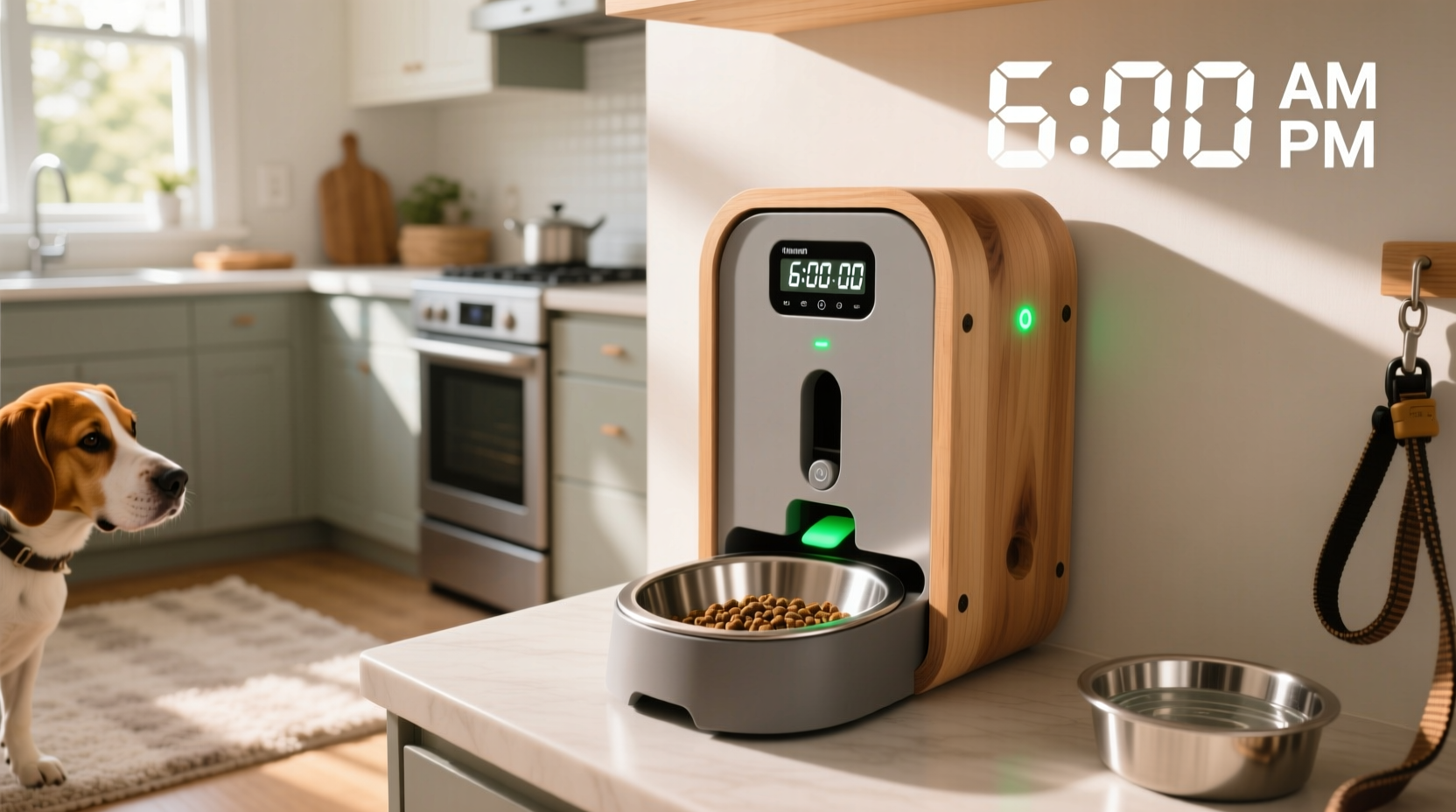
Purchasing a pre-made automatic feeder can cost anywhere from $50 to over $200. Many models lack flexibility in portion control, scheduling, or compatibility with larger kibble sizes. By designing your own, you gain full control over timing, quantity, durability, and even remote monitoring capabilities.
Additionally, DIY projects foster problem-solving skills and deepen understanding of how automated systems work. Whether you’re a tinkerer, a parent teaching kids about engineering, or simply looking to save money, a homemade feeder is both practical and educational.
Tip: Always test your feeder with dry kibble first to ensure smooth dispensing before relying on it during long absences.Core Components of a Homemade Feeder
No matter which design you choose, every automatic feeder relies on three key elements:
- Storage Container: Holds dry food securely and prevents moisture or pests.
- Dispensing Mechanism: Releases food at set intervals—manually triggered, motorized, or gravity-fed.
- Control System: Dictates when and how much food is released (e.g., timer, microcontroller, app).
The complexity depends on your goals. A simple rotating tray may suffice for twice-daily feeding, while a servo-driven gate controlled by an Arduino allows precise, programmable portions.
Low-Tech Option: Gravity-Powered Rotating Tray
This method uses no electricity and is ideal for those seeking simplicity. A large plastic bin stores food above a circular tray divided into compartments. When rotated manually or via a slow-turning motor, each section aligns with the outlet, releasing one portion.
- Materials needed: Plastic storage bin, cutting tool, Lazy Susan turntable, dowel rod, glue
- Best for: Medium-sized dogs, consistent daily routines
- Limitations: Requires manual reset; not suitable for multiple daily meals unless automated
Smart Option: Arduino-Based Dispenser with Timer
For full automation, integrate an Arduino Uno, a servo motor, and a real-time clock (RTC) module. Program the device to open a trapdoor or rotate a drum at specific times. Add an SD card logger to track feeding history.
Example code snippet for timed release:
#include <TimeLib.h>
#include <RTClib.h>
#include <Servo.h>

Servo feederServo;
RTC_DS3231 rtc;

void setup() {
  feederServo.attach(9);
  rtc.begin();
}

void loop() {
  if (hour() == 7 && minute() == 30) {
    dispenseFood();
    delay(60000); // Prevent repeated triggering
  }
}
Step-by-Step Guide: Building a Basic Motorized Feeder
Follow this sequence to assemble a reliable, battery-powered feeder using common household items.
- Gather Materials: Clear plastic container (like a coffee canister), small DC motor, 9V battery pack, cardboard or acrylic sheet, hot glue gun, switch, wire.
- Cut the Base: Attach the motor shaft vertically to a circular piece of cardboard or plastic that fits inside the container base.
- Create the Gate: Cut a small U-shaped opening in the container’s bottom. Align it with a sliding door made from stiff plastic connected to the motor arm.
- Wire the Circuit: Connect the motor to the battery via a toggle switch. For timed operation, add a programmable timer switch (available online).
- Test and Calibrate: Fill with kibble, activate the motor briefly, and adjust door size or motor speed until one portion dispenses cleanly.
- Seal and Secure: Ensure all joints are tight to prevent spills or pest access. Label controls clearly.
Enhancing Reliability and Safety
A poorly designed feeder can jam, spill, or fail entirely—putting your dog’s health at risk. Consider these upgrades for better performance:
- Add a funnel insert to guide kibble smoothly toward the outlet.
- Use UV-resistant plastic if placing near windows to avoid degradation.
- Include a backup manual release lever in case of power failure.
- Mount sensors (like IR beams) to detect if food was successfully dispensed.
“Automation should never replace oversight. Even the best DIY feeders need weekly checks for wear, moisture, or clogs.” — Dr. Lena Patel, Veterinary Behaviorist
Real Example: The Busy Veterinarian’s Solution
Sarah, a veterinarian in Portland, often works 12-hour shifts and couldn’t rely on family members to feed her energetic Border Collie, Max. She built a Wi-Fi-connected feeder using a NodeMCU board, a stepper motor, and a repurposed peanut butter jar.
Using the Blynk app, she schedules meals from her phone and receives notifications when food is released. She also added a small camera to monitor Max’s eating behavior remotely. After six months, the system has operated without a single jam, and Max eats calmly at 7 AM and 6 PM every day—even when Sarah is still at the clinic.
Comparison Table: Feeder Types and Features
| Type | Cost Estimate | Power Required | Customizable Portions? | Remote Control? |
|---|---|---|---|---|
| Gravity Tray | $10–$20 | No | Limited | No |
| Timer + Motor | $25–$40 | Yes (battery) | Yes | No |
| Arduino-Based | $40–$60 | Yes (USB/battery) | Highly | Via serial/Bluetooth |
| Wi-Fi Smart Feeder | $60–$90 | Yes (plug-in) | Full control | Yes (app) |
Checklist: Before You Leave Your Dog with a DIY Feeder
- ✅ Test the system for at least three consecutive days with supervision.
- ✅ Confirm food dispenses fully without clumping or bridging.
- ✅ Ensure the container is airtight and stored away from heat or humidity.
- ✅ Set up a secondary feeding plan (e.g., neighbor check-in) for extended absences.
- ✅ Label all parts clearly and include emergency instructions nearby.
FAQ
Can I use a DIY feeder for wet food?
No. Homemade systems are best suited for dry kibble. Wet food spoils quickly and can clog mechanical parts. Stick to dry food unless you’re building a refrigerated, short-cycle system—which adds significant complexity.
What if the motor jams or the power fails?
Always include a manual override. Some builders install a pull-cord mechanism or a removable tray underneath to retrieve food quickly. Also, consider a UPS (uninterruptible power supply) for plug-in models.
Is it safe to leave my dog unattended with a homemade feeder?
Only after thorough testing. Never rely on a new system during your first long absence. Start with overnight trials and gradually increase duration. Monitor your dog’s weight and appetite to confirm they’re eating properly.
Final Thoughts and Next Steps
Building an automatic dog feeder at home blends practicality with creativity. Whether you opt for a minimalist gravity tray or a high-tech Wi-Fi model, the result is a personalized solution that keeps your pet nourished on schedule. Beyond convenience, it strengthens your ability to care for your dog responsibly—even when life pulls you away.
💬 Have you built a DIY pet feeder? Share your design, challenges, and tips in the comments below—your experience could inspire another pet-loving maker!