
Selling event tickets through platforms like SeatGeek is a convenient way to recoup costs when plans change. Yet many users find themselves asking: why can’t I sell my tickets on SeatGeek? Despite the platform’s user-friendly interface and broad audience reach, several technical, procedural, and market-driven factors can prevent successful listings. Understanding these barriers—and knowing exactly how to list tickets correctly—is essential for maximizing your chances of a fast, profitable sale.
Why You Can’t Sell Tickets on SeatGeek Right Now
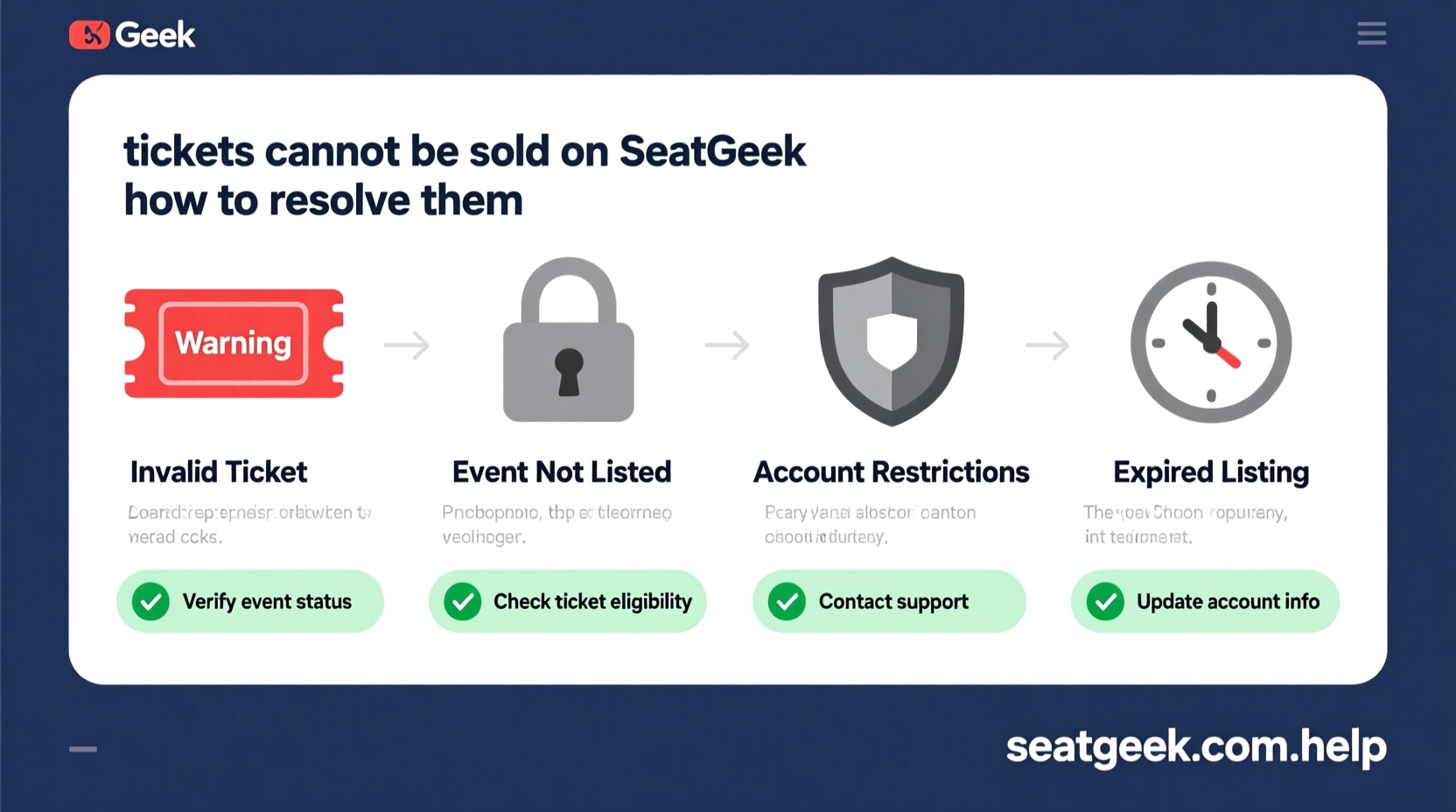
The most common reason users struggle to sell tickets is misunderstanding SeatGeek’s eligibility requirements. Not all tickets can be listed immediately—or at all—due to restrictions from venues, teams, or third-party ticketing systems.
- Ticket type incompatibility: Some events use paperless entry or mobile-only transfers that don’t support resale via third-party platforms.
- Event-specific bans: High-demand concerts, sports playoffs, or festivals may disable resale to combat scalping.
- Transfer delays: Even if eligible, some tickets require manual approval or have transfer windows set by the original seller (e.g., Ticketmaster).
- Account verification issues: Unverified accounts or mismatched payment methods can block listing functionality.
If you're seeing a “Sell” button grayed out or no option to list, check your ticket details carefully. Navigate to your “Tickets” tab in the SeatGeek app or desktop site and look for a green “Sell” button next to the event. If it's missing, one of the above restrictions likely applies.
Tip: Wait 24–48 hours after purchase before attempting to list. Some tickets take time to become transferable.How to List Tickets on SeatGeek: A Step-by-Step Guide
When your tickets are eligible, listing them is straightforward—but skipping steps can delay sales or cause errors. Follow this sequence precisely:
- Open the SeatGeek app or website and log into your account. Ensure two-factor authentication is enabled for security.
- Go to “My Tickets” and locate the event you want to sell.
- Tap “Sell” next to the ticket(s). If unavailable, refer back to eligibility checks.
- Select which tickets to list—you can choose individual seats or entire orders.
- Set your price. You can enter a custom amount or use SeatGeek’s suggested price based on current market demand.
- Review fees and net payout. SeatGeek deducts a service fee (typically 10–15%) from your final sale.
- Confirm and publish. Once live, your listing appears in search results within minutes.
After listing, monitor your dashboard for buyer notifications. Most transactions occur via instant mobile transfer, meaning once purchased, tickets are securely sent to the buyer’s SeatGeek account.
Common Listing Mistakes That Kill Sales
Even with perfect eligibility, poor pricing or presentation can leave tickets unsold. These missteps are often overlooked but easily corrected:
| Mistake | Impact | Solution |
|---|---|---|
| Pricing above market value | Tickets sit longer than average; buyers choose cheaper alternatives | Use SeatGeek’s price suggestions or compare similar listings |
| Not listing early enough | Late entries miss peak demand periods (e.g., weekends pre-event) | List as soon as tickets are transferable |
| Ignoring partial sales | Failing to sell single seats from a group reduces flexibility | Enable split-selling if allowed by event rules |
| Using outdated apps | Technical glitches prevent successful uploads | Update SeatGeek app regularly |
Expert Insight: What Resellers Need to Know
“Timing and transparency are everything in secondary ticketing. Sellers who price fairly and respond quickly to inquiries see close rates over 70%.” — Marcus Tran, Senior Analyst at EventMarket Insights
According to industry data, tickets listed within 72 hours of becoming available sell 40% faster than those delayed beyond a week. Additionally, dynamic pricing tools—like adjusting prices downward as the event date nears—can significantly improve conversion.
Mini Case Study: From Unsold to Sold in 48 Hours
Jamie bought two front-row concert tickets for $320 each but had to cancel due to a family emergency. After failing to sell them on another platform, she tried SeatGeek. Initially, she priced them at $400 each—above face value and higher than competing listings.
For three days, there were zero views. Then, following SeatGeek’s price recommendation tool, she dropped the price to $280 and added a note: “Flexible on price for quick sale.” Within 12 hours, one ticket sold. She reduced the second to $260 the next morning and completed the sale 36 hours later.
The lesson? Market alignment beats idealism. Buyers notice realistic pricing and prompt communication.
Checklist: How to Successfully List and Sell on SeatGeek
Action Steps Before Listing:
- ✅ Confirm your tickets are transferable
- ✅ Update the SeatGeek app to the latest version
- ✅ Verify your identity and payment method
- ✅ Check for event-specific resale restrictions
- ✅ Research comparable listings to set a competitive price
- ✅ Enable push notifications for buyer alerts
- ✅ Consider lowering prices mid-week if no offers appear
Frequently Asked Questions
Why is the “Sell” button not showing up?
The “Sell” button may be missing due to non-transferable tickets, event restrictions, or delayed sync from the original vendor. Contact SeatGeek support with your order number to confirm eligibility.
Can I cancel my listing once it’s live?
Yes. You can remove your listing anytime before a sale completes. Go to “My Listings,” select the event, and tap “Cancel Listing.” Be aware that frequently canceling and relisting may affect visibility.
When do I get paid after a sale?
SeatGeek processes payments within 2–5 business days after the event ends. Funds are deposited directly to your linked bank account or PayPal, minus the service fee. No action is required post-transfer.
Maximize Your Success: Final Tips
Selling tickets on SeatGeek isn’t just about uploading—they thrive on strategy. The strongest sellers combine technical readiness with market awareness. Always start with accurate pricing, list early, and stay responsive. If your first attempt fails, adjust and re-list rather than abandoning the platform.
Remember, thousands of tickets change hands on SeatGeek every day. Your seat could be next—with the right approach.
💬 Got a ticket-selling success story or challenge? Share your experience in the comments—your insight might help another fan turn an unused ticket into cash.