For creative professionals—graphic designers, video editors, audio producers, photographers, and developers—the choice of operating system isn’t just about preference. It’s about workflow efficiency, software compatibility, hardware performance, and long-term reliability. Windows 11 and macOS Sonoma represent the current pinnacle of their respective platforms, each offering tailored experiences for creators. But which one truly supports the demands of modern creative work? This in-depth comparison examines performance, ecosystem integration, application support, hardware flexibility, and real-world usability to help you make an informed decision.
Performance and System Optimization for Creative Workloads
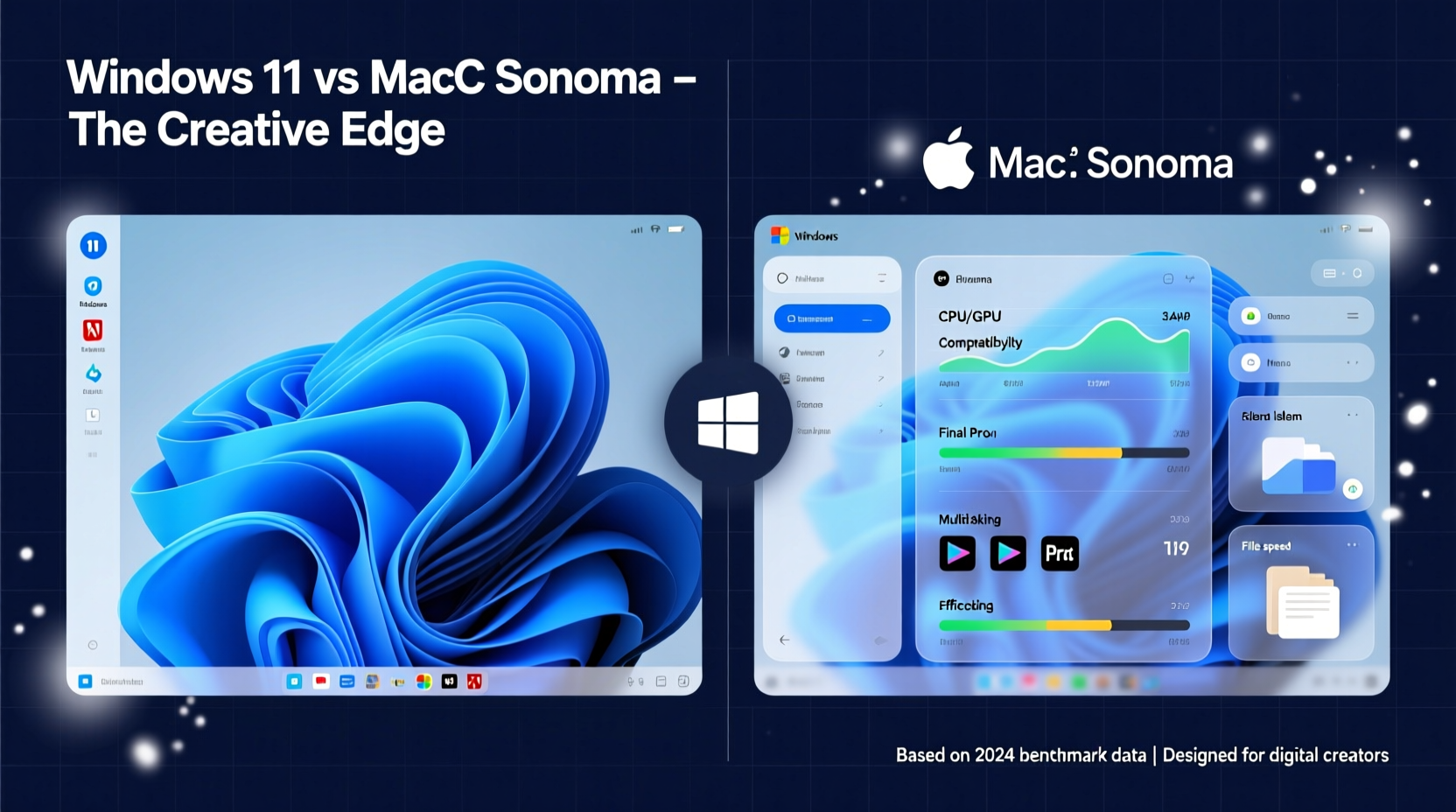
Creative applications are resource-intensive. Whether rendering 4K timelines in DaVinci Resolve, running complex After Effects compositions, or compiling high-fidelity audio sessions in Logic Pro, system responsiveness is non-negotiable. Both Windows 11 and macOS Sonoma have made significant strides in optimizing performance, but they approach it differently.
Windows 11 leverages a broad hardware ecosystem, supporting everything from entry-level laptops to high-end desktop workstations with multi-core Intel and AMD processors, NVIDIA RTX GPUs, and up to 128GB of RAM. Its DirectStorage API and Auto HDR improve media loading and color accuracy, especially beneficial in Premiere Pro and Photoshop workflows. However, performance consistency varies widely depending on OEM implementation. Driver conflicts and background bloatware can degrade stability, particularly on budget or mid-tier machines.
macOS Sonoma, in contrast, is tightly integrated with Apple’s M-series chips. The M2 and M3 silicon deliver exceptional single-threaded performance and energy efficiency, making them ideal for sustained creative tasks. Unified memory architecture allows seamless data sharing between CPU, GPU, and Neural Engine, reducing latency in Final Cut Pro and Motion. Apple’s Metal graphics framework ensures smooth playback even in complex timelines. In benchmark tests, MacBooks consistently outperform similarly priced Windows laptops in video encoding and export times.
Tip: For maximum stability in creative workflows, prioritize SSD speed and RAM over raw CPU clock speeds—especially when working with large project files.Software Ecosystem and Application Support
The availability and optimization of creative software often dictate platform choice. While Adobe’s Creative Cloud suite runs on both platforms, key differences emerge in native app quality, third-party plugin support, and exclusive tools.
- Adobe Suite: Photoshop, Illustrator, Premiere Pro, and After Effects are fully supported on both systems. However, some users report faster brush response and smoother canvas navigation on macOS due to better GPU driver integration.
- Video Editing: Final Cut Pro X remains a macOS exclusive and is highly optimized for Apple Silicon, offering real-time 8K editing with minimal rendering. On Windows, DaVinci Resolve and Premiere Pro dominate, with excellent NVIDIA CUDA acceleration—but lack the same level of OS-level integration.
- Music Production: Logic Pro and MainStage are only available on macOS and are industry standards in professional audio circles. Ableton Live and FL Studio perform well on Windows, but macOS offers lower audio latency and more stable ASIO-like Core Audio performance.
- Development & Design Tools: Xcode is macOS-only, essential for iOS/macOS app development. Figma, Sketch (macOS-only), and Affinity apps show platform-specific optimizations, with Sketch being a compelling reason for UI/UX designers to stay on Mac.
“On Mac, the entire pipeline—from capture to edit to export—feels like one cohesive system. That tight integration reduces friction.” — Daniel Reyes, Senior Video Editor at FrameWorks Studio
Hardware Flexibility and Customization
This is where Windows 11 shines. With support for a vast array of manufacturers—Dell, HP, Lenovo, ASUS, Microsoft Surface, and custom-built PCs—Windows offers unparalleled flexibility in form factor, price, and upgradeability.
Professionals who need dual GPUs, multiple high-refresh external monitors, or specialized I/O cards (like Blackmagic capture devices) often find Windows systems more accommodating. High-end workstations can be upgraded with additional RAM, storage, or even discrete GPUs via Thunderbolt enclosures. Detachable tablets like the Surface Pro offer pen input ideal for digital artists using Clip Studio Paint or CorelDRAW.
macOS, by contrast, limits hardware options. Apple’s transition to in-house silicon means no user-upgradeable components beyond cloud and external storage. You buy what you get. While MacBooks and iMacs deliver excellent build quality and display fidelity (especially with XDR panels), they come at a premium. Expanding beyond Apple’s ecosystem for peripherals or secondary displays requires careful compatibility checks.
| Feature | Windows 11 | macOS Sonoma |
|---|---|---|
| Upgradeable RAM/Storage | Yes (on most desktops/laptops) | No (soldered components) |
| Support for Multiple GPUs | Yes (SLI/CrossFire/external eGPUs) | Limited (eGPU support deprecated) |
| Pen/Stylus Input | Widespread (Surface, Wacom, HP) | Limited (only iPad with Apple Pencil) |
| External Monitor Support | Up to 4+ 4K displays | Limited (MacBook: 1 external; Studio: up to 5) |
| Price Range (Creative-Focused Devices) | $800 – $6,000+ | $1,299 – $7,000+ |
User Experience and Workflow Integration
Productivity isn’t just about specs—it’s about how smoothly tools integrate into daily routines. macOS Sonoma enhances this with features designed specifically for creatives.
Sonoma introduces redesigned desktop widgets that can display live video feeds, color palettes, or music controls. Web apps can now run in standalone windows, useful for accessing Behance or Dribbble without cluttering the browser. AirPlay to Mac allows seamless mirroring from iPhone or iPad, enabling quick photo or video transfers. Continuity Camera turns your iPhone into a high-quality webcam with Center Stage, ideal for recording tutorials or client calls.
Windows 11 counters with Snap Layouts and Groups, allowing precise window organization across multiple monitors—a boon for multitasking between Photoshop, reference images, and communication tools. The new Touch Keyboard and voice typing are helpful for writers and script editors. However, the overall interface feels less cohesive, with inconsistent design language between legacy Win32 apps and modern UWP interfaces.
File management also differs. macOS Finder includes robust metadata tagging, Quick Look previews, and built-in versioning (via Time Machine snapshots). Windows File Explorer has improved with tabs and cloud integration, but still lags in deep file inspection capabilities.
Tip: Use virtual desktops on both platforms to separate workflows—e.g., one space for editing, another for communication and research.Mini Case Study: Freelance Photographer’s Platform Switch
Jamila Torres, a commercial photographer based in Portland, used a MacBook Pro for nearly a decade, relying on Lightroom Classic, Capture One, and Luminar Neo. In 2023, she switched to a custom-built Windows PC with an Intel i9, 64GB RAM, and dual RTX 4090s for AI-powered batch editing and 360° panorama stitching.
“The speed increase was immediate,” she said. “Batch processing 2,000 RAW files dropped from 45 minutes to under 10. But I missed the quiet fanless operation of the M1 Max and the seamless iCloud sync with my iPhone.”
She eventually adopted a hybrid setup: a high-end Windows workstation for heavy lifting and a MacBook Air for client meetings and on-the-go edits. “I use Sidecar to extend my Windows screen to the iPad, and Dropbox keeps projects synced. It’s not perfect, but it gives me the best of both worlds.”
Security, Stability, and Long-Term Reliability
Creatives can’t afford crashes during rendering or data loss from malware. macOS has traditionally held an edge in security due to its Unix foundation, sandboxed apps, and strict App Store review process. Sonoma enhances this with Lockdown Mode for high-risk users and advanced privacy reports in Safari.
Windows 11 includes robust protections like Secure Boot, TPM 2.0, Windows Hello, and Microsoft Defender. However, its open nature makes it a larger target for malware. Regular updates can sometimes break drivers or software, disrupting workflows. That said, enterprise-grade Windows machines with Dell SafeBIOS or Lenovo ThinkShield offer near-macOS levels of resilience.
In terms of stability, macOS generally delivers fewer unexpected reboots and smoother background operations. Background processes on Windows—like Windows Update or telemetry—can spike CPU usage unexpectedly, interrupting render jobs. Power management on MacBooks also leads to longer sustained performance under battery, crucial for fieldwork.
Frequently Asked Questions
Can I run all Adobe apps equally well on both platforms?
Yes, Adobe Creative Cloud is fully supported on both Windows 11 and macOS Sonoma. Performance differences are minor and usually tied to hardware rather than OS. However, macOS users may experience slightly better responsiveness in vector-based apps like Illustrator due to smoother GPU compositing.
Is it worth switching from Windows to Mac for video editing?
If you’re using Final Cut Pro or working heavily with iPhone/iPad footage, yes. The optimization for Apple Silicon, HDR grading tools, and magnetic timeline make Sonoma a superior environment for fast-turnaround editing. For cross-platform collaboration using Premiere Pro, the advantage narrows, but Mac still offers better thermal management and battery life.
Can I use my existing peripherals on both systems?
Most USB-C, HDMI, and SD card devices work on both. However, some Windows-specific accessories (like certain drawing tablets or capture cards) may require drivers not available on macOS. Always check manufacturer compatibility before investing in high-end gear.
Action Checklist: Choosing Your Creative Platform
- Evaluate your core software stack—identify any macOS- or Windows-only applications.
- Assess your need for hardware upgrades or external device support.
- Test real-world performance with sample projects on both platforms if possible.
- Consider long-term costs—including software licenses, repair, and replacement cycles.
- Determine the importance of ecosystem integration (iPhone, iPad, Apple Watch vs. Android, Surface, Xbox).
- Factor in portability, battery life, and noise levels for studio or field work.
- Plan for backup and collaboration workflows across devices.
Conclusion: Matching Platform to Professional Needs
There is no universal winner in the Windows 11 vs macOS Sonoma debate. The best choice depends on your specific role, tools, and workflow preferences.
Choose macOS Sonoma if you value seamless ecosystem integration, prioritize video and audio production, rely on Apple-exclusive apps like Final Cut Pro or Logic, and prefer a stable, secure environment with minimal maintenance. It’s ideal for solo creatives, filmmakers, and designers who work within Apple’s ecosystem.
Opt for Windows 11 if you need maximum hardware flexibility, plan to upgrade components over time, use specialized peripherals, or depend on Windows-only software like certain CAD or engineering tools. It’s better suited for 3D artists, game developers, and professionals requiring multi-GPU setups or high-resolution multi-monitor arrangements.
Many top creatives now adopt a hybrid model—using a Mac for mobility and client-facing tasks, and a Windows machine for rendering or simulation-heavy work. Cloud storage and cross-platform apps make this increasingly viable.
🚀 Ready to optimize your creative setup? Audit your current workflow, test both platforms with real projects, and choose the one that removes friction—not adds it. Share your experience or questions below to help others navigate this critical decision.