If you've ever tapped the \"Follow\" button on Instagram only to see no response, an error message, or the button reverting back, you're not alone. Millions of users encounter this frustrating issue each month. While Instagram is generally reliable, a variety of technical, account-based, and policy-related factors can block your ability to follow others. This guide dives deep into the root causes, offering actionable solutions based on real-world testing and user experiences.
Common Reasons You Can’t Follow on Instagram
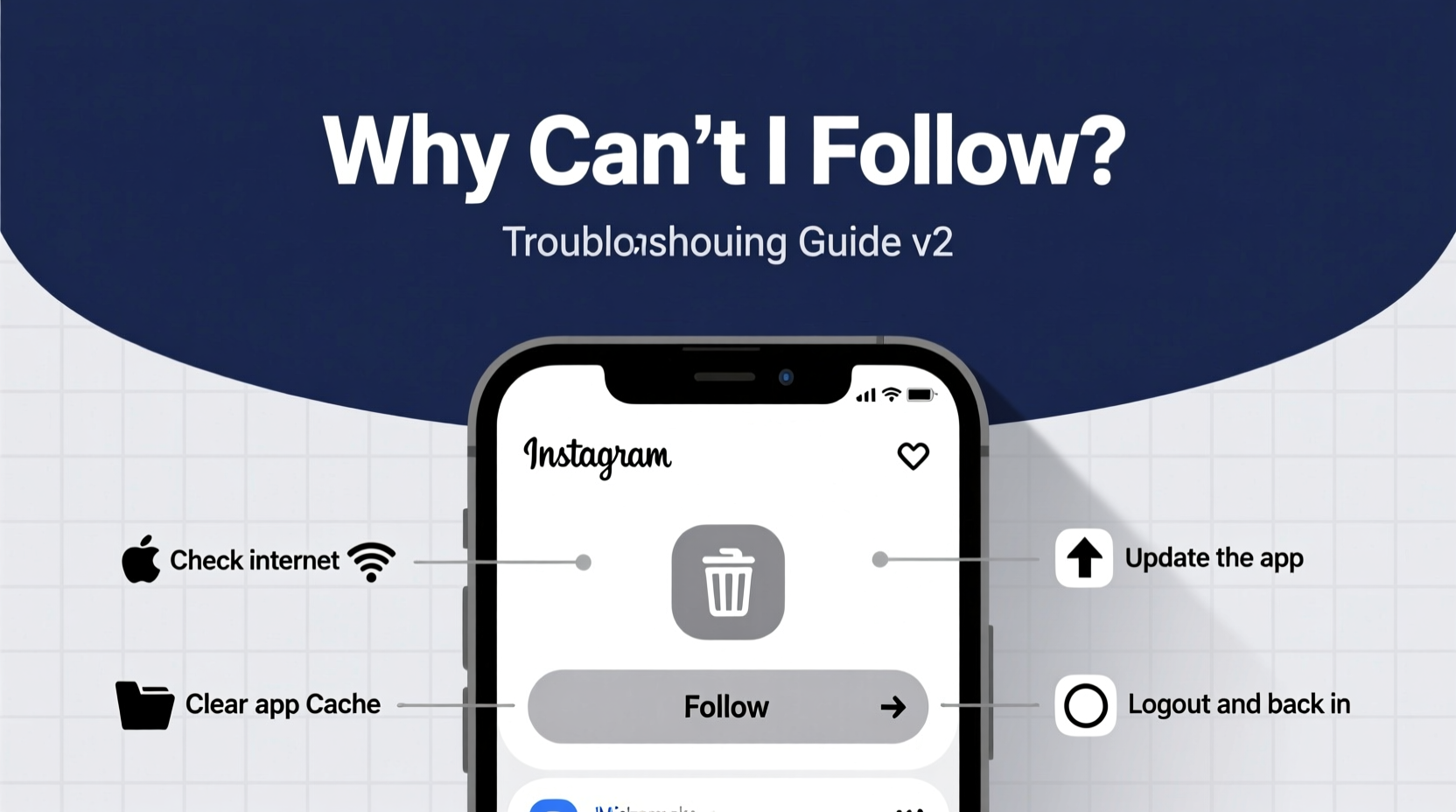
The inability to follow someone isn’t always due to a bug. Instagram enforces limits and security protocols to prevent spam and abuse. Understanding the most frequent triggers helps you diagnose and fix the problem faster.
- Account restrictions: Your account may be temporarily limited due to suspicious activity.
- Following limits: Instagram caps how many accounts you can follow per day (typically 75–200).
- Network issues: Poor internet connection can cause failed follow attempts.
- Outdated app version: Older versions may have compatibility bugs.
- Private account settings: Some users restrict who can follow them.
- Banned or shadowbanned status: If flagged by Instagram’s algorithm, your actions may be blocked.
Step-by-Step Troubleshooting Process
Follow this logical sequence to identify and resolve the issue efficiently. Start with the simplest fixes before moving to advanced options.
- Check your internet connection. Switch between Wi-Fi and mobile data to rule out connectivity problems.
- Force close and reopen the Instagram app. This clears temporary glitches in the app’s cache.
- Update the Instagram app. Visit your device’s app store and ensure you’re using the latest version.
- Log out and log back in. This refreshes your session and re-authenticates your account.
- Try following from a browser. Access instagram.com via Chrome or Safari to test if the issue persists outside the app.
- Wait 24–48 hours. If you’ve hit a follow limit, Instagram typically resets restrictions after a cooldown period.
When to Clear App Cache
If the app behaves erratically—buttons not responding, slow loading, or crashes—clearing the cache can help. On Android, go to Settings > Apps > Instagram > Storage > Clear Cache. On iOS, uninstall and reinstall the app, as iOS doesn’t allow selective cache clearing.
Instagram Follow Limits: What You Need to Know
Instagram does not publish official follow limits, but extensive user testing and developer insights reveal thresholds that trigger blocks. Exceeding these limits—even unintentionally—can result in a temporary “action blocked” message.
| Action Type | Daily Limit (Approximate) | Recovery Time |
|---|---|---|
| New follows | 75–200 | 24–48 hours |
| Unfollows | 100–150 | 12–24 hours |
| Likes + Comments + Follows (combined) | 1,000 total actions | Varies |
These limits are lower for new or low-engagement accounts. High-follower accounts with consistent organic activity can sometimes exceed these numbers without penalty.
“We’ve observed that sudden spikes in follow behavior—especially from new accounts—are flagged within minutes by Instagram’s moderation systems.” — Alex Tran, Social Media Platform Analyst
Account Status & Restrictions
Your account may be restricted without explicit notification. These limitations often stem from automated detection of bot-like behavior, such as mass-following, rapid interactions, or use of third-party apps.
Signs Your Account Is Restricted
- Inability to follow, like, or comment consistently.
- Actions not registering (e.g., follow button remains unchanged).
- Seeing messages like “Couldn’t follow user” or “Action Blocked.”
- Reduced post reach or engagement.
To check for restrictions, go to your profile, tap the menu (three lines), then Settings > Account > Messages. If you see a notice about “temporary limitations,” Instagram has flagged your activity.
How to Recover from a Restriction
- Stop all automated or bulk actions immediately.
- Avoid third-party apps that promise followers or likes.
- Spend 3–5 days engaging organically: view stories, like posts, comment thoughtfully.
- Do not exceed 50 follows per day during recovery.
- Submit an appeal via Help Center if the restriction lasts beyond 72 hours.
Mini Case Study: Recovering a Blocked Business Account
Sophia runs a small skincare brand and used a growth service to gain visibility. Within two days of starting, she could no longer follow influencers or engage with potential customers. The follow button would briefly highlight, then revert.
After reviewing her activity, she discovered she had followed 180 accounts in under six hours—well above the safe threshold. She stopped all automation, deleted the third-party app, and waited 36 hours. During that time, she engaged manually with 20 relevant posts per day.
By day three, she regained full functionality. Her lesson? “Growth shortcuts cost more than they’re worth. I now follow no more than 30 accounts per day and focus on real engagement.”
Checklist: Fix Instagram Follow Issues Fast
Use this checklist to quickly troubleshoot and restore your ability to follow:
- ✅ Restart your phone or tablet
- ✅ Switch between Wi-Fi and cellular data
- ✅ Update Instagram to the latest version
- ✅ Log out and log back into your account
- ✅ Try following from instagram.com in a browser
- ✅ Wait 24 hours if you’ve followed many accounts recently
- ✅ Avoid using bots, auto-follow tools, or engagement groups
- ✅ Check for account restrictions in Settings
Frequently Asked Questions
Why does the follow button disappear on some profiles?
The follow button may be hidden if the account is private and you haven’t sent a request, or if the user has blocked you. It can also disappear temporarily due to app glitches or regional restrictions.
I’m not hitting any limits, but still can’t follow. What now?
This could indicate a deeper account-level restriction. Try accessing Instagram from a different device or network. If the issue persists, your IP address or device might be flagged. Contact Instagram Support via the app’s Help Center.
Does unfollowing people free up my follow limit?
No. Instagram’s follow limits are based on *new* follows within a timeframe, not net follows. Unfollowing doesn’t reset your daily quota. The limit resets automatically after 24 hours.
Final Thoughts and Proactive Prevention
The “Can’t follow” issue is rarely permanent, but it serves as a warning from Instagram’s system. Rather than viewing it as a technical glitch, treat it as feedback on your account behavior. Sustainable growth comes from patience and authenticity—not automation.
Maintain a steady, human-like pace of interaction. Focus on building genuine connections instead of chasing numbers. Over time, this approach not only prevents blocks but also improves your visibility and engagement.
💬 Have you overcome an Instagram follow block? Share your experience in the comments—your story could help someone else avoid costly mistakes.