The iPhone 11 was a landmark device—offering excellent performance, solid battery life, and one of the best dual-camera systems Apple had ever shipped at its price point. For millions, it remains a reliable daily driver in 2024. But with the iPhone 15 now widely available, many long-time iPhone 11 users are wondering: Is the upgrade truly worth it, especially when it comes to the display? After all, the screen is where we spend most of our time—scrolling, watching, reading, and interacting. A significant leap here could justify the investment.
This isn’t just about resolution or brightness on paper. It’s about how the screen feels in hand, how it performs under sunlight, how smoothly content moves across it, and whether those changes meaningfully improve your experience. Let’s take a detailed look at what’s changed between the iPhone 11 and iPhone 15 displays—and whether that difference is enough to warrant an upgrade.
Display Evolution: From LCD to Super Retina XDR
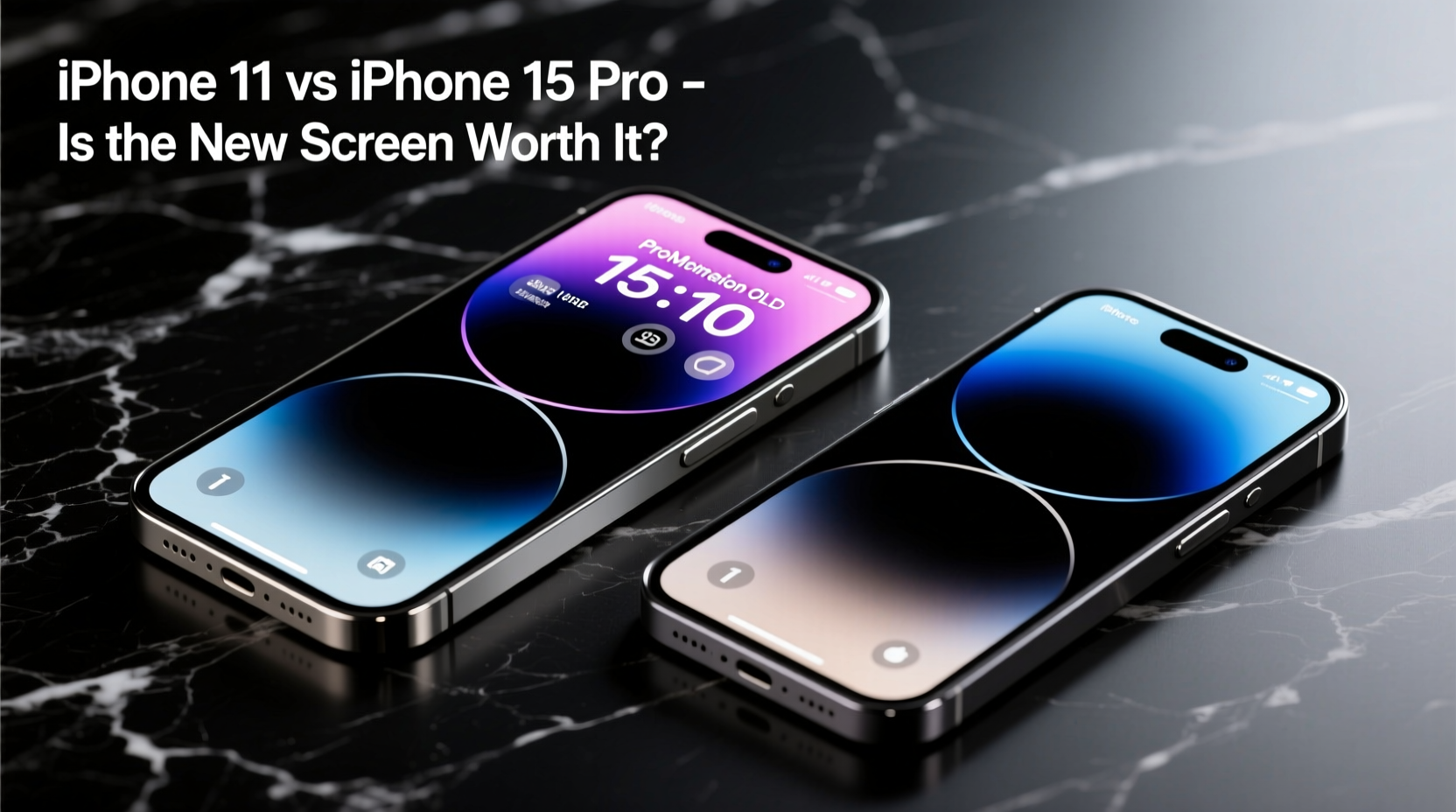
The iPhone 11 features a 6.1-inch Liquid Retina HD display—an LCD panel with a resolution of 1792 x 828 pixels and a pixel density of 326 PPI. While serviceable and color-accurate for its time, LCD technology has inherent limitations: lower contrast ratios, less vibrant colors, and no true blacks since the backlight is always on.
In contrast, the iPhone 15 also has a 6.1-inch display, but it uses OLED technology branded as Super Retina XDR. This brings a resolution of 2532 x 1170 pixels and a pixel density of 460 PPI. The shift from LCD to OLED is more than technical—it’s experiential. Blacks are truly black, colors pop with cinematic depth, and HDR content shines with dynamic range previously unseen on older models.
Tip: If you frequently watch videos or use dark mode interfaces, the iPhone 15’s OLED screen will offer noticeably deeper immersion and reduced eye strain.Key Screen Improvements Worth Noting
The display upgrades aren’t limited to the switch from LCD to OLED. Several other enhancements contribute to a superior viewing experience:
- Brightness: The iPhone 15 reaches up to 2000 nits peak brightness (HDR), compared to the iPhone 11’s 625 nits. This makes outdoor visibility dramatically better.
- Contrast Ratio: OLED delivers infinite contrast, making text crisper and images more lifelike.
- Color Accuracy: The iPhone 15 supports P3 wide color and True Tone adjustment more precisely, ensuring visuals stay natural across lighting conditions.
- Dynamic Island: While not strictly a screen quality feature, the Dynamic Island introduces a new way to interact with notifications and live activities—something absent on the iPhone 11.
“Moving from an LCD to an OLED display is one of the most immediately noticeable upgrades a user can make. It affects every app, every photo, every video.” — David Lin, Mobile Display Analyst at TechVision Insights
Real-World Impact: A Mini Case Study
Consider Sarah, a freelance photographer who’s used her iPhone 11 since 2019. She primarily uses her phone for reviewing photos, editing on Lightroom Mobile, and sharing content on Instagram. When she upgraded to the iPhone 15, her first reaction wasn’t about speed or camera improvements—it was the screen.
“I opened my gallery and nearly dropped the phone,” she said. “The shadows in my night shots were suddenly rich and defined, not muddy. Colors matched my DSLR previews almost exactly. Editing became faster because I could trust what I was seeing.”
For professionals and creatives, this level of visual fidelity isn’t just nice—it’s functional. The iPhone 15’s display allows for more accurate on-the-go editing, better previewing of design work, and improved readability during long email sessions.
Comparison Table: iPhone 11 vs iPhone 15 Display Specs
| Feature | iPhone 11 | iPhone 15 |
|---|---|---|
| Display Type | Liquid Retina HD (LCD) | Super Retina XDR (OLED) |
| Size | 6.1 inches | 6.1 inches |
| Resolution | 1792 x 828 px | 2532 x 1170 px |
| PPI | 326 | 460 |
| Peak Brightness | 625 nits | 2000 nits (HDR) |
| Contrast Ratio | 1400:1 | 2,000,000:1 |
| HDR Support | Limited | Yes (Dolby Vision, HDR10, HLG) |
| Always-On Display | No | Yes (on iPhone 15 Pro; No on standard iPhone 15) |
Is the Upgrade Justified? A Step-by-Step Decision Guide
If you're still on the fence, follow this logical path to help decide whether the screen upgrade is worth it for you:
- Assess Your Current Usage: Do you consume a lot of media, read e-books, or use your phone for creative work? If yes, screen quality directly impacts your experience.
- Test in Real Conditions: Visit an Apple Store and compare both devices side by side. Play a high-contrast video, scroll through a photo gallery, and view a webpage in dark mode.
- Evaluate Battery Trade-offs: OLED screens are generally more efficient, especially with dark content. However, higher brightness and resolution can offset gains. Monitor actual battery performance if switching.
- Factor in Longevity: The iPhone 15 will likely receive software support until 2029. If your iPhone 11 is showing signs of aging, now may be the optimal time to upgrade.
- Calculate Total Value: Consider trade-in offers, carrier deals, and whether the improved screen, camera, and performance collectively justify the cost.
Frequently Asked Questions
Does the iPhone 15 screen scratch more easily than the iPhone 11?
The iPhone 15 features Ceramic Shield front cover, same as the iPhone 11, so scratch resistance is similar. However, Apple claims improved durability with tighter sealing and refined glass composition. Using a screen protector is still recommended for maximum protection.
Can I notice the difference if I wear glasses?
Yes, even with corrective lenses, the increased sharpness, contrast, and brightness of the iPhone 15’s display are perceptible. Users with astigmatism may particularly appreciate the crisper text rendering and reduced halo effect around bright objects.
Is the Dynamic Island useful, or just a gimmick?
Initially seen as a novelty, the Dynamic Island has evolved into a functional UI element. It shows active timers, music playback, Face ID authentication, and real-time updates from apps like Uber or sports scores. Many users report it becoming indispensable after a week of use.
Action Checklist Before Upgrading
- ✅ Back up your iPhone 11 via iCloud or Finder
- ✅ Check your current battery health (Settings > Battery > Battery Health)
- ✅ Compare carrier upgrade eligibility and trade-in values
- ✅ Test the iPhone 15 display in-store with your own content
- ✅ Decide whether iOS 17 features (like StandBy mode) enhance your usage
- ✅ Transfer data using Quick Start during setup
Final Verdict: Is the New Screen Worth It?
For users whose phones serve primarily as communication tools with occasional browsing, the iPhone 11 remains perfectly capable. But if you value visual clarity, enjoy media consumption, care about color accuracy, or simply want a more modern interface experience, the iPhone 15’s display represents a transformative upgrade.
The move from LCD to OLED alone is reason enough for many to consider the switch. Add in higher brightness, richer contrast, and a future-ready design, and the screen becomes more than a spec sheet win—it becomes a daily delight.
💬 Have you made the jump from iPhone 11 to iPhone 15? Share your experience with the new screen—did it meet your expectations? Your insights could help others decide their next move.