
If you've been trying to return to TikTok after a break—whether due to a temporary ban, account suspension, or personal hiatus—and find that the app isn't letting you back in, you're not alone. Many users report being unable to log in, load their feed, or regain access even after resolving previous violations. The phrase “TikTok not back for me” has become increasingly common across forums and social media. This article breaks down the most likely causes and offers actionable steps to help you restore access and resume your presence on one of the world’s most dynamic platforms.
Why TikTok Might Not Be Available to You
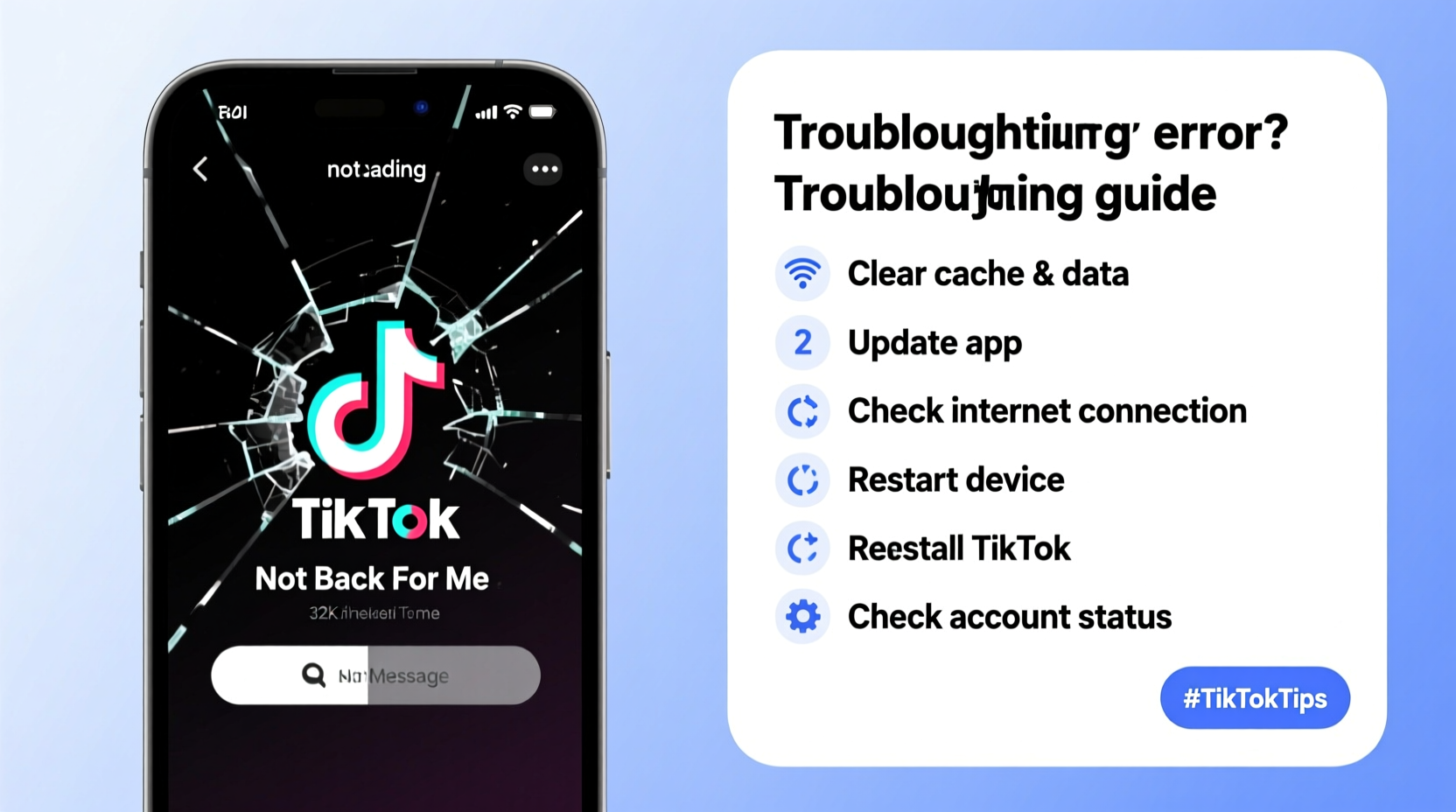
TikTok may restrict access for several reasons, ranging from policy violations to technical glitches. Understanding the root cause is essential before attempting fixes. Some accounts are suspended temporarily, others face permanent bans, and some users simply experience login errors due to device or network issues.
Common triggers include:
- Violation of community guidelines (e.g., posting harmful or misleading content)
- Excessive spamming or bot-like behavior
- Sudden changes in login location or device
- App or server-side bugs
- Region-specific restrictions due to local laws
Before assuming the worst, verify whether the issue lies with your account, your device, or TikTok’s systems.
Tip: Try logging into your TikTok account from a different device or browser to determine if the problem is device-specific.Step-by-Step Guide to Regain Access
Follow this structured approach to troubleshoot and potentially resolve your access issue:
- Check Your Internet Connection
Ensure you’re connected to a stable Wi-Fi or cellular network. A weak signal can prevent the app from loading properly or authenticating your login. - Update the TikTok App
Outdated versions may have bugs that interfere with login functionality. Visit your device’s app store and install the latest version of TikTok. - Clear App Cache and Data
On Android: Go to Settings > Apps > TikTok > Storage > Clear Cache, then Clear Data.
On iOS: Delete the app and reinstall it, as iOS doesn’t allow granular cache clearing. - Attempt Login via Web Browser
Visit tiktok.com and try logging in through a desktop or mobile browser. If successful, the issue is likely app-related. - Verify Account Status
If you see messages like “Account suspended” or “This account is no longer available,” TikTok has taken action against your profile. Note any reference numbers or violation codes provided.
Do’s and Don’ts When Facing Access Issues
| Do’s | Don’ts |
|---|---|
| Wait 24–48 hours after a minor policy flag before retrying | Don’t create multiple new accounts immediately after a ban |
| Contact TikTok support with specific details | Don’t use automated tools or third-party apps to bypass restrictions |
| Review Community Guidelines to understand past violations | Don’t repeatedly attempt login if locked out—it may extend restrictions |
| Use official channels like the in-app reporting tool | Don’t share login credentials with anyone |
Real Example: Recovering After a Suspension
Jamal, a content creator with 35K followers, found himself locked out of TikTok after uploading a video that included copyrighted music. He received a notification stating his account was suspended for 7 days due to a copyright claim. Initially frustrated, he waited out the suspension period and then followed these steps:
- Deleted the flagged video from his drafts and posted history
- Reviewed TikTok’s music usage policies
- Reinstalled the app to ensure a clean start
- Logged back in using his original email and password
After seven days, his access was automatically restored. He now uses only licensed music from TikTok’s commercial sound library and has avoided further issues.
“Many temporary restrictions are educational, not punitive. Users who understand the rules often come back stronger.” — Lena Park, Digital Platform Consultant
Troubleshooting Checklist
Use this checklist to methodically address access problems:
- ✅ Confirm internet connectivity is stable
- ✅ Update TikTok to the latest version
- ✅ Restart your smartphone or tablet
- ✅ Clear app cache or reinstall TikTok
- ✅ Try logging in via web browser at tiktok.com
- ✅ Check email for official notifications from TikTok
- ✅ Review recent content for potential guideline violations
- ✅ Submit an appeal if your account was suspended unfairly
When to Contact TikTok Support
If self-troubleshooting fails, reaching out to TikTok’s support team is the next step. However, direct customer service is limited. Use the in-app form correctly to increase your chances of a response.
To submit a request:
- Open TikTok and go to your profile
- Tap the hamburger menu (☰) in the top-right corner
- Navigate to Settings and Privacy > Report a Problem
- Select “Account and Profile” or “Login Issue” based on your situation
- Provide your username, email, and a clear description of the issue
- Attach screenshots if possible (e.g., error messages)
Responses typically arrive within 3–7 business days. Avoid submitting duplicate tickets, as this can delay processing.
Frequently Asked Questions
How long does a TikTok suspension usually last?
Temporary suspensions vary by severity. Minor violations may result in 24-hour locks, while repeated or serious offenses can lead to 7-day, 14-day, or indefinite bans. First-time offenders often receive shorter penalties.
Can I create a new TikTok account if mine is banned?
You can create a new account, but if TikTok detects circumvention of a ban (e.g., using the same device, phone number, or IP address), the new account may be suspended quickly. It’s better to appeal the original ban first.
Why does TikTok say my password is wrong when I haven’t changed it?
This could indicate a syncing issue, cached data corruption, or a compromised account. Try resetting your password via email or phone. If the reset option fails, your account may have been deactivated due to policy violations.
Final Steps and Moving Forward
Regaining access to TikTok requires patience, attention to detail, and adherence to platform rules. In many cases, users mistakenly assume their account is permanently gone when the issue is merely technical. By systematically eliminating device, network, and app-related problems, you increase the odds of a full recovery.
If your account remains inaccessible despite all efforts, consider that TikTok may have enforced a permanent restriction due to repeated violations. In such cases, focus on learning from the experience. Content creators who return after setbacks often do so with a clearer understanding of best practices and community standards.
💬 Have you successfully regained access to TikTok after being locked out? Share your story in the comments to help others navigate similar challenges.