
Apple subscriptions power many of our favorite apps, services, and digital tools—from streaming platforms to productivity software. But what happens when you’re charged unexpectedly, signed up by mistake, or simply changed your mind? Canceling isn��t always enough. You may be entitled to a refund, and in many cases, Apple makes it surprisingly straightforward to request one—especially if the charge was recent or unauthorized.
Unlike traditional retail returns, digital refunds require navigating Apple’s ecosystem through specific channels. Knowing where to go, what information to provide, and how to phrase your request can mean the difference between a full refund and a declined appeal. This guide walks you through every stage with clarity and precision, ensuring you maximize your chances of success.
When You Can Request a Refund
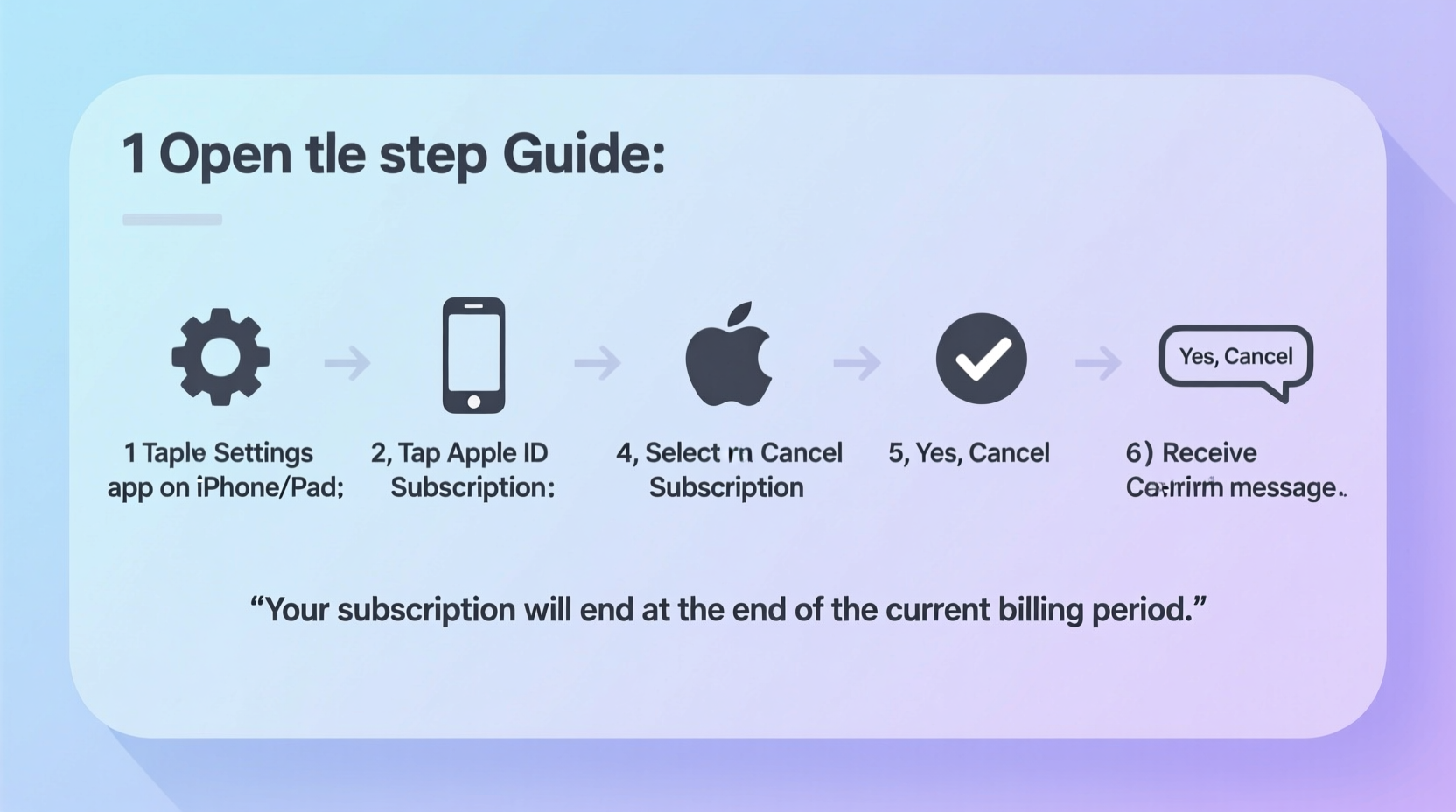
Apple doesn’t offer automatic refunds for subscriptions, but they do review refund requests on a case-by-case basis. The key is timing and justification. Most successful claims fall into one of these categories:
- You were charged after canceling your subscription.
- You were billed twice in one cycle (duplicate charges).
- You didn’t authorize the purchase (e.g., child made the purchase).
- The service wasn’t delivered as promised (e.g., app malfunctioned).
- You were charged during a free trial period.
- You were misled about billing terms or auto-renewal.
Apple typically considers refund requests within 90 days of the charge. Beyond that window, approvals become rare unless there are exceptional circumstances.
“Apple reviews each refund request individually. Clear, factual explanations increase approval odds significantly.” — Sarah Lin, Consumer Tech Advocate
Step-by-Step Guide to Requesting a Refund
Follow this sequence carefully. Each step builds on the previous one and increases your likelihood of receiving a prompt response.
- Gather Your Transaction Details
Open the Settings app on your iPhone or iPad, tap your name, then select “Media & Purchases” > “View Account” > “Purchase History.” Find the subscription charge in question. Note the date, amount, and transaction ID. - Visit the Apple Report a Problem Portal
Go to reportaproblem.apple.com on any web browser. Sign in with your Apple ID and password. - Locate the Subscription Charge
Browse your purchase history or use the search function to find the exact subscription transaction. Click on it to expand details. - Select “Report a Problem”
Click the “Report a Problem” button next to the charge. Choose a reason from the dropdown: “I didn’t mean to buy this,” “This was a duplicate charge,” or “The product or service wasn’t delivered.” - Write a Clear Explanation
In the description box, write a concise but detailed message. Include:- The name of the subscription.
- The date(s) of unwanted charge(s).
- Why you believe a refund is justified (e.g., “I canceled before the renewal but was still charged $9.99 on June 3.”)
- If applicable, mention accidental purchase by a family member.
- Submit Your Request
Click “Submit.” You’ll receive an email confirmation. Apple typically responds within 48 hours, though decisions can take up to seven days.
What Happens After You Submit?
Once submitted, Apple reviews your case internally. They may approve the refund automatically, ask for additional information, or deny the request. If approved, the refund will appear in your original payment method within 5–10 business days.
You’ll receive an email notification either way. If denied, you can reapply once—but only if you have new evidence or clarification to add. Repeated identical requests are unlikely to succeed.
Alternative Path: Contacting Apple Support Directly
If the online portal fails or your issue is complex (e.g., multiple disputed charges), contact Apple Support via phone or chat. Visit support.apple.com, navigate to “Billing & Subscriptions,” then choose “Contact Us.”
Speaking with a live agent allows you to explain nuances—like being misled by unclear trial terms or experiencing technical glitches that prevented cancellation. Agents have limited discretion but can escalate issues when appropriate.
Do’s and Don’ts When Requesting a Refund
| Do’s | Don’ts |
|---|---|
| Act quickly—within 90 days of the charge. | Wait months before filing a claim. |
| Provide accurate transaction IDs and dates. | Guess or estimate billing dates. |
| Use neutral, factual language in your explanation. | Use aggressive or accusatory tone. |
| Capture screenshots of cancellation confirmations. | Rely solely on memory without proof. |
| Check spam folder for Apple’s response email. | Assume no response means denial. |
Real Example: Recovering Unwanted Fitness App Charges
Jamie downloaded a popular fitness app offering a seven-day free trial. The sign-up process didn’t clearly state that the trial would auto-renew into a $14.99/month subscription. Distracted by work, Jamie forgot to cancel before day seven. Two weeks later, a charge appeared.
Using the Report a Problem site, Jamie selected “I didn’t mean to buy this” and wrote: “Signed up for a free trial. Was not clearly informed about auto-renewal. Did not intend to subscribe. Requesting refund for $14.99 charged on May 10.”
Within 48 hours, Apple issued a full refund. The key factors: timeliness (within 30 days), honest intent, and a reasonable justification based on transparency issues.
Tip: Always read the fine print during free trials. Many apps bury auto-renewal notices in small text. Screenshot the signup page if something seems unclear—it could help later.Checklist: Refund Success Preparation
- ✅ Locate the exact transaction in your purchase history.
- ✅ Note the date, amount, and transaction ID.
- ✅ Confirm whether you canceled before renewal.
- ✅ Take screenshots of cancellation confirmation or app terms.
- ✅ Draft a clear, concise reason for your refund request.
- ✅ Submit via reportaproblem.apple.com.
- ✅ Monitor email (including spam) for Apple’s response.
Frequently Asked Questions
Can I get a refund if I just changed my mind?
Apple rarely grants refunds purely for change of heart. However, if you acted quickly—especially within days of the first charge—and can show you didn’t use the service much, approval is possible. Emphasize limited usage and prompt action.
Will canceling my subscription stop future charges?
Yes. Canceling prevents future billing, but it does not reverse past charges. To recover money already taken, you must file a separate refund request using the steps above.
What if the app developer refuses to refund me?
All App Store purchases go through Apple’s billing system. Even if the developer denies a refund, Apple may still grant one. Always submit your request through Apple’s official channel—not the app itself.
Final Thoughts and Action Steps
Refunding an Apple subscription doesn’t have to be stressful or uncertain. With the right approach—timely action, accurate details, and a well-written explanation—you stand a strong chance of recovering unintended charges. The system is designed to protect consumers, especially in cases of accidental purchases, unclear billing practices, or technical oversights.
Don’t assume a charge is final just because it appears on your statement. Thousands of users successfully reclaim funds every month by following the simple process outlined here. Whether it’s a forgotten trial renewal or a misunderstood subscription model, your voice matters—and Apple listens when the facts are clear.
💬 Have you successfully refunded an Apple subscription? Share your experience in the comments—your story could help others navigate the process with confidence.