
In the past decade, streaming has transformed how we consume entertainment. Gone are the days of cable boxes and rigid TV schedules. Today, viewers can choose from dozens of platforms—Netflix, Hulu, Disney+, HBO Max, Apple TV+, Amazon Prime Video, and more—each offering exclusive content. But as the number of subscriptions grows, so does the monthly bill. What once started as a budget-friendly alternative to cable now rivals—and often exceeds—it in cost. So, is subscribing to multiple streaming services really worth it? And more importantly, are there smarter, cost-effective alternatives?
The answer isn’t a simple yes or no. It depends on viewing habits, content preferences, household size, and financial priorities. For some, juggling four or five services might make sense. For others, it’s a financial drain masked as convenience. This article breaks down the real costs, evaluates when multiple subscriptions are justified, and offers practical, budget-conscious alternatives that don’t compromise on entertainment quality.
The True Cost of Multiple Streaming Subscriptions
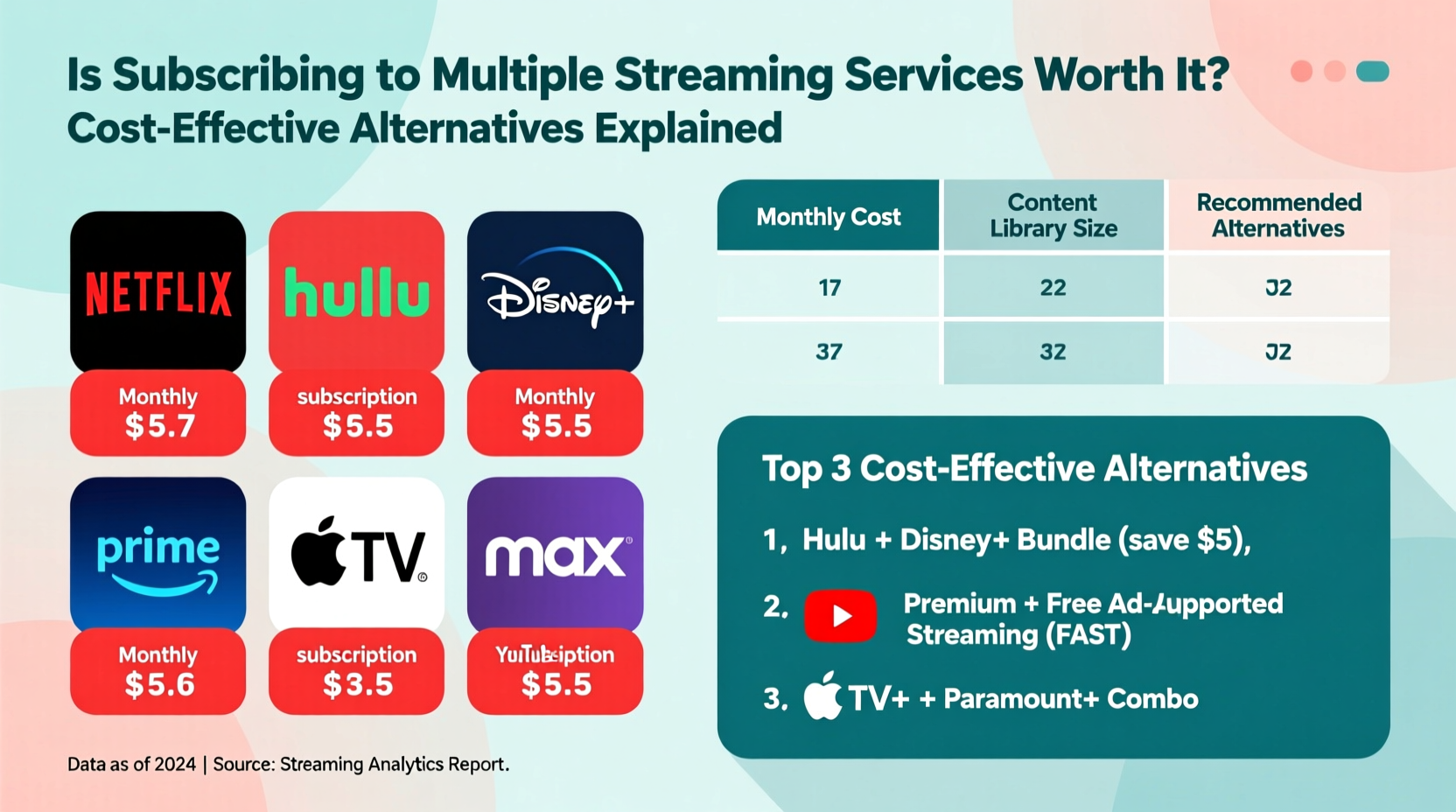
Let’s start with the numbers. A single streaming service may seem affordable—$7 to $15 per month—but the total adds up quickly when you subscribe to several. Consider this typical lineup:
| Service | Monthly Cost (Standard Plan) |
|---|---|
| Netflix | $15.49 |
| Hulu (with ads) | $7.99 |
| Disney+ (with Hulu & ESPN+ bundle) | $14.99 |
| HBO Max (now Max) | $15.99 |
| Apple TV+ | $6.99 |
| Total | $61.45/month |
That’s over $737 annually—more than many people paid for full cable packages just a few years ago. And this doesn’t include add-ons like ad-free tiers, 4K streaming, or family plans. For households with limited viewing time, paying for so much unused content becomes hard to justify.
Tip: Audit your subscriptions every three months. Cancel any service you haven’t used in the last 30 days.When Multiple Subscriptions Make Sense
There are scenarios where maintaining multiple streaming accounts is not only reasonable but beneficial:
- Diverse household preferences: Families with varied tastes—kids watching Disney+, teens into anime on Crunchyroll, adults following prestige dramas on Showtime—may need access to different libraries.
- Exclusive content needs: If you’re a die-hard fan of specific franchises (e.g., Star Wars on Disney+, The Marvelous Mrs. Maisel on Prime), niche subscriptions may be worth the price.
- Geographic limitations: Travelers or expats may rely on multiple services to access region-specific content unavailable locally.
- Short-term binge goals: Planning to finish a show like Squid Game or The Last of Us? Temporarily subscribing, watching, then canceling avoids long-term costs.
However, even in these cases, strategic timing and coordination can reduce expenses. The key is intentionality—not defaulting to subscriptions out of habit.
“Consumers are spending more on streaming than ever, yet report lower satisfaction due to subscription fatigue.” — Dr. Lena Peterson, Media Economist at Northwestern University
Cost-Effective Alternatives to Multiple Subscriptions
You don’t have to give up streaming to save money. Several smart alternatives offer flexibility, variety, and significant savings.
1. Rotate Services Monthly
Instead of paying for everything all year, rotate based on what you want to watch. For example:
- January: Netflix (catch up on award-season films)
- February: Hulu (watch new season of The Bear)
- March: Max (binge the latest HBO series)
- April: Pause all, use free options
This reduces annual spending by 60–80% while still giving access to premium content.
2. Share Accounts Legally
Most major platforms allow multiple profiles and even simultaneous streams under one account. Splitting costs with trusted friends or family cuts individual bills in half—or more.
- Netflix: Up to 5 users on Premium plan
- Disney+: Share with up to 9 devices linked to one account
- Hulu: Allows one additional household member
3. Leverage Free Ad-Supported Platforms
Many high-quality services are completely free, supported by ads:
- Tubi: Thousands of movies and TV shows, including cult classics and older seasons of network series.
- Pluto TV: Live channels and on-demand content, mimicking traditional TV at no cost.
- Crackle: Sony-owned platform with originals and licensed content.
- YouTube (Free with Ads): Full-length movies, documentaries, and user-generated content.
These platforms have improved dramatically in content quality and interface design. Many users find they cover 70% of their casual viewing needs without spending a dime.
4. Use Your Existing Subscriptions Fully
Before adding a new service, ask: Are you already paying for similar content elsewhere?
- Amazon Prime includes thousands of free movies and shows beyond just shipping benefits.
- Disney+ bundles Hulu and ESPN+ in select regions.
- Some cable or internet providers offer free streaming access as part of broadband plans.
Maximize what you already pay for before expanding.
Mini Case Study: How the Rivera Family Cut Streaming Costs by 70%
The Rivera family of four in Austin, Texas, used to spend $82 per month on six streaming services. Both parents worked full-time, and their two children (ages 10 and 14) had distinct entertainment preferences. They were frustrated by overlapping content and rarely watched half of what they paid for.
They implemented a new strategy:
- Conducted a 30-day usage audit using built-in watch history tools.
- Canceled three underused services (Paramount+, Peacock, Apple TV+).
- Switched to Hulu’s ad-supported plan ($7.99).
- Rotated Netflix and Max quarterly based on release schedules.
- Added Tubi and Pluto TV for background and kids’ programming.
Result: Their monthly streaming cost dropped to $24.99—a 70% reduction—without losing access to must-watch content. They also reported less decision fatigue and more intentional viewing.
Checklist: Smart Streaming Habits to Adopt Now
Use this actionable checklist to evaluate and optimize your streaming setup:
- ✅ List all current subscriptions and their monthly costs
- ✅ Review viewing history from the last 30 days
- ✅ Identify services you haven’t used recently
- ✅ Cancel at least one inactive subscription this week
- ✅ Explore free alternatives like Tubi or Pluto TV
- ✅ Set calendar reminders to review subscriptions quarterly
- ✅ Discuss sharing options with family or roommates
- ✅ Prioritize upcoming releases and align subscriptions accordingly
FAQ
Can I get caught sharing my streaming account outside my household?
While platforms like Netflix now charge extra for “extra member” access, enforcement varies. Unauthorized sharing violates terms of service and may lead to restrictions. However, occasional access for relatives or close friends is common and rarely policed strictly. To stay compliant, use official sharing features when available.
Are free streaming services safe and legal?
Yes, legitimate ad-supported platforms like Tubi, Crackle, and Pluto TV are fully legal and secure. They earn revenue through advertising, not piracy. Avoid unofficial apps or websites offering pirated content, as these can expose your device to malware and legal risks.
What if I want to watch something exclusive to a service I don’t have?
Consider short-term subscriptions. Sign up, watch the show or movie, and cancel before the next billing cycle. Most platforms don’t charge immediately upon cancellation, allowing you to finish your viewing. Alternatively, check if the title is available for digital rental on Amazon, Apple, or Google Play for a one-time fee.
Step-by-Step Guide: How to Optimize Your Streaming Budget in One Weekend
Follow this timeline to restructure your streaming habits efficiently:
- Saturday Morning – Inventory Check: Write down every streaming service you pay for, including bundled subscriptions (e.g., through Apple ID or Amazon).
- Saturday Afternoon – Usage Audit: Log into each platform and review your watch history. Note how many hours you spent on each in the past month.
- Sunday Morning – Decision Time: Rank services by value. Cancel those with low usage or redundant content.
- Sunday Afternoon – Explore Alternatives: Install two free apps (e.g., Tubi and Pluto TV). Browse their libraries and bookmark a few shows to try.
- By Monday Night – Implement Changes: Confirm cancellations, set up shared access if applicable, and schedule your next review date (e.g., 90 days from now).
This process takes less than five hours but can save hundreds per year.
Conclusion
Subscribing to multiple streaming services isn't inherently wasteful—but doing so without evaluation almost always is. In an era of endless content and rising prices, being a mindful viewer matters more than ever. By rotating subscriptions, leveraging free platforms, sharing responsibly, and auditing usage regularly, you can enjoy rich entertainment experiences without overspending.
The goal isn’t to deprive yourself of great shows or movies. It’s to align your spending with actual value. With a little planning and discipline, you can maintain access to the content you love while reclaiming control over your budget. Start today—your wallet (and your watchlist) will thank you.
🚀 Ready to take back control of your streaming budget? Pick one subscription to cancel this week and share your plan in the comments below!