For many iPhone users, the camera is the most-used feature. Whether capturing memories, documenting daily life, or sharing moments on social media, image quality matters. When Apple released the iPhone 7 in 2016, one of its headline improvements was the camera system—especially compared to the iPhone 6. But if you're still using an iPhone 6, is upgrading solely for better photos a smart move?
The answer depends on how much you value photography, your current usage patterns, and what kind of images you want to capture. Let’s break down the differences between the iPhone 7 and iPhone 6 cameras with technical precision, real-world performance, and practical advice.
Camera Hardware: A Significant Step Forward
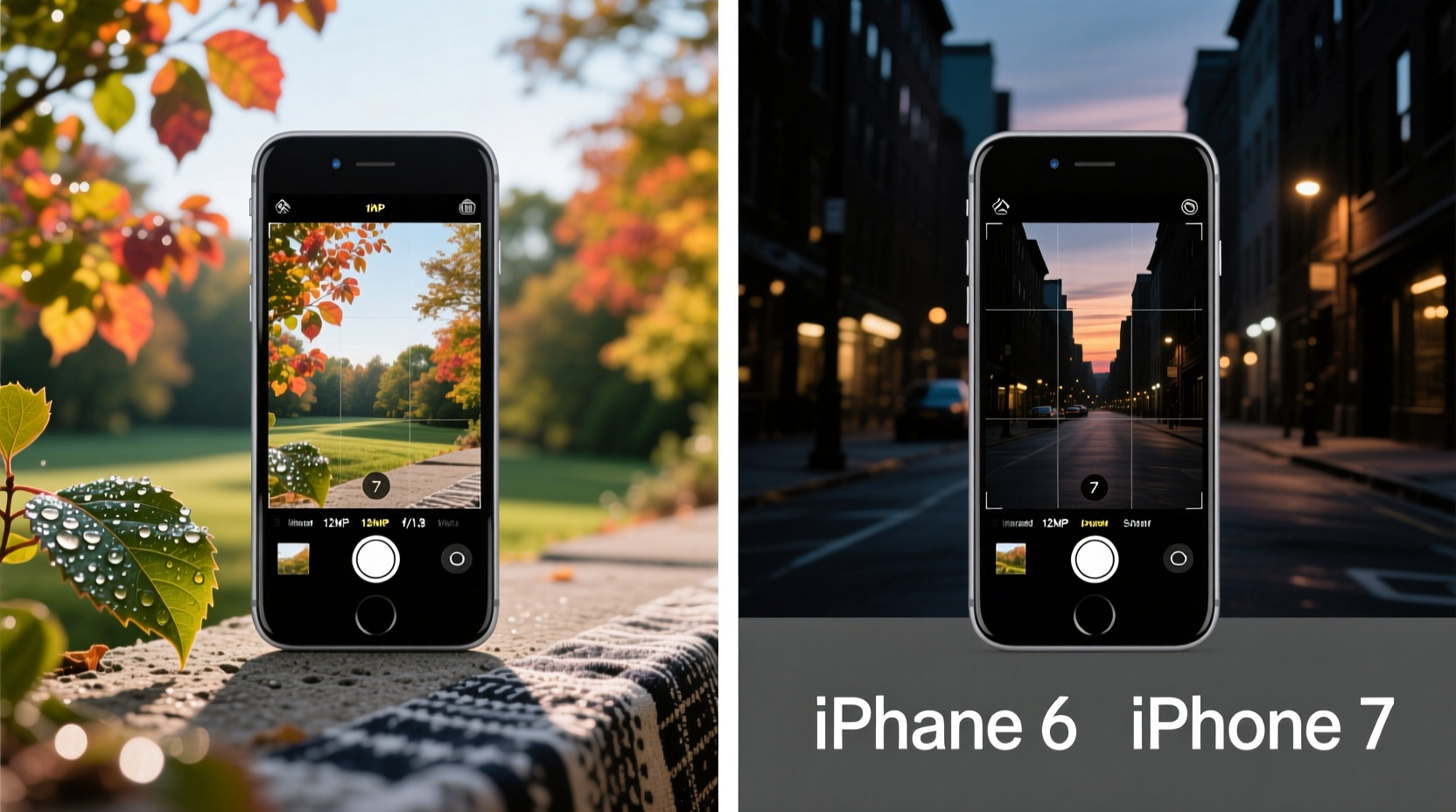
The iPhone 6, launched in 2014, featured an 8-megapixel rear camera with an f/2.2 aperture, digital stabilization, and 1080p video recording. It was solid for its time but lacked features that became standard just two years later.
The iPhone 7, by contrast, introduced a 12-megapixel sensor with an improved f/1.8 aperture—a meaningful jump in light-gathering capability. This allowed for sharper detail, better dynamic range, and significantly enhanced low-light performance. The lens also had six elements (up from five), improving clarity and reducing distortion.
Apple also added optical image stabilization (OIS) to the iPhone 7's main camera—a feature previously reserved for the Plus models. OIS reduces blur caused by hand movement, especially in dim lighting or when shooting video.
Tip: If you frequently take photos indoors or at night, the iPhone 7’s larger aperture and OIS will make a visible difference in sharpness and brightness.Image Quality Comparison: Daylight and Low Light
In well-lit conditions, both phones produce acceptable results, but the iPhone 7 pulls ahead with richer color accuracy, better contrast, and more detail in shadows and highlights. Its 12MP sensor captures finer textures—noticeable when zooming into photos or printing them.
Where the iPhone 7 truly shines is in low-light environments. The combination of the f/1.8 aperture, OIS, and improved software processing allows it to capture brighter, cleaner images than the iPhone 6. Noise reduction is more effective, and exposure times are shorter thanks to stabilized capture.
A side-by-side test shows that iPhone 6 images in dim settings often appear grainy, underexposed, or slightly blurred. The iPhone 7 maintains usable brightness and clarity even in challenging lighting—making it far more reliable for evening events, indoor portraits, or cityscapes at dusk.
“From a computational photography standpoint, the iPhone 7 marked Apple’s shift toward hardware-software synergy. It wasn’t just about megapixels—it was smarter exposure, noise handling, and stabilization.” — David Kim, Mobile Imaging Analyst at TechLens Review
Feature Enhancements That Impact Photography
Beyond raw specs, the iPhone 7 brought software and processing upgrades that directly benefit photo quality:
- Quad-LED True Tone Flash: More natural skin tones and balanced lighting in flash photography.
- Improved HDR: Smarter auto-HDR reduces blown-out skies and recovers shadow detail without over-processing.
- Faster autofocus and smarter metering: Reduced shutter lag means fewer missed shots.
- Wider color gamut (P3): Photos display more vibrant, lifelike colors on compatible screens.
The iPhone 7 also supports HEIF (High Efficiency Image Format), which saves storage space without sacrificing quality—though this came later via iOS update. For long-term photo storage, this efficiency can be valuable.
Detailed Comparison Table
| Feature | iPhone 6 | iPhone 7 |
|---|---|---|
| Rear Camera Resolution | 8 MP | 12 MP |
| Aperture | f/2.2 | f/1.8 |
| Image Stabilization | Digital only | Optical (OIS) |
| Flash | True Tone (dual LED) | True Tone (quad LED) |
| Video Recording | 1080p at 30/60fps | 4K at 30fps, 1080p at 60/120fps |
| HDR Mode | Manual/Auto (basic) | Advanced auto-HDR with better tone mapping |
| Low-Light Performance | Moderate, prone to noise | Significantly improved, less noise, brighter output |
Real-World Example: Portrait at Dusk
Consider Sarah, a parent who uses her phone to document family outings. She owns an iPhone 6 and often takes photos during evening walks. Her pictures tend to come out dark, with blurry faces and poor background detail. After borrowing a friend’s iPhone 7, she noticed immediate differences: her son’s face was properly exposed, the park lights weren’t blown out, and motion blur from slight hand shake was nearly gone.
This isn’t due to magic—it’s physics and engineering. The iPhone 7’s wider aperture lets in about 50% more light than the iPhone 6’s. Combined with OIS, it enables longer exposures without blur. Software enhancements further refine edge detection and noise reduction, making photos look polished straight out of the camera.
Is the Upgrade Worth It for Photos Alone?
If photography is important to you—whether for personal memories, social media, or creative projects—the iPhone 7 represents a tangible improvement over the iPhone 6. The jump in image quality, especially in low light, is noticeable and lasting.
However, consider these factors before upgrading:
- Age and condition of your iPhone 6: If it’s malfunctioning or running slowly, the upgrade offers broader benefits beyond the camera.
- Your photography habits: Casual snapshots may not justify the cost, but if you rely on your phone as your primary camera, the iPhone 7 delivers better reliability and results.
- Availability and price: As older models, both phones are no longer sold new by Apple. However, used or refurbished iPhone 7 units are widely available at affordable prices—often under $100.
Checklist: Should You Upgrade for Better Photos?
- Are you frequently disappointed with dark or blurry photos from your iPhone 6?
- Do you take pictures in low-light settings (restaurants, concerts, evenings)?
- Is your iPhone 6 experiencing battery degradation or performance issues?
- Can you find a reliable iPhone 7 at a reasonable price (under $120)?
- Do you value having 4K video and faster photo processing?
If you answered “yes” to three or more, the upgrade is likely worthwhile—even if photography is your main reason.
FAQ
Can the iPhone 7 take portrait mode photos like newer iPhones?
No, the iPhone 7 lacks the dual-camera system required for native Portrait Mode. However, third-party apps can simulate depth effects with limited success. True bokeh control starts with the iPhone 7 Plus and later models.
Does the iPhone 7 camera work well with editing apps?
Yes. The higher resolution and dynamic range provide more flexibility when adjusting exposure, contrast, or color in post-processing. Apps like Snapseed, VSCO, and Adobe Lightroom perform well with iPhone 7 images.
Is the front-facing camera better on the iPhone 7?
Yes. The iPhone 7 features a 7MP FaceTime camera with Retina Flash (screen-based illumination), compared to the iPhone 6’s 1.2MP front camera. Selfies and video calls are noticeably clearer and better lit.
Conclusion: A Meaningful Photo Upgrade
While the leap from iPhone 6 to iPhone 7 may seem minor in today’s world of advanced smartphone cameras, it was a pivotal generation for Apple’s imaging technology. For anyone still relying on an iPhone 6, upgrading to the iPhone 7 brings measurable gains in photo brightness, sharpness, low-light performance, and overall consistency.
You won’t get pro-level zoom or Night Mode, but you’ll gain confidence that your phone can capture clear, well-exposed images in everyday situations—something the iPhone 6 struggles with as it ages. If photography plays any serious role in how you use your phone, the upgrade is absolutely justified.
💬 Have you made the switch from iPhone 6 to iPhone 7? Share your experience with camera improvements in the comments below!