Getting your date of birth wrong on a Roblox account might seem like a small oversight at first, but it can lead to significant limitations. Whether you accidentally entered the wrong year as a child or used a placeholder date that no longer fits your actual age, an incorrect birthday can restrict access to age-appropriate games, limit chat features, and even affect parental control settings. Unlike many platforms, Roblox enforces strict policies around age verification due to child safety regulations and compliance with laws like COPPA (Children’s Online Privacy Protection Act). This means changing your birthday isn’t as simple as editing a profile field — but it is possible under certain conditions.
This guide walks through every legitimate method available for correcting your date of birth on Roblox, including step-by-step instructions, official support procedures, and what to expect during the review process. If you're trying to fix an error from childhood or help someone regain proper access to their account, this information will clarify your options and set realistic expectations.
Why Your Date of Birth Matters on Roblox
Roblox uses your date of birth to determine your account's safety settings. These include:
- Chat restrictions: Accounts under 13 have limited private messaging and chat functionality.
- Content filtering: Younger users are automatically placed in stricter filtering tiers.
- Parental controls: Features like spending limits and game approvals depend on age classification.
- Compliance: Roblox must comply with international privacy laws that require accurate age data.
An incorrect DOB doesn't just misrepresent your identity — it actively shapes your experience on the platform. For example, a 16-year-old using a birth year that makes them appear 10 years old will be unable to use full chat features or join certain groups. Correcting this ensures you get the appropriate level of access based on your real age.
Tip: Always double-check your birthdate before submitting any form on Roblox. Once verified, changes are only allowed through official support channels.Can You Change Your Birthday on Roblox?
The short answer is yes — but with major caveats. Roblox does not allow users to edit their date of birth directly in account settings. However, they do offer a formal process through customer support for correcting inaccurate information, especially if the error was made during initial registration.
According to Roblox’s Help Center:
“We understand that mistakes happen. If your date of birth is incorrect, you may request a change by contacting our Support team. Please note that we may ask for proof of age to verify the request.”
This policy exists to prevent underage users from falsely claiming to be older than 13 to bypass safety restrictions. As such, all correction requests are reviewed manually, and approval is not guaranteed unless sufficient evidence is provided.
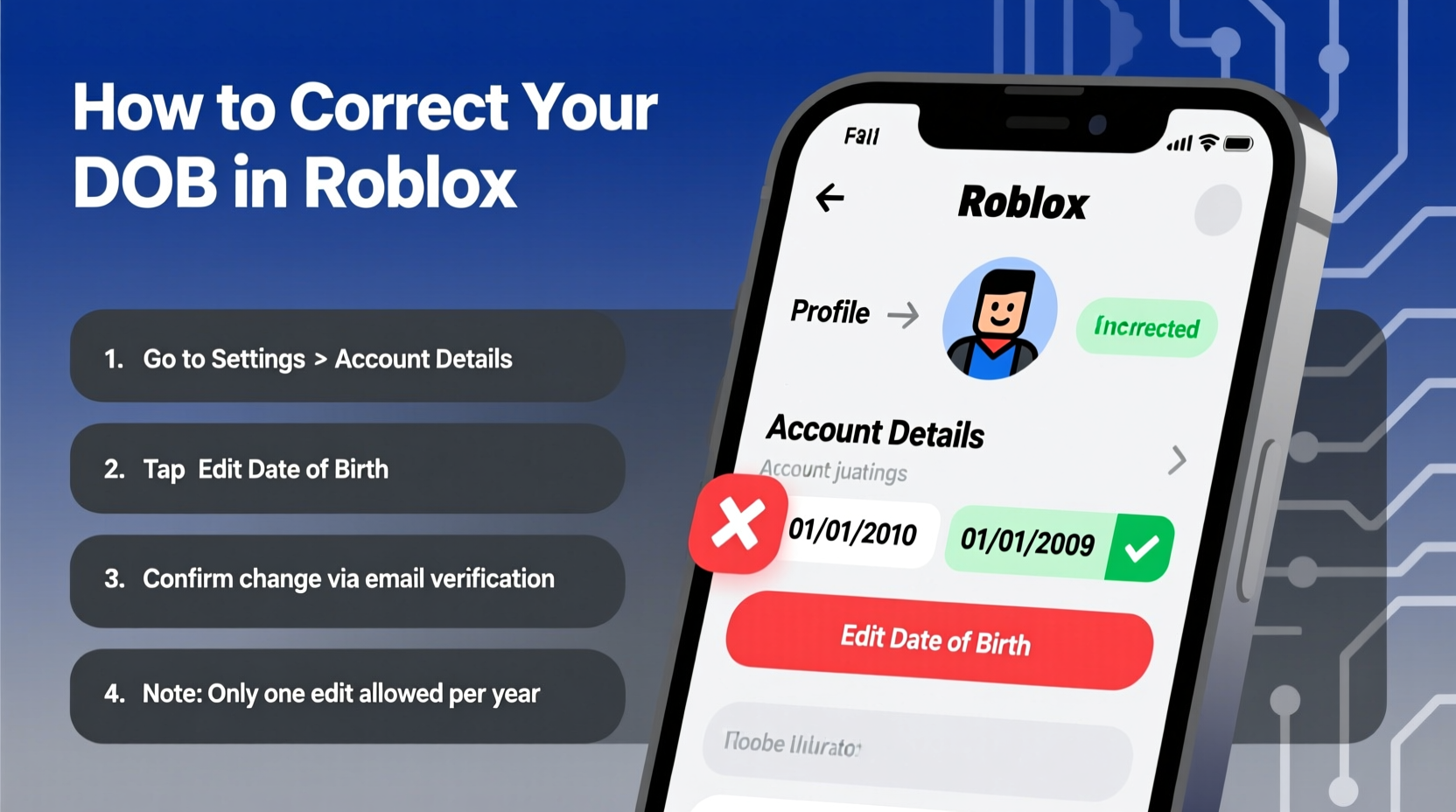
Step-by-Step Guide to Correct Your Date of Birth
If you need to fix your birthday on Roblox, follow these steps carefully. Success depends on accuracy, patience, and providing valid documentation.
- Log into your Roblox account via the official website (www.roblox.com).
- Navigate to the Help page and click “Contact Us” at the bottom.
- Select “Account” > “Profile” > “Date of Birth Issue” from the dropdown menus.
- Choose whether you’re the account owner or a parent/guardian (important for verification).
- Fill out the support form with:
- Your current (incorrect) date of birth
- The correct date of birth
- A clear explanation of why the error occurred (e.g., typo, placeholder used)
- Contact email linked to the account
- Attach a scanned copy or photo of a government-issued ID or school document that shows your legal name and correct birthdate.
- Submit the ticket and wait for a response (typically 3–7 business days).
Approved requests result in a permanent update to your account. Denied cases usually lack sufficient proof or violate policy (such as attempting to lower your age).
Tip: Use a clear, legible copy of a birth certificate, passport, or student ID. Avoid blurry images or screenshots of other online profiles.What Documents Are Accepted?
Roblox requires verifiable, official documents to confirm your identity. The following are generally accepted for age verification:
| Document Type | Accepted? | Notes |
|---|---|---|
| Birth Certificate | ✅ Yes | Must show full name and date of birth; translation needed if not in English. |
| Passport | ✅ Yes | Any country’s passport accepted if readable and valid. |
| School ID with DOB | 🟡 Sometimes | Only if issued by a recognized institution and includes photo + birthdate. |
| Driver’s License | ✅ Yes | Even learner’s permits accepted if they contain required details. |
| Report Card | ❌ No | Not considered official identification. |
| Parent’s ID | ❌ No | Must match the account holder’s name and DOB. |
“Providing false information or forged documents can result in permanent account suspension.” — Roblox Trust & Safety Team
Mini Case Study: Fixing a Childhood Mistake
Jamie created a Roblox account at age 9 using a fake birth year to look older. Now 15, they realized their account still reflects a birthdate that makes them appear 11. This restricted group chats and prevented joining developer communities. After reading about the support process, Jamie contacted Roblox with a scanned copy of their school enrollment record showing their real DOB. Within five days, the request was approved, and their account was updated. Full chat privileges were restored immediately.
This case illustrates both the importance of accurate data and the effectiveness of Roblox’s correction system when used honestly.
Checklist: How to Successfully Update Your DOB
Before submitting your request, ensure you’ve completed all necessary steps:
- ☐ Confirm you’re logged into the correct Roblox account
- ☐ Gather a valid ID or official document with your real birthdate
- ☐ Make sure the document is clear, unedited, and fully visible
- ☐ Write a concise message explaining the error
- ☐ Submit the form using the official Roblox support portal
- ☐ Wait patiently for a response; avoid duplicate submissions
- ☐ Check your email regularly, including spam folder
Frequently Asked Questions
Can I change my birthday more than once?
No. Roblox typically allows only one date of birth correction per account. Make sure your submission is accurate the first time.
What if I don’t have an official ID?
If you're underage and lack formal identification, a signed letter from a parent or guardian along with a school-issued document (like an enrollment form or report card with DOB) may be considered. However, acceptance varies by region and case.
Will changing my birthday unlock new features immediately?
Yes. Once approved and your age crosses key thresholds (e.g., turning 13), restrictions like private messaging and chat filters are lifted automatically within 24 hours.
Important Limitations and Warnings
While Roblox allows corrections, there are critical boundaries:
- You cannot reduce your age. If your current DOB shows you as 16, you can’t change it to 13.
- You cannot change your birthday solely to access restricted content without valid reason.
- Using someone else’s ID or falsified documents violates Terms of Service and risks permanent ban.
The system prioritizes safety over convenience. Requests that appear deceptive are flagged for review and often denied.
Conclusion
Correcting your date of birth on Roblox is a manageable process if approached correctly. While the platform restricts direct edits to protect user safety, its support team provides a reliable pathway for fixing honest mistakes. By following the official procedure, submitting acceptable documentation, and being transparent about the error, most users can successfully update their information and regain appropriate access.
💬 Have questions about your specific situation? Share your experience in the comments below — your story might help others navigate the same challenge.