Gift cards are a popular way to give and receive value, whether for holidays, birthdays, or rewards. But nothing is more frustrating than trying to use a gift card only to be told it’s invalid, expired, or has no balance. The good news: most issues preventing redemption have simple fixes. Whether you're dealing with an online retailer, a restaurant chain, or a digital platform, understanding how gift cards work — and what can go wrong — puts you in control.
This guide walks through the most common reasons a gift card fails, how to diagnose the problem, and exactly what steps to take next. With patience and the right approach, you can often recover your funds quickly — sometimes in minutes.
Why Gift Cards Fail to Redeem
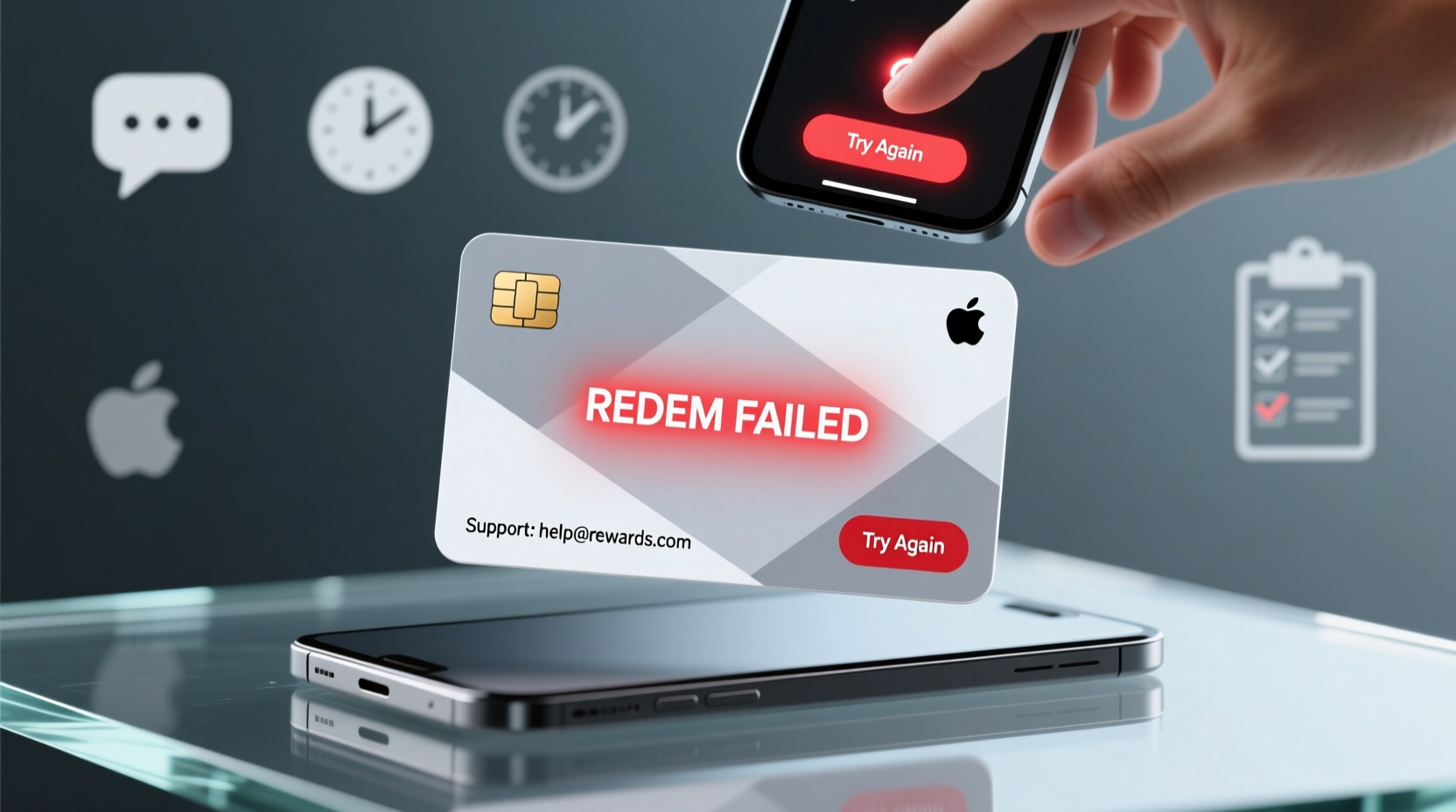
Not all gift card problems are created equal. Some stem from user error, others from technical glitches, and a few from fraud or policy restrictions. Knowing the root cause helps determine the best solution.
- Incorrect entry: Typos in card number, PIN, or activation code.
- Unactivated card: Many physical gift cards require activation before first use.
- Expired date: While federal law limits expiration on general-use cards, some specialty or promotional cards may still expire.
- Insufficient balance: Partial redemptions reduce available funds; users may forget prior usage.
- Geographic restrictions: Some digital gift cards only work in specific regions or countries.
- Technical errors: Website bugs, outdated browser cache, or server-side processing delays.
- Fraudulent purchase: If the original buyer used stolen payment methods, the issuer may freeze associated cards.
Step-by-Step Guide to Fix a Non-Working Gift Card
Follow this structured process to systematically identify and resolve your issue.
- Verify the card details. Carefully re-enter the card number and PIN. Look for easily confused characters like “0” vs “O” or “1” vs “I.”
- Check the balance. Visit the official issuer’s balance lookup page (e.g., balance.visa.com, amazon.com/balance) and enter your details.
- Confirm activation status. If it's a physical card purchased in-store, ensure it was activated at checkout. If not, call customer service with the receipt.
- Review expiration and fees. Some cards lose value over time due to dormancy fees, especially after 12 months of inactivity.
- Test on another device or network. Clear your browser cache or try redeeming via mobile app, different browser, or Wi-Fi network.
- Contact customer support. Provide the card number, PIN, purchase location, date, and receipt if available.
- Escalate if unresolved. If frontline agents can’t help, ask to speak with a supervisor or file a formal dispute.
Common Redemption Errors and What They Mean
Understanding error messages can save time. Here’s a breakdown of frequent alerts and their likely causes.
| Error Message | Possible Cause | Solution |
|---|---|---|
| \"Invalid card number\" | Typo, damaged magnetic strip, or fake card | Re-enter manually; inspect for scratches |
| \"No balance available\" | Funds already used, never loaded, or frozen | Check transaction history or contact issuer |
| \"Card not activated\" | Purchase wasn’t processed correctly | Call retailer with proof of purchase |
| \"Redemption declined\" | Region lock, unsupported merchant, or system error | Try alternate site/app; verify compatibility |
| \"Exceeded attempt limit\" | Too many failed PIN entries | Wait 24 hours or contact support to unlock |
“Over 60% of reported ‘dead’ gift cards actually have valid balances — they just weren’t entered correctly or required activation.” — Sarah Lin, Consumer Financial Advocate, National Retail Federation
Mini Case Study: Recovering a $150 Digital Store Credit
Jamie received a $150 digital gift card via email for a major electronics retailer. When attempting to check out online, the system rejected the code with “invalid voucher.” Frustrated, Jamie almost gave up — until reviewing the original email closely.
The issue? The gift card code included hyphens in the email, but the website’s input field didn’t accept special characters. After removing the dashes and re-entering the alphanumeric string, the card worked immediately.
Additionally, Jamie discovered the card had been issued with a July 2023 expiration date — despite being sent in May 2024. After contacting customer service with a screenshot, the company admitted a backend error, extended the validity, and apologized for the oversight.
This case highlights two key lessons: formatting matters, and issuers do correct mistakes when presented with evidence.
Troubleshooting Checklist: Can You Redeem This Gift Card?
Use this quick-reference checklist before concluding a gift card is unusable.
- ✅ Is the card number free of typos and formatting errors?
- ✅ Has the card been activated (if required)?
- ✅ Is there a remaining balance? (Check online or via phone)
- ✅ Is the card within its valid date range?
- ✅ Are you using it at an authorized retailer or platform?
- ✅ Have you tried redeeming on a different device or browser?
- ✅ Do you have the original receipt or confirmation email?
- ✅ Has the card been reported lost, stolen, or flagged for fraud?
Frequently Asked Questions
Can a gift card stop working after years of inactivity?
Yes — under the U.S. Credit CARD Act of 2009, gift cards cannot charge dormancy fees within the first 12 months. After that, issuers may apply monthly service fees if the card remains unused, gradually depleting the balance. Check the terms printed on the back for specifics.
What should I do if the store says the card was never activated?
If you have a receipt showing the card was purchased and activated, present it to customer service. Retailers are responsible for proper activation at point of sale. If they refuse to honor it, escalate to corporate support or file a complaint with the FTC or your state attorney general.
Is it possible for a digital gift card to be counterfeit?
Unfortunately, yes. Scammers sometimes sell fake gift cards online or via phishing emails. Always buy from authorized sellers. If you receive a digital card unexpectedly (e.g., “You’ve won!”), treat it as suspicious. Verify the code through the official issuer’s website before attempting use.
Final Steps: When All Else Fails
If troubleshooting doesn’t restore access to your funds, don’t stop there. You still have options.
Start by filing a formal complaint with the issuer’s executive customer relations team. Include all documentation: card number, PIN, purchase receipt, screenshots of errors, and correspondence history. Be polite but persistent.
If the card was purchased from a third-party seller (like an online marketplace), report the issue to the platform. Many offer buyer protection policies that cover defective or non-functional digital goods.
In cases involving large amounts or suspected fraud, consider contacting your local consumer protection agency or the Federal Trade Commission (FTC). While they may not recover your money directly, your report contributes to broader enforcement actions against fraudulent practices.
Conclusion: Don’t Let a Glitch Block Your Funds
A gift card that won’t redeem isn’t necessarily a lost cause. Most issues stem from correctable errors — incorrect entry, unactivated status, or simple technical hiccups. By methodically checking each possibility and knowing your rights as a consumer, you dramatically increase your chances of unlocking the full value.
Keep records, act promptly, and don’t hesitate to advocate for yourself. Whether it’s a birthday present or a hard-earned reward, your gift card represents real value — and it’s worth fighting for.
💬 Have a success story or tricky situation with a gift card? Share your experience in the comments — your insight could help someone else reclaim their funds today.