Shipping doesn’t have to be a bottleneck in your business or personal logistics. When done right, sending a package through FedEx can take minutes—not hours. Whether you're a small business owner fulfilling orders, an individual sending gifts, or someone who ships occasionally, mastering the FedEx process saves time, reduces errors, and cuts costs. This guide breaks down exactly how to streamline every shipment using smart preparation, digital tools, and insider best practices.
1. Understand FedEx’s Core Services for Smarter Choices
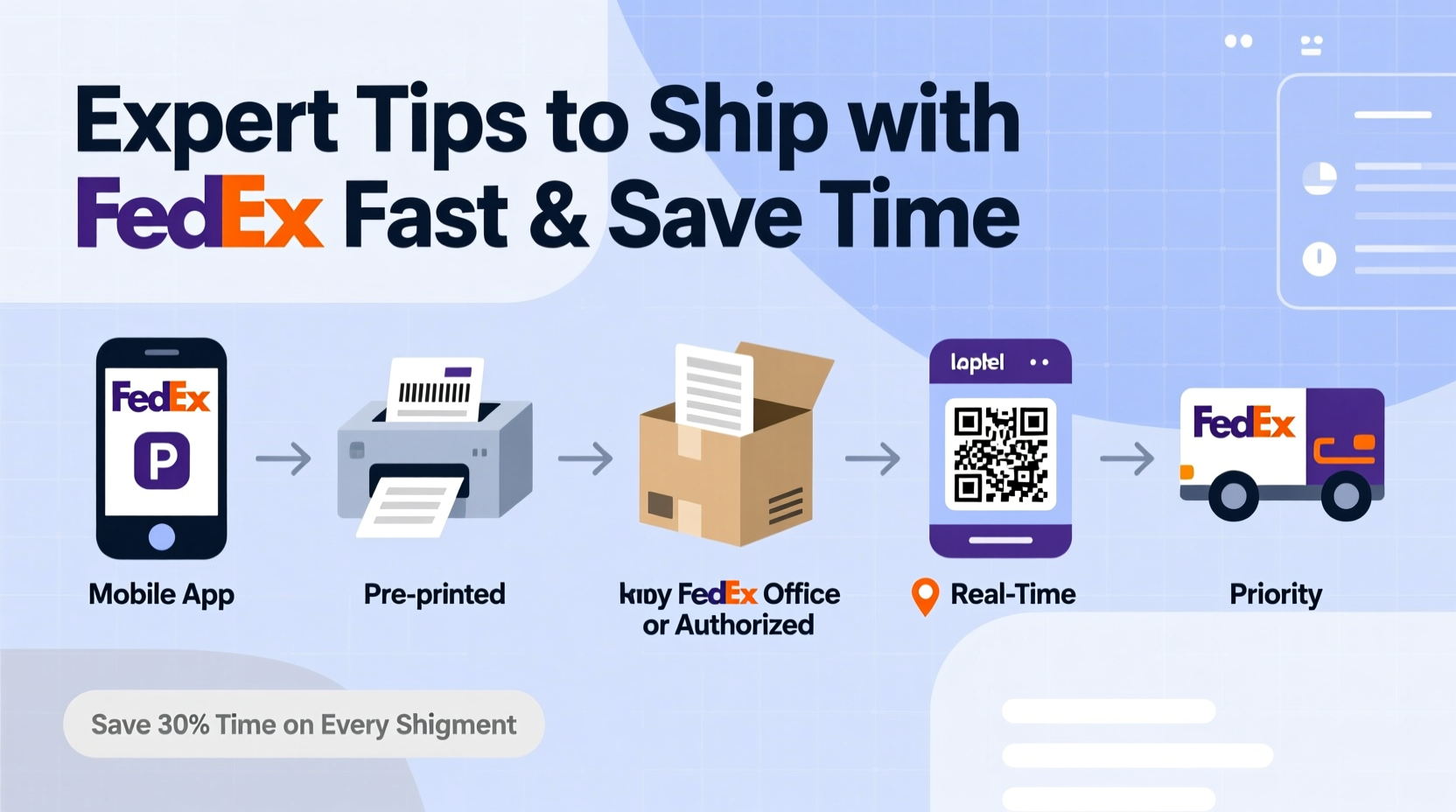
FedEx offers several shipping options, each designed for different needs. Choosing the right one upfront prevents delays and unnecessary spending. The most commonly used services include:
- FedEx Express: Overnight and two-day delivery for urgent shipments.
- FedEx Ground: Cost-effective for domestic deliveries within 1–5 business days.
- FedEx International: Global shipping with customs support and tracking.
- FedEx SameDay: For critical deliveries within hours.
Selecting the correct service starts with knowing your delivery timeline, destination, and package value. Rushing a non-urgent item via overnight service adds cost without benefit. Conversely, underestimating transit times can disappoint customers or disrupt supply chains.
Tip: Use FedEx’s online Delivery Time & Shipping Calculator before choosing a service—it shows cutoff times, transit duration, and pricing.2. Prepare Your Package Efficiently: A Step-by-Step Guide
The foundation of fast shipping is efficient preparation. Follow this timeline to cut handling time in half:
- Choose the Right Box: Use FedEx-approved packaging when possible. It's tested for durability and often includes prepaid labels.
- Pack Securely: Fill voids with cushioning material. Avoid overpacking—bulging boxes may be rejected or incur surcharges.
- Label Correctly: Print your shipping label clearly and affix it over the entire top surface. Never place it over seams or tape.
- Include Customs Forms (if international): Complete all fields accurately. Missing information causes border delays.
- Secure the Closure: Use pressure-sensitive packing tape (H-taping method) for strength.
This process should take no more than 10 minutes per package with practice. Set up a dedicated packing station with tape, labels, scales, and scissors to avoid last-minute scrambling.
Common Packaging Mistakes That Cause Delays
| Mistake | Impact | Solution |
|---|---|---|
| Using reused or damaged boxes | Risk of damage or refusal by carrier | Always use new or structurally sound boxes |
| Incorrect label placement | Scanning failure or misrouting | Center label on the largest side, away from edges |
| Missing or vague addresses | Delayed or failed delivery | Double-check spelling, ZIP codes, and apartment numbers |
| Under-declared value | Inadequate insurance if lost/damaged | Declare actual value and consider additional coverage |
3. Leverage FedEx Technology to Ship Faster
FedEx has built powerful digital tools that eliminate manual work and reduce human error. These are not optional extras—they’re essential for efficiency.
- FedEx Ship Manager: Create labels, schedule pickups, print customs forms, and track shipments—all in one dashboard.
- Mobile App: Scan packages, get drop-off locations, and request courier pickups on the go.
- Email Label Service: Generate and send labels directly via email, reducing paper use.
- Automated Rate & Duty Calculator: Instantly see total shipping costs including taxes and fees.
Businesses that automate their workflows report up to 70% faster processing times. For example, integrating FedEx Web Services API into e-commerce platforms like Shopify or WooCommerce allows automatic label generation upon order confirmation.
“Time saved at the shipping desk compounds across hundreds of packages. Automation isn’t just convenient—it’s profitable.” — Carlos Mendez, Logistics Optimization Consultant
4. Optimize Pickup and Drop-Off for Maximum Efficiency
One of the biggest time sinks is waiting in line or missing pickup windows. Here’s how to avoid it:
FedEx Express Pickup Scheduling
If you ship regularly, enroll in FedEx One Rate and set up scheduled pickups. You can specify preferred times, days, and even special instructions (e.g., “Leave at back door”). No more rushing to the post office during lunch breaks.
Drop-Off Alternatives
- FedEx Office Locations: Staff-assisted service with extended hours.
- FedEx Drop Boxes: Available 24/7 at select locations—ideal for pre-labeled packages.
- Retail Partners (Walgreens, Dollar General):strong> Some locations accept FedEx Ground packages under 5 lbs.
5. Real-World Example: How a Small Business Cut Shipping Time by 60%
Jenna runs an artisan candle company selling online. Initially, she spent 3+ hours daily packaging and shipping orders. After auditing her workflow, she implemented these changes:
- Switched to pre-sized, branded FedEx-compatible boxes.
- Integrated Ship Manager with her Shopify store for auto-label printing.
- Scheduled daily FedEx Express pickups at 2 PM.
- Used email labels instead of printing multiple copies.
Result: Her average shipping time dropped from 18 minutes per order to 7 minutes. With 40 weekly shipments, she reclaimed nearly 8 hours per week—time she reinvested in product development and marketing.
Essential Checklist Before Every Shipment
Use this checklist to ensure every package ships smoothly and arrives on time:
- ✅ Verify recipient address (use FedEx Address Validation tool)
- ✅ Weigh and measure the package accurately
- ✅ Select the correct service level
- ✅ Print and attach label securely
- ✅ Declare contents and value (especially for international)
- ✅ Schedule pickup or confirm drop-off location
- ✅ Save tracking number and notify recipient
FAQ: Common Questions About Shipping with FedEx
Can I reschedule a FedEx pickup last minute?
Yes. Log in to FedEx.com or use the mobile app to modify your pickup request up to 3 hours before the scheduled time. Changes after that may require calling customer service.
What happens if my package is overweight or oversized?
FedEx will assess additional handling fees if your package exceeds standard dimensions (length + girth > 130 inches) or weight limits (over 150 lbs). Always double-check specs before labeling.
How do I get a refund if my package is late?
FedEx offers a money-back guarantee for U.S. Express and Ground services. File a claim within 60 days via the FedEx Claims portal if your delivery misses the published time.
Final Thoughts: Make Shipping Effortless
Shipping efficiently isn’t about working harder—it’s about working smarter. By understanding FedEx’s services, preparing packages correctly, leveraging technology, and optimizing logistics, you turn what was once a chore into a seamless part of your routine. The time you save isn’t just minutes on a task; it’s hours added back to your week, fewer errors, happier customers, and lower operational stress.
🚀 Ready to transform your shipping process? Start today by scheduling a FedEx pickup or setting up Ship Manager. One optimized package is the first step toward a faster, leaner workflow.