
Unwanted robocalls and scam likely alerts have become a daily nuisance for millions of smartphone users. These calls aren't just annoying—they're dangerous. Scammers use sophisticated tactics to impersonate banks, government agencies, or even family members in distress. The Federal Trade Commission (FTC) receives over 4 million reports of unwanted calls annually, with losses exceeding $500 million. Fortunately, you’re not powerless. With the right combination of built-in features, third-party apps, and smart habits, you can significantly reduce or even eliminate scam calls.
Understand How Scam Calls Work
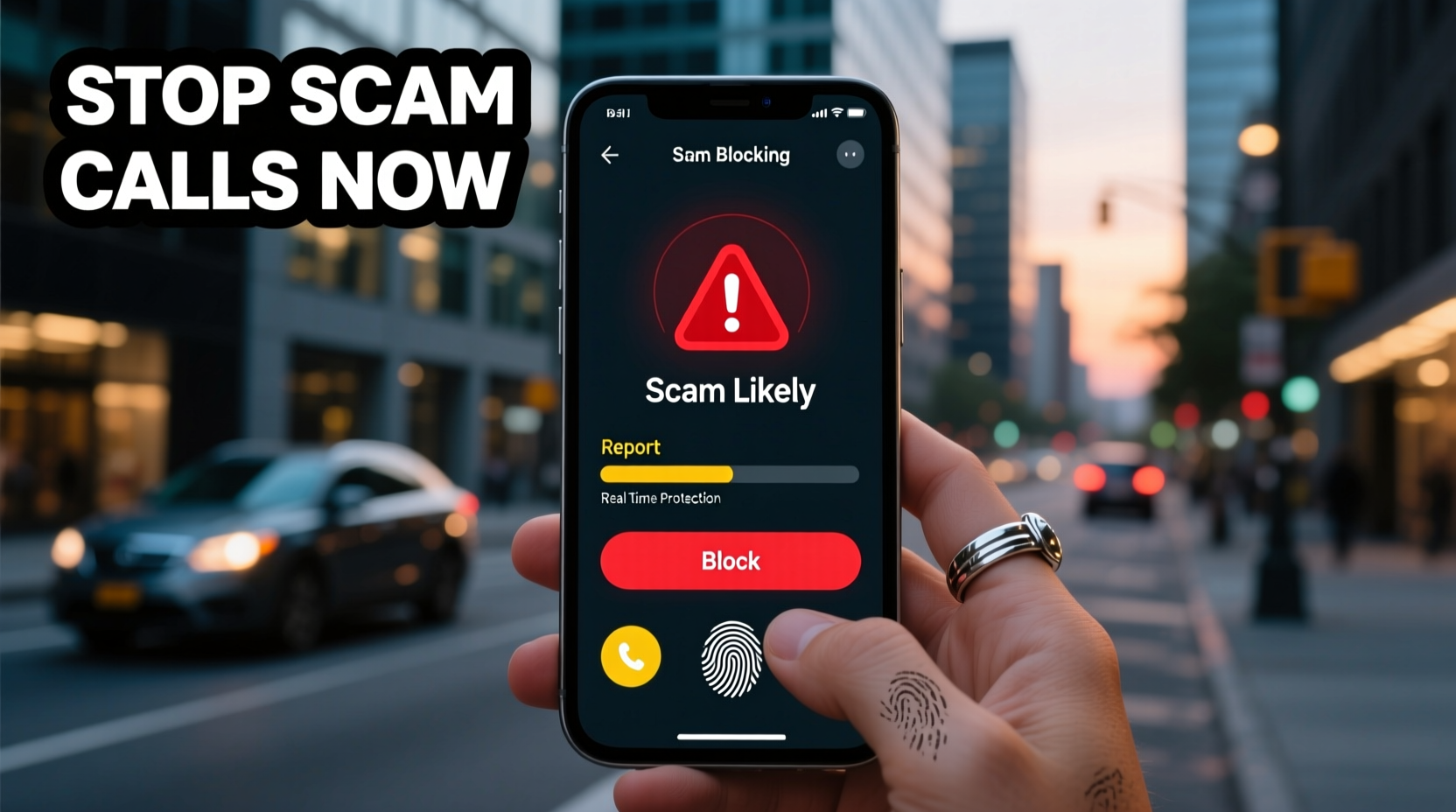
Scammers rely on volume and deception. They use automated dialing systems (robocalls) to reach thousands of numbers at once, often spoofing legitimate caller IDs to appear trustworthy. A call that shows up as “Bank of America” or “IRS” may originate from overseas servers with no connection to those institutions. These spoofed numbers make it difficult to identify real callers—and easy for scammers to evade detection.
The “Scam Likely” label seen on iPhones and Android devices is generated by carrier-based algorithms that analyze calling patterns, user reports, and known fraud databases. While helpful, this label isn’t foolproof. Some scam calls slip through, while legitimate businesses may be mislabeled. Understanding the system helps you respond appropriately—without ignoring every flagged call outright.
“Caller ID spoofing has made trust in incoming calls nearly impossible. Consumers must take proactive steps beyond relying on labels.” — David Sykes, Vice President of Public Policy, USTelecom Security Team
Step-by-Step Guide to Blocking Scam Calls
Eliminating scam calls requires a layered approach. Follow these steps to build strong defenses across your device, carrier, and personal habits.
- Enable Built-in Call Filtering
Both iOS and Android offer native spam protection. On iPhone, go to Settings > Phone > Silence Unknown Callers. This sends calls from numbers not in your contacts directly to voicemail. Android users should open the Phone app > Settings > Spam and Call Screen and enable both spam filtering and call screening. - Register with the National Do Not Call Registry
Visit donotcall.gov and register your number. While this won’t stop all scams (illegal callers ignore the list), it reduces legitimate telemarketing and helps authorities track violations. - Activate Your Carrier’s Anti-Fraud Tools
Most major carriers offer free scam protection:- AT&T: ActiveArmor (includes scam blocking)
- Verizon: Call Filter (basic version free)
- T-Mobile: Scam Shield (free with automatic protection)
- Install a Trusted Third-Party App
Apps like Hiya, RoboKiller, or Truecaller enhance protection by crowdsourcing data from millions of users. They identify suspicious numbers in real time and can block or answer spam calls with AI-generated responses to waste scammers’ time. - Never Confirm Identity or Press Buttons
If you answer a call and hear a recording asking you to press 1 to speak to a representative—or to confirm your identity—hang up immediately. Any interaction signals an active line, inviting more calls.
Comparison of Top Scam Call Protection Tools
| Tool | Platform | Cost | Key Feature |
|---|---|---|---|
| AT&T ActiveArmor | iOS, Android | Free | Real-time threat detection and scam ID |
| T-Mobile Scam Shield | iOS, Android | Free | Auto-block and Scam ID labeling |
| RoboKiller | iOS, Android | $4.99/month | AI call answers and custom block lists |
| Hiya | Android, some carriers | Free / Premium $3.99 | Business verification and spam analytics |
Mini Case Study: How One User Reduced Calls by 95%
Sarah M., a small business owner in Austin, Texas, was receiving over 15 scam calls per day. Many appeared to come from local numbers, making them harder to ignore. After registering with the Do Not Call list and enabling T-Mobile Scam Shield, she still saw frequent spam. She then installed RoboKiller, which uses “Answer Bots” to engage scammers in fake conversations, wasting their time.
Within two weeks, her incoming spam dropped to less than one per day. Over three months, only two scam calls got through—both were blocked before ringing due to updated filters. Sarah now recommends combining carrier tools with one premium app for maximum effect.
Essential Checklist to Protect Your Phone
- ✅ Enable “Silence Unknown Callers” (iPhone) or “Spam Protection” (Android)
- ✅ Register your number at donotcall.gov
- ✅ Install and configure your carrier’s anti-fraud app
- ✅ Download a reputable third-party blocker (e.g., RoboKiller or Hiya)
- ✅ Never press buttons or provide information during unsolicited calls
- ✅ Report persistent scams to the FTC at reportfraud.ftc.gov
- ✅ Regularly update your phone’s OS and security patches
Frequently Asked Questions
Can I completely stop all scam calls?
No solution offers 100% protection, but combining carrier tools, third-party apps, and cautious behavior can reduce scam calls by over 90%. The key is using multiple layers—not relying on just one method.
Are third-party call blockers safe? Will they access my data?
Reputable apps like Hiya and RoboKiller encrypt data and limit access to call logs. Always review permissions before installing. Avoid unknown apps requesting excessive access to messages or contacts.
Why do I still get scam calls after registering with the Do Not Call list?
The National Do Not Call Registry only applies to legal telemarketers. Scammers operate outside the law and ignore the list entirely. However, registration helps authorities identify illegal activity and supports enforcement actions.
Take Control of Your Phone’s Security Today
Scam calls are not inevitable. With the tools available today, you can reclaim your phone from fraudsters and robocallers. Start by activating built-in protections and your carrier’s free services. Then consider adding a trusted third-party app for advanced defense. Stay informed, stay skeptical, and never assume a caller is legitimate based on appearance alone.
Your phone is a gateway to your personal life and finances. Guarding it against fraud isn’t just convenient—it’s essential. Take action now, apply these strategies, and encourage friends and family to do the same. Together, we can reduce the reach of phone scams and create a safer communication environment for everyone.
💬 Have a scam call story or a tip that worked for you? Share your experience in the comments and help others stay protected.