
If you’ve tried accessing ChatGPT, Character.AI, or another AI platform only to be met with error messages, slow responses, or complete downtime, you’re not alone. Service interruptions in artificial intelligence platforms have become increasingly common as demand surges and infrastructure struggles to keep pace. Whether you're relying on AI for work, research, or personal use, knowing how to verify if the issue is on your end or a widespread outage can save time and frustration.
This guide walks you through practical steps to determine whether AI services like OpenAI or Character.AI are currently down, how to monitor their status, and what to do when access is disrupted. From official status pages to community-driven tracking tools, you’ll gain the knowledge needed to stay informed and adapt quickly.
Understanding Common Causes of AI Outages
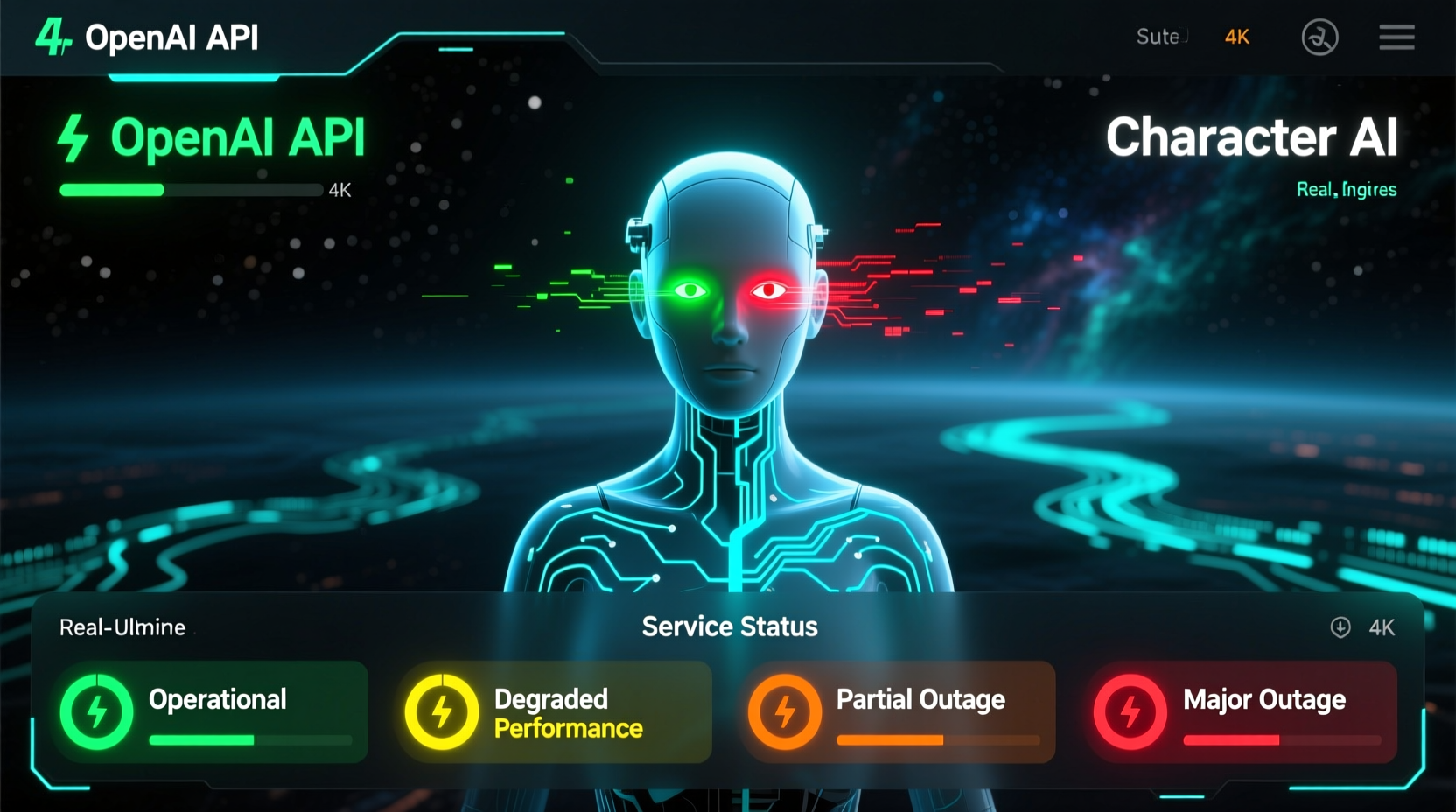
AI platforms such as OpenAI (behind ChatGPT) and Character.AI rely on complex backend systems involving cloud computing, machine learning models, and global user networks. When these systems fail—even temporarily—users experience slowdowns or complete service loss. Common causes include:
- Server Overload: Sudden spikes in traffic, especially during product launches or global events, can overwhelm servers.
- Maintenance Updates: Scheduled or emergency patches may require temporary shutdowns.
- Cloud Infrastructure Failures: Many AI companies depend on third-party cloud providers (e.g., AWS, Google Cloud). If those go down, so do the AI services.
- API Disruptions: Backend APIs that power chat interfaces may fail independently of the frontend.
- Cybersecurity Incidents: DDoS attacks or data breaches can force platforms offline for safety reviews.
Unlike traditional websites, generative AI services require intensive computational resources. Even minor infrastructure hiccups can cascade into noticeable delays or timeouts for end users.
Tip: Before assuming an outage, restart your router and clear browser cache—sometimes local network issues mimic platform-wide problems.How to Check OpenAI Status in Real Time
OpenAI operates one of the most widely used AI models via ChatGPT. When performance degrades, it affects millions. Fortunately, OpenAI provides transparent monitoring tools.
- Visit the Official OpenAI Status Page: Go to status.openai.com. This dashboard displays real-time updates on API, ChatGPT, and authentication systems.
- Check Incident History: The page logs past outages, including start/end times and root causes (e.g., “Increased error rates due to model deployment rollback”).
- Subscribe to Notifications: Use the “Subscribe to Updates” option to receive email or RSS alerts during incidents.
- Review Social Media: Follow @openai on X (formerly Twitter) for immediate announcements about ongoing issues.
During major outages, OpenAI typically posts detailed incident reports within hours. For example, in March 2023, a memory leak in the authentication system caused widespread login failures, which was resolved after two hours of active mitigation.
“We aim to provide transparency during disruptions. Our engineering teams prioritize stability alongside innovation.” — Mira Murati, Former CTO of OpenAI
Monitoring Character.AI and Other Third-Party Platforms
Character.AI, a popular platform for conversational AI characters, does not maintain a public status dashboard. This lack of visibility makes diagnosing outages more challenging. However, several reliable methods exist:
- Downdetector: Visit downdetector.com and search for “Character.AI.” The site aggregates user-reported issues by region and graphs outage frequency over time.
- Reddit Communities: Subreddits like r/CharacterAI often contain real-time reports from affected users. Look for threads titled “Is Character.AI down?” posted within the last hour.
- Discord Server Activity: If the official Character.AI Discord shows sudden silence or flood of outage complaints, it’s likely a systemic problem.
- Third-Party Uptime Monitors: Tools like UptimeRobot or IsItDownRightNow allow custom checks against specific domains.
In late 2023, Character.AI experienced intermittent outages during peak evening hours due to GPU resource exhaustion—a known bottleneck in large-scale inference workloads.
Step-by-Step Guide: Diagnosing an AI Service Outage
Follow this logical sequence to determine whether the issue lies with the service provider or your setup:
- Test Multiple Devices: Try accessing the AI platform from a phone, tablet, and computer. If all fail, the problem is likely not device-specific.
- Switch Networks: Move from Wi-Fi to mobile data. If the service works on cellular, your internet connection may be filtering or throttling traffic.
- Use a Different Browser: Clear cookies or try incognito mode in Chrome, Firefox, or Edge to rule out extension conflicts.
- Ping the Service: On Windows or Mac, open Terminal or Command Prompt and type
ping api.openai.com. High latency or timeouts suggest connectivity issues. - Check Third-Party Status Aggregators: Sites like isitdownrightnow.com or outage.report compile crowd-sourced data across platforms.
- Review API Response Codes: Developers can inspect HTTP status codes (e.g., 503 = service unavailable, 429 = rate limited).
- Wait and Reassess: Most outages last under two hours. Wait 15–30 minutes before retrying extensively.
| Issue Symptom | Possible Cause | Action Step |
|---|---|---|
| Login fails repeatedly | Authentication server outage | Check OpenAI status page; avoid repeated attempts |
| Slow or delayed responses | High server load or rate limiting | Reduce query frequency; try off-peak hours |
| \"Model not available\" error | Deployment failure or maintenance | Monitor social media for updates |
| Works on mobile but not desktop | Browser cache or firewall block | Clear cache or disable ad blockers |
Expert Tips for Staying Productive During AI Downtime
When your primary AI tool goes offline, having contingency plans ensures workflow continuity.
Tip: Bookmark alternative AI platforms like Claude (Anthropic), Gemini (Google), or open-source models on Hugging Face for backup access.- Leverage Local Models: Run lightweight LLMs like Phi-3 or Llama 3 on your PC using tools like Ollama or LM Studio.
- Pre-Cache Outputs: Save common AI-generated templates (emails, code snippets, outlines) locally for offline use.
- Use Offline Writing Aids: Grammarly Desktop, Hemingway Editor, and Notion’s AI features (when cached) remain functional without live connections.
- Schedule Around Peak Times: Avoid high-traffic periods (9–11 AM and 7–9 PM local time) when possible.
Mini Case Study: A Content Team’s Response to ChatGPT Outage
A digital marketing agency in Toronto relies heavily on ChatGPT for blog ideation and SEO meta descriptions. One Tuesday morning, team members reported inability to generate responses despite correct credentials. After confirming the OpenAI status page showed “Degraded Performance,” the lead developer switched the content pipeline to use Anthropic’s Claude API temporarily. Within 45 minutes, workflows resumed at 80% capacity. The team later implemented a multi-AI vendor strategy to prevent future single points of failure.
Frequently Asked Questions
How often do OpenAI and Character.AI go down?
OpenAI experiences minor disruptions roughly once every 6–8 weeks, with major outages occurring 2–3 times per year. Character.AI, lacking enterprise-grade infrastructure, sees more frequent but shorter interruptions—especially during weekends.
Can I get compensation for lost productivity during an AI outage?
No. Most AI platforms operate under “as-is” service agreements. Enterprise customers with SLAs (Service Level Agreements) may qualify for credits, but individual users do not.
Are free-tier users more affected by outages?
Yes. During high load, platforms deprioritize free-tier API requests to preserve performance for paying customers. Premium subscribers often retain access even during partial outages.
Conclusion: Stay Informed, Stay Ready
AI downtime is inevitable in today’s rapidly evolving tech landscape. While platforms continue improving reliability, users must remain proactive in monitoring status, verifying connectivity, and preparing alternatives. By leveraging official dashboards, community feedback, and smart diagnostics, you can quickly assess whether “AI is down today” and respond effectively.
💬 Experiencing an AI outage right now? Share your experience in the comments below—help others identify patterns and find solutions faster.