
For many, wireless charging represents the future of convenience—a sleek, cable-free way to power up smartphones with minimal effort. Just drop your phone on a pad, and charging begins. But beneath that simplicity lies a growing frustration: speed. While manufacturers tout Qi and MagSafe compatibility, real-world performance often falls short, especially for users who rely heavily on their devices throughout the day. For professionals, travelers, and digital creatives, slow wireless charging isn’t just an inconvenience—it can be a genuine productivity bottleneck.
The promise of wireless freedom is compelling, but when your battery drains faster than it replenishes, that freedom starts to feel like a liability. This article explores why wireless charging pads typically underperform compared to wired alternatives, examines who is most affected by the slowdown, and provides practical solutions for balancing convenience with efficiency.
The Reality of Wireless Charging Speeds
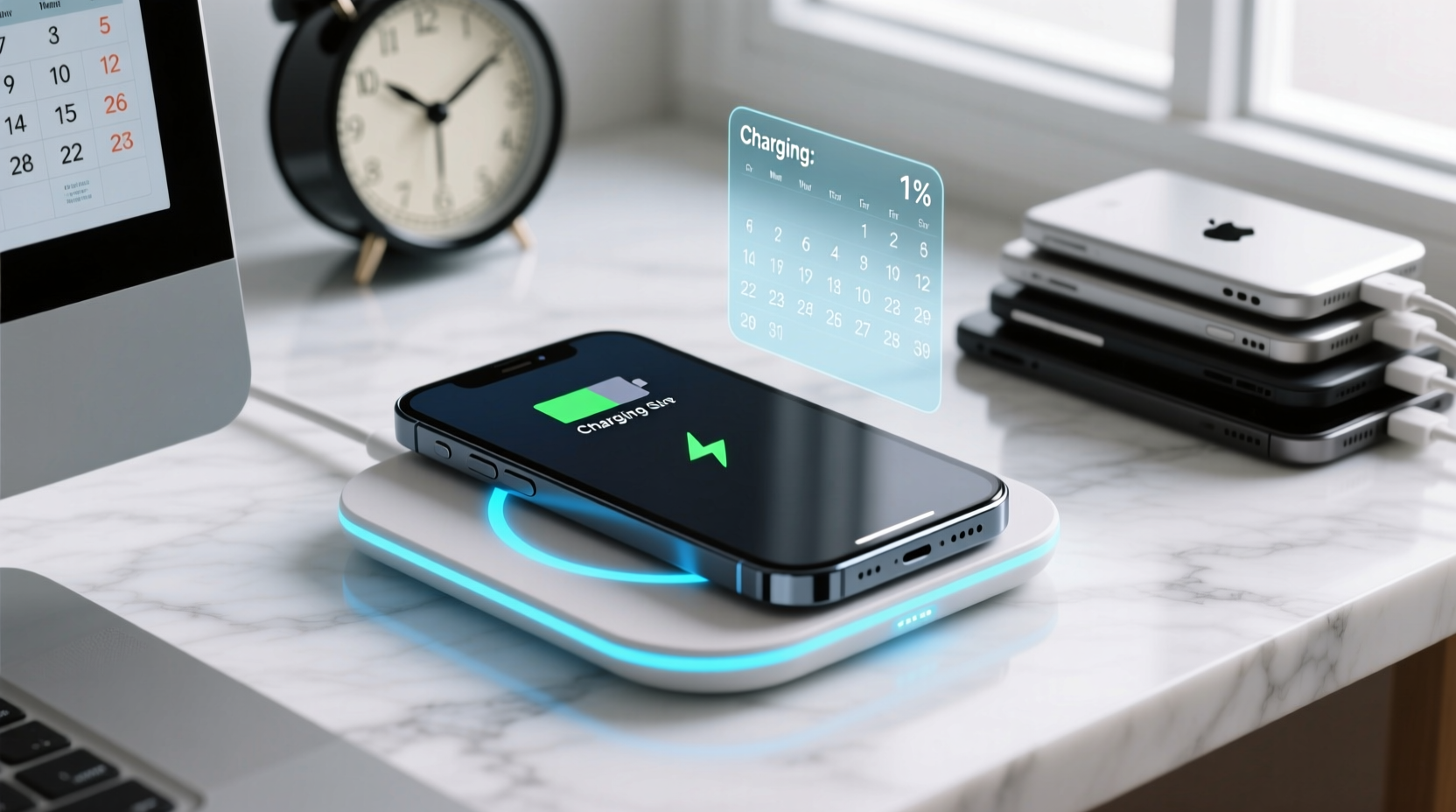
Despite advancements in technology, most wireless charging pads max out at 7.5W (for iPhones) or 10–15W (for Android devices). In contrast, modern wired chargers can deliver 20W, 30W, or even 65W on some flagship models. That means a full charge via wireless can take nearly twice as long as using a compatible USB-C PD charger.
Why the disparity? Physics plays a key role. Wireless charging relies on electromagnetic induction, which transfers energy between two coils—one in the pad, one in the phone. This process generates heat and loses energy along the way, reducing overall efficiency. According to the U.S. Department of Energy, wireless systems are typically 60–80% efficient, whereas wired connections exceed 90%. The lost energy dissipates as heat, prompting phones to throttle charging speeds to prevent overheating.
Tip: Avoid using your phone while it's on a wireless charger—screen activity increases heat and further slows charging.Who Is Most Impacted by Slow Wireless Charging?
Not all users are equally affected by slower charging speeds. Light users who top up overnight may never notice a difference. But for heavy users, the limitations become glaringly apparent. Consider these profiles:
- Mobile Professionals: Sales reps, field technicians, or consultants who spend entire days away from desks need fast top-ups during meetings or commutes. A 30-minute layover won’t yield much from a 10W wireless pad.
- Content Creators: Photographers, videographers, and social media managers drain batteries quickly through camera use, editing apps, and constant connectivity. Waiting hours for a partial charge disrupts workflow.
- Frequent Travelers: Airports rarely offer accessible outlets, making public wireless charging stations appealing—but if they only provide 5–7.5W, a “quick charge” becomes a time-consuming gamble.
- Gamers and Streamers: Mobile gaming consumes power rapidly. Pairing high-performance usage with inefficient charging leads to net battery loss, even when “charging.”
For these users, every minute counts. If a wired charger adds 50% in 30 minutes, but a wireless pad delivers only 15%, the trade-off in downtime is significant. Over time, that delay accumulates into missed opportunities, reduced device availability, and increased anxiety about battery life.
Comparing Charging Methods: Performance Breakdown
To illustrate the gap, here’s a side-by-side comparison of common charging methods using a typical 4,500mAh smartphone battery:
| Charging Method | Max Power Output | Efficiency | Time to 50% | Heat Generation |
|---|---|---|---|---|
| Standard Wireless Pad (Qi) | 7.5W – 10W | ~65% | 75–90 minutes | High |
| Fast Wireless Charger (e.g., Samsung Fast Wireless 2.0) | 15W | ~70% | 60 minutes | Moderate-High |
| MagSafe Charger (iPhone) | 15W (with supported models) | ~68% | 70 minutes | High |
| USB-C PD Wired Charging | 20W – 30W | ~92% | 30–40 minutes | Low-Moderate |
| Proprietary Fast Charging (e.g., OnePlus Warp Charge) | 65W | ~88% | 20 minutes | Moderate (managed by cooling tech) |
This table underscores a clear trend: wireless options lag significantly behind wired ones in both speed and efficiency. Even the fastest wireless chargers can't match mid-tier wired solutions, let alone cutting-edge proprietary systems.
“While wireless charging improves user experience through convenience, it still sacrifices critical performance metrics like speed and thermal management.” — Dr. Lena Patel, Senior Researcher in Mobile Power Systems, IEEE
Optimizing Your Wireless Charging Setup
Abandoning wireless charging entirely isn’t necessary. With smart adjustments, you can mitigate its drawbacks and make it work better within your lifestyle. Here’s how:
1. Use High-Efficiency Chargers
Not all wireless pads are created equal. Invest in models certified for fast wireless charging (e.g., Samsung’s Adaptive Fast Charging or Apple’s MagSafe-compatible units). These maintain higher wattage by optimizing coil alignment and managing temperature more effectively.
2. Remove Thick Cases During Charging
Bulkier phone cases, especially those with metal elements or magnetic mounts, increase distance between coils and reduce efficiency. Removing the case—or switching to a thin, non-metallic one—can improve charging speed by up to 30%.
3. Keep the Phone Cool
Heat is the enemy of fast charging. Avoid placing your phone in direct sunlight or on heated surfaces while charging. Some users place their phone near a fan or remove it briefly if the device warns of overheating.
4. Combine Night Charging with Daytime Wires
Use wireless charging overnight when time isn’t critical, and keep a high-wattage wired charger at your desk or in your car for urgent top-ups during the day. This hybrid approach balances convenience and necessity.
5. Monitor Battery Health
As lithium-ion batteries age, they become less efficient at accepting charge—especially under suboptimal conditions like wireless charging. Check your battery health monthly and consider replacement if capacity drops below 80%.
Tip: Enable airplane mode or Do Not Disturb while charging wirelessly to minimize background activity and reduce heat buildup.Mini Case Study: The Freelance Photographer’s Dilemma
Maya Rodriguez, a freelance travel photographer based in Barcelona, relied on her smartphone for client communication, GPS navigation, photo editing, and cloud backups. She adopted a wireless charging pad at home for ease of use but soon noticed a pattern: after full-day shoots, her phone would start the night at 20% and wake up at only 60%, despite being on the pad for eight hours.
During a week-long assignment in rural Portugal, where power access was limited, she tried using a portable 10,000mAh wireless power bank. After three hours of intermittent charging, her phone gained just 35%—far less than expected. Meanwhile, her colleague using a USB-C cable and compact charger achieved 80% in 45 minutes during lunch breaks.
Maya switched to a dual-strategy: she kept the wireless pad for nighttime use but now carries a 30W GaN wall charger and cable for daytime emergencies. “I love the look and feel of wireless,” she said, “but I can’t afford to wait. When I’m editing on the go, every minute of uptime matters.”
Checklist: Maximizing Wireless Charging Efficiency
If you’re committed to using wireless charging but want to avoid the pitfalls of slow speeds, follow this actionable checklist:
- ✅ Verify your phone supports fast wireless charging (e.g., iPhone 12+, Galaxy S10+).
- ✅ Purchase a charger rated for the highest supported wattage (e.g., 15W for compatible Androids).
- ✅ Remove thick or metallic phone cases before placing on the pad.
- ✅ Position the pad in a cool, shaded area away from direct sunlight.
- ✅ Avoid using the phone while charging to reduce heat and interference.
- ✅ Reboot your phone weekly to clear memory and background processes that increase power draw.
- ✅ Use wireless charging primarily for maintenance top-ups, not full recharges.
- ✅ Keep a high-speed wired charger accessible for urgent needs.
Frequently Asked Questions
Can I leave my phone on a wireless charger overnight?
Yes, modern smartphones and quality chargers include safeguards against overcharging. Once the battery reaches 100%, charging stops and resumes only when levels drop slightly. However, prolonged charging cycles can contribute to long-term battery wear. For optimal longevity, avoid nightly full charges when possible, or use features like “Optimized Battery Charging” (iOS) or “Adaptive Charging” (Android).
Why does my phone say “charging slowly” on the wireless pad?
This message usually appears when the system detects excessive heat, poor coil alignment, or insufficient power input. Check that you’re using a compatible power adapter (at least 18W for fast wireless), ensure the phone is centered on the pad, and verify that no foreign objects (like keys or cards) are between the phone and charger.
Are third-party wireless chargers safe and effective?
Many third-party chargers are reliable, especially those certified by Qi or carrying MFi (Made for iPhone) labels. However, cheaper, uncertified models may deliver inconsistent power, lack safety features, or damage your battery over time. Stick to reputable brands like Anker, Belkin, or Spigen, and avoid ultra-cheap options from unknown vendors.
Conclusion: Balancing Convenience and Performance
Wireless charging pads offer undeniable convenience, but their slower speeds present a real challenge for users who demand peak performance from their devices. For light users, the trade-off is negligible. But for those whose livelihoods depend on constant connectivity, slow charging can hinder productivity, increase stress, and limit mobility.
The solution isn’t to reject wireless technology altogether, but to use it strategically. Pair your wireless pad with a high-speed wired option, optimize your charging environment, and understand your personal usage patterns. Technology should serve your lifestyle—not constrain it. By making informed choices, you can enjoy the elegance of wireless charging without sacrificing the speed you need when it matters most.
🚀 Ready to upgrade your charging strategy? Audit your current setup, test a fast wired charger for one day, and compare the difference. Share your experience in the comments—your insights could help others find the right balance.