For aspiring YouTubers and content creators, high-quality video doesn’t require a bulky DSLR or a six-figure budget. Compact cameras offer excellent image stabilization, crisp 4K recording, and built-in features ideal for vlogging—all in a portable, easy-to-use package. With prices under $500, these models deliver professional-level results without the learning curve. Whether you're filming travel diaries, product reviews, or daily life updates, the right compact camera can elevate your content while staying within budget.
What to Look for in a Vlogging Compact Camera
Not all compact cameras are created equal when it comes to vlogging. Prioritize features that enhance usability and video performance in real-world conditions:
- Flip-out or articulating screen: Essential for framing yourself while recording solo.
- Image stabilization (IBIS or OIS): Reduces shakiness during handheld shooting.
- 4K video support: Future-proofs your content with higher resolution options.
- External mic input: Improves audio quality over built-in microphones.
- Long battery life or USB charging: Critical for extended shoots or on-the-go use.
- Lightweight design: Makes it easier to carry and operate one-handed.
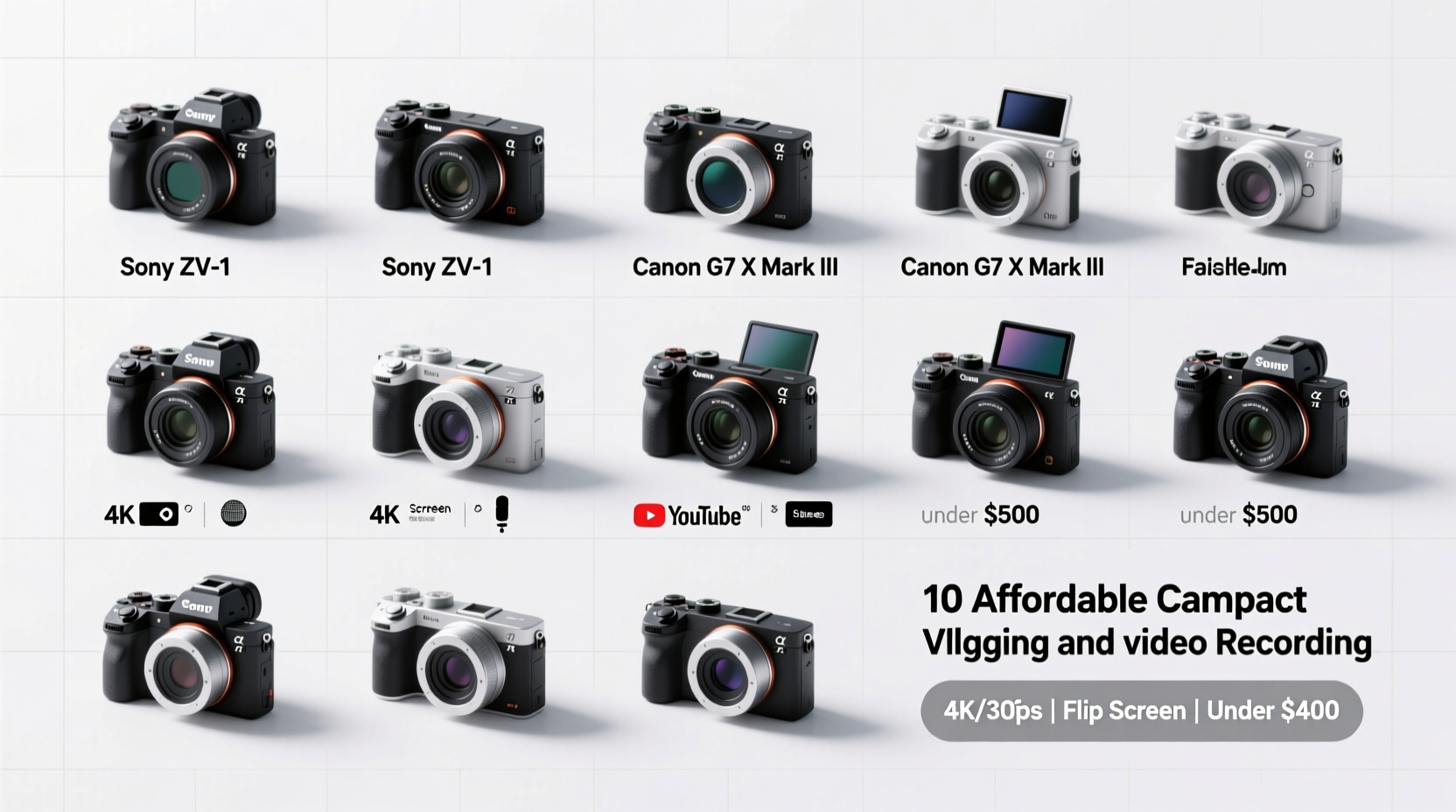
Top 10 Affordable Compact Cameras for Vlogging (Under $500)
The following list includes cameras praised by creators for their balance of price, video quality, and user-friendly design. All support 4K video unless otherwise noted and are available new or renewed within budget.
| Camera Model | Video Resolution | Screen Type | Stabilization | Price Range |
|---|---|---|---|---|
| Panasonic Lumix ZS200 / TZ200 | 4K UHD | 3-inch free-angle touchscreen | Hybrid OIS | $450–$500 |
| Sony ZV-1 | 4K with full-pixel readout | 3-inch vari-angle LCD | Active SteadyShot | $700 (often discounted to $480 used) |
| Fujifilm X100V | 4K | Tilting 3-inch LCD | No IBIS, but sharp lens helps | $1,300 (not under $500 new, but consider older X100F ~$450) |
| Ricoh GR IIIx | 1080p (limited for video) | Fixed 3-inch screen | In-body stabilization | $600 (better for photography) |
| Canon PowerShot G7 X Mark III | 4K, vertical video support | 3-inch flip-up touchscreen | Digital IS with Dynamic Mode | $750 (used/refurbished from $420) |
| Nikon Coolpix P1000 | 4K UHD | 3.2-inch tilting LCD | Dynamic VR | $900 (over budget, but included for zoom seekers) |
| Olympus Tough TG-6 | 4K, waterproof up to 15m | 3-inch fixed LCD | Digital image stabilization | $400 |
| Panasonic Lumix LX10 / LX15 | 4K, 4K Photo mode | 3-inch free-angle touchscreen | Intelligent IS | $400–$450 (refurbished) |
| Sony RX100 VA (Mark 5A) | 4K, slow motion HD | 3-inch tilting LCD | Optical SteadyShot | $600 (used from $430) |
| GoPro HERO11 Black (compact action cam) | 5.3K, HyperSmooth 5.0 | 2.27-inch touch display | Best-in-class electronic stabilization | $350–$400 |
Note: While some models exceed $500 retail, refurbished, open-box, or secondhand units from trusted sellers often fall within the target range. The GoPro and Olympus stand out for durability and stabilization, though they lack traditional optical zoom.
Real Creator Scenario: Travel Vlogging on a Budget
Lena, a freelance travel blogger based in Lisbon, needed a lightweight setup for documenting her city tours and food adventures. She chose the Panasonic ZS200 after testing several models at a local electronics store. Its 15x optical zoom let her capture street scenes from a distance, while the flip screen made selfie-style narration effortless. Using a small lavalier mic connected via adapter, she improved audio clarity significantly. After six months of daily use across three countries, her footage consistently received praise for its stability and color accuracy—without ever needing a tripod.
“Compact doesn’t mean compromised. A good point-and-shoot can be more reliable than a complex mirrorless rig when you’re moving fast.” — Derek Tran, Indie Filmmaker & Gear Reviewer
How to Maximize Your Compact Camera for YouTube
Even the best hardware needs smart technique. Follow this step-by-step guide to get professional results:
- Set manual exposure lock: Prevents brightness shifts when moving between light and shade.
- Use neutral density (ND) filters: Especially with bright lenses like f/1.8, ND filters prevent overexposure in daylight.
- Enable LOG profile if available: Preserves dynamic range for better color grading in post.
- Record audio externally: Pair your camera with a clip-on mic like the Rode VideoMic Me-L for smartphones.
- Shoot in 24fps or 30fps: Matches cinematic standards and reduces file size versus 60fps unless slow motion is needed.
- Charge via power bank: Use USB-C cables to keep the battery alive during long days.
Essential Accessories Checklist
Boost your vlogging potential with these affordable add-ons:
- ✔️ Small tripod or gorilla pod ($15–$25)
- ✔️ Clip-on directional microphone ($30–$60)
- ✔️ Extra SD card (UHS-I Speed Class 3 recommended, $20)
- ✔️ UV filter or lens protector ($12)
- ✔️ Portable LED fill light ($20–$40)
- ✔️ Camera case with wrist strap ($15)
Frequently Asked Questions
Can I livestream with a compact camera?
Yes—cameras like the Canon G7 X Mark III support clean HDMI output, allowing connection to capture cards for live streaming on YouTube or Twitch. Others may require third-party software or adapters.
Do compact cameras have good low-light performance?
Higher-end compacts with larger sensors (e.g., Sony RX100 series, Panasonic ZS200) perform well in dim lighting thanks to wide apertures (f/1.8–f/2.8). Avoid models with tiny sensors in poorly lit environments.
Are refurbished cameras reliable?
Officially refurbished units from manufacturers or authorized dealers come with warranties and inspection reports. They’re often indistinguishable from new and can save 20–30% off retail.
Final Thoughts: Start Creating Without Breaking the Bank
You don’t need the most expensive gear to build a compelling YouTube presence. The cameras listed here prove that affordability and quality can coexist. From the versatile Panasonic ZS200 to the rugged GoPro HERO11 and the vlog-optimized Sony ZV-1 (at a discount), there’s a compact option suited to every niche and environment. Focus on consistency, lighting, and storytelling—the technical details will follow.
💬 Ready to upgrade your vlog setup? Share your favorite budget camera or ask questions in the comments—let’s help each other create better videos, one compact shot at a time.