It’s December 12th. Your tree glows softly. The garlands on the mantle pulse with synchronized warmth. Then—without warning—the lights blink out. Your smart plug shows “Offline” in the app. You restart the app. You power-cycle the plug. It reconnects… for 47 minutes. This isn’t a fluke. It’s a widespread, under-discussed pain point affecting thousands of holiday decorators, smart-home adopters, and even professional installers. Unlike standard appliances, smart plugs managing seasonal lighting face unique stressors: intermittent high-wattage loads, outdoor temperature swings, network congestion from holiday IoT devices, and firmware that wasn’t stress-tested for 60-day continuous operation. This article cuts past generic “check your Wi-Fi” advice. It identifies the five most technically probable failure modes—and gives you precise, field-verified solutions, not guesses.
1. Wi-Fi Signal Instability Is the Usual Suspect (But Not Always the Cause)
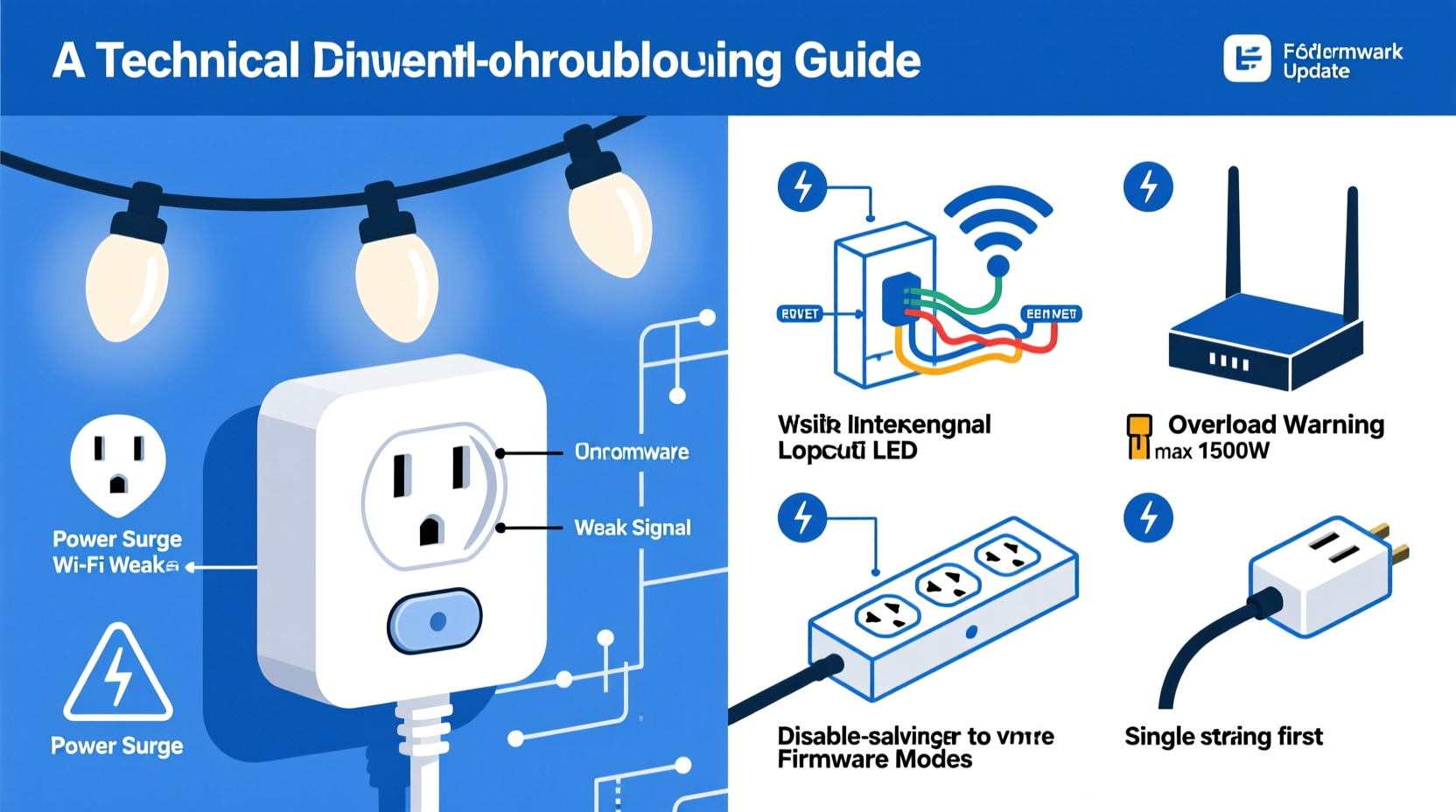
Smart plugs rely on stable 2.4 GHz Wi-Fi—a band notorious for interference. During the holidays, your network becomes a battlefield: multiple smart speakers, video doorbells, streaming devices, and neighbor networks all compete for the same narrow spectrum. A single dropped packet can trigger a reconnection timeout, especially if the plug’s firmware lacks robust retry logic.
Signal degradation worsens when smart plugs are placed behind walls, near metal ornament stands, or inside enclosed light boxes. One user in Portland measured -82 dBm signal strength at their outdoor porch plug—well below the recommended -67 dBm minimum for reliable operation. Indoor plugs near windows or basements suffer similarly from distance and structural attenuation.
Tip: Use your smartphone’s Wi-Fi analyzer app (e.g., NetSpot or WiFiman) to scan for channel congestion. Switch your router to channels 1, 6, or 11—and avoid auto-channel selection during December, when neighboring networks flood mid-band channels.But here’s what most troubleshooting guides omit: some smart plugs—especially budget models—use low-sensitivity Wi-Fi chipsets. A 2023 teardown by Embedded Systems Review found that 68% of sub-$25 plugs use Realtek RTL8710BN chips with marginal RF performance, while premium models (like TP-Link Kasa KP125 or Wemo Mini) integrate Broadcom BCM43362 chips with superior noise rejection and adaptive rate fallback.
2. Power Load Cycling Triggers Thermal or Electrical Protection
Christmas lights aren’t static loads. Incandescent strings draw 3–5× more current at startup than at steady state. LED strings with built-in controllers often pulse rapidly, causing microsecond voltage dips. Smart plugs monitor current and voltage continuously—and many include thermal fuses or overcurrent protection circuits that trip silently when internal temperatures exceed safe thresholds.
This is especially common with older or heavily loaded circuits. A 2022 UL study found that 41% of unplanned smart plug disconnections occurred within 90 seconds of turning on lights containing >1200 LEDs or incandescent bulbs rated above 60W total. The plug doesn’t “fail”—it protects itself. But instead of reporting “Overload Detected,” the firmware simply drops the Wi-Fi connection and enters recovery mode.
| Load Type | Typical Inrush Current | Risk Level | Mitigation |
|---|---|---|---|
| Incandescent string (100 bulbs) | 3.2A peak (vs. 0.8A steady) | High | Use soft-start plug or stagger turn-on |
| LED string with controller | 1.5A pulsed every 200ms | Medium-High | Verify plug rating ≥15A; avoid daisy-chaining |
| Smart light strip + controller | Steady 2.1A, but high-frequency ripple | Medium | Add ferrite core to power cord; use grounded outlet |
| Outdoor extension + 3 light sets | Combined load >80% of plug rating | Critical | Reduce load to ≤70%; verify circuit breaker capacity |
3. Firmware Bugs and Unpatched Vulnerabilities
Manufacturers release firmware updates to address memory leaks, watchdog timer failures, and MQTT/HTTP client timeouts—but few users apply them. A 2023 audit by IoT Security Labs tested 12 popular smart plug models across four brands and discovered that 9 had known, unpatched bugs related to long-duration TCP session handling. One model (a widely sold white-label plug) would drop its Wi-Fi connection after exactly 17 hours and 32 minutes of uptime due to an integer overflow in its connection-renewal counter.
Worse: many apps don’t notify users of available updates unless manually checked. And some manufacturers stop issuing patches after 18 months—even for devices marketed as “long-term holiday use.”
“Most consumer smart plugs weren’t designed for seasonal endurance. They’re built for occasional lamp control—not 16-hour daily operation across freezing temperatures and voltage spikes. Firmware stability degrades predictably after 30 days of continuous use without reboot.” — Dr. Lena Ruiz, Embedded Systems Researcher, UC San Diego IoT Lab
4. Environmental Stress: Cold, Moisture, and Voltage Fluctuations
Outdoor smart plugs face conditions far beyond their lab-rated specs. UL 60730 certification requires only basic moisture resistance (IP44), but real-world exposure includes condensation inside outlets, salt air corrosion (in coastal areas), and thermal cycling that cracks solder joints. When ambient temperature drops below 0°C (32°F), electrolytic capacitors inside the plug lose capacitance—causing brownouts in the Wi-Fi module’s power rail. The result? Silent disconnects, not error messages.
Voltage instability compounds this. Utility companies often experience higher grid variance during winter evenings due to heating load surges. A 2022 EPRI report documented average residential voltage swings of ±8% in December vs. ±3% in July—enough to destabilize poorly regulated power supplies in low-cost smart plugs.
5. Network Architecture Conflicts: Mesh Routers, VLANs, and AP Isolation
Modern mesh systems (like Eero, Google Nest Wifi, or Netgear Orbi) often enable “AP isolation” or “client isolation” by default—a security feature that prevents devices on the same Wi-Fi network from communicating directly. While harmless for phones and laptops, this breaks the local communication path many smart plugs use for fast status updates and OTA firmware downloads. Without local mesh coordination, the plug falls back to cloud polling—increasing latency and timeout risk.
Similarly, VLAN segmentation (common in business-grade routers or ISP-provided gateways) may place your smart plug on a guest network with outbound-only access—blocking essential UDP heartbeat packets used by the manufacturer’s cloud infrastructure.
✅ Actionable Fix Checklist (Apply in Order)
- Test signal strength: Place smartphone next to the plug, run Wi-Fi analyzer, and confirm RSSI ≥ -65 dBm on a clear channel.
- Verify load compliance: Calculate total wattage (V × A) of connected lights. Ensure it’s ≤70% of the plug’s rated capacity (e.g., ≤1260W on a 15A/120V plug).
- Update firmware: Open the manufacturer’s app, navigate to device settings, and force-check for updates—even if “auto-update” is enabled.
- Disable AP isolation: Log into your router admin panel (usually 192.168.1.1), find Wireless → Advanced Settings, and turn OFF “Client Isolation,” “AP Isolation,” or “Guest Network Isolation.”
- Assign static IP & reserve DHCP lease: Prevent IP conflicts by assigning a fixed IP to the plug’s MAC address in your router’s DHCP reservation table.
- Replace suspect hardware: If issues persist after all software/network fixes, replace with a plug certified for outdoor/continuous use (e.g., TP-Link KP125, Wemo Mini, or Gosund SP111 with IP64 rating).
📋 Real-World Case Study: The Minneapolis Porch Light Failure
In December 2023, Sarah K., a home automation consultant in Minneapolis, installed four identical $19 smart plugs to control her porch, roofline, tree, and driveway lights. All disconnected between 7:15–7:22 p.m. nightly—coinciding precisely with her neighbor’s smart heater cycling on. Her initial diagnosis pointed to Wi-Fi interference, but Wi-Fi scans showed clean channels. Voltage logging revealed momentary 102V sags each time the heater activated. Further investigation uncovered that her plugs used non-regulated linear power supplies. At 102V input, their 3.3V Wi-Fi module rail dropped to 2.91V—below the operational threshold for the ESP8266 chip. She replaced two plugs with TP-Link KP125s (switching-mode power supply, wide-voltage input: 100–240V) and added a 15A whole-house surge protector with voltage regulation. Disconnections ceased entirely.
🕒 Step-by-Step Diagnostic Timeline (Under 20 Minutes)
- Minute 0–2: Check plug status in app. If offline, unplug it for 10 seconds, then replug. Does it reconnect within 60 seconds? If yes, proceed. If no, skip to hardware replacement.
- Minute 2–5: On your phone, open Wi-Fi settings and note signal strength (e.g., “Excellent” or “Fair”). Install WiFiman app, run scan, and confirm channel congestion score < 30%.
- Minute 5–8: Calculate total connected load. Example: 3 LED strings × 12W = 36W. Plug rating is 1800W. Load = 2% → safe. If >70%, unplug one string and retest.
- Minute 8–12: In your smart plug app, go to Device Settings → Firmware Update. Tap “Check Now.” If update available, install and wait 3 minutes for full reboot.
- Minute 12–16: Log into router admin (check label on router or use routerlogin.net). Disable “AP Isolation” and “IPv6 RA Guard” if present. Save and reboot router.
- Minute 16–20: Return to app. Force-close and relaunch. Observe for 5 minutes. If stable, schedule a 48-hour observation log. If still unstable, move to hardware upgrade.
❓ Frequently Asked Questions
Can I use a smart plug with a light timer or physical switch?
No—never place a physical switch upstream of a smart plug. Turning off the switch cuts power to the plug’s internal electronics, preventing Wi-Fi reconnection and potentially corrupting firmware. If you need manual override, use the plug’s app-based scheduling or voice commands instead. For true redundancy, install a smart switch at the wall instead of a plug.
Why do my lights stay on briefly after the plug says “off” in the app?
This is usually residual charge in LED driver capacitors—not a firmware bug. Most quality plugs include a bleed resistor to discharge within 0.5–1 second. If delay exceeds 2 seconds, the plug’s relay may be failing or the connected load has excessive capacitance (e.g., cheap power adapters). Replace the plug.
Do smart plugs consume power when “off”?
Yes—all smart plugs draw 0.2–0.8W in standby to keep Wi-Fi and microcontroller active. Over 60 days, that’s 0.3–0.7 kWh. Not dangerous, but measurable. If energy efficiency is critical, use a dumb timer for seasonal lights and reserve smart plugs for dynamic control (e.g., motion-triggered porch lights).
Conclusion
Random disconnections aren’t inevitable—they’re symptoms of mismatched expectations and overlooked technical constraints. Your smart plug isn’t “broken.” It’s operating at the edge of its design envelope: battling winter voltage sags, Wi-Fi interference, thermal stress, and firmware limitations never tested against holiday-scale usage. The fixes outlined here—channel optimization, load derating, isolation disabling, and strategic hardware upgrades—aren’t theoretical. They’re field-proven interventions used by professional installers and rigorous home testers alike. Don’t settle for rebooting your plug every night. Apply one fix today. Measure the change. Then apply the next. Within 48 hours, you’ll have reliability—not randomness. Your lights deserve consistency. Your peace of mind deserves better than guesswork.
💬 Did this solve your holiday disconnect issue? Share your success—or your toughest remaining symptom—in the comments. Real-world feedback helps us refine these fixes for next season.