
Gone are the days when a full-featured video game could fit on a single CD-ROM or cartridge. Today, it’s common for a single title to consume over 100 gigabytes of storage—some even exceed 200 GB. Players often find themselves deleting apps or upgrading drives just to install the latest release. But what exactly causes this explosion in file size? The answer lies in a combination of technological advancement, artistic ambition, and evolving player expectations. Understanding these factors not only explains the growing footprint of modern games but also helps players make informed decisions about their gaming setups.
The Evolution of Game Assets and Fidelity
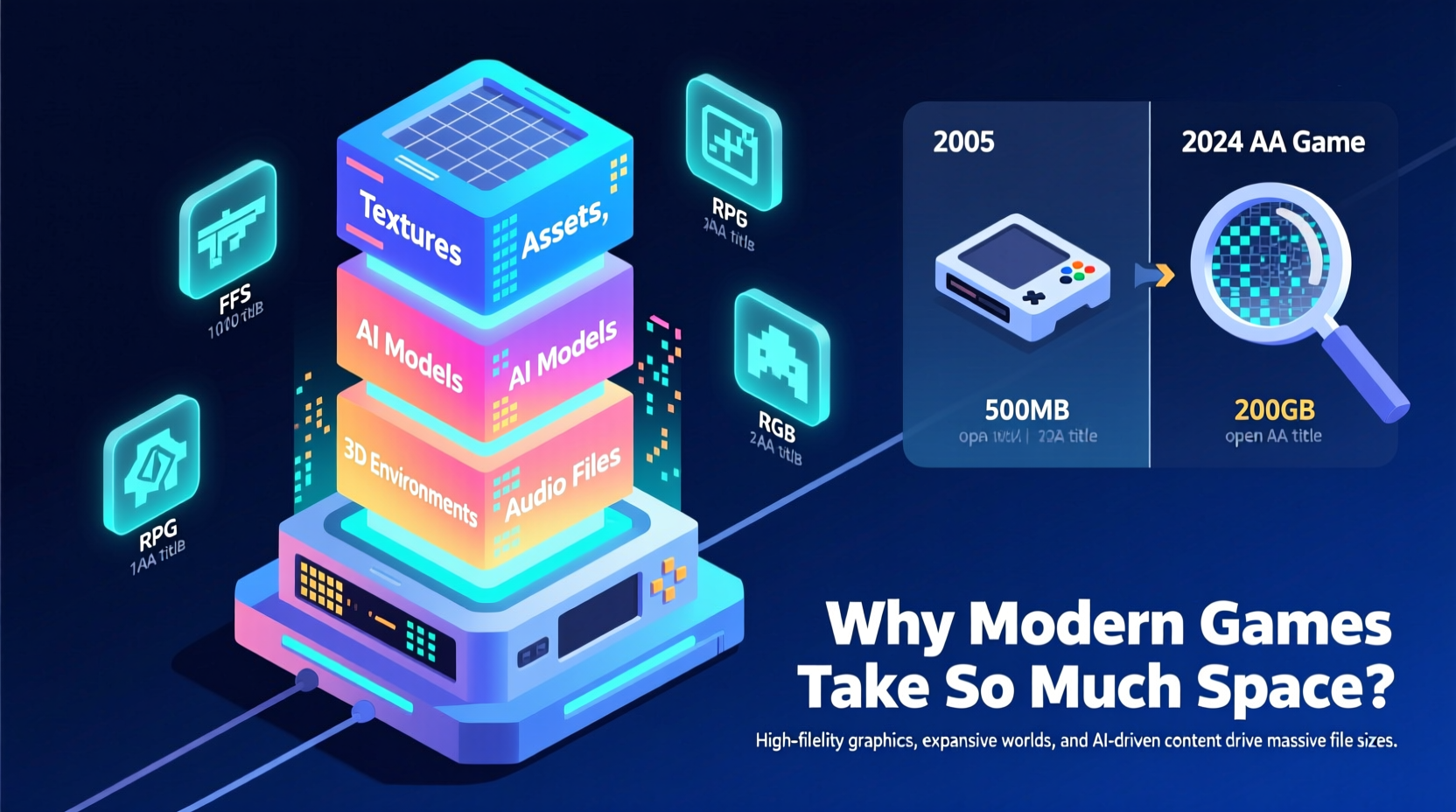
One of the primary reasons for increased game sizes is the dramatic improvement in visual fidelity. Modern games aim for photorealism, which requires high-resolution textures, detailed 3D models, and complex lighting systems. A texture that once used 512x512 pixels now commonly uses 4K (4096x4096) or even 8K resolution. Each of these textures can be several megabytes in size, and a single character model may have dozens of them—diffuse, normal, specular, roughness, and displacement maps all contribute to realism but multiply file size.
Additionally, environments have become vastly more intricate. Open-world games like Red Dead Redemption 2 or Horizon Forbidden West feature sprawling landscapes with dynamic weather, realistic vegetation, and seamless transitions between regions. These worlds are hand-crafted or procedurally enhanced with millions of assets, each consuming valuable disk space. Unlike older titles that reused assets heavily, modern games prioritize variety and immersion, reducing repetition at the cost of efficiency.
Tip: If you're short on storage, consider downloading only the base version of a game and avoid optional high-res texture packs unless absolutely necessary.Audio Quality and Voice Acting
Sound design has evolved in parallel with graphics. Where early games relied on synthesized music and minimal voice lines, today's titles feature full orchestral scores, surround sound mixing, and extensive voice acting. AAA games now resemble Hollywood productions, with hours of recorded dialogue across multiple languages.
For example, The Last of Us Part II contains over 70 hours of voice recordings. When stored in high-quality audio formats like FLAC or uncompressed PCM, this alone can account for tens of gigabytes. Even compressed formats such as OGG or MP3 add significant bulk when multiplied across thousands of dialogue lines, ambient effects, and layered music tracks.
Moreover, many games include language packs for 10 or more regions. While players typically use only one, these are often bundled into the main download rather than offered as separate installs. This means you’re downloading French, German, Japanese, and Russian audio—even if you only speak English.
“Modern games are less software and more multimedia experiences. You're not just buying code—you're buying art, music, performance, and engineering.” — David Chen, Senior Audio Director at Obsidian Entertainment
Game Engine Complexity and Streaming Systems
Modern game engines like Unreal Engine 5 and Unity are incredibly powerful, enabling developers to create rich, interactive worlds. However, this power comes with overhead. Engines include vast libraries of tools, shaders, physics systems, AI routines, and animation frameworks—all embedded within the final build.
Take Unreal Engine 5’s Nanite virtualized geometry system. It allows artists to import film-quality 3D models directly into games without simplification. While this preserves detail, it increases asset complexity and memory demands. Similarly, Lumen, UE5’s global illumination solution, enables real-time lighting adjustments but requires additional data to function smoothly.
Streaming systems also contribute to larger footprints. Instead of loading entire levels into RAM, modern games stream assets dynamically from the SSD. To ensure smooth performance, they store redundant or pre-processed data locally. For instance, a game might keep both compressed and decompressed versions of textures on disk to reduce load times—a trade-off between speed and storage efficiency.
Comparison of Game Sizes Across Generations
| Game Title | Release Year | Storage Size | Primary Storage Medium |
|---|---|---|---|
| The Legend of Zelda: Ocarina of Time | 1998 | 12 MB | Cartridge |
| Halo 3 | 2007 | 8 GB | DVD |
| The Elder Scrolls V: Skyrim (Legendary Edition) | 2013 | 12 GB | Blu-ray |
| Call of Duty: Modern Warfare (2019) | 2019 | 175 GB | Digital Download / Blu-ray |
| Starfield | 2023 | 130–150 GB | Digital Download |
| Alan Wake 2 | 2023 | 105 GB (base), ~200 GB with updates | Digital Download |
This table illustrates how game sizes have grown exponentially—not just due to better graphics, but because of broader media integration and engine bloat. A single modern title can contain more data than an entire console’s library from two decades ago.
Development Practices and Compression Trade-offs
While compression technologies exist, developers often choose not to maximize them. Why? Because aggressive compression can increase CPU usage during decompression, leading to stuttering or longer load times. In pursuit of smoother gameplay, studios opt for lighter compression or even store some assets uncompressed.
Additionally, development timelines pressure teams to prioritize features over optimization. With tight release schedules, engineers may lack time to fine-tune asset packaging. As a result, unused textures, placeholder sounds, or debugging tools sometimes remain in the final build. While not always intentional, these inefficiencies contribute to bloated install sizes.
Another factor is patching and updates. Games now receive regular content drops—new missions, characters, modes, and events. These are layered on top of existing files rather than replacing them entirely, leading to duplication and fragmentation. Over time, a game can grow significantly beyond its original size.
Tip: Regularly check for \"repair\" or \"optimize\" options in platforms like Steam or Xbox Settings to clean up corrupted or redundant game files.Real-World Example: The Case of Call of Duty
No franchise exemplifies the storage dilemma better than Call of Duty. The 2019 reboot of Modern Warfare launched at around 175 GB—a staggering figure at the time. But why so large?
The answer combines several factors: ultra-high-resolution textures for weapons and environments, advanced facial animations requiring detailed morph targets, and a massive amount of audio for realistic gunplay and immersive battlefield sounds. Add to that the inclusion of multiple language packs, cinematic cutscenes rendered in 4K, and support for ray tracing—all baked into the same installation.
Furthermore, Activision uses a proprietary engine (IW Engine) that doesn’t always optimize asset streaming efficiently. Players reported needing over 200 GB of free space just to update the game post-launch. This case highlights how even experienced developers struggle to balance quality and size, especially under competitive pressure to deliver cutting-edge visuals.
What You Can Do: Managing Your Gaming Storage
While developers bear much of the responsibility, players aren’t powerless. With smart management, you can enjoy modern titles without constantly upgrading hardware.
Step-by-Step Guide to Optimize Game Storage
- Assess your current setup: Check total storage capacity and available space on your drive.
- Prioritize installations: Keep only frequently played games installed; move others to external storage or uninstall them.
- Use selective downloads: On platforms like Steam or PlayStation, choose which components to install (e.g., skip unnecessary language packs).
- Invest in NVMe SSDs: Faster drives reduce load times and improve streaming efficiency, making large games more manageable.
- Enable cloud saves: Use services like Xbox Cloud, PS Plus, or Steam Cloud to safely remove and re-download games without losing progress.
- Monitor updates: Some patches expand game size unnecessarily; research whether an update is essential before installing.
Checklist: Smart Storage Habits
- ✅ Audit installed games monthly
- ✅ Uninstall games after completing them
- ✅ Use external SSDs for secondary library storage
- ✅ Disable auto-updates for non-essential titles
- ✅ Enable compression tools if supported by your OS
Frequently Asked Questions
Can I delete language packs to save space?
Yes, in some cases. Platforms like Steam allow you to customize which language files are downloaded. Navigate to Properties > Language and select only your preferred option. This can save 10–20 GB on large titles with full voiceovers in multiple languages.
Will game sizes ever stop growing?
Not in the near future. As display resolutions increase (8K TVs, VR headsets), demand for higher-fidelity assets will continue. However, advancements in compression (like Oodle Kraken) and smarter streaming may slow the growth rate. Expect games to remain large, but potentially more efficient in how they use space.
Are remastered games smaller than new ones?
Surprisingly, no. Remasters often upscale old textures, add new audio, and integrate modern engines, which can make them larger than their original counterparts. For example, The Last of Us Part I remake is nearly twice the size of the PS3 original despite being based on the same story.
Conclusion: Embracing the New Reality of Gaming
The era of tiny game downloads is over—and for good reason. The immersive, cinematic experiences we enjoy today are only possible through vast amounts of data. While the storage demands can feel overwhelming, they reflect the incredible progress in storytelling, artistry, and technology that define modern gaming.
Instead of resisting the trend, the best approach is adaptation. Upgrade your hardware wisely, manage your library proactively, and stay informed about optimization tools. By doing so, you preserve the joy of gaming without letting file sizes dictate your choices.
🚀 Ready to reclaim your storage? Start by reviewing your installed games today—uninstall one you’ve finished, and free up space for your next adventure.