
Decorating for the holidays doesn’t require a smartphone or Wi-Fi connection. While many modern RGB Christmas light systems rely on companion apps for control and synchronization, a growing number of users prefer simpler, more reliable methods��especially when dealing with outdoor setups, older models, or environments where technology can be finicky. Synchronizing multiple strands of RGB lights manually is not only possible, it’s often faster and more dependable than navigating app interfaces or troubleshooting Bluetooth dropouts.
This guide covers practical, tested techniques to align color patterns, effects, and timing across several strands of RGB Christmas lights—no downloads, no pairing, no frustration. Whether you’re setting up a rooftop display, outlining windows, or creating a synchronized yard scene, these strategies will help your lights move in harmony using only physical controls and smart setup practices.
Understanding How Non-App RGB Lights Work
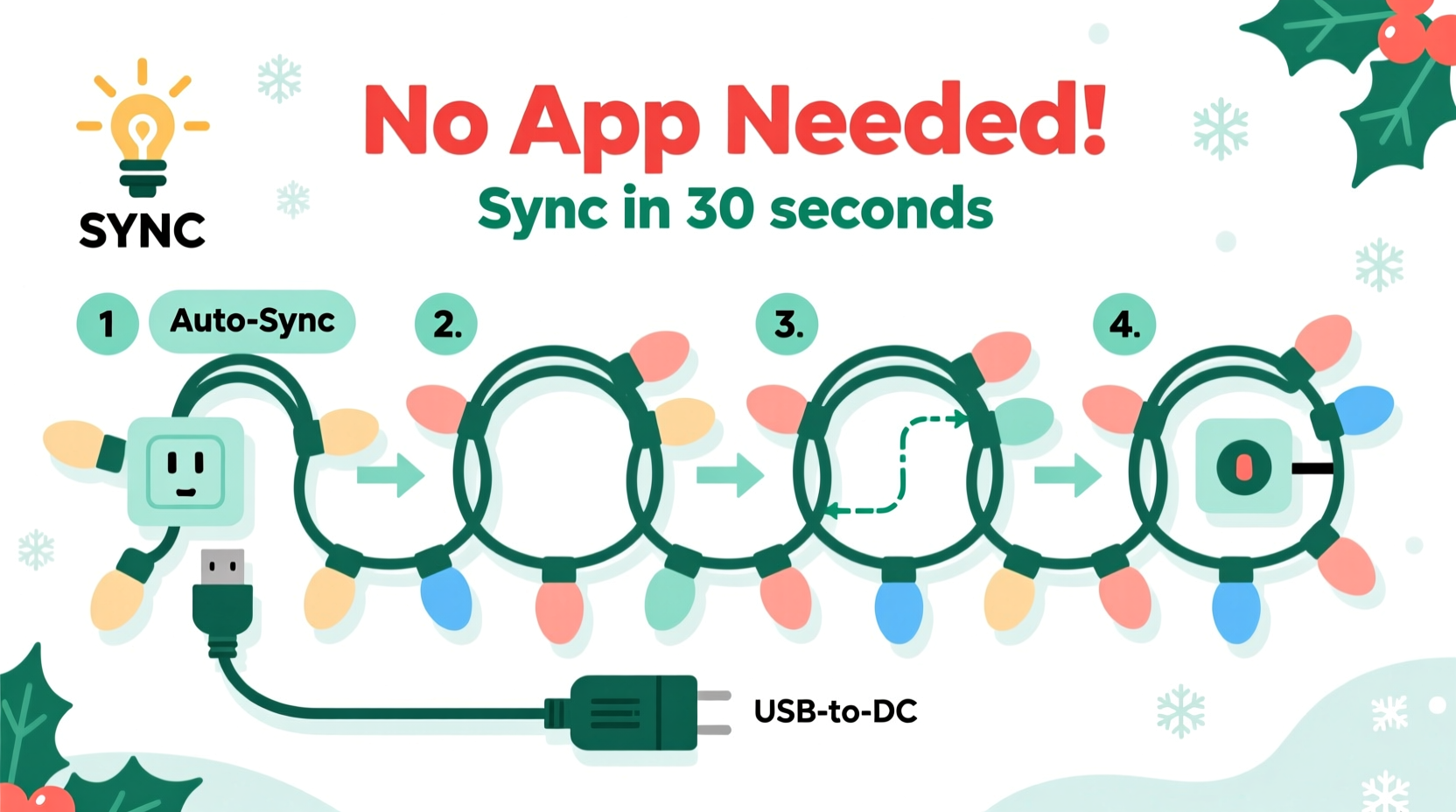
Before attempting synchronization, it’s essential to understand how standalone RGB light strands function. Most plug-and-play RGB LED strings use one of two control systems: integrated circuit-based controllers (like WS2811 or UCS1903 chips) or simple IR/RF remote-controlled units. The former allows for complex patterns but requires precise signal alignment; the latter relies on universal remotes that broadcast commands across compatible units.
Non-app RGB lights typically come with a controller box attached to the strand or as a separate inline module. These controllers cycle through preset modes such as fade, chase, strobe, or steady color. Each press of a button advances the mode, while holding adjusts brightness or speed. When multiple strands share the same chipset and firmware version, they can respond identically to the same input—if triggered at the same time.
The key to syncing lies in ensuring all strands start their pattern sequence simultaneously and remain on the same mode throughout operation. Without network connectivity, this depends entirely on manual coordination and hardware compatibility.
Tip: Always test each strand individually before installation to confirm they respond to the same remote or button input and enter identical modes in the same order.Step-by-Step Guide to Manual Syncing
Synchronization without apps hinges on precision and consistency. Follow this step-by-step process to align multiple RGB light strands seamlessly.
- Gather compatible strands: Ensure all light sets are from the same brand and model line. Even slight differences in chipsets can cause desynchronization over time.
- Power down all strands: Unplug every string completely. This resets internal memory and ensures a clean start.
- Connect to power sources: Plug each strand into its outlet or extension cord, but do not turn them on yet.
- Use a single control method: If using remotes, ensure they’re the same frequency (usually 2.4GHz or IR). For button controllers, make sure they’re physically identical.
- Initiate mode selection simultaneously: Have an assistant stand at each end if needed. On the count of three, press the “next mode” button once on each controller.
- Verify visual match: Observe whether all strands shift to the same color or effect. If one lags or skips, reset and repeat.
- Adjust speed and brightness together: Once in the desired mode, increase or decrease speed/brightness in unison across all units.
- Secure placement: After confirming sync, mount or hang lights carefully to avoid dislodging controllers or wires.
- Recheck after 5–10 minutes: Some cheaper strands drift due to clock variance in internal timers. Address any lag with a full reset and retry.
This method works best indoors or in small outdoor areas where access to each controller is easy. For larger installations, consider grouping strands by circuit and syncing one group at a time.
Matching Signals Using Master-Slave Techniques
When managing numerous strands, manually pressing buttons isn't scalable. A more advanced technique involves designating one strand as the \"master\" and cloning its signal behavior across others—essentially creating a daisy-chained response system.
Some higher-end non-app RGB systems support signal passthrough. In these cases, the output data from one strand's controller can be wired or wirelessly mirrored to adjacent units. Though not labeled as such, this mimics a master-slave configuration common in professional stage lighting.
To implement this:
- Choose the most centrally located or visible strand as the master.
- Set it to the desired mode, speed, and brightness.
- If supported, connect follower strands via data-out ports (if available on the controller).
- For wireless systems, place slave units within direct line-of-sight of the remote during setup.
- Use a high-quality RF remote with broad transmission range to minimize dead zones.
While true data chaining is rare in consumer-grade non-smart lights, proximity and timing mimicry can achieve similar results. The goal is uniformity—not necessarily digital replication.
“Even without apps, disciplined manual control and attention to hardware consistency can produce flawless synchronization. It’s about rhythm, not code.” — Marcus Tran, Holiday Lighting Technician with 12+ years in residential display design
Do’s and Don’ts of App-Free Light Syncing
Avoid common pitfalls that sabotage synchronization efforts. The table below outlines critical best practices.
| Do | Don’t |
|---|---|
| Use identical light models from the same batch | Mix different brands or chipsets (e.g., WS2811 with SK6812) |
| Reset all strands before starting | Assume lights remember settings after power loss |
| Sync during low-wind, dry conditions outdoors | Attempt syncing in heavy rain or gusty weather |
| Label each controller for quick identification | Leave controllers buried under eaves or snow |
| Test sync performance over at least 15 minutes | Walk away immediately after initial alignment |
Tips for Long-Term Synchronization Stability
Even perfectly synced lights can fall out of alignment over time. Voltage fluctuations, temperature changes, and component drift affect internal oscillators in LED controllers. Here are ways to maintain coherence throughout the season.
Tip: Power all strands from the same electrical circuit when possible to minimize voltage variance that causes timing drift.- Group by circuit: Control clusters of lights on shared switches so they turn on/off together, preventing staggered startups.
- Avoid partial rewinding: Never skip back modes mid-sequence. Reset fully instead to preserve phase alignment.
- Use surge protectors: Clean power reduces stress on controllers and improves timing accuracy.
- Inspect connections monthly: Loose plugs or corroded contacts can interrupt signals and cause erratic behavior.
- Store with labels: Mark which strands were successfully paired so you can reuse the same set next year.
For seasonal reuse, keep original packaging and note the mode order on each product. Some manufacturers vary firmware between production runs, so last year’s sync strategy may not carry over exactly.
Real Example: Syncing a Front Yard Display Without Apps
Daniel Reyes, a homeowner in Portland, OR, maintains a popular holiday light display viewed by hundreds each December. He uses 18 strands of RGB rope lights to outline his roofline, trees, and walkway—all synchronized without smartphones or hubs.
His setup includes eight strands of 50-light warm-white-to-multicolor LEDs and ten additional multicolor pixel strings. All units are from the same brand and purchased in a single order to guarantee chipset consistency.
Each November, Daniel follows a strict protocol: he unplugs all strands, tests each one individually, then groups them by location. With his daughter assisting, they perform a simultaneous button press across all controllers after powering up. They use a flashlight signal from the porch to coordinate the exact moment—ensuring all lights transition into the “slow fade” mode together.
Once aligned, he secures each controller in a waterproof case mounted near the outlet. Throughout the season, he checks every few days for drift, resetting only if necessary. By sticking to one brand and avoiding mixed batches, his display remains tightly synchronized for six weeks without software intervention.
Checklist: Pre-Sync Setup for Flawless Results
Use this checklist before attempting to sync your lights:
- ☐ Confirm all strands are the same model and brand
- ☐ Test each strand independently for functionality
- ☐ Replace any flickering or dead segments
- ☐ Ensure remotes or controllers are fully charged or have fresh batteries
- ☐ Clear access to all controllers during sync attempt
- ☐ Choose a calm weather window for outdoor setups
- ☐ Assign roles if working with a team (e.g., starter, verifier, adjuster)
- ☐ Decide on final mode, speed, and brightness in advance
- ☐ Plan for periodic rechecks during extended display periods
Frequently Asked Questions
Can I sync RGB lights from different brands without an app?
Generally, no. Different brands use varying chipsets, mode sequences, and timing clocks. Even if colors appear similar initially, they will likely drift apart within minutes. Stick to one model line for reliable results.
What if my lights won’t stay in sync?
Drift usually stems from inconsistent power delivery, mismatched firmware, or accidental mode changes. Try resetting all units together again. If the problem persists, consider replacing older strands to match newer ones.
Is there a way to sync lights automatically without any manual input?
True automatic syncing without apps or smart hubs is limited in consumer products. However, some prosumer-grade analog controllers offer “clone mode” or signal duplication features. These are rare but worth researching if you manage large-scale displays regularly.
Final Thoughts: Simplicity Powers the Best Displays
The charm of holiday lighting often lies in its simplicity. While app-controlled systems promise precision, they also introduce points of failure—dead phones, weak signals, forgotten passwords. By mastering manual synchronization, you gain reliability, speed, and independence from technology hiccups.
The techniques outlined here—consistent hardware selection, coordinated activation, and ongoing maintenance—are time-tested and accessible to anyone. You don’t need coding skills or a tablet to create a stunning, unified display. What matters most is attention to detail, patience during setup, and a willingness to work with the tools at hand.
💬 Ready to light up the season the old-school way? Gather your strands, grab a helper, and try syncing your display without an app this year. Share your experience or tips in the comments—your insight could help another decorator shine brighter.