Transforming a corner of your home into a functional, inspiring desktop workspace doesn’t require a full renovation or a designer’s budget. With thoughtful planning and personal touches, you can create a space that supports productivity, reflects your personality, and feels uniquely yours. The key lies in balancing ergonomics, aesthetics, and intentionality—each element serving both form and function.
Step 1: Define Your Purpose and Workflow
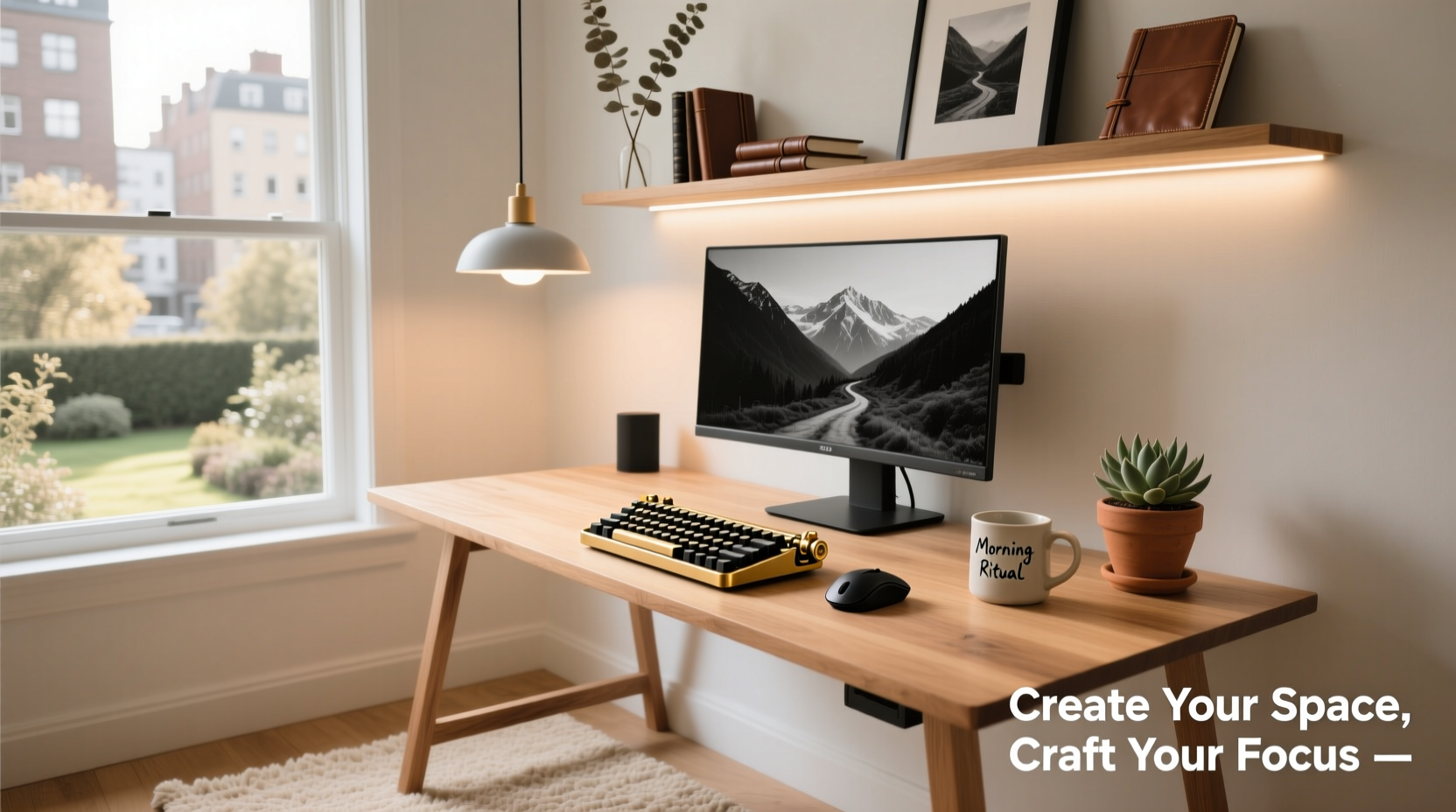
Before selecting furniture or decor, clarify how you’ll use the space. Are you coding for eight hours a day? Writing novels in the early mornings? Managing emails between homeschooling sessions? Your primary activities shape everything from desk size to lighting needs.
Begin by listing your daily tasks and tools. Do you need dual monitors? A dedicated spot for notebooks and sketching? Room for a printer? Mapping out your workflow helps avoid clutter later and ensures every item has a purpose.
Tip: Keep a log of your work habits for three days—note when you're most focused, what tools you reach for, and where distractions come from.Step 2: Choose the Right Location
Location impacts both performance and peace. Ideal spots offer natural light, minimal foot traffic, and separation from high-distraction zones like the living room TV or kitchen appliances.
- Pros of natural light: Reduces eye strain and supports circadian rhythm.
- Avoid glare: Position your monitor perpendicular to windows, not facing them directly.
- No spare room? Use room dividers or repurpose a closet with shelving to create a micro-office.
If noise is an issue, consider sound-absorbing materials like rugs, curtains, or acoustic panels—even a bookshelf can act as a barrier.
Step 3: Design for Ergonomics and Comfort
A poorly set-up desk leads to fatigue, discomfort, and long-term strain. Follow ergonomic principles to protect your body while enhancing efficiency.
- Desk height: Should allow elbows to rest at 90 degrees when typing.
- Chair support: Opt for adjustable lumbar support and seat depth.
- Monitor position: Top of screen at or slightly below eye level, about an arm’s length away.
- Keyboard and mouse: Keep within easy reach; consider vertical mice or split keyboards for wrist health.
“An ergonomic setup isn’t just about comfort—it’s a direct investment in sustained focus and reduced injury risk.” — Dr. Lena Patel, Occupational Therapist
Ergonomic Setup Checklist
Checklist:- Feet flat on floor (or on a footrest)
- Knees slightly lower than hips
- Wrists straight during typing
- Monitor centered and at proper height
- No neck craning or shoulder hunching
Step 4: Personalize with Intentional Design
This is where creativity meets utility. A personalized workspace isn’t just about adding photos or plants—it’s about curating elements that spark motivation and calm.
| Design Element | Do’s | Don’ts |
|---|---|---|
| Lighting | Use layered lighting: ambient + task (desk lamp) + accent (LED strips) | Overhead-only lighting that causes glare |
| Color Palette | Choose calming tones (soft blues, warm grays) or energizing accents (mustard, terracotta) | Overly bright or clashing colors that distract |
| Wall Decor | Pin up goals, quotes, or vision boards | Crowd walls with unrelated items |
| Storage | Use labeled bins, drawer organizers, cable clips | Let cords dangle or piles accumulate |
Consider embedding small joys into your environment—a favorite mug always within reach, a textured mousepad, or a mini speaker for ambient sounds. These details make the space feel lived-in and inviting.
Step 5: Integrate Smart Tech and Cable Management
Modern workspaces thrive on connectivity, but tangled wires sabotage both aesthetics and efficiency. Address cable chaos early.
- Use adhesive cable clips to route cords along desk edges.
- Invest in a surge protector with USB ports to reduce adapter clutter.
- Label each cord with printable tags or colored tape.
- Conceal bundles with fabric sleeves or raceway channels.
For tech integration, think beyond the basics. A smart plug can turn off non-essential devices after hours. A wireless charging pad reduces cord dependency. Motion-sensor under-desk lighting adds flair and function.
Tip: Take a photo of your cable layout before disassembling for cleaning or relocation—it saves time troubleshooting later.Real Example: Sarah’s Studio Nook Transformation
Sarah, a freelance graphic designer, converted a windowed alcove in her bedroom into a compact yet powerful workspace. She started with a wall-mounted drop-leaf desk to save space, added a standing mat for movement variety, and painted one wall in deep sage green to create a grounded atmosphere.
She mounted her monitor on an articulating arm to free up desk space, used magnetic strips under the desk to hold metal tools, and installed a slim LED light bar behind the monitor for bias lighting during color grading. Her once-crowded, uninspired corner became a daily source of pride and productivity.
Frequently Asked Questions
How small can a functional home workspace be?
You can create an effective workspace in as little as 30x30 inches. Wall-mounted desks, foldable chairs, and vertical storage maximize utility in tight areas. Focus on essentials: surface, chair, power access, and good lighting.
What if I don’t have a separate room?
Many successful workspaces exist in living rooms, bedrooms, or even hallways. Use visual cues—rugs, shelves, or screens—to define boundaries. Establish routines: pack up your laptop at day’s end to mentally “close” the office.
How do I keep my workspace from feeling sterile?
Introduce texture and life. A woven desk mat, a small plant like a ZZ or snake plant, framed artwork, or handmade ceramics add warmth without sacrificing professionalism.
Conclusion: Build a Space That Works for You
A custom desktop workspace isn’t about replicating Instagram-perfect setups. It’s about designing a zone that aligns with how you work, who you are, and what you value. Start small—adjust your chair height today, clear one shelf tomorrow. Over time, layer in personal touches and upgrades that reflect your evolving needs.
💬 Ready to design your ideal workspace? Begin with one change this week—your future focused, energized self will thank you.