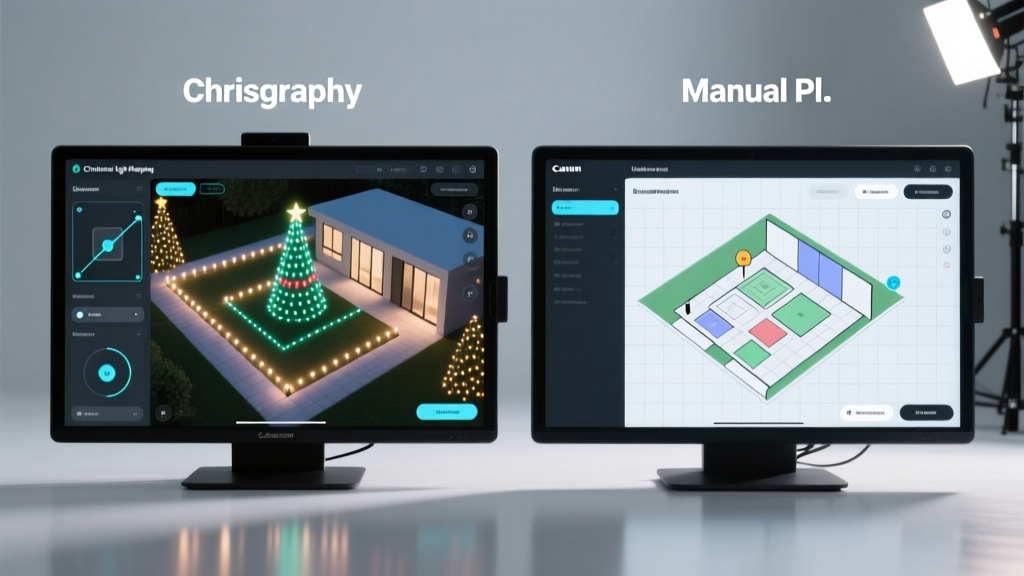
As holiday displays grow more ambitious, transforming homes into dazzling spectacles of synchronized light and music, the challenge of planning intricate outdoor setups becomes increasingly daunting. For homeowners, decorators, and even professional installers, the difference between a chaotic tangle of wires and a breathtaking visual symphony often comes down to one critical step: planning. Today, two primary approaches dominate this phase—manual planning using traditional tools or apps, and advanced Christmas light mapping software. Each has strengths, but only one consistently delivers precision, efficiency, and scalability for complex layouts.
The Challenge of Complex Outdoor Lighting Designs
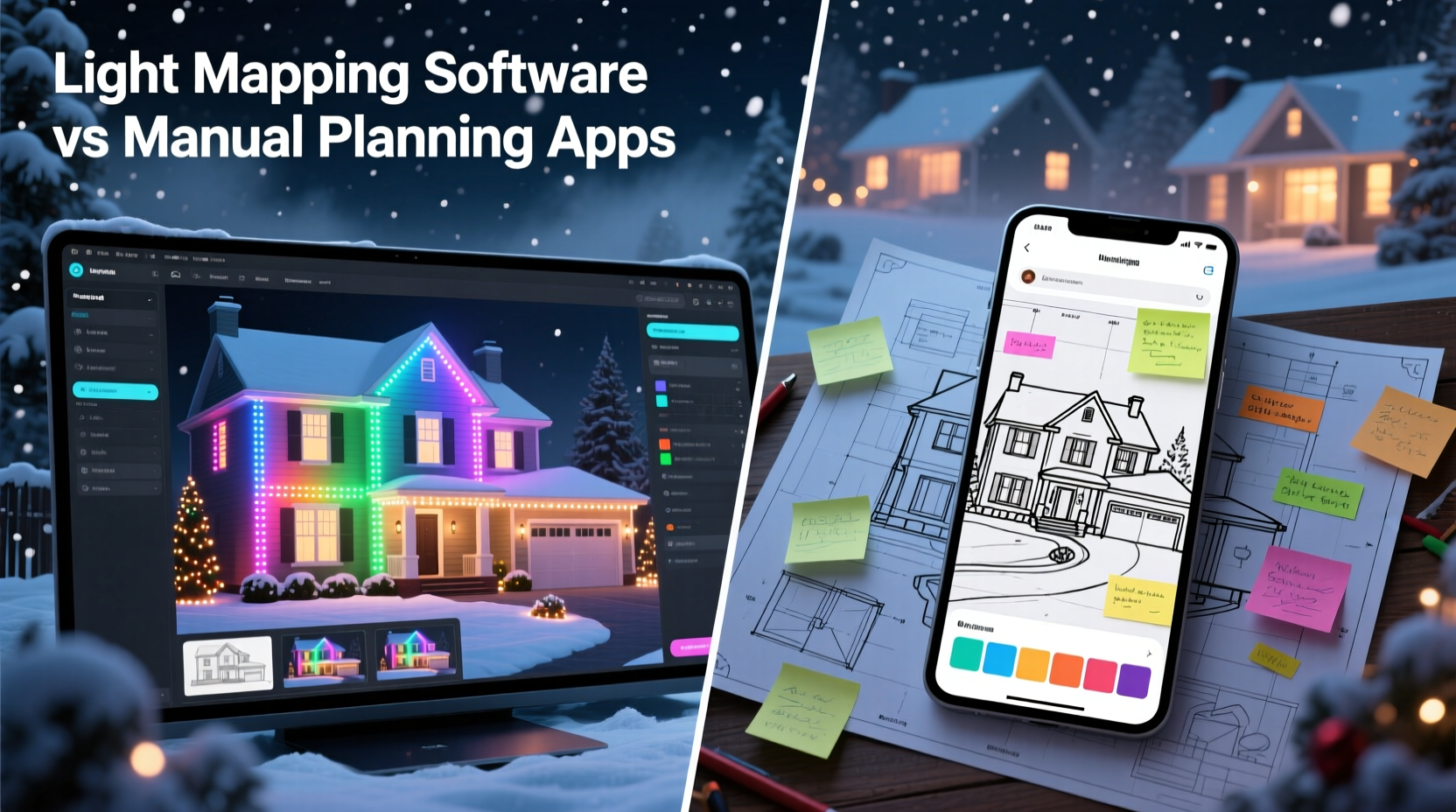
Designing an outdoor Christmas light display isn’t just about stringing up strands along rooflines. Modern installations include pixel-based LED nodes, animated props, RGB floodlights, and musical synchronization—all requiring careful spatial coordination. A typical large-scale layout may involve hundreds or even thousands of individually addressable lights, each needing to be mapped, tested, and timed correctly.
Without proper planning, installers risk misaligned animations, dead zones in coverage, or hours wasted troubleshooting connections on ladders in freezing weather. The complexity multiplies when working with irregular architecture—gabled roofs, wrap-around porches, trees, and fences—each demanding unique placement strategies.
This is where planning tools come into play. Whether it's sketching on graph paper or simulating a 3D model, the goal remains the same: visualize the final product before a single wire is hung.
Manual Planning Apps: Simplicity at a Cost
Manual planning apps such as SketchUp Free, Google Keep, or even basic note-taking apps with photo attachments have long been used by DIY decorators to organize their ideas. These tools allow users to:
- Snap photos of their home’s exterior and annotate them with colored markers.
- Create checklists of materials needed per section.
- Sketch rough layouts on digital notepads.
- Track power requirements and circuit loads in spreadsheets.
These methods are accessible and require no specialized training. They work well for small, static displays—think icicle lights along eaves or net lights on shrubs. However, they fall short when dealing with dynamic, programmable systems.
For example, trying to manually track 500 individual WS2811 pixels across a roofline using color-coded notes quickly becomes unmanageable. There’s no way to simulate timing, test animation paths, or export data to lighting controllers. Errors in numbering or positioning aren’t discovered until installation, leading to rework and frustration.
“Manual sketches are great for brainstorming, but they don’t scale. Once you go beyond simple runs, you need digital mapping.” — Daniel Reyes, Professional Holiday Lighting Designer
Christmas Light Mapping Software: Precision Meets Creativity
Dedicated Christmas light mapping software like Laser Show Genie (LSG), xLights, or Falcon Player (FPP) takes a fundamentally different approach. These platforms are built specifically for designing, simulating, and controlling advanced holiday lighting systems.
At their core, these tools allow users to create a virtual model of their property—importing images, drawing outlines, and placing virtual representations of real-world lights. Once modeled, each light can be assigned a channel number, grouped into sequences, and animated in time with music.
Key features include:
- Pixel-level accuracy: Map every LED node to its exact physical location.
- 3D simulation: View animations from multiple angles before installation.
- Controller integration: Export configurations directly to hardware like Renard, ESPixelStick, or PixLite boards.
- Music synchronization: Align light effects frame-by-frame with audio tracks.
- Reusability: Save templates for future years or similar house styles.
The result? A complete digital twin of your lighting setup that eliminates guesswork and reduces installation time by up to 60%, according to user reports compiled by the Holiday Lighting Community Forum.
Tip: Start building your light map in August or September—this gives ample time to order correct quantities and adjust designs before cold weather hits.Comparative Breakdown: Software vs Manual Methods
| Feature | Manual Planning Apps | Light Mapping Software |
|---|---|---|
| Learning Curve | Low – intuitive for most users | Moderate to high – requires technical familiarity |
| Accuracy | Prone to human error; limited detail | High – supports exact coordinates and sequencing |
| Animation Support | None | Full timeline editing with effects library |
| Hardware Integration | No direct connection | Direct export to controllers via protocols like E1.31 |
| Scalability | Poor beyond 100–200 lights | Excellent – handles thousands of channels |
| Cost | Free or low-cost | Mostly free (open-source), some premium add-ons |
| Time Efficiency | Slower due to rework and corrections | Faster overall despite initial setup time |
While manual methods win on accessibility, dedicated light mapping software dominates in performance, reliability, and creative potential—especially for anyone aiming to build a synchronized, crowd-drawing display.
Step-by-Step: Creating a Mapped Display Using xLights
Here’s how professionals use light mapping software to streamline complex installations:
- Capture Reference Images: Take high-resolution photos of your home from multiple angles. Use a drone if possible for top-down views.
- Import Into Software: Load images into xLights or LSG and trace architectural features (rooflines, windows, doors).
- Add Virtual Lights: Place model strings, matrices, or custom shapes where lights will go. Assign pixel counts and spacing (e.g., 12\" apart).
- Define Channels: Link each virtual light to a physical controller port. Name groups logically (e.g., “Front Roof Left,” “Tree Base”).
- Simulate Animations: Create sequences using built-in effects (twinkles, chases, waves) and sync them to music.
- Test & Refine: Watch playback to spot gaps, overlaps, or unnatural movements. Adjust positioning digitally.
- Export Configuration: Generate configuration files for your lighting controller.
- Install Physically: Hang lights following the map. Test each segment against the simulation.
This process ensures that what you see on screen is exactly what appears in your yard—no surprises, no mismatches.
Real Example: From Concept to Crowd Attraction
Consider Mark Thompson, a homeowner in Colorado who transformed his modest holiday tradition into a neighborhood attraction. In 2021, he used sticky notes and a hand-drawn diagram to plan a basic roofline display. Installation took three weekends, and half the lights flickered due to overloaded circuits.
In 2022, Mark switched to xLights. He spent two weeks building a detailed model of his two-story colonial, adding 1,200 pixels across rooflines, trees, and lawn ornaments. He created seven musical sequences, all previewed in simulation mode. When installation began, his team followed the exported layout sheet, connecting lights to designated ports. Setup was completed in five days. The result? A fully synchronized show attracting over 3,000 visitors—and zero electrical issues.
“The software didn’t just save me time,” Mark said. “It gave me confidence. I knew everything would work because I’d already seen it run perfectly on my laptop.”
When to Choose Which Tool?
The right tool depends on your goals:
- Choose manual planning apps if:
- Your display uses pre-lit decorations or non-addressable lights.
- You’re installing fewer than 200 bulbs.
- You don’t plan to synchronize with music.
- You prefer quick, flexible adjustments without software overhead.
- Choose light mapping software if:
- You're using smart LEDs (WS2811, APA102, etc.).
- You want animations or music sync.
- Your layout covers multiple structures or levels.
- You plan to reuse or expand the display next year.
FAQ: Common Questions About Light Planning Tools
Can I use both manual and digital tools together?
Absolutely. Many designers use physical sketches for initial brainstorming, then transfer key elements into light mapping software for precision execution. Combining both allows creativity upfront and accuracy during build-out.
Is light mapping software difficult to learn?
There is a learning curve, especially around networking and controller configuration. However, communities like the xLights Facebook Group and Holiday Coro Forums provide extensive support. Most users report being able to create functional sequences within 20–30 hours of practice.
Do I need expensive hardware to run these programs?
No. xLights and Falcon Player run efficiently on older laptops or even Raspberry Pi devices. As long as your computer supports modern operating systems and has USB or Ethernet connectivity, it can handle the workload.
Checklist: Choosing the Right Planning Approach
- Assess the size and complexity of your display (number of lights, types of effects).
- Determine whether you want music synchronization.
- Evaluate your technical comfort level with software and electronics.
- Estimate available prep time before installation season.
- Decide on budget for both tools and materials.
- If using smart lights or planning animations, commit to light mapping software.
- If doing a simple static display, manual apps may suffice.
- Build a prototype sequence or sketch to test your chosen method.
Conclusion: Plan Smart, Shine Brighter
The evolution of holiday lighting has turned backyard displays into immersive experiences. To keep pace, planning must evolve too. While manual methods still serve a purpose for small-scale projects, they simply can’t match the power, precision, and repeatability of dedicated Christmas light mapping software—especially when tackling complex outdoor layouts.
Investing time in learning these tools pays dividends in reduced stress, faster installation, and jaw-dropping results. Whether you're illuminating a suburban home or crafting a destination-worthy spectacle, the right planning strategy separates good displays from unforgettable ones.
💬 Ready to level up your holiday display? Try building a simple model in xLights this week—even a basic roofline simulation builds valuable skills. Share your first render in the comments or tag us on social media!