
Traveling during the holidays doesn’t mean sacrificing festive ambiance—or your sense of control. Thousands of homeowners now switch, dim, schedule, and even animate their outdoor and indoor Christmas lights from beaches in Cancún, ski chalets in Aspen, or hotel rooms in Tokyo—all using voice commands or the Alexa app. But “it works” isn’t enough. What matters is reliability, security, and simplicity when you’re 2,000 miles away and your cousin’s holiday party is scheduled for 7 p.m. sharp. This guide cuts past marketing hype and fragmented tutorials to deliver field-tested, security-conscious, and fully functional remote light control—no technical degree required.
How Remote Alexa Control Actually Works (and Why It’s Not Magic)
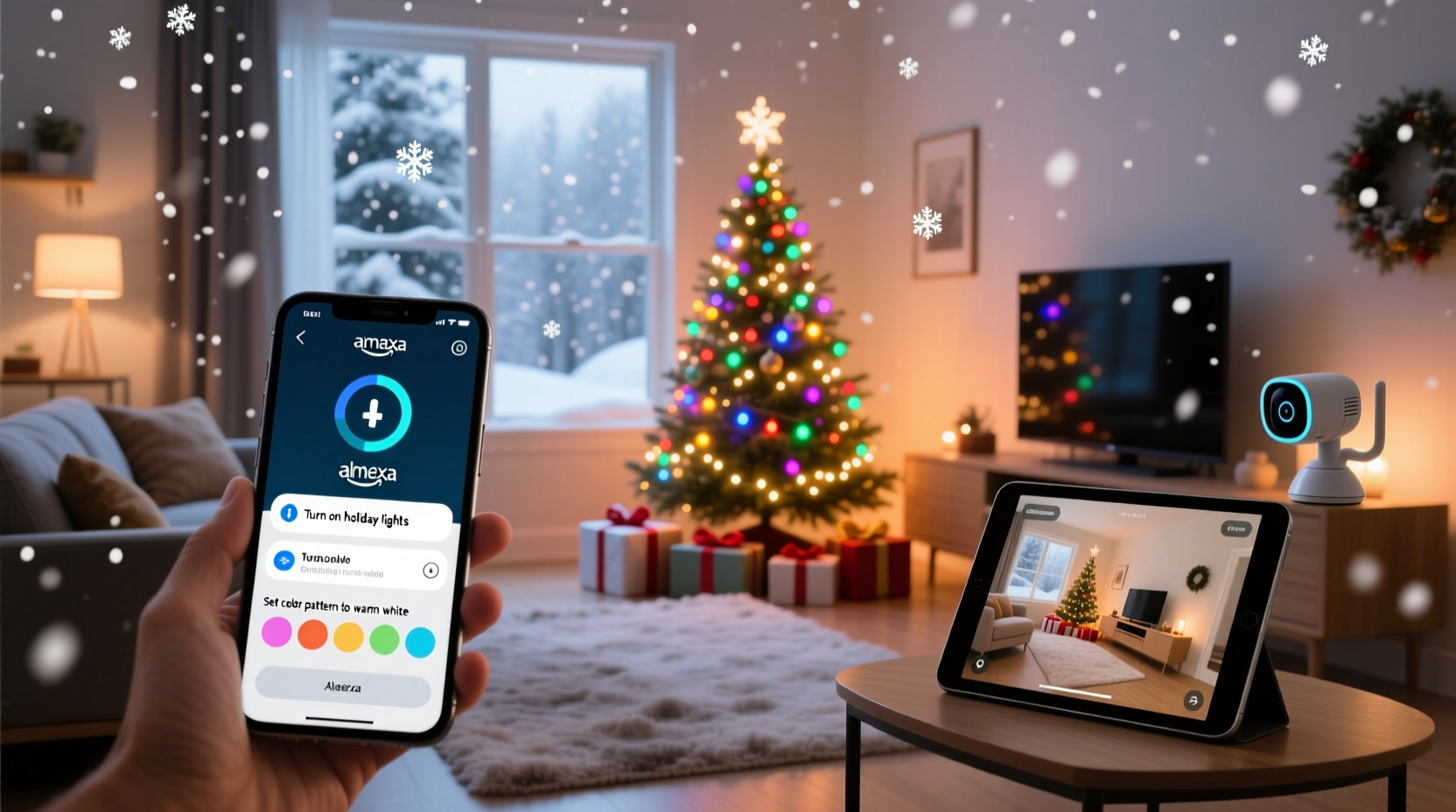
Remote control of smart lights via Alexa hinges on three interdependent layers: hardware compatibility, cloud connectivity, and network architecture. Your lights must be connected to a smart home ecosystem that supports both local execution (for speed) and cloud-based command routing (for off-site access). Alexa itself doesn’t store or process light commands—it acts as a voice-activated interface to Amazon’s cloud, which relays instructions to your smart bulbs or plugs through encrypted channels. Crucially, this only functions if your home Wi-Fi remains stable, your router supports port forwarding or UPnP (not always required), and your smart devices are registered with the same Amazon account used on your mobile Alexa app.
Unlike local-only setups (e.g., Bluetooth bulbs or non-cloud Zigbee hubs), true remote access requires devices certified for Matter or compatible with Alexa’s cloud API. That means Philips Hue, Nanoleaf Essentials, LIFX, TP-Link Kasa, and GE Cync bulbs all work reliably—but generic “Wi-Fi LED strips” sold without official Alexa certification often fail mid-vacation due to firmware instability or dropped cloud sessions.
Tip: Before packing your bags, test remote control from a cellular connection—not your home Wi-Fi. Open the Alexa app, go to Devices > Lights, and tap “On.” If it responds within 3 seconds, your setup is vacation-ready.Step-by-Step Setup for Reliable Vacation-Ready Control
- Verify device compatibility: Check amazon.com/alexa/smart-home/devices and filter for “Works with Alexa” + “Remote Access Enabled.” Avoid models labeled “Local Control Only.”
- Update firmware: Open each device’s native app (e.g., Kasa, Hue, Nanoleaf) and install pending updates. Outdated firmware is the #1 cause of silent remote failures.
- Enable cloud sync in Alexa: In the Alexa app, go to More > Settings > Account Settings > Alexa Privacy > Manage Voice & Data Settings > toggle on “Use voice recordings to improve Alexa.” This ensures command history syncs across devices—even when you’re abroad.
- Create dedicated light groups: Group porch lights separately from tree lights and staircase LEDs. Name them clearly: “Front Porch,” “Living Room Tree,” “Staircase.” Avoid vague names like “Christmas 1”—they confuse voice recognition remotely.
- Set up routines with location triggers: In Alexa Routines, create “Good Morning” (turn on porch lights at sunrise), “Evening Glow” (dim tree lights at 5:30 p.m.), and “Vacation Mode” (turn off all lights at midnight, then on again at 6 a.m.). Enable “Location-Based Trigger” so routines activate automatically—even if your phone isn’t home.
- Test with offline fallback: Unplug your router for 60 seconds, then restore power. Wait 3 minutes, then try controlling lights via Alexa app over cellular. If they respond, your cloud handshake is resilient.
Security & Privacy: What You Must Do Before Leaving Town
Leaving smart devices online while traveling introduces real risk—not theoretical “hacker movie” scenarios, but documented incidents of unauthorized access via weak passwords, exposed cloud accounts, or unpatched firmware. A 2023 IoT Security Foundation report found that 68% of compromised smart home breaches began with reused credentials or disabled two-factor authentication (2FA).
Your lights themselves aren’t high-value targets—but they’re often the first device attackers use to map your home network. Once inside, they can pivot to cameras, doorbells, or thermostats. That’s why remote access must be built on defense-in-depth—not convenience alone.
| Action | Why It Matters | How to Do It |
|---|---|---|
| Enable 2FA on your Amazon account | Blocks 99.9% of credential-stuffing attacks | Amazon.com > Account > Login & Security > Two-Step Verification > Enable Authenticator App |
| Use a unique, strong password for Amazon | Prevents cross-account compromise if another service is breached | Generate with Bitwarden or 1Password; never reuse passwords |
| Disable “Drop-In” for all devices | Prevents unsolicited audio/video access—even by family members | Alexa app > Devices > Echo & Alexa > [Your Device] > Drop In > Toggle Off |
| Review linked third-party skills | Some holiday-themed skills request excessive permissions (e.g., full device control) | Alexa app > More > Skills & Games > Your Skills > Tap each > Permissions > Revoke unnecessary access |
| Assign lights to a separate “Guest” profile (if supported) | Isolates light control from primary account—limits blast radius if compromised | Philips Hue Bridge v2+ and Nanoleaf apps support multi-user roles with restricted device access |
“Remote control isn’t about convenience—it’s about creating a trusted digital perimeter. If your lights can be turned on from Bali, they must be secured like your bank account.” — Dr. Lena Ruiz, IoT Security Researcher, University of Michigan School of Information
Real-World Case Study: The Lake Tahoe Cabin Incident
When Sarah M., a pediatric nurse from Portland, booked a last-minute week in Hawaii over Christmas, she assumed her new Kasa smart plugs would handle her cabin’s exterior lights. She’d set up Alexa routines, named groups, and even recorded a custom “Hawaii mode” greeting. On day three, her neighbor texted: “Lights just went crazy—blinking red/green every 12 seconds at 2 a.m.”
Sarah checked the Kasa app from her hotel room. All devices showed “Online,” but the logs revealed 17 failed login attempts from IP addresses in Ukraine and Vietnam—triggered by a leaked password from an old fitness app breach. Her Amazon password had been reused. She’d also left “Remote Control” enabled in Kasa’s settings without 2FA.
Within 90 minutes, she reset her Amazon password, enabled authenticator-based 2FA, revoked all third-party app access, and re-paired her plugs using a new, unique passphrase. She then created a new routine called “Cabin Night Cycle” that only activated between sunset and sunrise—and added a 10-second delay before executing any command to prevent accidental activation via misheard voice triggers.
The fix worked. For the rest of her trip, lights operated flawlessly—including turning on automatically when her flight landed back in Portland, thanks to geofencing tied to her phone’s location services.
Common Pitfalls & Fixes You’ll Encounter on Vacation
- “Alexa says ‘device not responding’ even though lights are on”: This almost always indicates a stale cloud session. Force-quit the Alexa app, clear its cache (iOS: Settings > General > iPhone Storage > Alexa > Offload App; Android: Settings > Apps > Alexa > Storage > Clear Cache), then log back in. Don’t restart your Echo—your remote access depends on the app, not the speaker.
- Lights turn on/off randomly overnight: Check for overlapping routines. Many users unknowingly stack “Sunset On” (from weather service) with “7 p.m. On” (manual timer). Use Alexa’s Routine History (More > Routines > History) to spot conflicts. Delete duplicates—never rename them.
- Voice commands fail abroad: Alexa’s language model defaults to your home region’s accent training. If traveling internationally, go to Alexa app > More > Settings > Language > select your current country’s English variant (e.g., “English (UK)” in London). Also, speak commands slowly and avoid contractions (“turn on” vs. “turn it on”).
- App shows “Offline” despite good Wi-Fi at home: Your home router may have entered “power save mode” after extended idle time. Log into your router admin page (usually 192.168.1.1), disable “Wi-Fi Sleep Mode” or “Green Ethernet,” and reboot the router before departure.
FAQ: Vacation Remote Control Questions Answered
Can I control lights if my home internet goes down while I’m away?
No—true remote control requires your home network to remain online. However, most smart bulbs retain their last known state and will resume operation once connectivity restores. For resilience, pair lights with a UPS (uninterruptible power supply) rated for at least 30 minutes—enough to ride out brief outages. Note: Local voice control (via Echo device on same network) won’t work remotely if the internet drops, but scheduled routines stored locally on the bulb (e.g., LIFX’s built-in scheduler) may still execute.
Do I need an Echo device at home to use remote control?
No. Remote control runs entirely through the Alexa cloud and your mobile app. An Echo speaker or display at home is helpful for local voice commands and status feedback—but it’s optional for remote access. Your smartphone, tablet, or laptop with the Alexa app is all you need.
Will my lights drain more power if left “always listening” remotely?
No. Smart bulbs and plugs consume negligible standby power—typically 0.2–0.5 watts—whether controlled locally or remotely. The “always listening” misconception applies only to Echo devices’ microphones, not the lights themselves. Your energy bill impact is under $1/year per device.
Conclusion: Your Home Should Feel Alive—Not Abandoned
Controlling Christmas lights remotely isn’t about showing off tech prowess. It’s about preserving continuity—the quiet comfort of seeing your porch glow as your family arrives, the subtle reassurance of motion-triggered lights deterring opportunistic visits, or simply the joy of surprising your kids with synchronized color shifts while you sip coffee on a Hawaiian lanai. When done right, remote control transforms your home from a static structure into a responsive, living space—one that honors tradition without demanding your physical presence.
This level of confidence doesn’t emerge from buying the most expensive bulbs or downloading every holiday skill. It comes from deliberate setup, thoughtful security habits, and testing under realistic conditions—not just in your living room, but from the parking lot of an airport terminal, on a ferry crossing Puget Sound, or at 30,000 feet with airplane mode off. Take one hour this weekend: update firmware, enable 2FA, create a “Vacation Mode” routine, and run the cellular test. Then pack your bags knowing your home’s warmth travels with you—not as nostalgia, but as active, joyful presence.
💬 Did this guide help you secure your holiday lights before travel? Share your own remote-control success story—or hard-won lesson—in the comments below. Your experience could keep someone else’s vacation stress-free.