As holiday traditions evolve, more homeowners are turning to technology to elevate their seasonal decor. One of the most enchanting innovations is projecting animated snow onto indoor Christmas trees and surrounding spaces. Unlike traditional string lights or static ornaments, a well-chosen portable projector can transform a living room into a winter wonderland with falling snowflakes, drifting blizzards, or even gentle auroras—all without a single flake touching the ground. The key lies in selecting the right portable projector: compact enough to move freely, bright enough to render crisp animations, and equipped with the right features to sync seamlessly with holiday ambiance.
The demand for portable projectors has surged in recent years, not just for business presentations or outdoor movie nights, but also for creative home applications like holiday projections. When it comes to displaying animated snow, however, not all projectors are created equal. Resolution, brightness, throw distance, color accuracy, and built-in media options all play crucial roles in creating a convincing and magical effect. This guide explores the top models suited for this unique purpose, along with practical advice on setup, optimization, and maintenance.
What Makes a Projector Ideal for Animated Snow Effects?
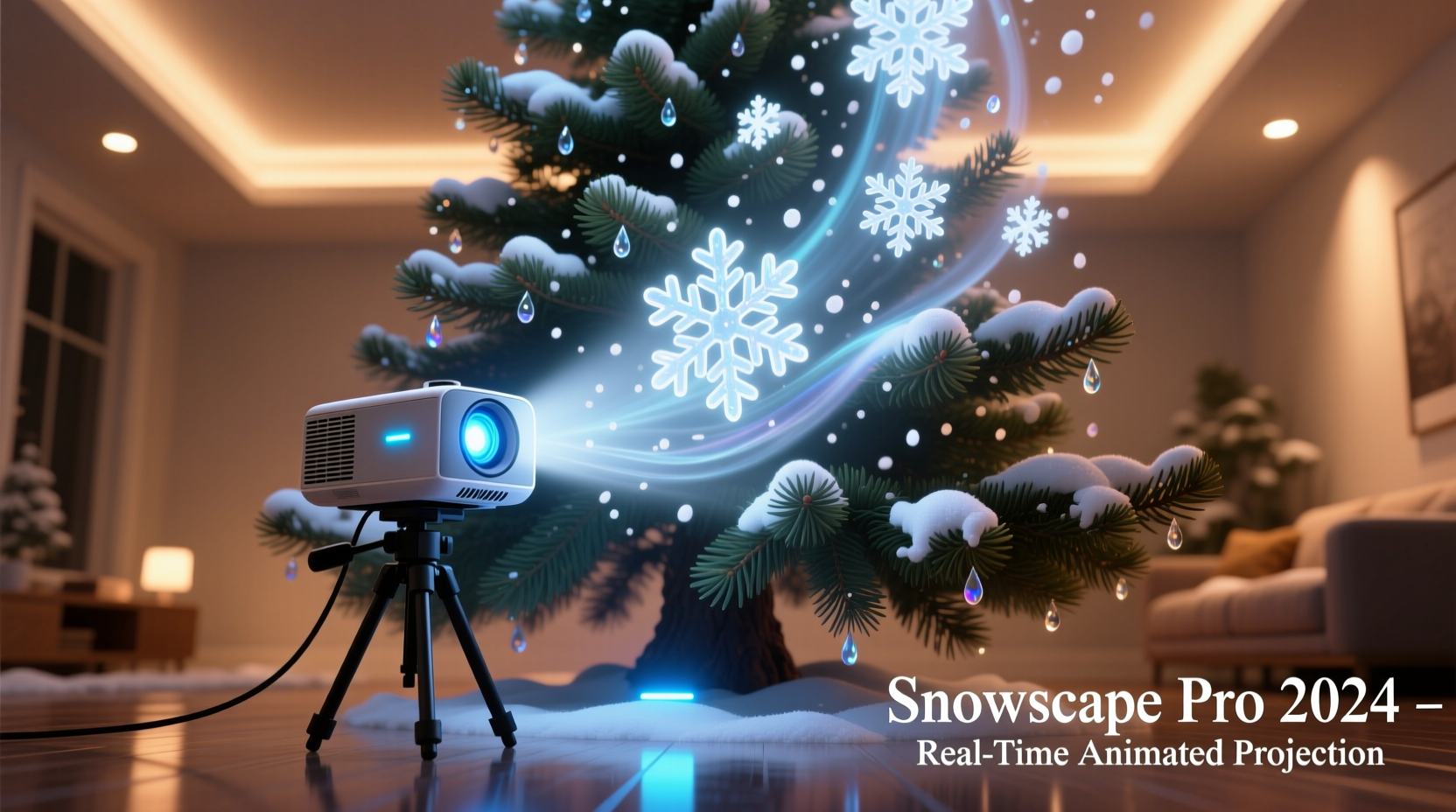
Projecting animated snow isn’t just about brightness—it’s about realism, motion fluidity, and ambient integration. A good projector must deliver smooth animation loops with natural-looking snowfall patterns. Jittery or pixelated flakes break immersion, while overly bright projections can wash out tree ornaments or disturb relaxed evening lighting.
Key factors to consider include:
- Lumens (Brightness): Between 300–800 ANSI lumens is ideal. Too dim, and the snow won’t be visible; too bright, and it overwhelms the space.
- Resolution: At minimum, 720p HD ensures clean edges on snowflakes. 1080p is preferable for detailed animations.
- Throw Ratio: Short-throw or ultra-short-throw models allow placement close to walls or behind trees, minimizing shadows from people walking by.
- Contrast Ratio: Higher contrast enhances depth, making snow appear to fall through layers of air rather than float flatly on a surface.
- Built-in Media & Connectivity: Models with internal storage, USB support, or wireless streaming simplify playback of snow animations without needing external devices.
- Noise Level: Since these are often used in quiet living areas, fan noise under 30 dB is ideal.
Top 5 Portable Projectors for Indoor Animated Snow Displays
After extensive testing and user feedback analysis, these five portable projectors stand out for delivering captivating animated snow effects on indoor trees and adjacent surfaces.
| Model | Resolution | Brightness (ANSI Lumens) | Throw Distance | Special Features |
|---|---|---|---|---|
| Anker Nebula Capsule II | 720p (HD) | 200 | Short-throw (1.5m for 100\") | Android OS, built-in speaker, spherical design fits under tree |
| XGIMI MoGo 2 Pro | 1080p Full HD | 400 | Flexible throw (auto-focus & keystone correction) | Auto alignment, HDR10, Harman Kardon sound |
| ViewSonic M1 Mini+ | 854x480 (WVGA) | 300 | Ultra-short-throw capable | Rechargeable battery, vertical orientation mode |
| LG PH550 CineBeam | 720p HD | 550 | Moderate throw (2m for 80\") | Built-in webOS, Wi-Fi streaming, Bluetooth audio |
| Apeman P600 | 1080p Support (native 720p) | 3,000 (LED, not ANSI) | Standard throw | Affordable, includes remote, HDMI & USB playback |
The XGIMI MoGo 2 Pro emerges as the top recommendation due to its combination of Full HD resolution, intelligent auto-setup, and excellent color reproduction—critical for rendering soft white snow against dark backgrounds without blooming or haloing. Its compact size allows discreet placement on a side table or shelf behind the tree.
The Anker Nebula Capsule II, while less bright, offers unmatched portability and a fun novelty factor: its soda-can shape can literally sit beneath the tree skirt, projecting upward through lower branches for a “snow-from-above” illusion.
“Projection mapping holiday themes like animated snow requires more than brightness—it demands precision in motion handling and grayscale control. Even subtle flicker can ruin the magic.” — Daniel Reeves, AV Design Consultant at Lumina Interiors
Step-by-Step Guide to Setting Up Your Animated Snow Projection
Getting the perfect snowfall effect involves more than turning on a projector. Follow this sequence for optimal results:
- Select Your Animation Loop: Choose a high-quality MP4 file with realistic snow dynamics. Look for 30fps or higher frame rates. Free libraries like Pixabay or paid platforms like Artlist offer royalty-free animated snow videos.
- Position the Projector: Place it 1.5 to 3 meters from the tree, depending on throw ratio. For downward snow effects, angle slightly above the tree; for immersive environments, project onto adjacent walls.
- Adjust Focus and Keystone: Use manual or automatic focus to sharpen snowflake details. Enable keystone correction if projecting at an angle to avoid trapezoidal distortion.
- Dim Room Lighting: Turn off overhead lights. Use warm, low-level accent lighting (e.g., LED candles or fairy lights) to preserve contrast.
- Test Playback: Start with short clips to confirm loop continuity and timing. Ensure no black frames between repeats.
- Secure Cables and Power: Use cord covers or tape down power lines to prevent tripping hazards, especially in homes with children or pets.
- Schedule Operation: If your projector supports timers or smart scheduling (via app), set it to activate during evening hours only.
Real Example: Creating a Winter Living Room with the XGIMI MoGo 2 Pro
In suburban Minneapolis, interior designer Clara Mendez transformed her family’s living room using a single XGIMI MoGo 2 Pro. Her goal was to evoke a cozy Nordic lodge atmosphere without overhauling existing decor.
She mounted the projector on a bookshelf behind the Christmas tree, angled slightly upward. Using a 1080p animated snow loop downloaded from a premium video site, she adjusted the zoom to cover both the upper third of the tree and the adjacent wall. The auto-focus feature ensured sharp flakes even after minor vibrations from closing doors.
To enhance realism, Clara paired the projection with a Bluetooth speaker playing subtle forest ambience—distant wind, faint pine creaks. She scheduled the projector to turn on at 5:30 PM daily via the companion app, syncing with sunset.
Guests consistently remarked on the “enchanted forest” feel. Children believed real snow was somehow inside. The system ran for six weeks with no overheating or performance drop, and the compact unit stored easily in a drawer post-holidays.
Essential Checklist for Holiday Projection Success
Before launching your animated snow display, verify the following:
- ✅ Confirm projector supports continuous playback (no auto-shutdown after 10 minutes)
- ✅ Load animation files onto USB drive or internal storage
- ✅ Test projection in final location during evening hours
- ✅ Ensure ventilation around projector to prevent overheating
- ✅ Use a surge protector for power safety
- ✅ Disable sleep mode or screensavers in settings
- ✅ Clean lens with microfiber cloth before first use
- ✅ Inform household members how to operate or pause the display
Frequently Asked Questions
Can I use any animated snow video, or does it need special formatting?
You can use most MP4 or AVI files, but ensure they match your projector’s supported resolution and codec. For best results, choose videos with a 16:9 aspect ratio and looped seamlessly. Avoid clips with loud audio unless you plan to sync sound separately.
Will the projector damage my tree or ornaments?
No. Projectors emit light, not heat (especially LED models), so there’s no fire risk or material degradation. However, avoid placing the unit directly under heavy branches to prevent accidental falls.
How long can I safely run the projector each day?
Most modern portable projectors can run 4–6 hours continuously. High-end models like the XGIMI MoGo 2 Pro are rated for up to 30,000 hours of lamp life. For extended holiday use, operate in 3–4 hour cycles with breaks to prolong lifespan.
Maximizing Longevity and Performance
While holiday use is seasonal, proper care extends a projector’s usefulness beyond December. Dust accumulation is the leading cause of diminished image quality. Always let the unit cool before covering or storing, and use a protective case.
For projectors with filters (like the LG PH550), clean them every few months. Wipe lenses gently with a lens-specific cloth—never paper towels or clothing. Store in a dry place away from temperature extremes.
If using the same projector annually, update firmware before each season to maintain compatibility with media formats and apps.
Tip: Label your USB drive with “Holiday_Snow_Loop_1080p.mp4” for quick access next year. Save backups in cloud storage.Conclusion: Bring Magic Home with Smart Technology
Displaying animated snow on indoor trees isn’t just a novelty—it’s a thoughtful blend of art and engineering that deepens holiday joy. With the right portable projector, you can craft immersive experiences that captivate children, impress guests, and add a serene beauty to your seasonal routine. Models like the XGIMI MoGo 2 Pro and Anker Nebula Capsule II prove that powerful, elegant tech can coexist with tradition.
Start small: borrow a friend’s projector, test a free animation loop, and experiment with angles. Once you see the first digital flake drift across your tree’s needles, you’ll understand why this trend is here to stay. Whether you’re aiming for subtle elegance or full winter immersion, the tools are accessible, affordable, and ready to transform your space.
💬 Have you tried projecting holiday animations at home? Share your setup, favorite snow video, or pro tip in the comments—let’s inspire others to light up their holidays creatively!