The Meta Quest Pro was launched with significant fanfare — positioned as a premium all-in-one VR headset bridging productivity and immersive entertainment. But for users specifically interested in fitness applications, the question remains: does this device deliver enough value to justify its steep price tag? At $999 at launch (now slightly reduced), it’s nearly double the cost of the standard Quest 2. For fitness enthusiasts exploring virtual workouts, that kind of investment demands scrutiny.
While Meta markets the Quest Pro as a mixed-reality powerhouse with enterprise potential, many consumers are evaluating whether its advanced features translate into tangible benefits for cardio, strength training, mindfulness, or full-body movement tracking. This article dissects the hardware, software compatibility, user experience, and long-term viability of the Quest Pro in the context of VR fitness — helping you determine if it's a game-changer or simply overengineered for most workout routines.
Hardware Advantages: What Makes the Quest Pro Stand Out?
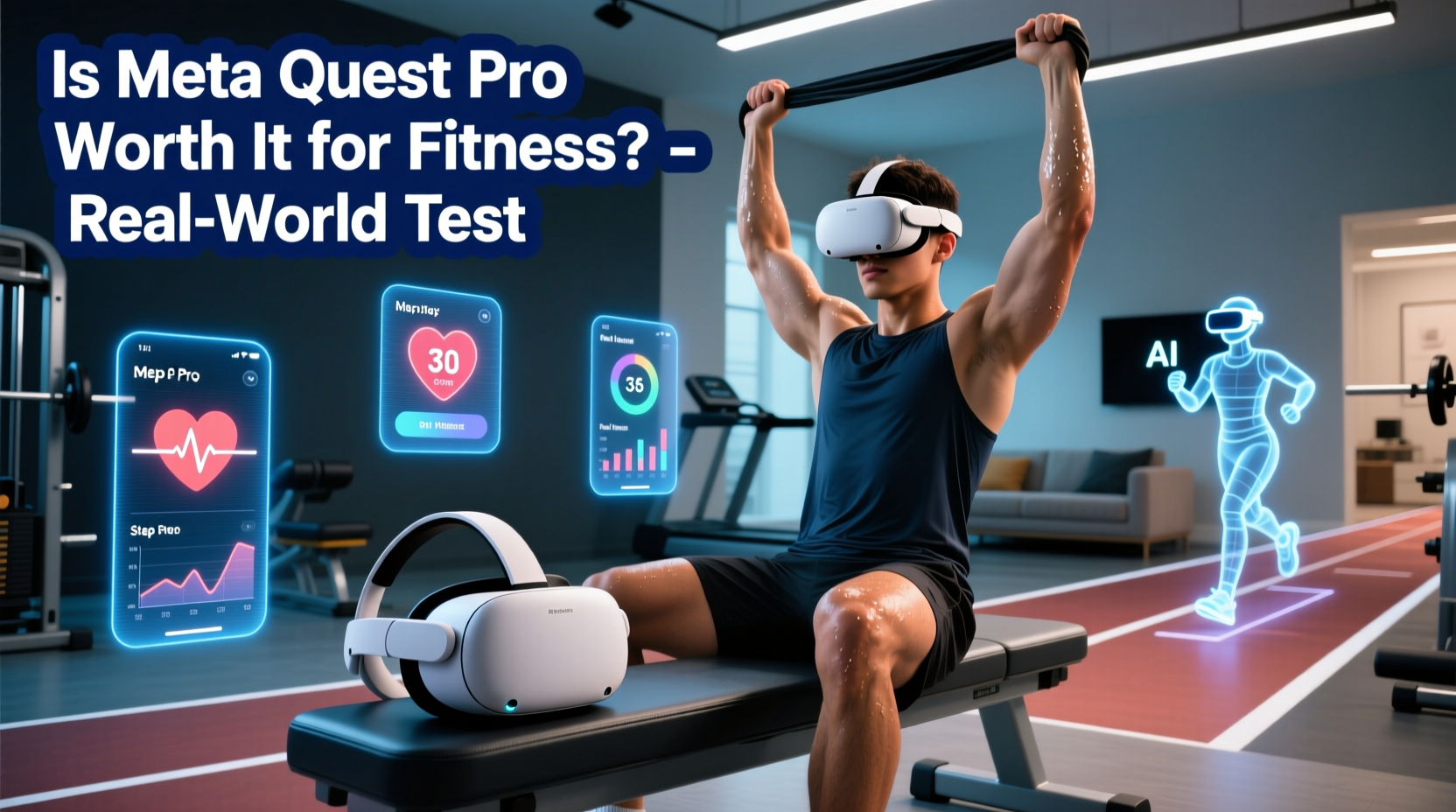
The Quest Pro introduces several technical upgrades over its predecessors. These include:
- Pancake lenses: Offer improved clarity, reduced glare, and a more compact design compared to the Fresnel lenses on earlier models.
- Higher resolution displays: Each eye gets about 1800 x 1920 pixels, resulting in sharper visuals crucial for immersive environments and reading UI text during guided workouts.
- Advanced inside-out tracking: Uses front-facing depth sensors and additional cameras for better hand and body tracking without controllers when supported by apps.
- Full-color passthrough: Allows high-fidelity mixed reality experiences where digital elements blend realistically with your physical surroundings — useful for hybrid fitness setups.
- Better ergonomics: The halo-style headband distributes weight more evenly, reducing pressure points during extended sessions.
These enhancements matter — especially for users who plan to wear the headset for longer durations. In fitness scenarios involving 30- to 60-minute sessions, comfort becomes critical. Unlike the Quest 2’s front-heavy balance, the Quest Pro’s rear counterweight reduces neck strain significantly.
Tip: If you're prone to motion fatigue or discomfort during prolonged VR use, prioritize headsets with balanced weight distribution like the Quest Pro.Fitness App Compatibility: Does It Work With Top Workout Platforms?
One major concern among fitness-focused buyers is whether popular VR fitness titles support the Quest Pro fully. Fortunately, backward compatibility ensures that every app available on Quest 2 and Quest 3 also runs on the Quest Pro. This includes leading platforms such as:
- Supernatural – Guided daily workouts with scenic environments and live coaching.
- FitXR – Offers boxing, dance, HIIT, and cycling classes.
- Les Mills Bodycombat – High-energy martial arts-inspired routines.
- OhShape – Rhythm-based obstacle dodging that doubles as cardio.
- TribeXR – DJ fitness with beat-matching dance moves.
However, while these apps run smoothly, they do not currently leverage the full suite of Quest Pro-exclusive features like eye-tracking or advanced facial expression input. Most fitness developers have yet to integrate deeper mixed reality modes or utilize the enhanced passthrough for interactive overlays during workouts.
“Most VR fitness apps today treat the Quest Pro like a slightly better Quest 2. The hardware is ahead of the software.” — Lena Tran, VR Fitness Developer & UX Designer
In practical terms, this means you’re paying for capabilities that aren’t being used. Unless future updates unlock unique functionality — such as integrating real-time biometrics via external wearables using MR overlays — much of the Pro’s innovation remains underutilized in current fitness ecosystems.
Performance vs. Price: Is the Upgrade Justified for Fitness Users?
To assess whether the Quest Pro is worth it, we need to compare its value proposition against alternative options. The table below outlines key differences between the Quest Pro and Quest 2/3 in the context of fitness usage:
| Feature | Meta Quest Pro | Meta Quest 2 / 3 | Relevance to Fitness |
|---|---|---|---|
| Price (USD) | $799–$999 | $299–$499 | High — affects ROI for casual users |
| Display Quality | High-res pancake lenses | Fresnel lenses (Quest 2), Pancake (Quest 3) | Moderate — improves immersion but not essential |
| Comfort During Long Sessions | Excellent (halo band) | Adequate (front-heavy) | High — critical for endurance workouts |
| Hand Tracking Accuracy | Improved with depth sensors | Good in optimal lighting | Moderate — useful for gesture-based warmups/cooldowns |
| Color Passthrough & MR Features | Yes — full color and spatial mapping | Limited grayscale (Q2), color (Q3) | Low — few fitness apps use MR meaningfully |
| Battery Life | ~1.5–2 hours active use | ~2–3 hours | High — shorter runtime may interrupt longer routines |
| Software Ecosystem Support | Same as Quest 2/3 | Fully matured | Critical — no exclusive fitness content |
From this comparison, the only clear advantages for fitness users are superior comfort and marginally better tracking. However, both the Quest 3 and even the older Quest 2 offer excellent performance for most workout apps at a fraction of the cost. Additionally, the Quest Pro’s shorter battery life can be a dealbreaker for those doing back-to-back classes or multi-session days.
Real-World Example: A Week of Fitness Testing on Quest Pro
Jamal, a 34-year-old remote worker and regular VR exerciser, upgraded from a Quest 2 to a Quest Pro to test its fitness utility over seven days. His routine included:
- Daily Supernatural workouts (45 minutes each)
- Twice-weekly FitXR boxing sessions
- Yoga and breathwork using TRIPP
- Occasional rhythm games like Beat Saber for cooldowns
His observations were telling. He praised the improved visual clarity and comfort during longer sessions, noting less forehead pressure and clearer instructor cues. However, he found no functional difference in gameplay mechanics or tracking precision within fitness apps. The color passthrough intrigued him initially — allowing him to see his water bottle and mat edges — but ultimately added little value once he memorized his safe play area.
The biggest frustration? Battery life. On two occasions, his Supernatural session ended prematurely due to low power, forcing him to pause and recharge mid-workout. He concluded: “It feels like I paid $500 extra for something that looks sleeker and sits better on my head — which is nice, but not transformative.”
Step-by-Step: How to Decide If the Quest Pro Is Right for Your Fitness Goals
If you're still uncertain, follow this decision framework:
- Assess your current setup: Are you using a Quest 1 or early-model headset? If so, any upgrade will feel substantial. But if you already own a Quest 2 or 3, gains will be minimal.
- Evaluate your workout frequency: Casual users (1–2 times per week) likely don’t need premium hardware. Frequent users (5+ times weekly) may benefit from enhanced comfort.
- Check app requirements: Visit the store pages of your preferred fitness apps and confirm if they list any Quest Pro-specific features. As of now, none do.
- Test alternatives: Consider adding accessories to a cheaper headset — like a cooling fan mod or elite strap — to improve comfort without doubling the cost.
- Wait for future developments: If mixed reality fitness becomes mainstream — imagine AI trainers appearing in your living room via passthrough — the Pro could gain relevance. But that ecosystem isn’t here yet.
Expert Insight: The Future of VR Fitness Hardware
Industry analysts suggest that while the Quest Pro represents a step forward in form factor and optics, its timing as a consumer fitness device is off.
“The Quest Pro is solving tomorrow’s problems with today’s technology. For fitness, what people really want is longer battery life, lower latency, and more engaging content — not enterprise-grade passthrough.” — Dr. Marcus Lin, AR/VR Research Lead at TechInsight Group
Instead, many believe Meta’s focus should remain on refining core experiences rather than pushing high-cost devices before demand exists. The success of standalone fitness apps hinges more on content quality, social integration, and adaptive difficulty than cutting-edge optics.
FAQ: Common Questions About Quest Pro for Fitness
Can I use the Quest Pro for daily cardio and strength training?
Yes, technically — it supports all major fitness apps and offers excellent motion tracking. However, the higher price and shorter battery life make it less practical than more affordable alternatives unless comfort is a primary concern.
Does the Quest Pro track calories burned more accurately?
No. Calorie estimation in VR fitness relies on movement intensity algorithms, not hardware specifics. All Quest headsets use similar methodologies based on arm swing velocity and heart rate proxies (when paired with wearables). There’s no evidence the Pro improves accuracy.
Will future fitness apps take advantage of Quest Pro features?
Possibly. Developers are beginning to explore mixed reality integrations, such as overlaying workout stats in your field of view or blending virtual coaches into real space. However, widespread adoption depends on user base size — and given the Pro’s limited market penetration, progress will likely be slow.
Checklist: Should You Buy the Quest Pro for Fitness?
Use this checklist to guide your purchase decision:
- ✅ I prioritize comfort during long workouts
- ✅ I already own a Quest 2 and want incremental improvements
- ✅ I’m interested in mixed reality experiments beyond traditional fitness
- ✅ I can afford $800+ without financial strain
- ❌ I mainly use VR for short, frequent workouts
- ❌ I’m budget-conscious or new to VR fitness
- ❌ I rely heavily on battery longevity
If most checked items are positive, the Quest Pro might suit you. Otherwise, consider upgrading to a Quest 3 — which offers pancake lenses, color passthrough, and stronger performance than the Quest 2 — at roughly half the price.
Conclusion: Balancing Innovation With Practicality
The Meta Quest Pro is undeniably a well-engineered device. Its display quality, ergonomic design, and mixed reality capabilities represent meaningful advancements in VR technology. Yet, when evaluated strictly through the lens of fitness applications, it struggles to justify its premium cost.
For most users, the jump from a Quest 2 or even a base-model Quest 3 won’t yield noticeable improvements in workout effectiveness, engagement, or health outcomes. The absence of exclusive fitness content, combined with shorter battery life and limited software optimization, makes the Pro feel more like a luxury item than a necessity.
That said, early adopters, tech enthusiasts, and professionals seeking a seamless blend of productivity and wellness may find value in owning one. And as mixed reality evolves, some of its dormant features could eventually redefine how we approach home fitness. But for now, unless comfort is your top constraint and budget is no object, the Quest Pro remains an overpriced solution for a problem most fitness users don’t have.
🚀 Ready to optimize your VR fitness journey? Share your thoughts on the Quest Pro — have you tried it for workouts? What would make it worth the price for you? Join the conversation below.