
When shopping for a 4K TV under $500, two brands consistently dominate the conversation: LG and Samsung. Both offer compelling models with sharp resolution, HDR support, and smart platforms. But with tight budgets and high expectations, consumers face a critical decision—does the lower price of an LG model come at the cost of performance, or does Samsung’s premium feel justify its slightly higher cost? This analysis dives deep into picture quality, operating systems, build, and long-term value to help you decide whether the cheaper LG is truly worth it—or if Samsung delivers better bang for your buck.
Picture Quality: Real-World Performance in Different Lighting
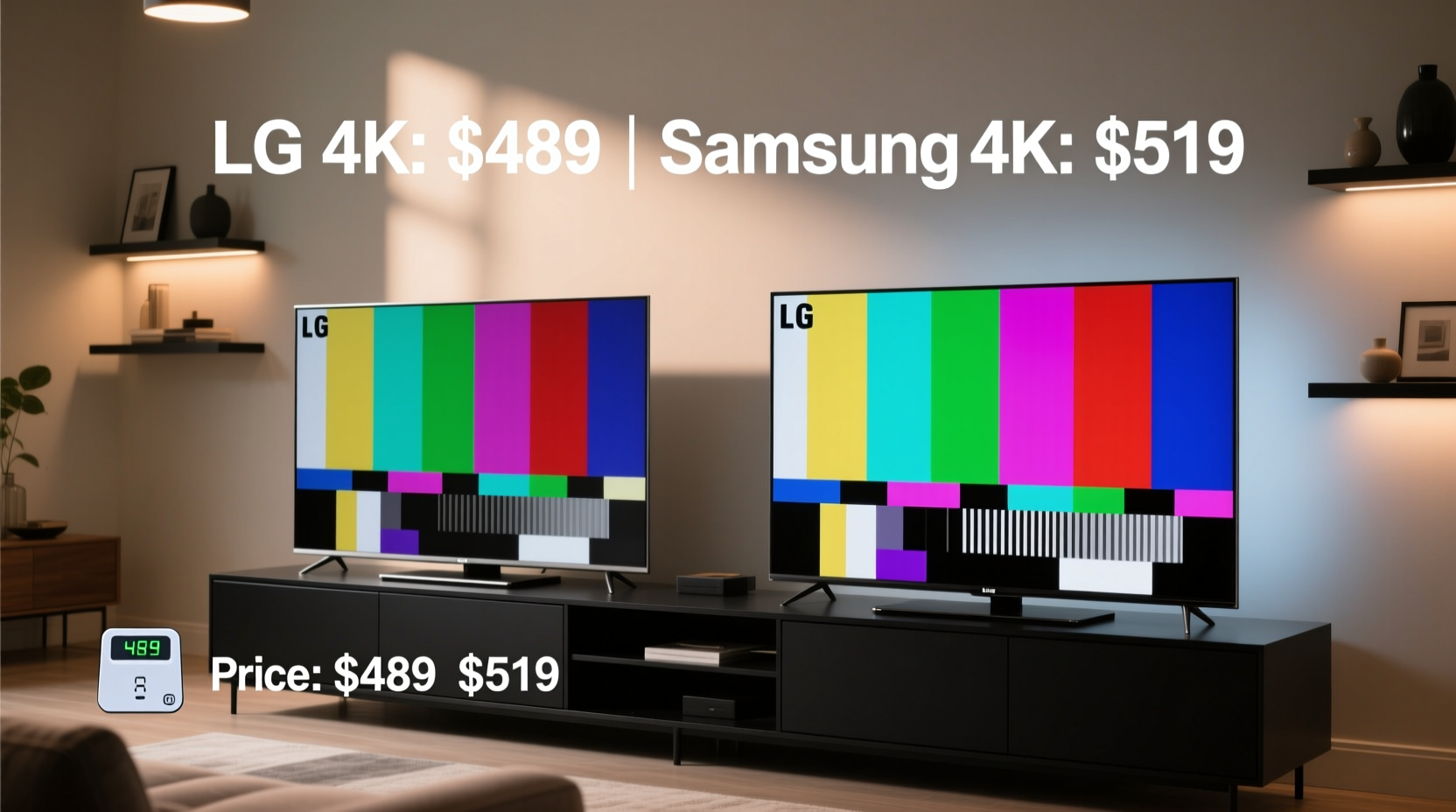
At this price point, neither LG nor Samsung uses full-array local dimming (FALD) or OLED panels. Instead, both rely on LED-backlit LCDs with basic HDR support. However, differences in panel calibration and peak brightness lead to noticeable variations in viewing experience.
LG’s budget 4K TVs typically use their webOS interface paired with IPS (In-Plane Switching) panels. These deliver wide viewing angles and accurate colors but suffer from lower contrast ratios and black levels. In bright rooms, this isn’t a major issue—but in darker environments, blacks appear grayish, reducing immersion during movies or night scenes.
Samsung, on the other hand, often employs VA (Vertical Alignment) panels in its sub-$500 lineup. These offer deeper blacks and higher native contrast, making them more suitable for mixed lighting conditions. While viewing angles are narrower—colors shift when viewed off-center—the overall image depth feels richer, especially for cinematic content.
Tip: If your living room has large windows or ambient light, prioritize brightness over contrast. For home theaters or dimly lit spaces, deeper blacks matter more.Smart Features and User Experience
The smart TV platform can make or break daily usability. LG uses webOS, known for its intuitive launcher bar at the bottom of the screen. Navigating apps like Netflix, Hulu, or Disney+ is smooth, and voice control via Google Assistant and Alexa is well-integrated. The Magic Remote isn’t always included in budget models, but even basic remotes support simple navigation.
Samsung relies on Tizen OS, which offers a clean home screen with app shortcuts and personalized recommendations. It’s fast and responsive, though some users find the layout less consistent across models. One advantage: Tizen supports Apple AirPlay 2 and HomeKit, giving iPhone and Mac users seamless casting options—an edge over LG at this price tier.
“Even in entry-level TVs, software fluidity impacts long-term satisfaction more than people realize.” — David Tran, Consumer Electronics Analyst at TechInsight Weekly
Comparison Table: Key Specs at a Glance
| Feature | LG 4K (e.g., LG UQ7500) | Samsung 4K (e.g., Samsung TU7000) |
|---|---|---|
| Panel Type | IPS | VA |
| Peak Brightness (nits) | 300–350 | 350–400 |
| Contrast Ratio | ~1000:1 | ~3000:1 |
| HDR Support | HDR10, HLG | HDR10, HLG, HDR10+ |
| Operating System | webOS 6.0/7.0 | Tizen OS |
| Voice Assistants | Google Assistant, Alexa | Bixby, Alexa, Google Assistant |
| AirPlay 2 / HomeKit | No | Yes |
| Refresh Rate | 60Hz | 60Hz |
| Typical Price (55\") | $429–$479 | $449–$499 |
Real-World Example: The Smith Family’s Living Room Upgrade
The Smiths recently replaced their decade-old HDTV with a new 55-inch 4K model under $500. They considered both the LG UQ7500 and the Samsung TU7000. Their living room has large south-facing windows, so glare was a concern. After testing both in-store, they chose the LG due to its superior off-angle clarity—important since their sectional sofa seats viewers from multiple directions.
However, after a few weeks, they noticed that action movies lacked punch. Dark scenes in Marvel films showed haloing around characters, and shadows lacked depth. When they streamed a dark-toned thriller on Amazon Prime, their son complained about “muddy” visuals. They realized the IPS panel’s limitations in contrast outweighed the viewing angle benefit—at least for movie nights.
In contrast, a neighbor who selected the Samsung TU7000 in a similarly lit room praised the “cinematic feel” of streaming content, even if side-seat viewers saw slight color shifts. For them, image depth trumped wide-angle consistency.
Build Quality and Longevity Considerations
Both brands use plastic frames and slim bezels in this range, so neither feels luxurious. However, Samsung tends to use sturdier stands and slightly better rear panel construction. LG models sometimes feel lighter—almost hollow—which can raise concerns about durability during transport or wall mounting.
Software updates are another factor. Samsung generally provides longer firmware support for Tizen, often extending three years post-release. LG’s webOS updates may taper off earlier, particularly for non-flagship lines. While not critical for basic streaming, future app compatibility could become an issue down the line.
Maintenance Checklist: Extending Your TV’s Lifespan
- Dust regularly: Use a microfiber cloth weekly to prevent buildup on vents and screen.
- Avoid static images: Limit paused screens or news tickers to prevent temporary image retention.
- Adjust brightness settings: Use “Movie” or “Cinema” mode instead of “Vivid” to reduce backlight strain.
- Use a surge protector: Power spikes can damage internal boards, especially in older homes.
- Update firmware: Enable automatic updates to maintain security and performance.
Is the Cheaper Price Worth It?
The LG 4K TV under $500 often comes in $20–$50 below comparable Samsung models. That discount might cover a soundbar or HDMI cable upgrade. But savings should be weighed against trade-offs.
If your priority is consistent color from all seating positions and you watch mostly daytime content—sports, talk shows, YouTube clips—the LG is a solid choice. Its webOS remains one of the most user-friendly platforms, and the IPS panel handles sunlight well.
But if you care about movie quality, gaming in dim lighting, or plan to use Apple devices frequently, Samsung’s slightly higher price brings tangible benefits: better contrast, HDR10+ support, and AirPlay compatibility. You’re paying for refinement, not just branding.
Tip: Look beyond the sticker price. Factor in accessories, extended warranties, and potential future upgrades when comparing value.Frequently Asked Questions
Can either TV handle gaming at 4K 60fps?
Yes, both support 4K @ 60Hz input via HDMI 2.0, making them compatible with PS4, Xbox One, and most PC setups. However, neither offers Variable Refresh Rate (VRR) or Auto Low Latency Mode (ALLM), so competitive gamers may want to spend more.
Do these TVs work well with voice assistants?
Absolutely. Both integrate Google Assistant and Alexa for hands-free control of volume, apps, and smart home devices. Samsung adds Bixby, though it's less widely used.
Which brand has better customer service?
User reviews suggest LG edges ahead in warranty support and replacement speed. Samsung has more retail service centers, but repair turnaround can vary by region.
Final Verdict: Choose Based on Your Viewing Lifestyle
The question isn’t simply whether the cheaper LG is worth it—it’s whether it aligns with how and where you watch TV. Bargain hunters who value usability and wide viewing angles will appreciate LG’s offering. Those seeking richer visuals and Apple ecosystem integration will find Samsung’s modest premium justified.
Neither brand delivers “perfect” performance at this level, but both exceed expectations for sub-$500 TVs. The key is matching technical strengths to personal habits. A TV is a long-term investment; choosing based on real usage—not just price tags—ensures lasting satisfaction.
🚀 Ready to make your move? Revisit your viewing environment, list your must-have features, and test both models in person if possible. Share your decision below—your experience could help another shopper choose wisely.