
Smart bulbs promise convenience, energy efficiency, and customizable lighting—but nothing undermines that experience faster than flickering, especially when you're trying to set the perfect mood with dimmed lights. If your smart bulb flickers when dimmed, you're not alone. This issue affects countless users and stems from a mix of hardware incompatibility, electrical interference, or configuration errors. The good news? Most causes are fixable once you understand what’s behind them.
This guide breaks down the most common reasons for flickering during dimming, offers actionable solutions, and includes a detailed compatibility guide to help you choose the right bulbs and dimmers moving forward. Whether you’re using Philips Hue, LIFX, TP-Link Kasa, or another brand, these insights apply across platforms.
Why Smart Bulbs Flicker When Dimmed
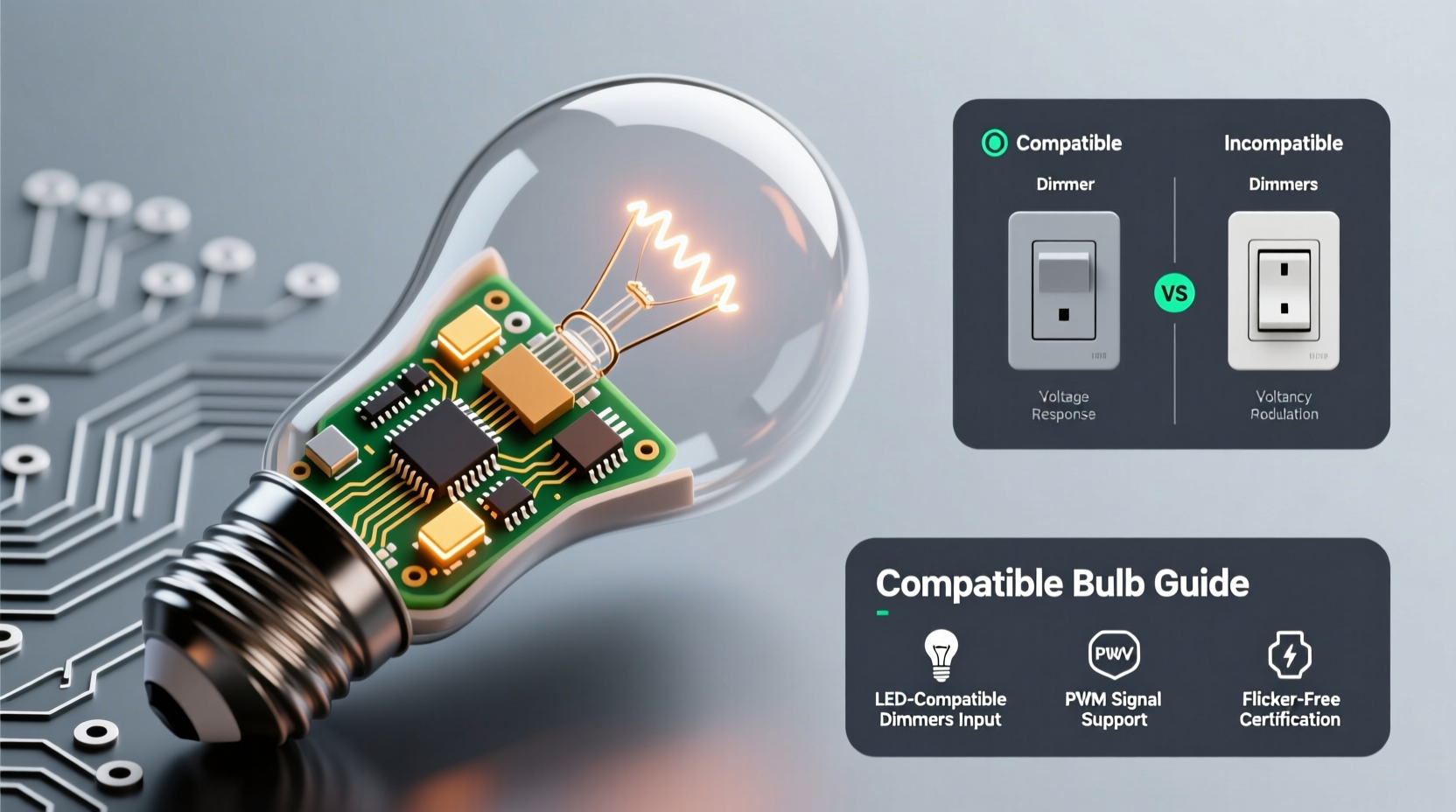
Flickering in smart bulbs during dimming isn’t usually random. It typically results from mismatched components or unstable power delivery. Unlike traditional incandescent bulbs, which handle low voltage smoothly, smart bulbs rely on internal circuitry to interpret dimming signals and regulate light output. When this process is disrupted, flickering occurs.
The root causes generally fall into three categories:
- Incompatible dimmer switches – Many homes still use older leading-edge (trailing-edge) dimmers designed for incandescent loads.
- Voltage fluctuations – Smart bulbs require stable power; even minor drops can cause visible flicker at low brightness.
- Communication conflicts – Some smart bulbs receive conflicting commands from apps, voice assistants, or hubs when dimming.
Understanding the technical interplay between your bulb, switch, and dimming method is key to resolving the issue permanently.
Tip: Always verify whether your smart bulb is labeled as \"dimmable\" — not all are, despite being marketed as smart.Common Causes and How to Fix Them
1. Using an Incompatible Wall Dimmer
One of the top culprits is pairing modern LED-based smart bulbs with outdated dimmer switches. Traditional dimmers reduce voltage by cutting parts of the AC waveform (phase-cutting). Incandescent bulbs handled this well, but LEDs and smart bulbs need consistent power delivery. Leading-edge dimmers often don't provide enough load, causing flickering or buzzing.
Solution: Replace old dimmers with trailing-edge (ELV—electronic low voltage) dimmers designed for low-wattage LED loads. Brands like Lutron, Leviton, and GE offer models specifically rated for smart bulbs.
2. Power Supply Instability
Smart bulbs contain drivers that convert household AC power to DC for their internal electronics. At low dim levels, these drivers may struggle if input voltage fluctuates. This is especially true in circuits shared with high-draw appliances (e.g., refrigerators, HVAC systems).
To test: Plug a lamp with a smart bulb into a different circuit. If flickering stops, the original circuit has noise or load issues.
3. App or Hub-Based Dimming Conflicts
If you’re using app-controlled dimming (e.g., via Alexa, Google Home, or a hub), inconsistent signal timing can cause micro-fluctuations. For example, rapid adjustments sent by automation routines might overwhelm the bulb’s processor.
Mitigation: Avoid stacking multiple automations. Use one primary control source and disable redundant triggers.
4. Poor Wi-Fi or Zigbee Signal
Wireless communication glitches can manifest as flickering. A weak signal means delayed or dropped commands, so the bulb may briefly revert to full brightness before reapplying dimming settings.
Check signal strength through your smart home app. Consider adding a Zigbee repeater or Wi-Fi extender if needed.
“Flickering in smart lighting systems is rarely a defect—it’s usually a symptom of system mismatch.” — Jordan Lee, Electrical Systems Engineer at SmartHome Labs
Step-by-Step Troubleshooting Guide
Follow this sequence to isolate and resolve flickering issues:
- Remove wall dimmers temporarily: Bypass any physical dimmer switch by setting it to full brightness. Control dimming solely through the app. If flickering stops, the dimmer is incompatible.
- Test on a different circuit: Move the bulb to a known stable outlet or fixture to rule out circuit-level interference.
- Update firmware: Check the manufacturer’s app for available updates. Outdated firmware can cause erratic behavior.
- Reset the bulb: Perform a factory reset per the manufacturer’s instructions to clear corrupted settings.
- Replace the dimmer switch: Install a trailing-edge dimmer certified for LED/smart bulb use.
- Use native dimming only: Avoid mixing app dimming with physical dimmers unless explicitly supported.
This process systematically eliminates variables and helps pinpoint the exact cause.
Compatible Bulb & Dimmer Guide
Not all smart bulbs work with all dimmers. Compatibility depends on both the bulb type and the dimmer technology. Below is a comparison of popular smart bulbs and recommended dimmer types.
| Smart Bulb | Dimmable? | Recommended Dimmer Type | Notes |
|---|---|---|---|
| Philips Hue A19 | Yes (via app) | No wall dimmer or ELV | Do not use with standard dimmers; use Hue Bridge for dimming. |
| LIFX Mini White | Yes (app or compatible dimmer) | Trailing-edge (ELV) | Supports select Lutron/Casper dimmers; check compatibility list. |
| TP-Link Kasa LB130 | Yes | ELV or universal | Can be used with physical dimmers if rated for LEDs. |
| GE Cync Smart LED | Yes | Trailing-edge | Works with Cync dimmer switches; avoid older models. |
| Sylvania Smart+ LED | Yes | No dimmer or ELV | Best controlled via app; physical dimmers may cause flicker. |
| Amazon Echo Light (built-in) | N/A | N/A | Not applicable—integrated into devices like Echo Glow. |
When selecting a dimmer, look for terms like “LED-compatible,” “low-wattage,” or “trailing-edge.” Avoid dimmers labeled “incandescent only” or those with minimum load requirements above 25W unless you're running multiple bulbs.
Tip: Even if a bulb says “works with dimmers,” verify the specific dimmer model on the manufacturer’s website—marketing claims can be broad.Mini Case Study: Resolving Flicker in a Modern Living Room
Mark, a homeowner in Portland, installed four Philips Hue bulbs in his living room ceiling fixture. He used a standard Lutron CL dimmer switch, assuming compatibility. At full brightness, the lights worked perfectly. But when dimmed below 30%, they began flickering erratically.
After testing each bulb individually and confirming firmware was up to date, he consulted the Philips Hue compatibility page. It clearly stated that their bulbs should not be used with third-party dimmers. Mark replaced the CL dimmer with a Lutron Diva DVCL-153P, a model approved for Hue, and disabled dimming in the Hue app to prevent command conflicts.
Result: Flickering stopped immediately. The lights now dim smoothly from 100% to 1%. Mark learned that even reputable brands require precise pairing to function correctly.
Checklist: Prevent Smart Bulb Flickering
Use this checklist before installing or troubleshooting smart bulbs:
- ☐ Confirm the bulb is labeled as dimmable by the manufacturer.
- ☐ Verify compatibility between bulb and dimmer switch.
- ☐ Avoid using legacy leading-edge dimmers with smart LEDs.
- ☐ Update all bulb firmware to the latest version.
- ☐ Ensure strong Wi-Fi or Zigbee signal near the fixture.
- ☐ Do not mix app-based dimming with physical dimmers unless supported.
- ☐ Test on a different circuit to rule out electrical noise.
- ☐ Reset bulbs after making hardware changes.
Following these steps can prevent 90% of flickering issues before they start.
Frequently Asked Questions
Can I use any dimmer switch with smart bulbs?
No. Most smart bulbs require trailing-edge (ELV) dimmers or no dimmer at all. Standard incandescent dimmers often lack the minimum load or correct waveform for stable LED operation. Always consult the bulb manufacturer’s compatibility list before installation.
Why does my smart bulb flicker only at low brightness?
At low dim levels, the driver inside the bulb receives less power. If the incoming voltage is unstable or the dimmer cuts too much of the waveform, the driver can’t maintain consistent output, causing visible flicker. This is more common with incompatible dimmers or poor-quality bulbs.
Is flickering dangerous?
Occasional flickering due to software glitches isn’t hazardous, but persistent flickering caused by electrical issues (like arcing in a faulty dimmer) can pose fire risks. If you notice buzzing, burning smells, or heat from the switch, turn off the circuit and consult an electrician immediately.
Conclusion: Achieve Smooth, Flicker-Free Dimming
Flickering smart bulbs aren’t a lost cause—they’re a signal that something in your lighting ecosystem needs adjustment. Whether it’s an outdated dimmer, unstable power, or a simple firmware update, the fix is usually within reach. By choosing compatible components, understanding how dimming works in smart systems, and following structured troubleshooting, you can enjoy smooth, reliable dimming that enhances your space instead of distracting from it.
🚀 Ready to eliminate flickering for good? Audit your current setup using the compatibility table and checklist above. Share your experience or ask questions in the comments—your insight could help another smart homeowner find the solution faster.