It’s a common yet alarming experience: your phone grows uncomfortably warm—or even hot—during a call. While a slight temperature rise is normal, excessive heat can signal deeper issues, from software strain to hardware degradation. Left unchecked, overheating can reduce battery life, throttle performance, and in extreme cases, cause permanent damage. The good news? Most causes are preventable or fixable with practical steps. Understanding why your phone heats up during calls—and how to respond quickly—can protect your device and ensure reliable communication.
What Causes Your Phone to Overheat During Calls?
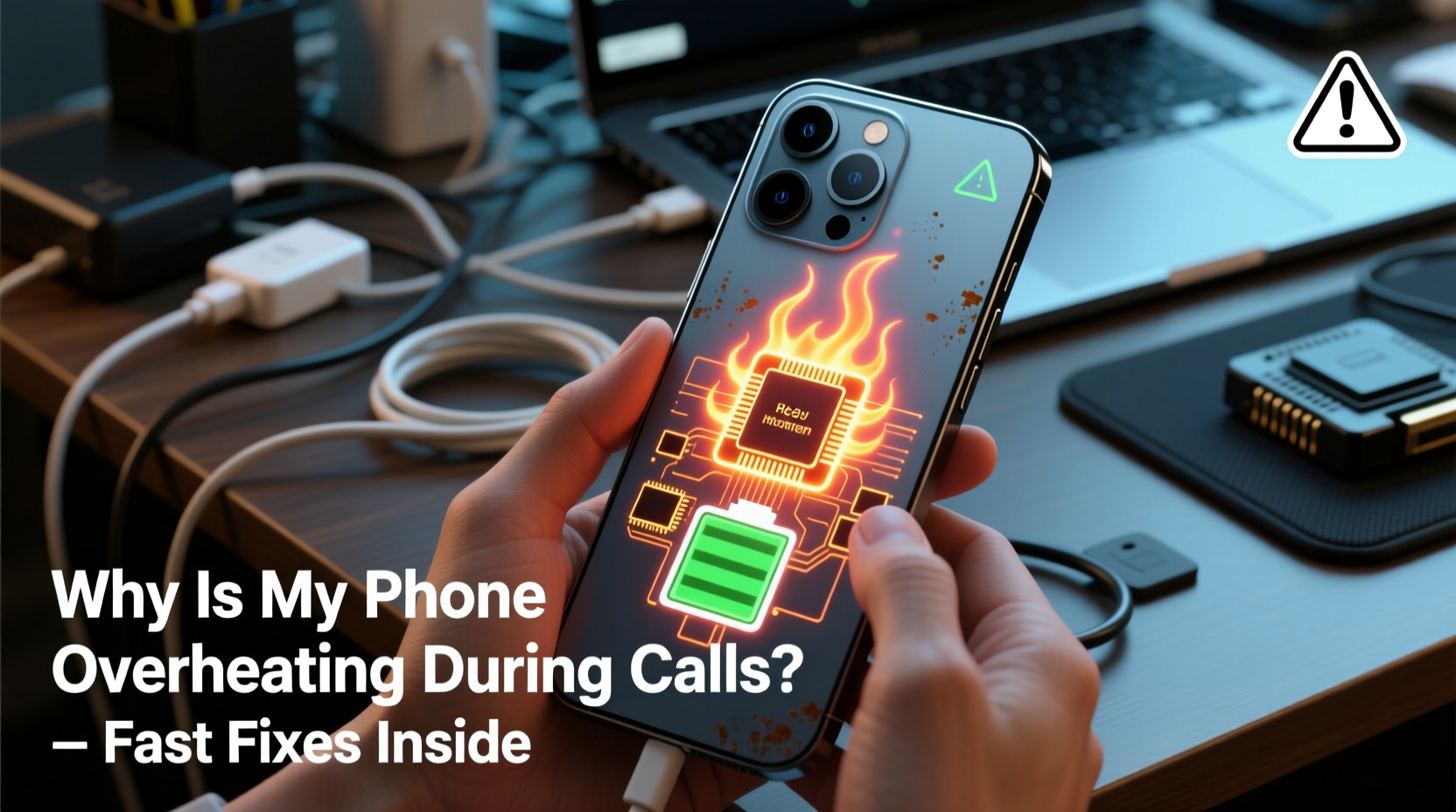
Phone overheating during calls stems from a combination of hardware activity, environmental factors, and software inefficiencies. Unlike idle states, voice calls activate multiple components simultaneously: the cellular radio, microphone, speaker, display, and sometimes GPS for location-based services. Each draws power and generates heat. When these systems work under stress, heat accumulates faster than it can dissipate.
Modern smartphones use energy-efficient processors, but older models or devices running outdated firmware may struggle to manage thermal loads. Additionally, background apps consuming data in parallel with a call increase CPU usage. For example, if you’re on a call while using navigation or streaming music, the processor works harder, raising internal temperatures.
Environmental conditions also play a role. Using your phone in direct sunlight, inside a hot car, or while charging can push an already warm device past its safe operating threshold. Cases made of insulating materials like silicone or leather trap heat, slowing down natural cooling.
Tip: Avoid long calls in hot environments or when the phone is charging—both scenarios compound heat buildup.How to Diagnose the Source of Overheating
Before applying fixes, identify whether the issue is situational, software-related, or hardware-based. Start by observing patterns:
- Does the phone overheat only during long calls, or does it happen during short ones too?
- Is the heat concentrated near the top (antenna/camera area) or the bottom (battery/charging port)?
- Are third-party calling apps involved, such as WhatsApp or Zoom?
- Does the problem persist after restarting the phone?
If the phone runs hot only during extended conversations, it may be managing signal strength aggressively—especially in areas with weak reception. In such cases, the cellular modem increases transmission power to maintain connection, generating significant heat.
Conversely, if overheating occurs with any app that uses the microphone or speaker, the issue might lie in audio drivers or background processes. Malware or poorly coded apps can run hidden tasks that spike CPU usage without visible indicators.
“Persistent overheating during basic functions like calls often points to inefficient signal management or degraded battery health.” — Dr. Lin Zhao, Mobile Systems Engineer, University of California, San Diego
Immediate Fixes to Cool Down Your Phone
If your phone becomes hot mid-call, take action immediately to prevent thermal throttling or shutdowns.
- End the call temporarily. Let the phone cool down naturally. Do not submerge it in water or place it in a freezer—rapid temperature changes can damage internal components.
- Remove the case. This allows heat to escape more efficiently through the chassis.
- Move to a cooler environment. Step into shade or an air-conditioned space. Even a few degrees can make a difference.
- Turn off unnecessary features. Disable Bluetooth, Wi-Fi, and GPS if they’re not needed. These radios contribute to heat generation.
- Reduce screen brightness. Lowering brightness reduces power draw from the display subsystem.
Once cooled, avoid resuming long calls until you’ve addressed underlying causes. Use speakerphone or wired headphones to keep the device away from your face and allow better airflow.
Long-Term Solutions to Prevent Recurrence
Sustained prevention requires both behavioral adjustments and technical maintenance. Follow this checklist to minimize future overheating incidents:
Checklist: Prevent Phone Overheating During Calls- ✅ Keep your phone’s OS and carrier settings updated
- ✅ Replace swollen or aged batteries at certified service centers
- ✅ Use lightweight cases made of breathable materials
- ✅ Limit background app refresh for non-essential apps
- ✅ Avoid using the phone while charging, especially for calls
- ✅ Enable airplane mode in low-signal areas when not expecting calls
- ✅ Clear cache regularly to reduce system bloat
Updating your phone’s software ensures you have the latest power management optimizations and bug fixes. Carriers frequently release modem firmware updates that improve signal efficiency and reduce thermal output in weak coverage zones.
Battery health is another critical factor. As lithium-ion batteries age, their internal resistance increases, causing them to generate more heat during use—even under moderate loads. Most smartphones include built-in diagnostics (e.g., iPhone Battery Health or Android’s Adaptive Battery) to estimate remaining capacity. If your battery holds less than 80% of its original charge, consider replacement.
When Software Is the Hidden Culprit
Not all overheating issues stem from hardware. Buggy apps, rogue processes, or misconfigured settings can force the CPU to work unnecessarily during calls.
For instance, a messaging app syncing in the background while you're on a call could trigger constant data transfers. Similarly, aggressive location tracking by social media apps increases processor load. To investigate:
- Open your phone’s battery usage menu (Settings > Battery).
- Check which apps consumed the most power in the last 24 hours.
- Look for anomalies—apps using disproportionate energy despite minimal use.
- Force stop or uninstall suspicious applications.
You can also boot into Safe Mode (Android) or reset settings (iOS) to isolate software conflicts. In Safe Mode, only system apps run, letting you test if overheating persists during a call. If the problem disappears, a third-party app is likely responsible.
| Cause Type | Signs | Action Required |
|---|---|---|
| Weak Signal | Heat near top of phone; frequent dropped calls | Use Wi-Fi calling; avoid prolonged use in basements/elevators |
| Aged Battery | Swollen case; rapid drain; heat near bottom | Replace battery at authorized repair center |
| Background Apps | High CPU usage shown in settings | Restrict background data; uninstall resource-heavy apps |
| Faulty Case | Excessive warmth only when cased | Switch to ventilated or thin protective cover |
| Charging During Call | Extreme heat; slow charging | Avoid simultaneous charging and calling |
Real-World Example: A Fix That Saved a Failing Device
Jamal, a delivery driver in Phoenix, noticed his Android phone would shut down during customer calls, especially in summer. At first, he assumed it was due to the desert heat. But even indoors, the phone grew too hot to hold after five minutes on a call.
He tried removing the case and closing apps, but the issue continued. After checking battery health, he found it was at 68% capacity. He also discovered a ride-tracking app running constantly in the background, refreshing location every 30 seconds—even during calls.
After replacing the battery and restricting the app’s background activity, the overheating stopped completely. His phone now handles back-to-back calls without exceeding safe temperatures.
This case highlights how multiple factors—aging hardware and inefficient software—can combine to create persistent problems. Addressing both was key to a lasting solution.
FAQ: Common Questions About Phone Overheating During Calls
Is it dangerous if my phone gets hot during a call?
Moderate warmth is normal, but if the phone becomes too hot to touch, shuts down, or displays a temperature warning, it’s a sign of excessive heat. Continued exposure to high temperatures can degrade the battery, damage internal components, and in rare cases, pose a fire risk. Always let the device cool before resuming use.
Can using Wi-Fi calling reduce overheating?
Yes. Wi-Fi calling often uses less power than cellular signals, especially in areas with poor reception. By connecting through Wi-Fi, the phone doesn’t need to boost its cellular radio strength, reducing heat generation. Enable Wi-Fi calling in your phone’s settings for improved efficiency.
Should I replace my phone if it keeps overheating?
Not necessarily. Many overheating issues are fixable through battery replacement, software updates, or usage adjustments. However, if your phone is more than four years old, has a history of physical damage, or continues to overheat after troubleshooting, upgrading may be the safest long-term option.
Step-by-Step Timeline to Resolve Overheating Fast
Follow this timeline to diagnose and fix the issue within 24–48 hours:
- Immediately (0–5 minutes): End the call, remove the case, and let the phone cool in a shaded area.
- Within 1 hour: Check battery health and recent app usage. Force stop any suspicious apps.
- Same day: Update your operating system and carrier settings. Clear app caches for calling and messaging apps.
- Next 24 hours: Test a call using Wi-Fi instead of cellular data. Monitor temperature.
- Within 48 hours: If problems continue, boot into Safe Mode and repeat the call test. If it stays cool, a third-party app is likely the cause.
- By Day 3: Visit a certified repair shop to inspect battery and charging circuit if all else fails.
This structured approach helps isolate the root cause efficiently, avoiding unnecessary repairs or replacements.
Conclusion: Protect Your Phone and Stay Connected Safely
Overheating during calls isn’t something to ignore. It’s your phone’s way of signaling stress—whether from aging hardware, inefficient software, or environmental strain. With the right knowledge, most issues can be resolved quickly and inexpensively. Simple habits like avoiding use while charging, updating software, and monitoring battery health go a long way in preserving performance and longevity.
Your smartphone is designed to manage heat intelligently, but it needs your help to operate within safe limits. By acting promptly when overheating occurs, you protect not just the device, but also your ability to stay connected when it matters most.
💬 Have you fixed an overheating phone? Share your story below. Your experience could help someone avoid a costly repair or replacement.